跳转到主内容
加入维修社区 - 创建账户

Razer Blade 15" (2020) Battery Disconnection

仅作为前提条件
本指南仅提供前提条件!本指南是另一个程序的一部分,不能单独使用。

你所需要的

  1. Razer Blade 15" (2020) Battery Disconnection, Prepare your laptop for disassembly: 步骤 1 中的图像 1,2 Razer Blade 15" (2020) Battery Disconnection, Prepare your laptop for disassembly: 步骤 1 中的图像 2,2
    • Allow your laptop's battery to drain below 25% before starting this repair—a charged battery may catch fire if damaged.

    • Unplug all cables and fully shut down your laptop.

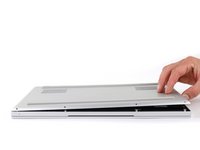
    • Close the lid and flip your laptop over so the back cover faces up.

  2. Razer Blade 15" (2020) Battery Disconnection, Unfasten the back cover: 步骤 2 中的图像 1,1
    • Use a T5 Torx driver to remove the ten 3.7 mm-long screws securing the back cover.

  3. Razer Blade 15" (2020) Battery Disconnection, Loosen the back cover: 步骤 3 中的图像 1,3 Razer Blade 15" (2020) Battery Disconnection, Loosen the back cover: 步骤 3 中的图像 2,3 Razer Blade 15" (2020) Battery Disconnection, Loosen the back cover: 步骤 3 中的图像 3,3
    • The back cover is lightly secured to the motherboard by thermal pads. Depending on the age of your laptop, it may be easier or harder to remove.

    • Use a finger to pry up the right side of the back cover, starting at the Ethernet port cutout.

  4. Razer Blade 15" (2020) Battery Disconnection, Remove the back cover: 步骤 4 中的图像 1,3 Razer Blade 15" (2020) Battery Disconnection, Remove the back cover: 步骤 4 中的图像 2,3 Razer Blade 15" (2020) Battery Disconnection, Remove the back cover: 步骤 4 中的图像 3,3
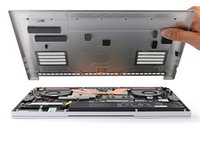
    • Remove the back cover slowly, as to avoid tearing the thermal pads underneath.

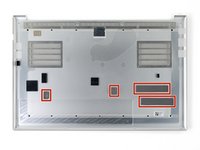
    • Lay the back cover down on its rubber feet to avoid damaging the thermal pads on its underside.

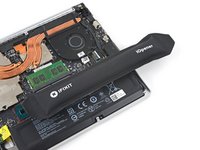
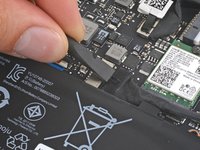
  5. Razer Blade 15" (2020) Battery Disconnection, Soften the battery cable tape adhesive: 步骤 5 中的图像 1,2 Razer Blade 15" (2020) Battery Disconnection, Soften the battery cable tape adhesive: 步骤 5 中的图像 2,2
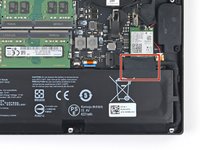
    • Apply a heated iOpener to the battery cable tape for one minute.

    • You can also use a hair dryer—but be careful, as overheating the battery may damage it or cause a fire.

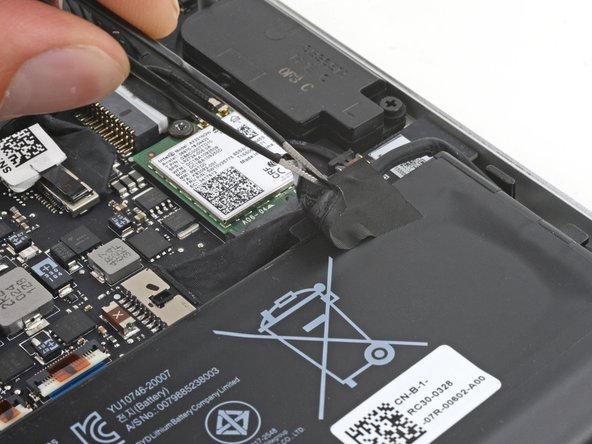
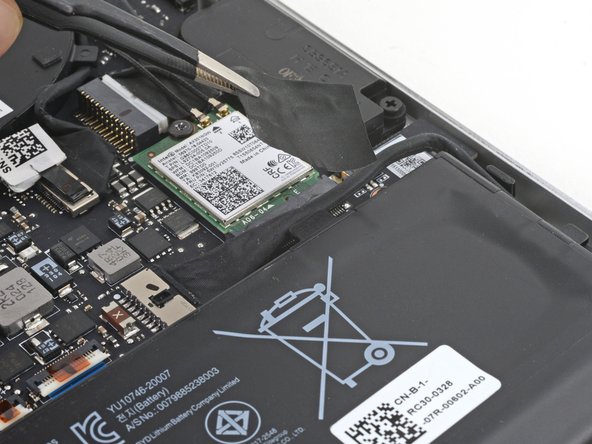
  6. Razer Blade 15" (2020) Battery Disconnection, Remove the battery cable tape: 步骤 6 中的图像 1,3 Razer Blade 15" (2020) Battery Disconnection, Remove the battery cable tape: 步骤 6 中的图像 2,3 Razer Blade 15" (2020) Battery Disconnection, Remove the battery cable tape: 步骤 6 中的图像 3,3
    在这个步骤中使用的工具:
    Tweezers
    $4.99
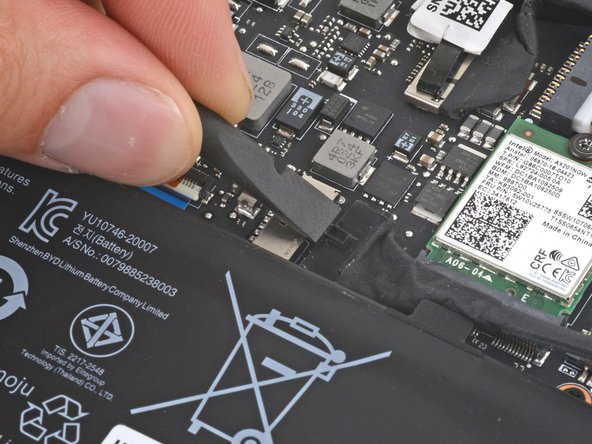
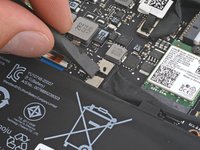
    • Be careful not to damage the battery with your tool.

    • Use blunt nose tweezers or your fingers to peel and remove the battery cable tape.

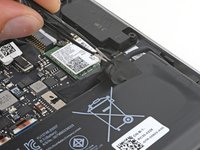
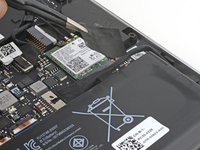
  7. Razer Blade 15" (2020) Battery Disconnection, Disconnect the battery: 步骤 7 中的图像 1,2 Razer Blade 15" (2020) Battery Disconnection, Disconnect the battery: 步骤 7 中的图像 2,2
    • Use the flat end of a spudger to push the square tab on the battery connector and slide it out of its socket.

结论

To reassemble your device, follow these instructions in reverse order.

Clay Eickemeyer

于09/19/22注册

97,649 声望

创作了470篇指南

团队

Guide Team Guide Team 的会员

Staff

10 名成员

创作了16,127篇指南

0指南评论

添加评论

浏览统计数据:

过去 24 小时: 0

过去 7 天: 0

过去 30 天: 0

总计 26