跳转到主内容

RDY Y70 001 RAM Replacement

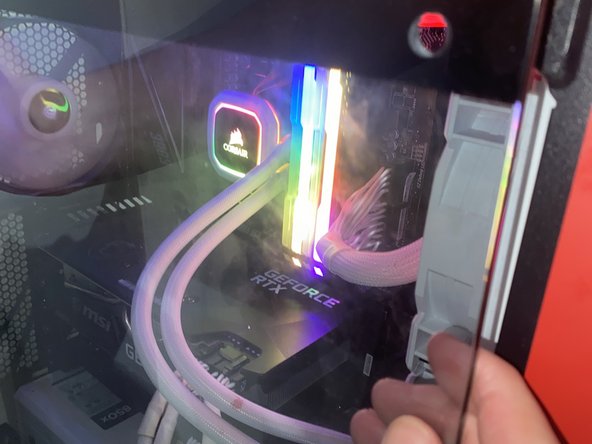
你所需要的

  1. RDY Y70 001 RAM Replacement, RAM sticks: 步骤 1 中的图像 1,3 RDY Y70 001 RAM Replacement, RAM sticks: 步骤 1 中的图像 2,3 RDY Y70 001 RAM Replacement, RAM sticks: 步骤 1 中的图像 3,3
    • Unplug Power

    • Make sure the PC is not powered by unplugging it

  2. RDY Y70 001 RAM Replacement: 步骤 2 中的图像 1,2 RDY Y70 001 RAM Replacement: 步骤 2 中的图像 2,2
    • Take the screws off using an Allen key

    • Pull the window off the PC

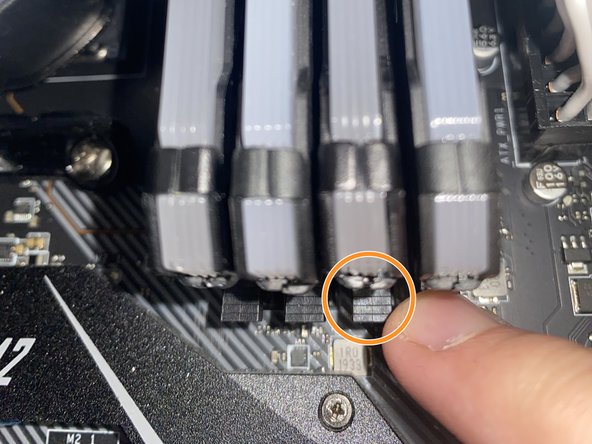
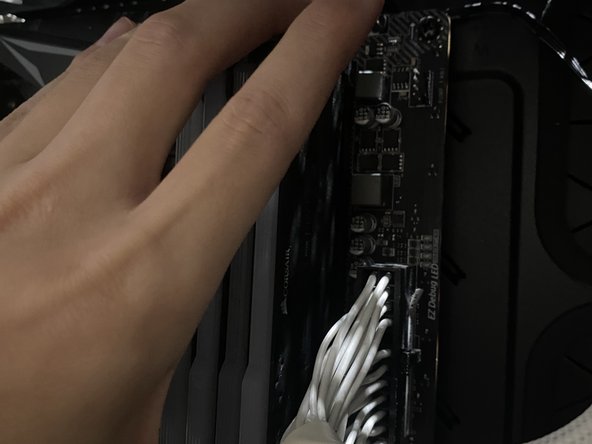
  3. RDY Y70 001 RAM Replacement: 步骤 3 中的图像 1,3 RDY Y70 001 RAM Replacement: 步骤 3 中的图像 2,3 RDY Y70 001 RAM Replacement: 步骤 3 中的图像 3,3
    • Remove current RAM

    • Push down on the clips holding down the current RAM

    • Carefully pull the RAM sticks out

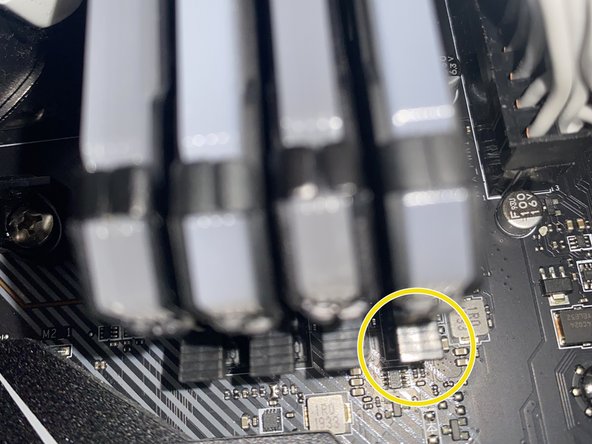
  4. RDY Y70 001 RAM Replacement: 步骤 4 中的图像 1,2 RDY Y70 001 RAM Replacement: 步骤 4 中的图像 2,2
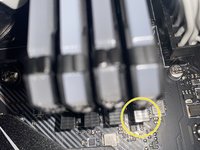
    • Install new RAM

    • Carefully put the new RAM sticks facing the right direction and in the correct slots.

    • Carefully apply pressure downwards on the RAM stick until the clip locks itself.

    • Make sure the clip is closed.

  5. RDY Y70 001 RAM Replacement: 步骤 5 中的图像 1,3 RDY Y70 001 RAM Replacement: 步骤 5 中的图像 2,3 RDY Y70 001 RAM Replacement: 步骤 5 中的图像 3,3
    • Put the window back onto the PC case

    • Screw the window onto the PC case

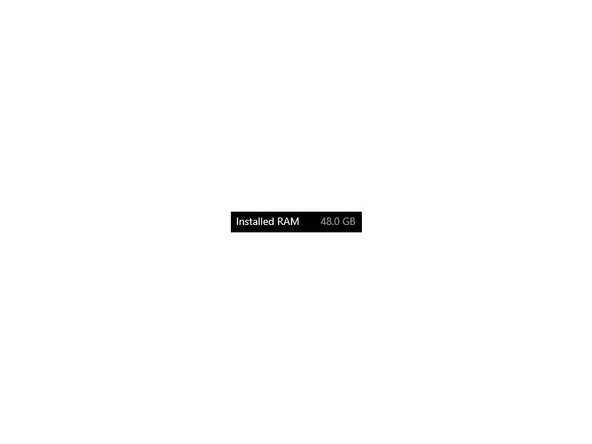
    • Check your system settings to make sure the RAM is installed properly

结论

Hopefully your RDY Y70 001 is running smoother and faster than it was before.

另外一个人完成了本指南。

Louis Ho

于07/04/24注册

148 声望

撰写一个指南

团队

York University, Team N-16, O'Regan Summer 2024 York University, Team N-16, O'Regan Summer 2024 的会员

YORK-O'REGAN-SU24SNG16

1 名成员

创作了2篇指南

0指南评论

添加评论

浏览统计数据:

过去 24 小时: 2

过去 7 天: 5

过去 30 天: 15

总计 235