跳转到主内容

本篇指南是分解流程而非维修指南。 如果您要维修您的Punkt MP02,应参考我们的维修指南

  1. Punkt MP02 拆解, 取出 SIM 卡槽: 步骤 1 中的图像 1,2 Punkt MP02 拆解, 取出 SIM 卡槽: 步骤 1 中的图像 2,2
    • 取出 SIM 卡槽

  2. Punkt MP02 拆解: 步骤 2 中的图像 1,2 Punkt MP02 拆解: 步骤 2 中的图像 2,2
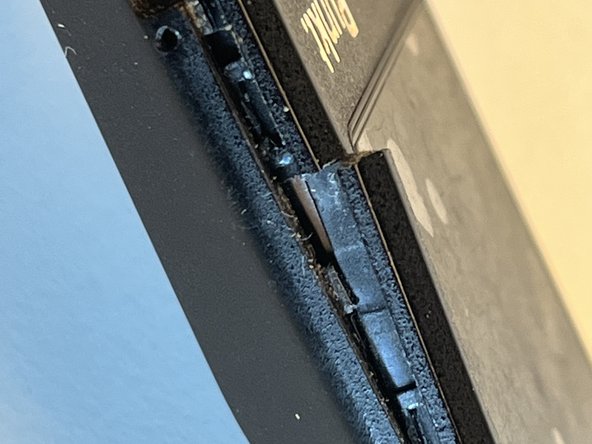
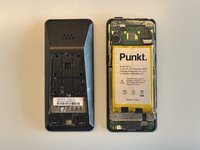
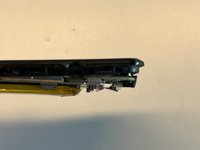
    • 用小刀撬动机身背面的右上角。然后使用金属撬棒取下机身背板。
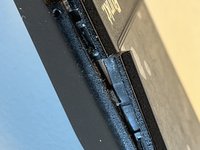
    • 机身背板使用不是很强的粘胶以及多个卡扣固定。第二张图片展示卡扣的位置和样子。

  3. Punkt MP02 拆解: 步骤 3 中的图像 1,1
    • 取下两颗螺丝。

    • 在我拆解时,两颗螺丝中的一颗上贴有一张小型白色贴纸。

  4. Punkt MP02 拆解: 步骤 4 中的图像 1,3 Punkt MP02 拆解: 步骤 4 中的图像 2,3 Punkt MP02 拆解: 步骤 4 中的图像 3,3
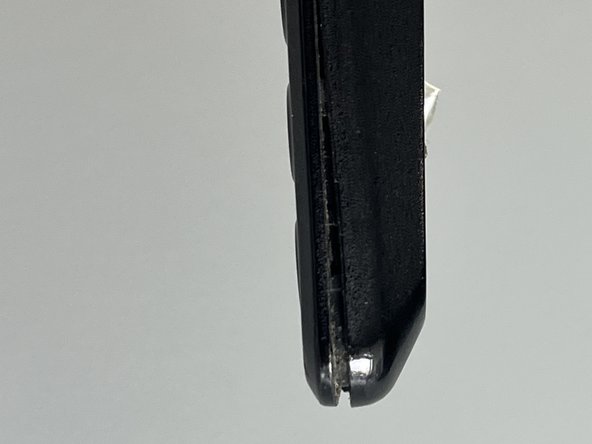
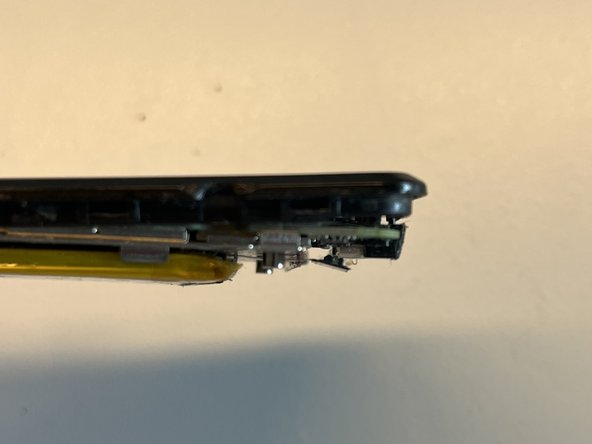
    • 我用金属撬棒沿着 USB 接口旁的缝隙,尝试分离手机框架的上下两部分。

    • 缓慢并小心地插入和转动撬棒,松开手机框架上下两部分之间固定的卡扣。

    • 注意不要将撬棒过深地插入机身,有可能会损坏主板和电池。

    • 因为我在操作时不够小心,机身框架断裂了。

  5. Punkt MP02 拆解: 步骤 5 中的图像 1,2 Punkt MP02 拆解: 步骤 5 中的图像 2,2
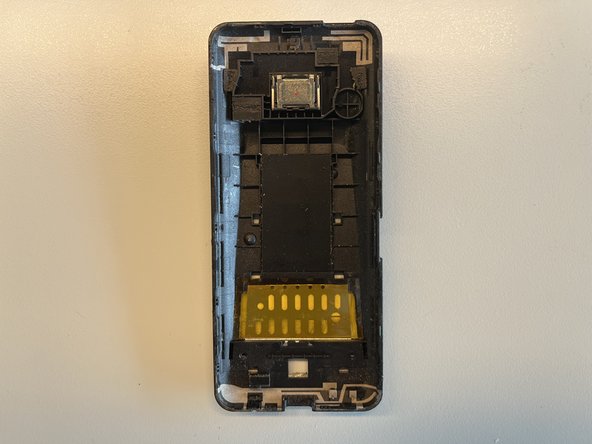
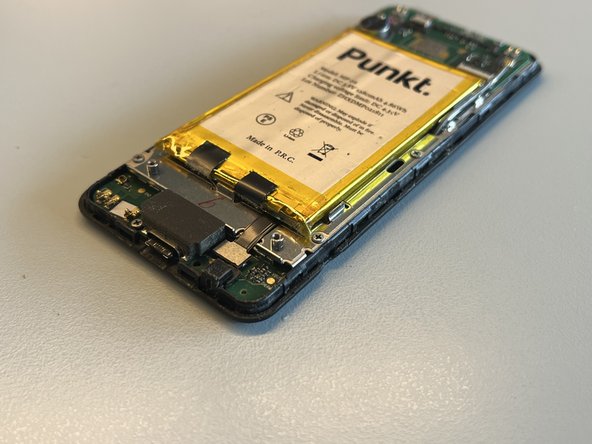
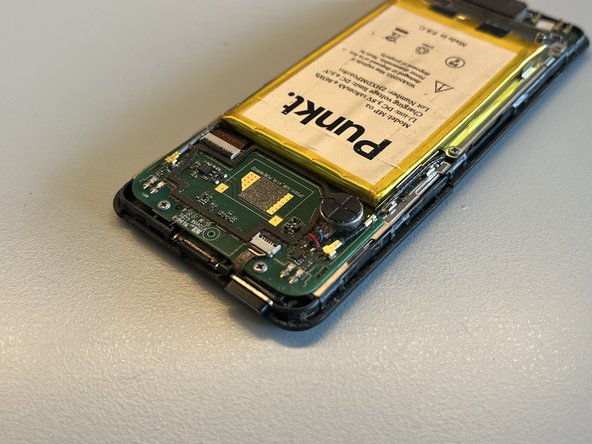
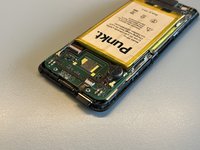
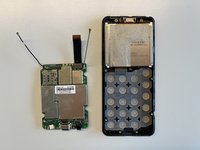
    • 取下机身框架的后半部分。

    • 看起来机身背部包括天线和扬声器。

  6. Punkt MP02 拆解: 步骤 6 中的图像 1,3 Punkt MP02 拆解: 步骤 6 中的图像 2,3 Punkt MP02 拆解: 步骤 6 中的图像 3,3
    • 现在取下 USB 接口上方的缓冲泡棉。

    • 我在进行这一步操作时,注意到一颗螺丝掉落在桌子上,同时发现 USB 接口右侧的螺丝不见了。

    • 我还注意到左侧的螺丝有些松动。

  7. Punkt MP02 拆解: 步骤 7 中的图像 1,1
    • 取下8颗螺丝,以及电源按钮。

  8. Punkt MP02 拆解: 步骤 8 中的图像 1,1
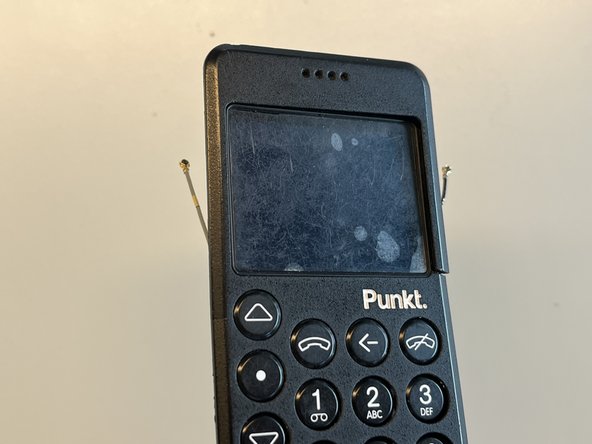
    • 我将两根天线连接线取下。

    • 断开电池与主板的连接。

  9. Punkt MP02 拆解: 步骤 9 中的图像 1,1
    • 我将固定排线的卡扣松开。

  10. Punkt MP02 拆解: 步骤 10 中的图像 1,3 Punkt MP02 拆解: 步骤 10 中的图像 2,3 Punkt MP02 拆解: 步骤 10 中的图像 3,3
    • 此时我发现整个手机开始“散架”,不知道下一步该做什么。在拉动拆卸电池的把手后,我注意到主板分离了。

  11. Punkt MP02 拆解: 步骤 11 中的图像 1,1
    • 将主板朝 USB 接口的方向轻柔拉动,可以将主板分离。

    • 注意这个金属卡扣。它负责固定主板,并在向下拉动时分离。

  12. Punkt MP02 拆解: 步骤 12 中的图像 1,1
    • 取下中间的螺丝。

  13. Punkt MP02 拆解: 步骤 13 中的图像 1,2 Punkt MP02 拆解: 步骤 13 中的图像 2,2
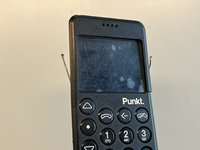
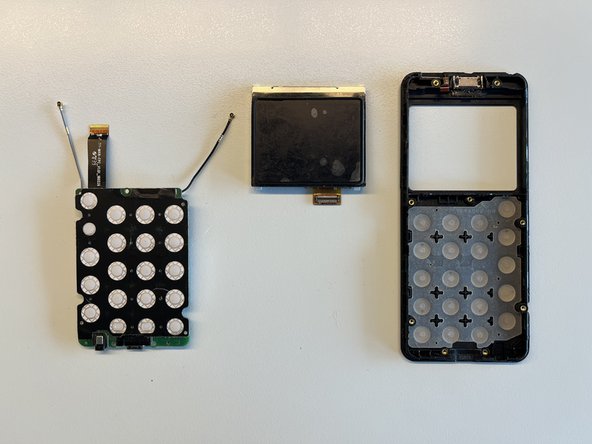
    • 现在可以取下屏幕和主板。

由衷感谢以下译者:

en zh

100%

Ennis正在帮助我们修复这个世界! 您也想加入吗?
开始翻译 ›

Florian

于08/24/23注册

353 声望

创作了2篇指南

4指南评论

Thank you for posting this guide. It'll become more valuable as these devices age--I anticipate having to replace the battery sometime in the next two years.

vvaylon_k - 回复

thank you very much! I had water damage and could open and dry/clean the device before there was any irrevocable damage!

Peter van Mil - 回复

Didn’t you break the case? Reassembly is the same but backwards?

Simon Lamouret -

Thank you for this post. I was able to open mine and fixit: Battery was not charging and after cleaning the internal connector for the battery all was ok and my Punkt is again alive.

vgusv - 回复

添加评论

浏览统计数据:

过去 24 小时: 3

过去 7 天: 59

过去 30 天: 139

总计 3,157