简介
If you need to replace the filament sensor in your PRUSA i3 MK3, follow the steps in this guide. Ensure that you do not lose any of the parts or socket-head screws that are removed during replacement.
你所需要的
-
-
Orient the printer so that the screen is facing to the left.
-
Using the On/Off button, switch the printer into the Off position.
-
Ensure your printer is off by visually inspecting the screen. If the screen is not lit up, your printer is off.
-
-


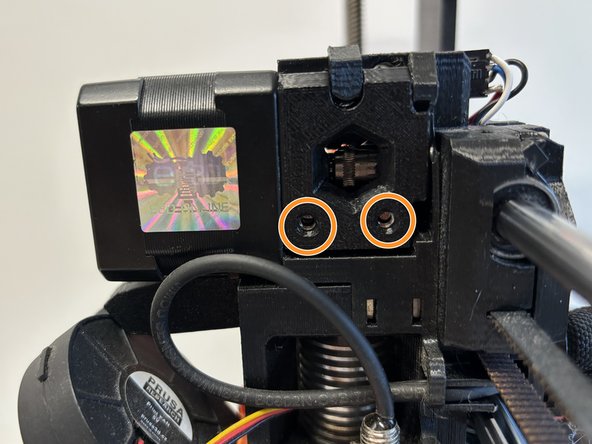
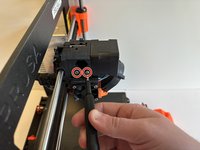
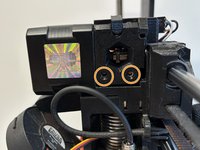

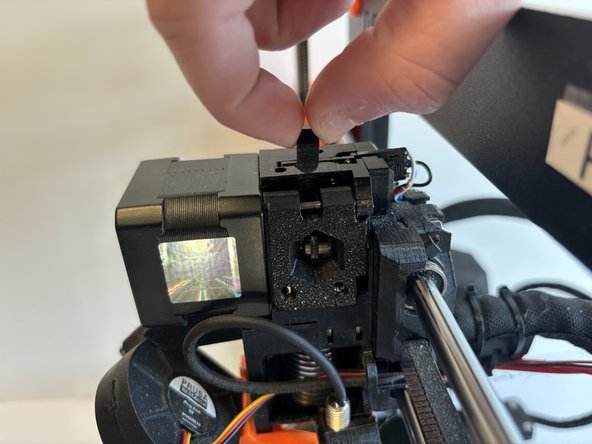
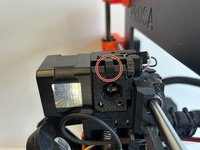
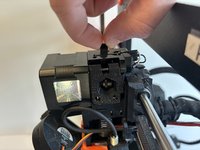

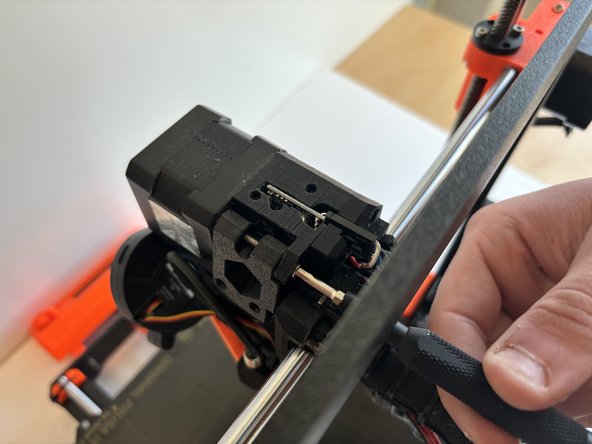
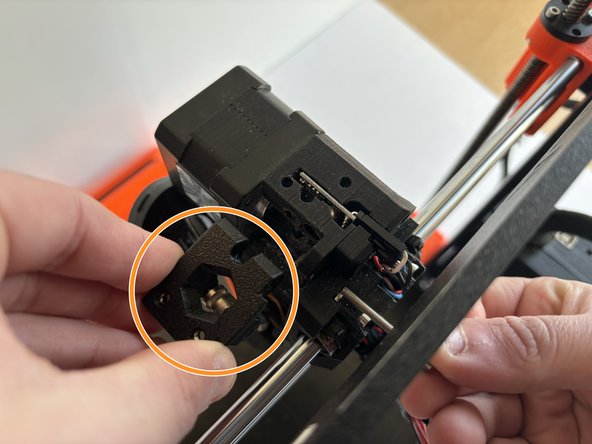
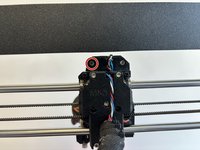
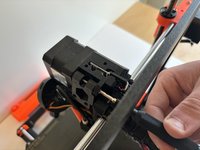
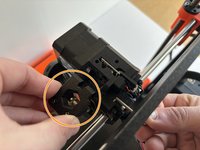

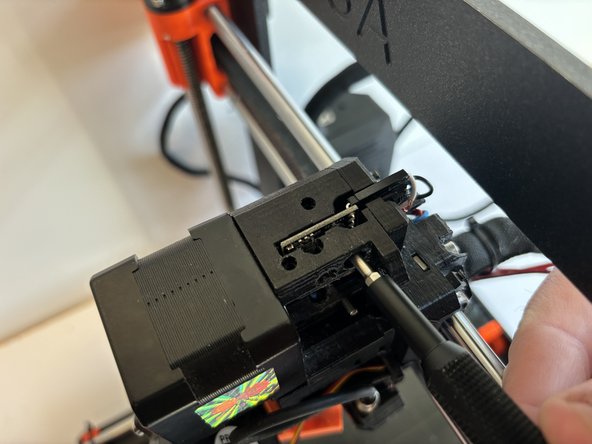
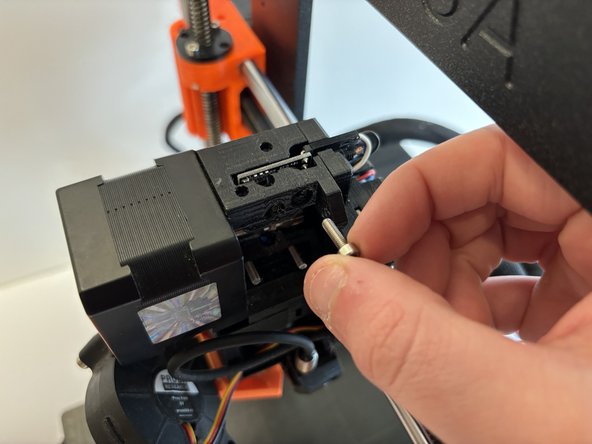
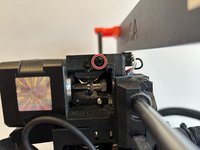
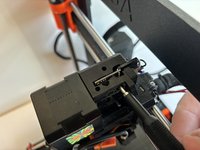
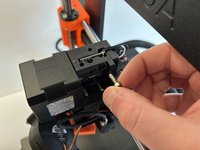

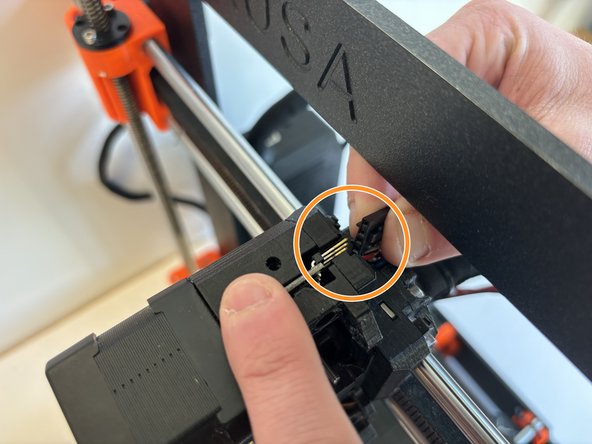
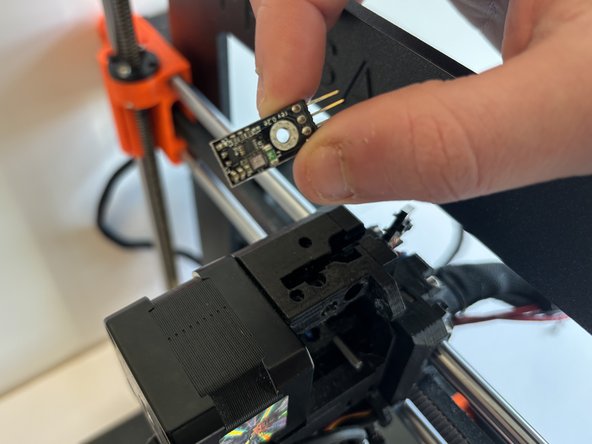
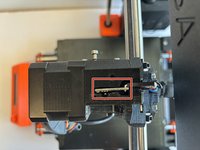
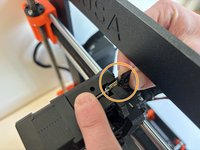
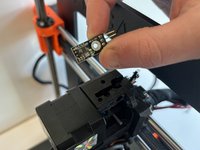
To reassemble your device, follow these instructions in reverse order. During reassembly, ensure not to tighten the socket head screws too tight.


团队

Western Carolina University, Team 1-5, Virtue Spring 2024 Western Carolina University, Team 1-5, Virtue Spring 2024 的会员
WCU-VIRTUE-S24S1G5
4 名成员
创作了6篇指南
