跳转到主内容
加入维修社区 - 创建账户

PlayStation Move Case Replacement

仅作为前提条件
本指南仅提供前提条件!本指南是另一个程序的一部分,不能单独使用。

你所需要的
  1. PlayStation Move Case Replacement, Case: 步骤 1 中的图像 1,2 PlayStation Move Case Replacement, Case: 步骤 1 中的图像 2,2
    • Turn the controller over and unscrew the four 10mm screws with a PH #00 screwdriver.

  2. PlayStation Move Case Replacement: 步骤 2 中的图像 1,3 PlayStation Move Case Replacement: 步骤 2 中的图像 2,3 PlayStation Move Case Replacement: 步骤 2 中的图像 3,3
    • Pinch the sides of the back panel to remove it and set it aside.

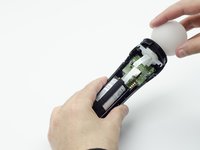
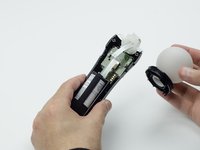
  3. PlayStation Move Case Replacement: 步骤 3 中的图像 1,2 PlayStation Move Case Replacement: 步骤 3 中的图像 2,2
    • Hold the base of the controller with one hand and with the other carefully pull up on the white spherical piece to remove it.

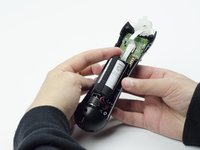
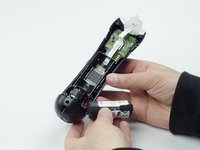
  4. PlayStation Move Case Replacement: 步骤 4 中的图像 1,2 PlayStation Move Case Replacement: 步骤 4 中的图像 2,2
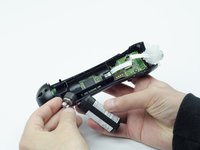
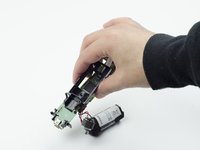
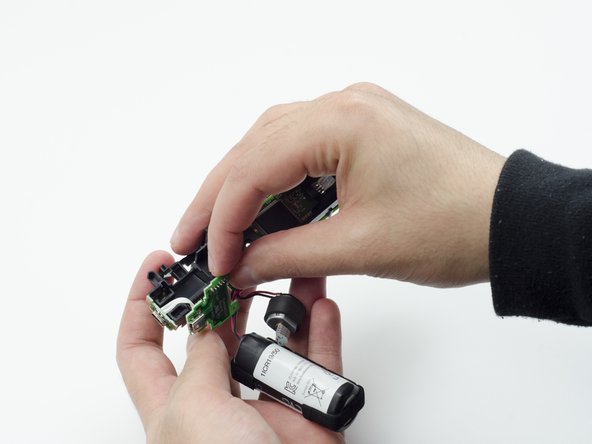
    • Push the Lithium Ion battery from its slot to remove it.

    • Be mindful not to damage the wires or wired components, as the battery will still be attached via its connector.

  5. PlayStation Move Case Replacement: 步骤 5 中的图像 1,1
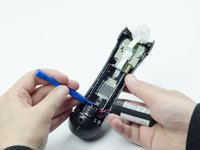
    • Unscrew the 9mm screw in the battery slot with a PH #00 screwdriver.

  6. PlayStation Move Case Replacement: 步骤 6 中的图像 1,2 PlayStation Move Case Replacement: 步骤 6 中的图像 2,2
    • Using a plastic opening tool, carefully pry the rumble motor free.

  7. PlayStation Move Case Replacement: 步骤 7 中的图像 1,1
    • Unscrew the 9mm screw behind the rumble motor slot with a PH #00 screwdriver.

  8. PlayStation Move Case Replacement: 步骤 8 中的图像 1,3 PlayStation Move Case Replacement: 步骤 8 中的图像 2,3 PlayStation Move Case Replacement: 步骤 8 中的图像 3,3
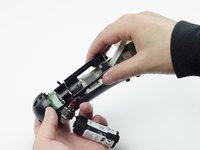
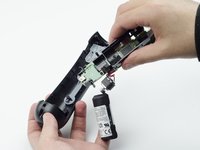
    • Carefully pinch the plastic sides of the battery slot and lift it (along with the circuit board) from the plastic shell of the move controller.

  9. PlayStation Move Case Replacement: 步骤 9 中的图像 1,2 PlayStation Move Case Replacement: 步骤 9 中的图像 2,2
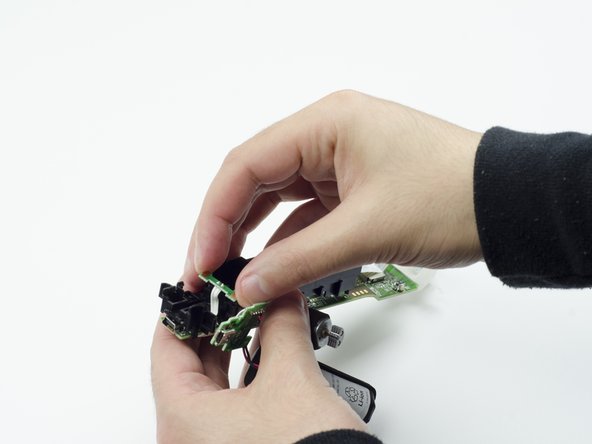
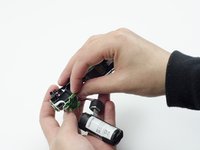
    • Using your fingers, carefully pry the square green piece beneath the battery slot free.

    • It is attached via white ribbons which need to be kept intact.

  10. PlayStation Move Case Replacement: 步骤 10 中的图像 1,3 PlayStation Move Case Replacement: 步骤 10 中的图像 2,3 PlayStation Move Case Replacement: 步骤 10 中的图像 3,3
    • Follow the white ribbon attached to the part you just removed to a smaller, more rectangular piece.

    • Lift the rectangular piece from its slot to free it.

  11. PlayStation Move Case Replacement: 步骤 11 中的图像 1,3 PlayStation Move Case Replacement: 步骤 11 中的图像 2,3 PlayStation Move Case Replacement: 步骤 11 中的图像 3,3
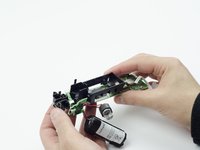
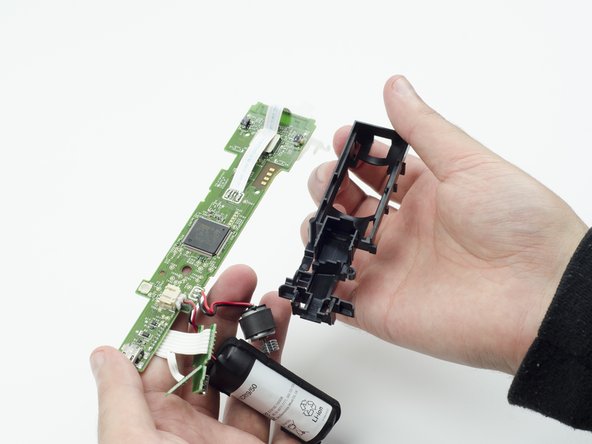
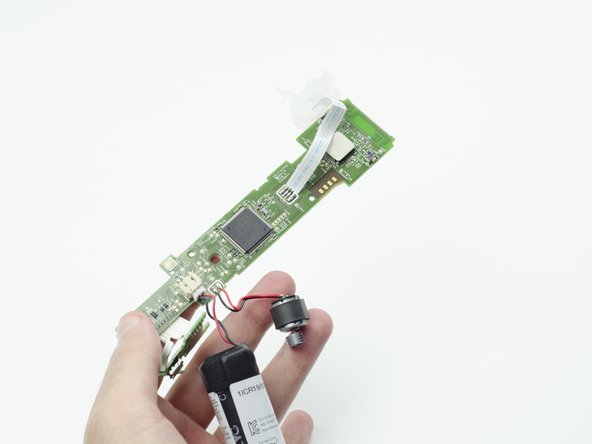
    • Carefully lift the entire circuit board from the black plastic encasing it.

    • Take extra care not to damage any of the wired components.

结论

To reassemble your device, follow these instructions in reverse order.

Sarah Shand

于02/20/17注册

1,969 声望

创作了7篇指南

团队

USF Tampa, Team S3-G1, Sullivan Spring 2017 USF Tampa, Team S3-G1, Sullivan Spring 2017 的会员

USFT-SULLIVAN-S17S3G1

3 名成员

创作了14篇指南

0指南评论

添加评论

浏览统计数据:

过去 24 小时: 1

过去 7 天: 2

过去 30 天: 8

总计 158