跳转到主内容

OnePlus 7T Battery Cover Replacement

你所需要的

视频概述

OnePlus 7T Battery Cover Replacement

  1. OnePlus 7T  Battery Cover Replacement, OnePlus 7T  Battery Cover Replacement: 步骤 1 中的图像 1,3 OnePlus 7T  Battery Cover Replacement, OnePlus 7T  Battery Cover Replacement: 步骤 1 中的图像 2,3 OnePlus 7T  Battery Cover Replacement, OnePlus 7T  Battery Cover Replacement: 步骤 1 中的图像 3,3
    • Insert and gently push the SIM card ejector tool (or an unfolded paperclip) into the small hole on the left side of the top edge of the phone.

    • Press gently to eject the SIM tray.

    • Remove the SIM card tray from the device.

    • To reinsert the SIM card tray, orient the SIM card with the gold contacts facing up and the notch to the bottom right. Reinsert the SIM card by pressing the card gently into the SIM tray slot.

  2. OnePlus 7T  Battery Cover Replacement: 步骤 2 中的图像 1,2 OnePlus 7T  Battery Cover Replacement: 步骤 2 中的图像 2,2
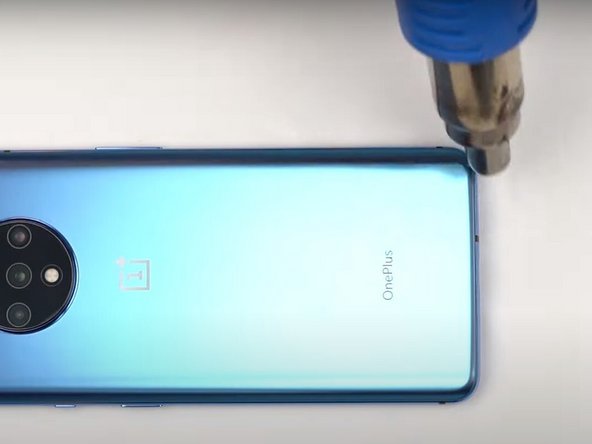
    • Use a heat gun to lightly heat the edges of the back to soften the adhesive that connects the back cover to the rest of the frame.

    • Using a heat gun, hair dryer, or hot plate will make the metal frame rather hot to the touch, so handle it with care.

    • Be careful not to overheat the device –the OLED display, battery and other internal parts can be damaged by excessive heat. Approximately one minute should be enough to soften the adhesive.

    • An iFixit iOpener, hairdryer, or hot plate can also be used to heat the edges. See the iOpener Heating guide for instructions on using the iOpener.

  3. OnePlus 7T  Battery Cover Replacement: 步骤 3 中的图像 1,3 OnePlus 7T  Battery Cover Replacement: 步骤 3 中的图像 2,3 OnePlus 7T  Battery Cover Replacement: 步骤 3 中的图像 3,3
    在这个步骤中使用的工具:
    Plastic Cards
    $2.99
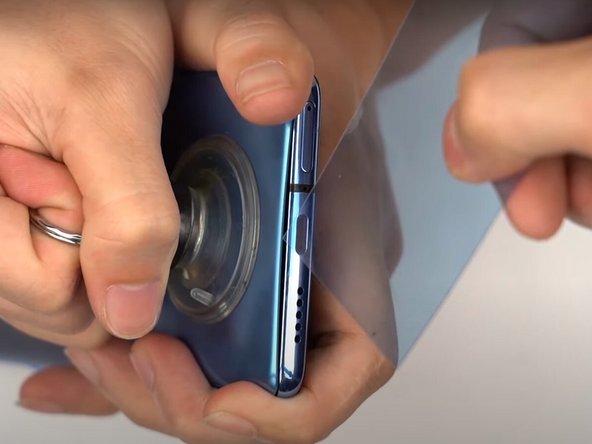
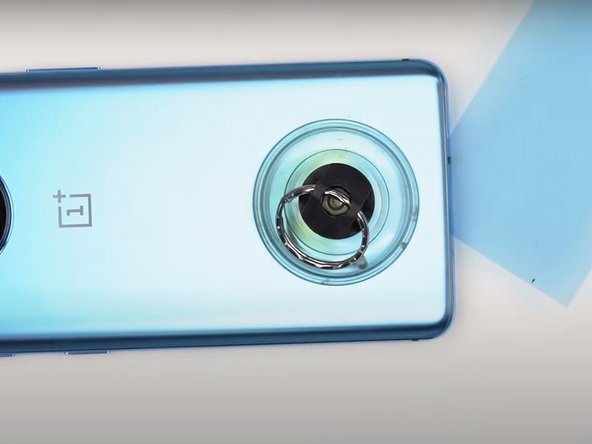
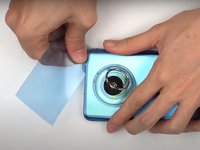
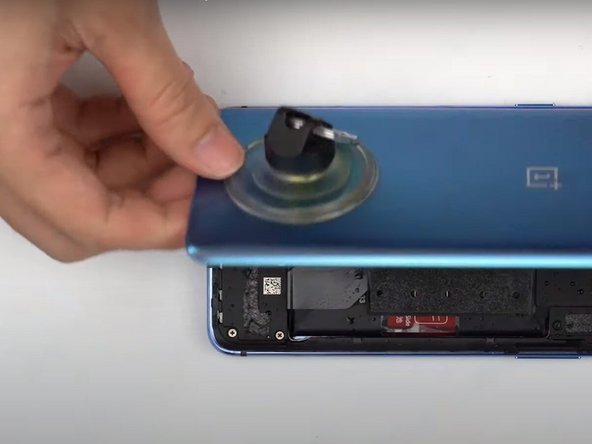
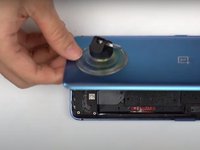
    • Apply a suction cup to the lower portion of the phone's backing and pull firmly to create a crack between the back cover and the rest of the phone.

    • Insert a Jimmy tool, opening pick, or plastic card under the edge of the back cover.

  4. OnePlus 7T  Battery Cover Replacement: 步骤 4 中的图像 1,2 OnePlus 7T  Battery Cover Replacement: 步骤 4 中的图像 2,2
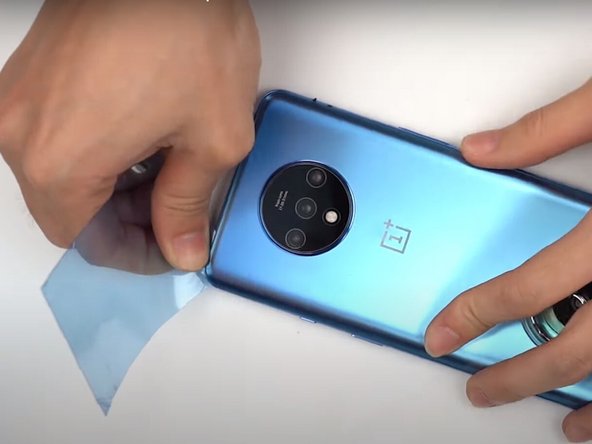
    • Use a plastic card or Jimmy tool to slice around the phone's seam, cutting through the adhesive.

  5. OnePlus 7T  Battery Cover Replacement: 步骤 5 中的图像 1,3 OnePlus 7T  Battery Cover Replacement: 步骤 5 中的图像 2,3 OnePlus 7T  Battery Cover Replacement: 步骤 5 中的图像 3,3
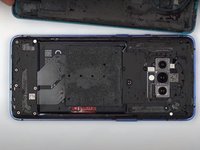
    • Remove the phone's back cover.

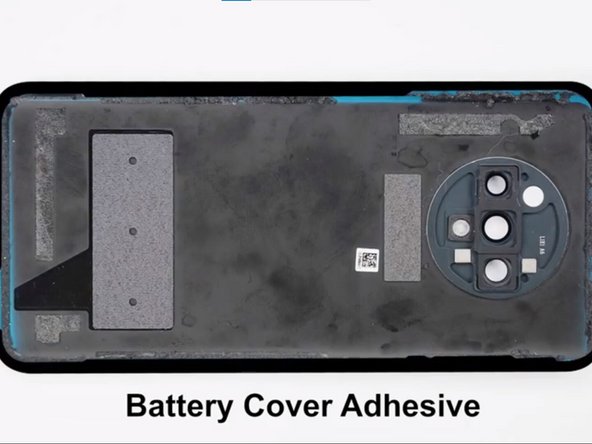
    • If you have replacement adhesive strips, remove any remaining adhesive from the device frame using the Jimmy tool.

  6. OnePlus 7T  Battery Cover Replacement: 步骤 6 中的图像 1,2 OnePlus 7T  Battery Cover Replacement: 步骤 6 中的图像 2,2
    • Replace the battery cover adhesive.

结论

To reassemble your device, follow these instructions in reverse order.

3等其他人完成本指南。

Selena

于12/15/19注册

2,866 声望

创作了14篇指南

0指南评论

添加评论

浏览统计数据:

过去 24 小时: 3

过去 7 天: 8

过去 30 天: 39

总计 3,015