跳转到主内容
加入维修社区 - 创建账户

One Education Infinity:One Antenna Prerequisite

仅作为前提条件
本指南仅提供前提条件!本指南是另一个程序的一部分,不能单独使用。

你所需要的

  1. One Education Infinity:One Antenna Prerequisite, Battery: 步骤 1 中的图像 1,2 One Education Infinity:One Antenna Prerequisite, Battery: 步骤 1 中的图像 2,2
    • Use a spudger to disconnect the black bundled cable connector from the motherboard.

  2. One Education Infinity:One Antenna Prerequisite: 步骤 2 中的图像 1,3 One Education Infinity:One Antenna Prerequisite: 步骤 2 中的图像 2,3 One Education Infinity:One Antenna Prerequisite: 步骤 2 中的图像 3,3
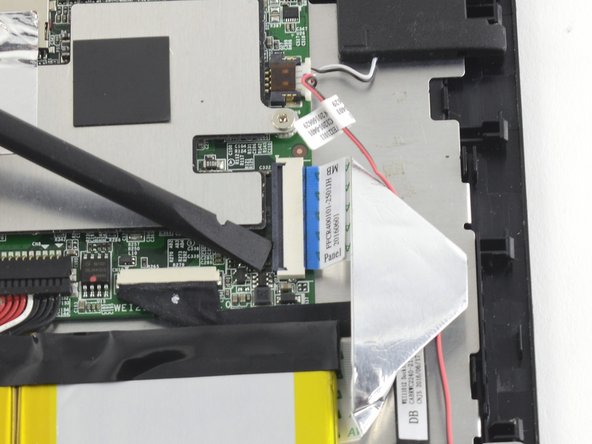
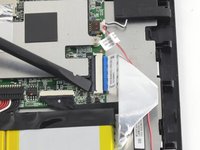
    • Use a spudger to lift the black tab on top of the ZIF connector.

    • Slide the ribbon cable out of the connector.

  3. One Education Infinity:One Antenna Prerequisite: 步骤 3 中的图像 1,3 One Education Infinity:One Antenna Prerequisite: 步骤 3 中的图像 2,3 One Education Infinity:One Antenna Prerequisite: 步骤 3 中的图像 3,3
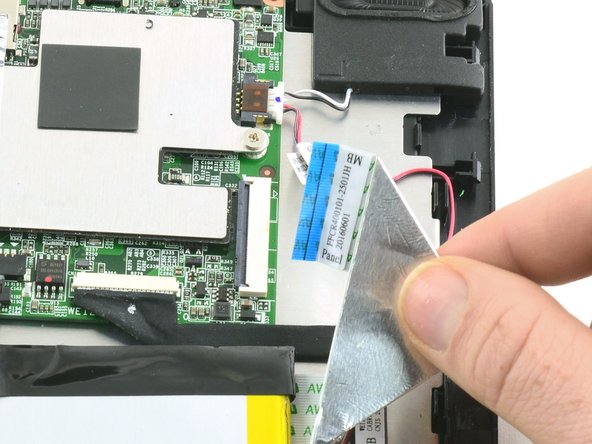
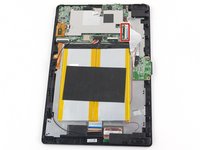
    • Use a spudger to flip up the black retaining flap on the ZIF connector.

    • Pull the folded ribbon cable straight out of the connector.

    • This ribbon cable must be disconnected before removing the battery because it is attached to the battery with adhesive.

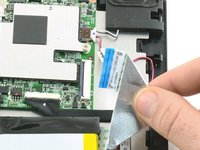
  4. One Education Infinity:One Antenna Prerequisite: 步骤 4 中的图像 1,1
    • Use a spudger to pry the battery away from the device.

    • Always use ESD safe tools when working with delicate electrical components.

  5. One Education Infinity:One Antenna Prerequisite, Antenna: 步骤 5 中的图像 1,2 One Education Infinity:One Antenna Prerequisite, Antenna: 步骤 5 中的图像 2,2
    在这个步骤中使用的工具:
    Tweezers
    $4.99
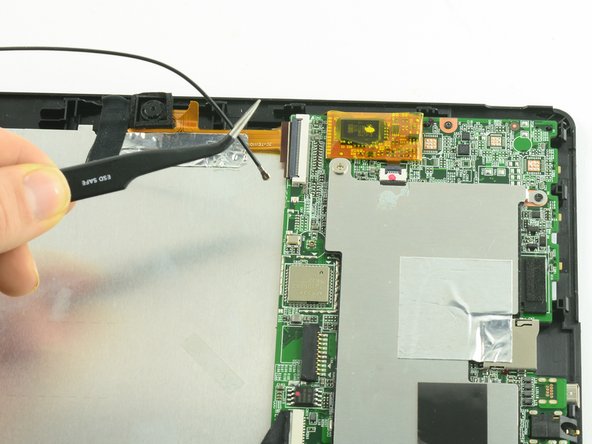
    • Use ESD safe tweezers to disconnect the antenna from the motherboard.

结论

To reassemble your device, follow these instructions in reverse order.

Taylor Bratsch

于09/06/16注册

6,095 声望

创作了14篇指南

0指南评论

添加评论

浏览统计数据:

过去 24 小时: 1

过去 7 天: 1

过去 30 天: 1

总计 87