跳转到主内容
加入维修社区 - 创建账户

Onda V701 Back Panel Replacement

仅作为前提条件
本指南仅提供前提条件!本指南是另一个程序的一部分,不能单独使用。

你所需要的

  1. Onda V701 Back Panel Replacement, Back Panel: 步骤 1 中的图像 1,3 Onda V701 Back Panel Replacement, Back Panel: 步骤 1 中的图像 2,3 Onda V701 Back Panel Replacement, Back Panel: 步骤 1 中的图像 3,3
    • Ensure device is powered off before disassembly.

    • Remove the 4 rubber screw plugs using a spudger.

  2. Onda V701 Back Panel Replacement: 步骤 2 中的图像 1,3 Onda V701 Back Panel Replacement: 步骤 2 中的图像 2,3 Onda V701 Back Panel Replacement: 步骤 2 中的图像 3,3
    • Remove the four 4.8mm mounting screws using a PH00 screwdriver.

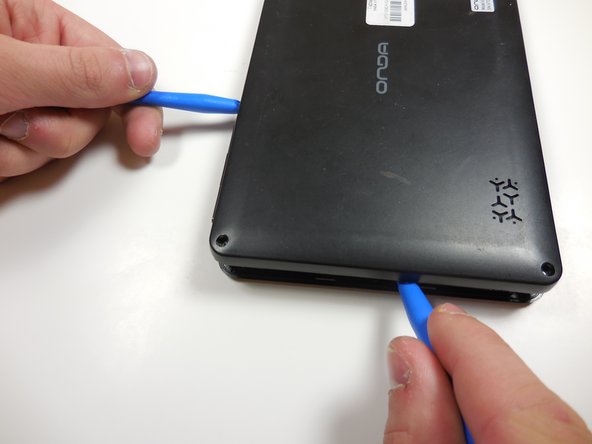
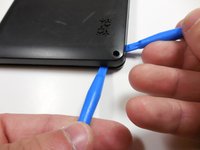
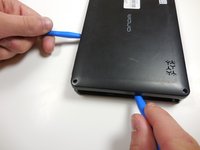
  3. Onda V701 Back Panel Replacement: 步骤 3 中的图像 1,2 Onda V701 Back Panel Replacement: 步骤 3 中的图像 2,2
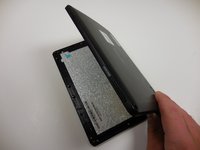
    • Starting at one corner, gently pry the back panel assembly from the screen assembly using two plastic opening tools.

    • Slide the opening tools around the perimeter of the device to separate the back panel assembly from the screen assembly.

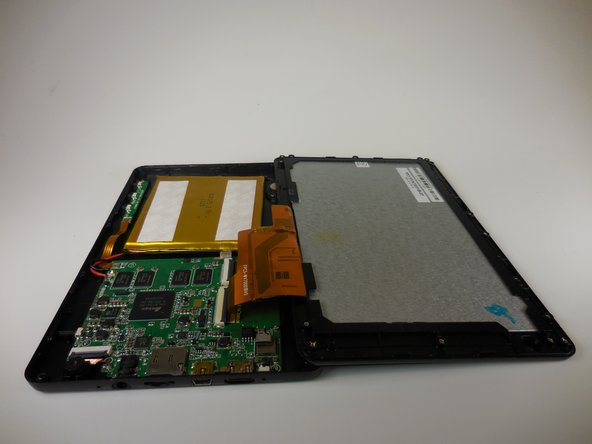
  4. Onda V701 Back Panel Replacement: 步骤 4 中的图像 1,2 Onda V701 Back Panel Replacement: 步骤 4 中的图像 2,2
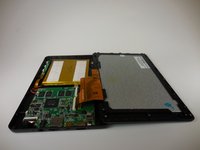
    • Gently lift the screen assembly away from the back cover assembly.

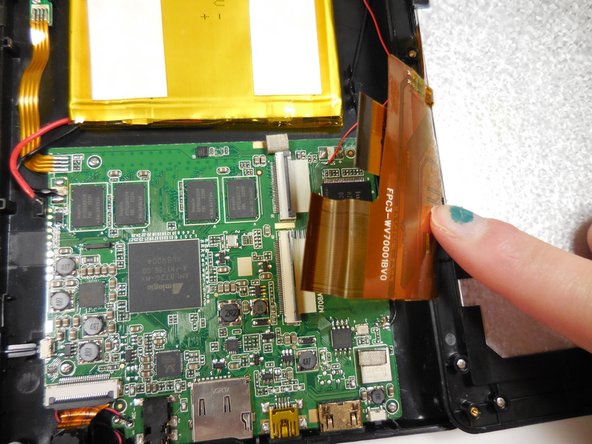
    • Be careful when separating the two pieces as the screen assembly is still connected to the mother board by two ribbon cables.

  5. Onda V701 Back Panel Replacement: 步骤 5 中的图像 1,3 Onda V701 Back Panel Replacement: 步骤 5 中的图像 2,3 Onda V701 Back Panel Replacement: 步骤 5 中的图像 3,3
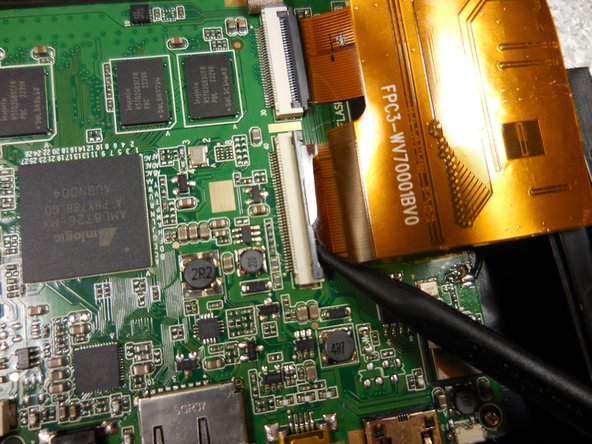
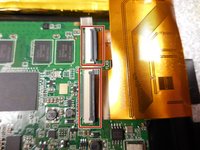
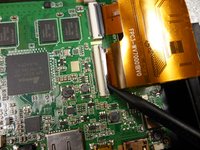
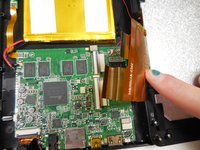
    • Disconnect the two ribbon connectors by flipping the gray tabs up with a fingernail or a spudger.

    • Remove the ribbon cables.

结论

To reassemble your device, follow these instructions in reverse order.

团队

Colorado Springs, Team 4-6, Panko Spring 2015 Colorado Springs, Team 4-6, Panko Spring 2015 的会员

UCCS-PANKO-S15S4G6

3 名成员

创作了10篇指南

0指南评论

添加评论

浏览统计数据:

过去 24 小时: 0

过去 7 天: 0

过去 30 天: 6

总计 184