跳转到主内容
加入维修社区 - 创建账户

Olympus Stylus 760 LCD Screen Replacement

你所需要的

  1. Olympus Stylus 760 LCD Screen Replacement, Battery door: 步骤 1 中的图像 1,1
    • Slide the door located on the bottom of the camera in an outward direction

    询问修复机器人
  2. Olympus Stylus 760 LCD Screen Replacement, Release: 步骤 2 中的图像 1,1
    • Pull back on the red release tab located on the left side of the battery.

    询问修复机器人
  3. Olympus Stylus 760 LCD Screen Replacement, Replacement: 步骤 3 中的图像 1,1
    • Slide battery out of camera

    询问修复机器人
  4. Olympus Stylus 760 LCD Screen Replacement, LCD Screen: 步骤 4 中的图像 1,1
    • Remove the 2 screws from the bottom of the camera

    询问修复机器人
  5. Olympus Stylus 760 LCD Screen Replacement: 步骤 5 中的图像 1,1
    • Using a Phillips head size 0 screwdriver, remove the screw from the right side of the camera

    询问修复机器人
  6. Olympus Stylus 760 LCD Screen Replacement: 步骤 6 中的图像 1,1
    • Remove the 2 screws from the left side of the camera

    询问修复机器人
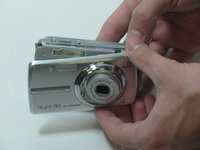
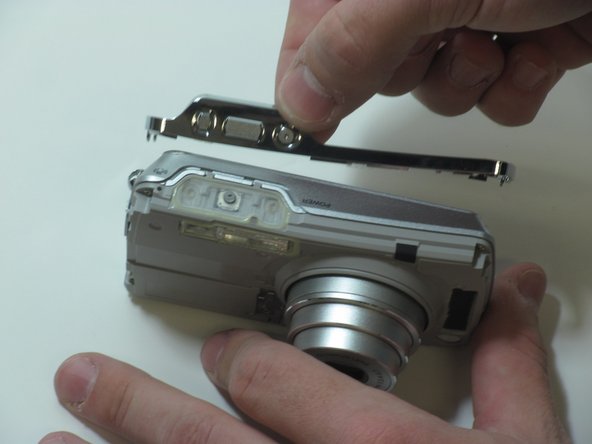
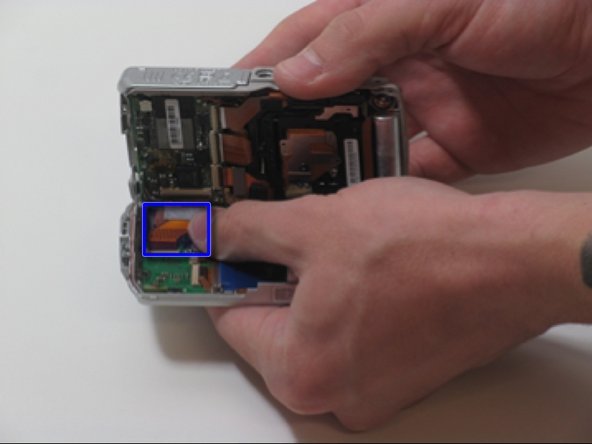
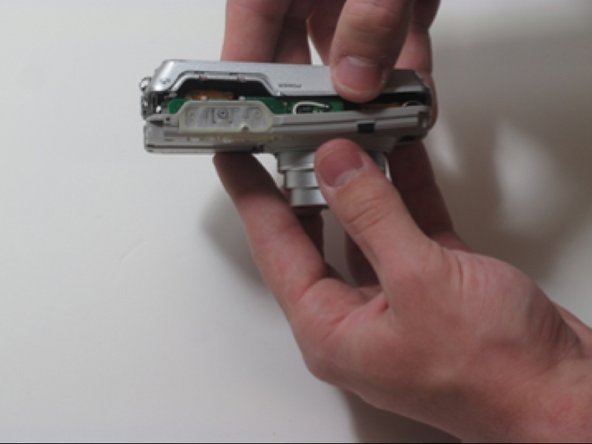
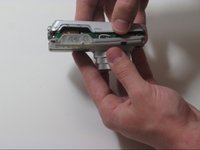
  7. Olympus Stylus 760 LCD Screen Replacement: 步骤 7 中的图像 1,3 Olympus Stylus 760 LCD Screen Replacement: 步骤 7 中的图像 2,3 Olympus Stylus 760 LCD Screen Replacement: 步骤 7 中的图像 3,3
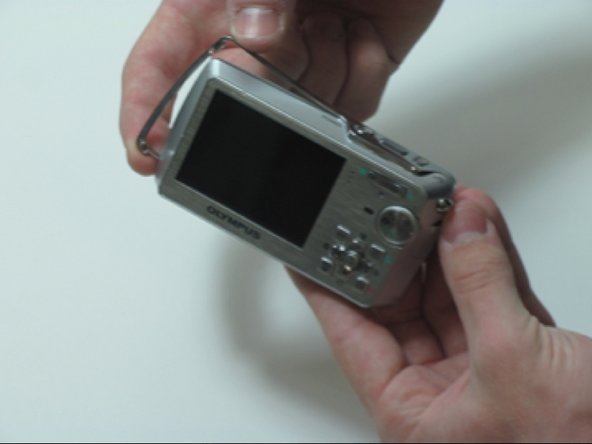
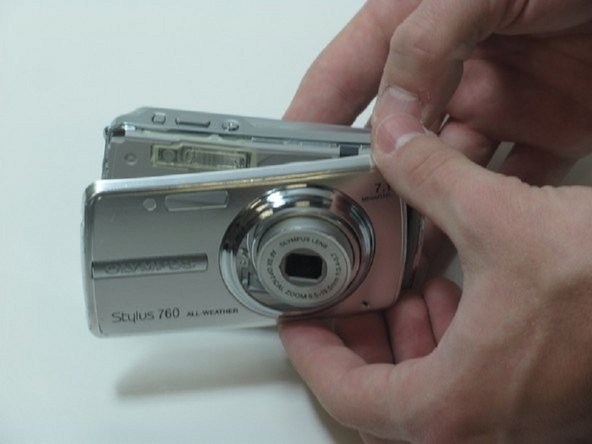
    • Separate the front casing from the back using a plastic opening tool, gently.

    • Silver band and buttons will become loose when you remove the two pieces.

    询问修复机器人
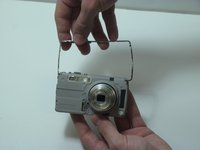
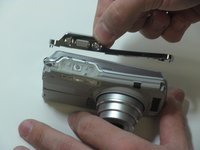
  8. Olympus Stylus 760 LCD Screen Replacement: 步骤 8 中的图像 1,2 Olympus Stylus 760 LCD Screen Replacement: 步骤 8 中的图像 2,2
    • Pull the silver bracket off of the camera

    询问修复机器人
  9. Olympus Stylus 760 LCD Screen Replacement: 步骤 9 中的图像 1,3 Olympus Stylus 760 LCD Screen Replacement: 步骤 9 中的图像 2,3 Olympus Stylus 760 LCD Screen Replacement: 步骤 9 中的图像 3,3
    • Remove the 4 screws on the inner face of the camera.

    • Circuit ribbon is attached at the top left of the camera. Be careful when separating the front and back of the camera.

    • Pull the camera apart into 2 separate pieces.

    询问修复机器人
  10. Olympus Stylus 760 LCD Screen Replacement: 步骤 10 中的图像 1,1
    • You should be left with 4 large pieces, the outer case, inner lens piece, outer silver band and back case containing the LCD display.

    询问修复机器人
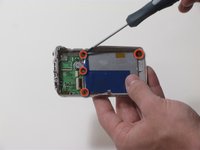
  11. Olympus Stylus 760 LCD Screen Replacement: 步骤 11 中的图像 1,2 Olympus Stylus 760 LCD Screen Replacement: 步骤 11 中的图像 2,2
    • Remove 4 screws holding the LCD screen in place.

    • Be cautious of the brackets that come loose when you remove the 3 screws on the right side of the camera

    • LCD Screen is attached to 2 ribbon wires

    询问修复机器人
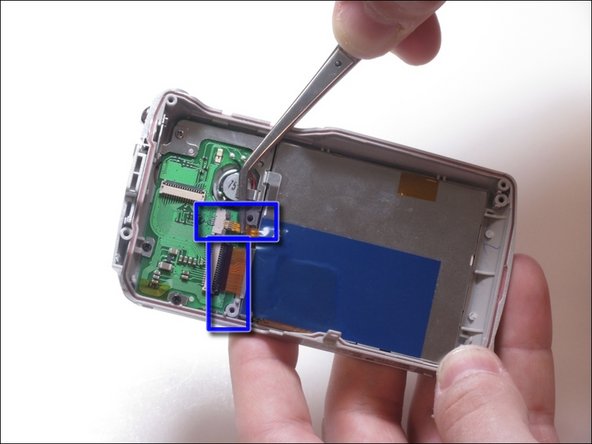
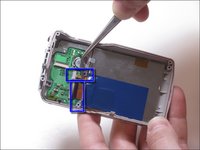
  12. Olympus Stylus 760 LCD Screen Replacement: 步骤 12 中的图像 1,2 Olympus Stylus 760 LCD Screen Replacement: 步骤 12 中的图像 2,2
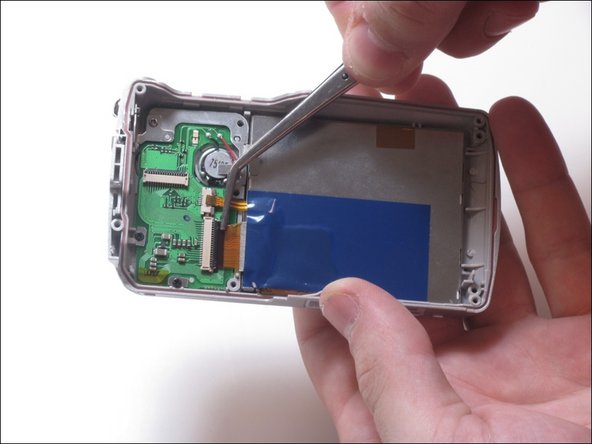
    • Pull up on the small ribbon wire to disconnect it from the circuit board

    • Flip the little black clip up to remove the larger ribbon wire from the circuit board.

    询问修复机器人
  13. Olympus Stylus 760 LCD Screen Replacement: 步骤 13 中的图像 1,1
    • Using a plastic separating tool, remove the LCD screen from the plastic casing.

    询问修复机器人
结论

To reassemble your device, follow these instructions in reverse order.

另外一个人完成了本指南。

团队

James Madison, Team 3-3, Klein Spring 2012 James Madison, Team 3-3, Klein Spring 2012 的会员

JMU-KLEIN-S12S3G3

4 名成员

创作了7篇指南

1指南评论

from where i can get repaired u760 camera

tahir zafar - 回复 分享

添加评论

浏览统计数据:

过去 24 小时: 0

过去 7 天: 7

过去 30 天: 71

总计 2,322