跳转到主内容
加入维修社区 - 创建账户

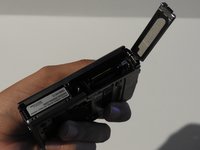
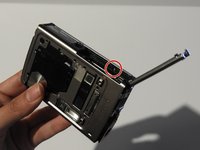
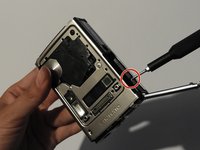
Olympus Stylus 1030 SW Camera Disassembly

你所需要的

    1. Olympus Stylus 1030 SW Camera Disassembly, Olympus Stylus 1030 SW Camera Disassembly: 步骤 1 中的图像 1,3 Olympus Stylus 1030 SW Camera Disassembly, Olympus Stylus 1030 SW Camera Disassembly: 步骤 1 中的图像 2,3 Olympus Stylus 1030 SW Camera Disassembly, Olympus Stylus 1030 SW Camera Disassembly: 步骤 1 中的图像 3,3
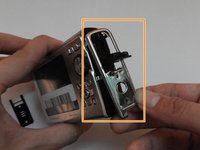
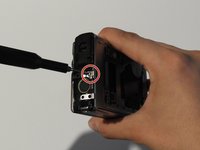
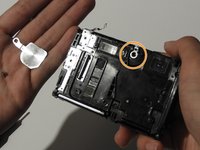
      • Using the iFixit Opening Tool, pry off the plastic part of the lens.

      • Using the T6 Torx screwdriver, unscrew the three screws.

      添加评论

    2. Olympus Stylus 1030 SW Camera Disassembly: 步骤 2 中的图像 1,3 Olympus Stylus 1030 SW Camera Disassembly: 步骤 2 中的图像 2,3 Olympus Stylus 1030 SW Camera Disassembly: 步骤 2 中的图像 3,3
      在这个步骤中使用的工具:
      Tweezers
      $4.99
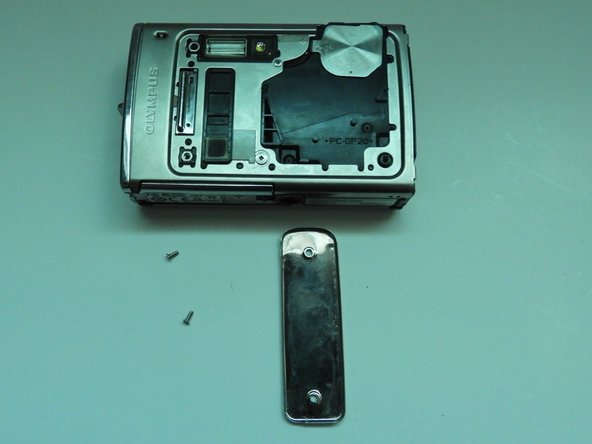
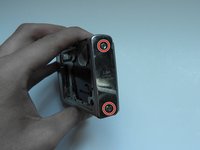
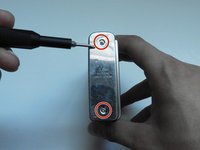
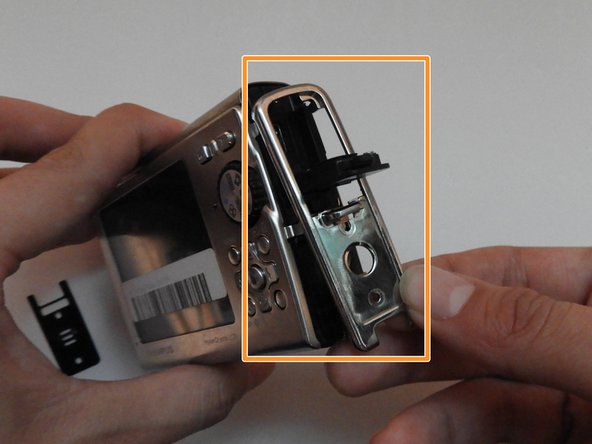
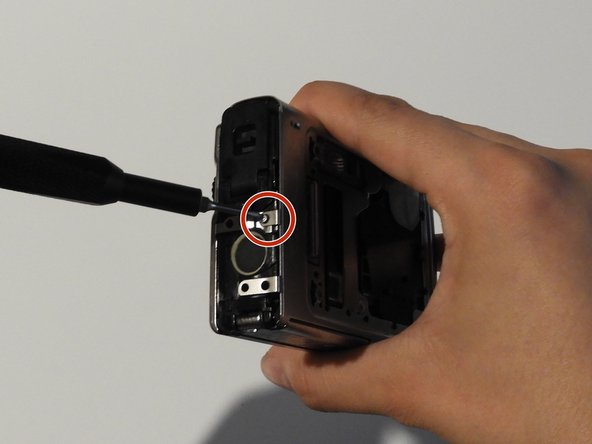
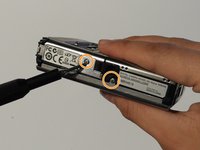
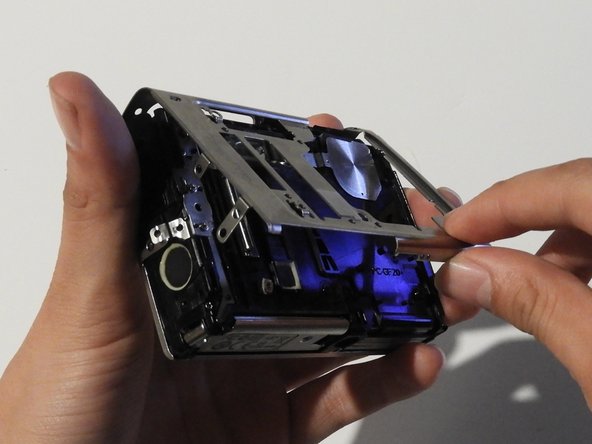
      • Using the Phillips #00 screwdriver, unscrew the three screws.

      • Carefully swivel the metal cover out towards you.

      • Using tweezers, remove the metal washer.

      询问修复机器人

      添加评论

    3. Olympus Stylus 1030 SW Camera Disassembly: 步骤 3 中的图像 1,2 Olympus Stylus 1030 SW Camera Disassembly: 步骤 3 中的图像 2,2
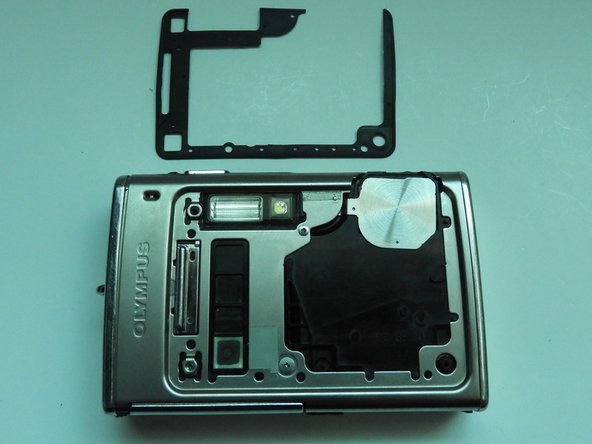
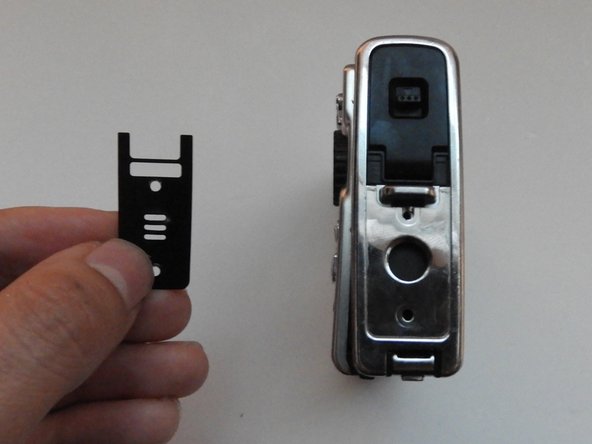
      • Using the tweezers, slowly peel off the plate.

      询问修复机器人

      添加评论

    4. Olympus Stylus 1030 SW Camera Disassembly: 步骤 4 中的图像 1,3 Olympus Stylus 1030 SW Camera Disassembly: 步骤 4 中的图像 2,3 Olympus Stylus 1030 SW Camera Disassembly: 步骤 4 中的图像 3,3
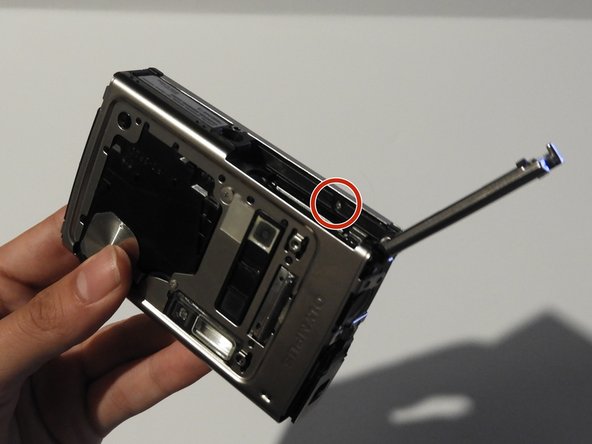
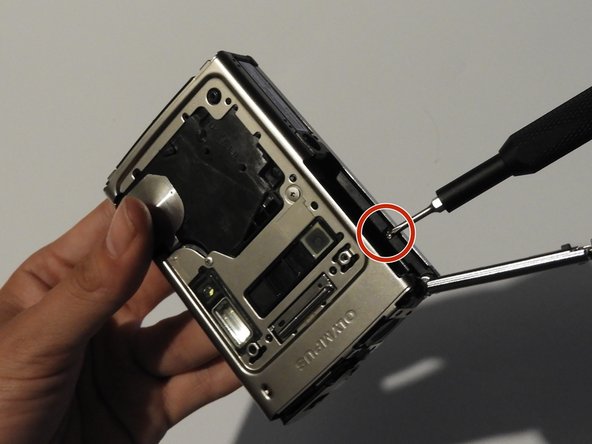
      • Using the Phillips #00 screwdriver, unscrew the two screws on the side of the camera.

      询问修复机器人

      添加评论

    5. Olympus Stylus 1030 SW Camera Disassembly: 步骤 5 中的图像 1,3 Olympus Stylus 1030 SW Camera Disassembly: 步骤 5 中的图像 2,3 Olympus Stylus 1030 SW Camera Disassembly: 步骤 5 中的图像 3,3
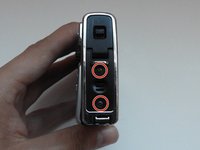
      • On the opposite side, use the Phillips #00 screwdriver to unscrew both screws.

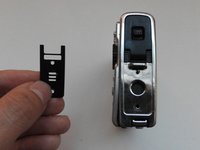
      • Take out the speaker plate.

      • Open the multi-connector cover and slide off the side panel.

      询问修复机器人

      添加评论

    6. Olympus Stylus 1030 SW Camera Disassembly: 步骤 6 中的图像 1,3 Olympus Stylus 1030 SW Camera Disassembly: 步骤 6 中的图像 2,3 Olympus Stylus 1030 SW Camera Disassembly: 步骤 6 中的图像 3,3
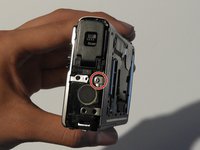
      • Using the Phillips #00 screwdriver, unscrew the screw above the speaker.

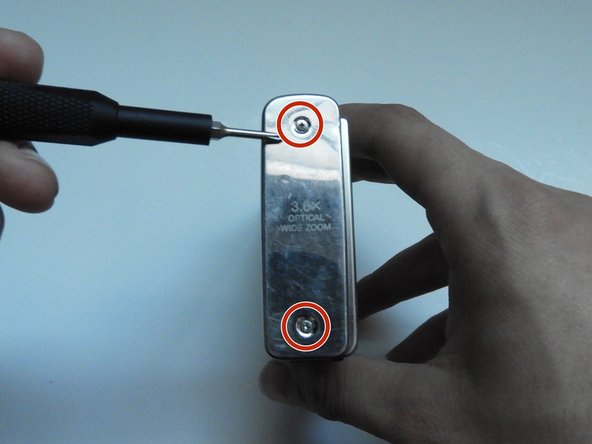
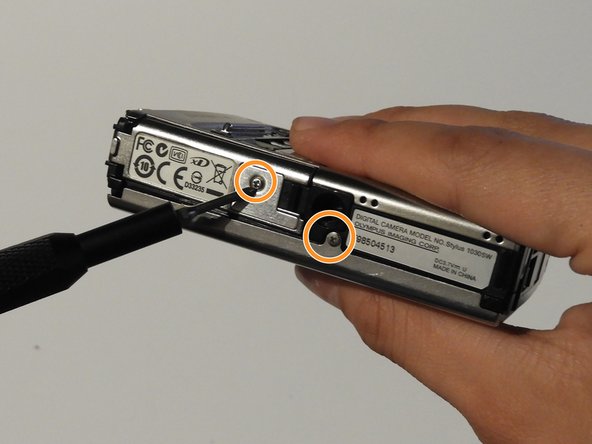
      • On the bottom side of the camera, unscrew the two screws.

      询问修复机器人

      添加评论

    7. Olympus Stylus 1030 SW Camera Disassembly: 步骤 7 中的图像 1,3 Olympus Stylus 1030 SW Camera Disassembly: 步骤 7 中的图像 2,3 Olympus Stylus 1030 SW Camera Disassembly: 步骤 7 中的图像 3,3
      • Open the battery compartment cover.

      • Use the Phillips #00 screwdriver to unscrew the screw in the battery compartment.

      询问修复机器人

      添加评论

    8. Olympus Stylus 1030 SW Camera Disassembly: 步骤 8 中的图像 1,3 Olympus Stylus 1030 SW Camera Disassembly: 步骤 8 中的图像 2,3 Olympus Stylus 1030 SW Camera Disassembly: 步骤 8 中的图像 3,3
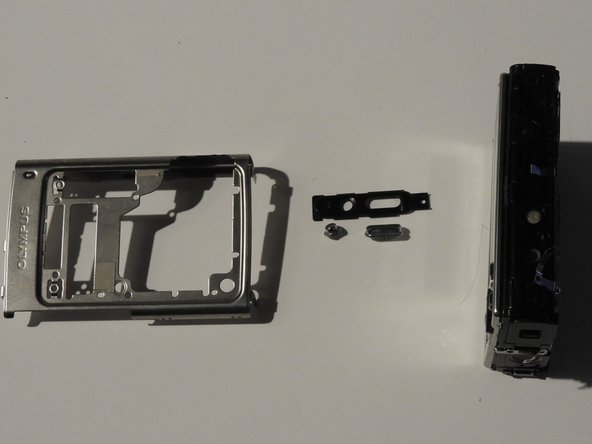
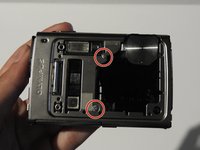
      • On the front of the camera, unscrew the two screws shown.

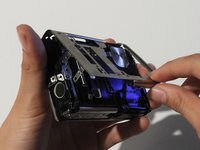
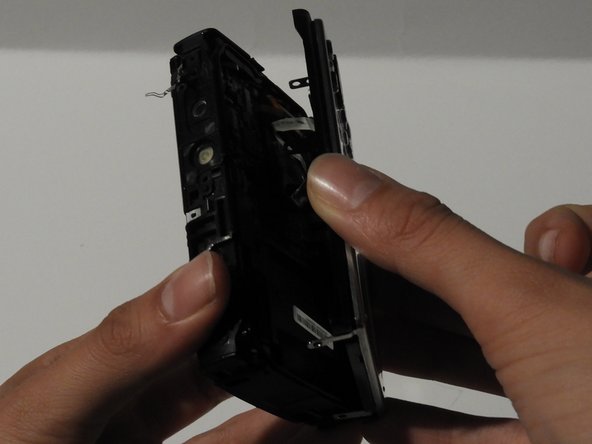
      • Gently pull on the side until the camera is separated from the back panel.

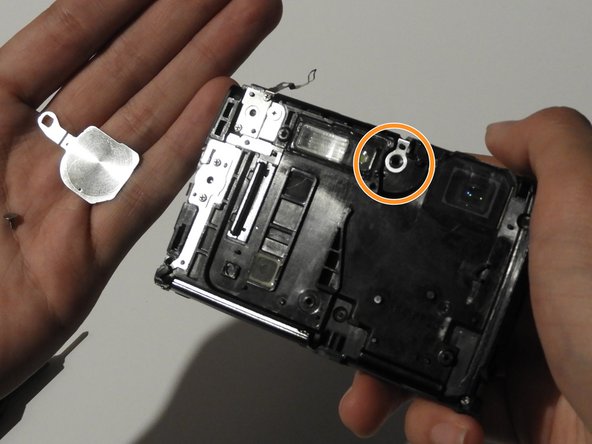
      • Remove the shutter and power button.

      询问修复机器人

      添加评论

    9. Olympus Stylus 1030 SW Camera Disassembly: 步骤 9 中的图像 1,3 Olympus Stylus 1030 SW Camera Disassembly: 步骤 9 中的图像 2,3 Olympus Stylus 1030 SW Camera Disassembly: 步骤 9 中的图像 3,3
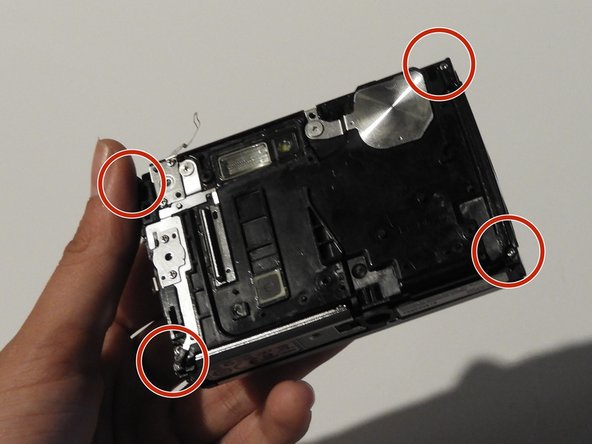
      • Use the Phillips #00 screwdriver to unscrew the four screws on the front of the camera.

      • Unscrew the shutter using the Phillips #00 screwdriver.

      询问修复机器人

      添加评论

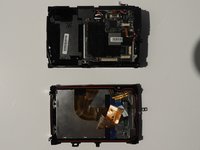
    10. Olympus Stylus 1030 SW Camera Disassembly: 步骤 10 中的图像 1,2 Olympus Stylus 1030 SW Camera Disassembly: 步骤 10 中的图像 2,2
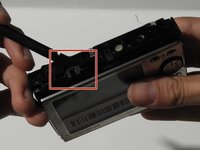
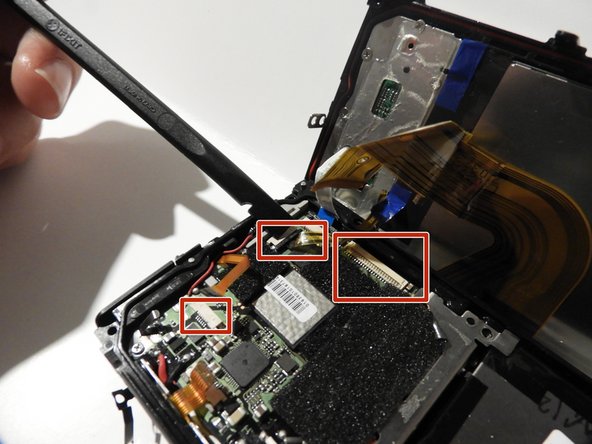
      • Release the top holding using a spudger.

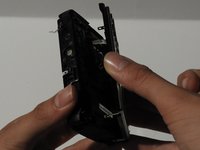
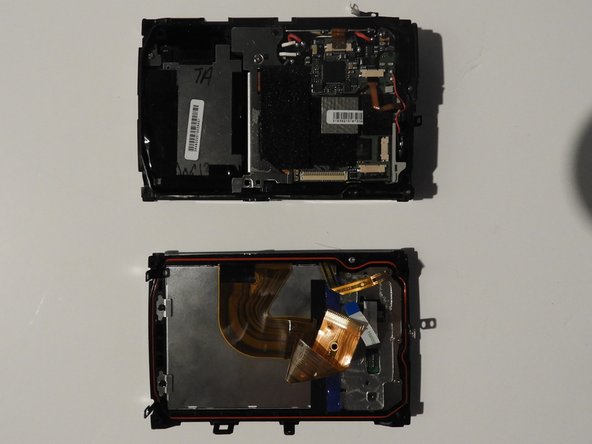
      • Slowly and carefully separate the front and back of the camera, exposing the electrical ribbons.

      询问修复机器人

      添加评论

    11. Olympus Stylus 1030 SW Camera Disassembly: 步骤 11 中的图像 1,3 Olympus Stylus 1030 SW Camera Disassembly: 步骤 11 中的图像 2,3 Olympus Stylus 1030 SW Camera Disassembly: 步骤 11 中的图像 3,3
      • Using the spudger and tweezers if needed, remove the ribbons from the computer chips.

      询问修复机器人

      添加评论

结论

To reassemble your device, follow these instructions in reverse order.

取消:我没有完成这个指南。

另外一个人完成了本指南。

0指南评论

添加评论

浏览统计数据:

过去 24 小时: 0

过去 7 天: 8

过去 30 天: 39

总计 3,509