跳转到主内容
加入维修社区 - 创建账户

Oculus Rift Development Kit 2 Headset Motherboard Replacement

你所需要的

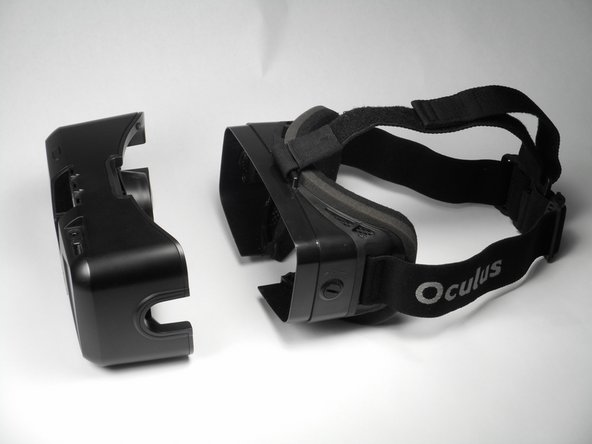
    1. Oculus Rift Development Kit 2 Headset Motherboard Replacement, Eye Relief Adjustment Screw: 步骤 1 中的图像 1,3 Oculus Rift Development Kit 2 Headset Motherboard Replacement, Eye Relief Adjustment Screw: 步骤 1 中的图像 2,3 Oculus Rift Development Kit 2 Headset Motherboard Replacement, Eye Relief Adjustment Screw: 步骤 1 中的图像 3,3
      • Remove front cover plate.

      • Unplug the USB and HDMI cables from the Oculus Rift DK2.

      询问修复机器人

      添加评论

    2. Oculus Rift Development Kit 2 Headset Motherboard Replacement: 步骤 2 中的图像 1,3 Oculus Rift Development Kit 2 Headset Motherboard Replacement: 步骤 2 中的图像 2,3 Oculus Rift Development Kit 2 Headset Motherboard Replacement: 步骤 2 中的图像 3,3
      • Remove the four 3/8" Phillips #0 screws from the inner portion of the headset.

      询问修复机器人

      添加评论

    3. Oculus Rift Development Kit 2 Headset Motherboard Replacement: 步骤 3 中的图像 1,2 Oculus Rift Development Kit 2 Headset Motherboard Replacement: 步骤 3 中的图像 2,2
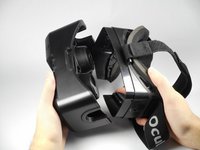
      • With the screws removed, gently pull the headband frame apart from the headset.

      询问修复机器人

      添加评论

    1. Oculus Rift Development Kit 2 Headset Motherboard Replacement, Remove Lens: 步骤 4 中的图像 1,2 Oculus Rift Development Kit 2 Headset Motherboard Replacement, Remove Lens: 步骤 4 中的图像 2,2
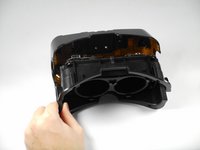
      • With the Oculus facing up, twist the right lens clockwise and lift it out. Repeat for the left lens twisting counterclockwise instead.

      添加评论

    1. Oculus Rift Development Kit 2 Headset Motherboard Replacement, Headset Motherboard: 步骤 5 中的图像 1,1
      在这个步骤中使用的工具:
      Tweezers
      $4.99
      • Using tweezers, carefully lift the four rubber plugs as shown. They are a bit snug and you may need to jiggle them free with the tweezers.

      询问修复机器人

      添加评论

    2. Oculus Rift Development Kit 2 Headset Motherboard Replacement: 步骤 6 中的图像 1,1
      • Remove the four 3/8" screws attaching the eyewear enclosure to the front casing.

      • Read the next step before removing the faceplate!

      询问修复机器人

      添加评论

    3. Oculus Rift Development Kit 2 Headset Motherboard Replacement: 步骤 7 中的图像 1,2 Oculus Rift Development Kit 2 Headset Motherboard Replacement: 步骤 7 中的图像 2,2
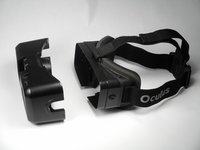
      • Carefully separate the faceplate and the cover. Gently rest the cover plate on top of the faceplate as shown in the pictures.

      • Do not use excessive force when separating these two pieces. There is a delicate ribbon cable connected to each.

      询问修复机器人

      添加评论

    4. Oculus Rift Development Kit 2 Headset Motherboard Replacement: 步骤 8 中的图像 1,2 Oculus Rift Development Kit 2 Headset Motherboard Replacement: 步骤 8 中的图像 2,2
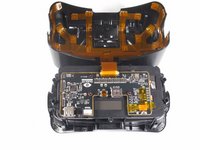
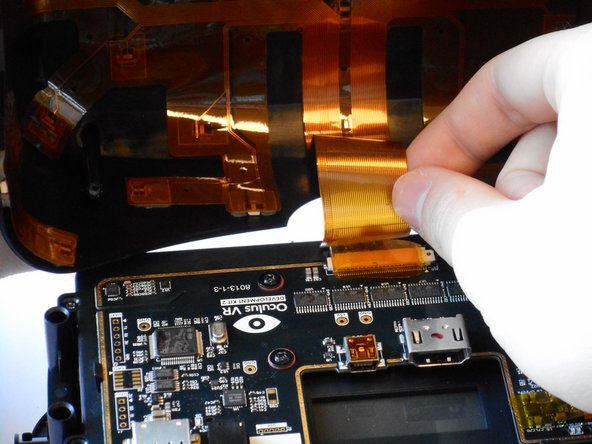
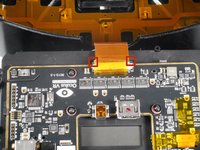
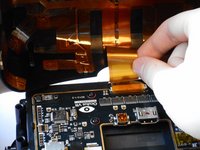
      • Gently pull out the small side tabs on the ribbon cable connector as shown to release the cable.

      • Push the tabs away from you, with the headset oriented as pictured. Carefully slide the ribbon cable out.

      • The headset should now be two separate pieces.

      询问修复机器人

      添加评论

    5. Oculus Rift Development Kit 2 Headset Motherboard Replacement: 步骤 9 中的图像 1,3 Oculus Rift Development Kit 2 Headset Motherboard Replacement: 步骤 9 中的图像 2,3 Oculus Rift Development Kit 2 Headset Motherboard Replacement: 步骤 9 中的图像 3,3
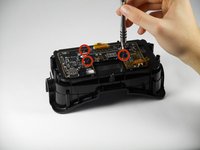
      • Unscrew the three 1/4" Phillips #00 screws as pictured and use the tweezers to lift them out.

      询问修复机器人

      添加评论

    6. Oculus Rift Development Kit 2 Headset Motherboard Replacement: 步骤 10 中的图像 1,1
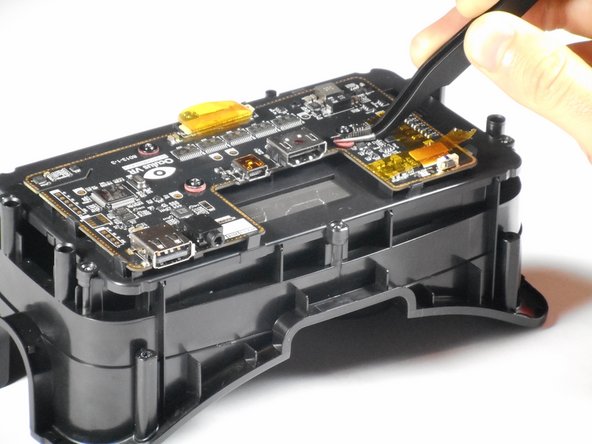
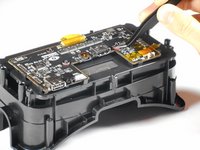
      • Lift the tape and gently pry up the video data ribbon cable using the plastic opening tool as shown.

      询问修复机器人

      添加评论

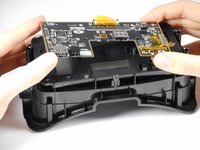
    7. Oculus Rift Development Kit 2 Headset Motherboard Replacement: 步骤 11 中的图像 1,3 Oculus Rift Development Kit 2 Headset Motherboard Replacement: 步骤 11 中的图像 2,3 Oculus Rift Development Kit 2 Headset Motherboard Replacement: 步骤 11 中的图像 3,3
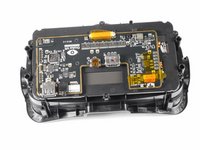
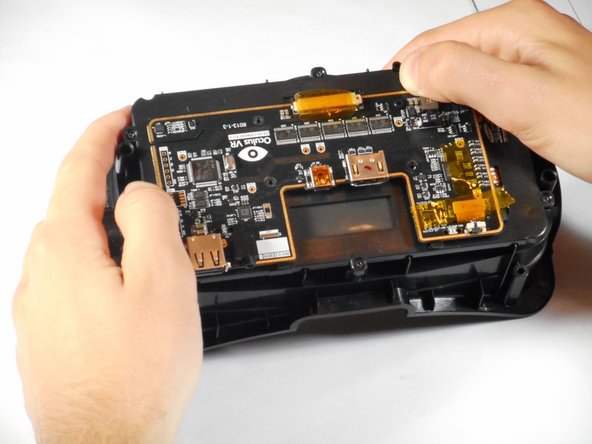
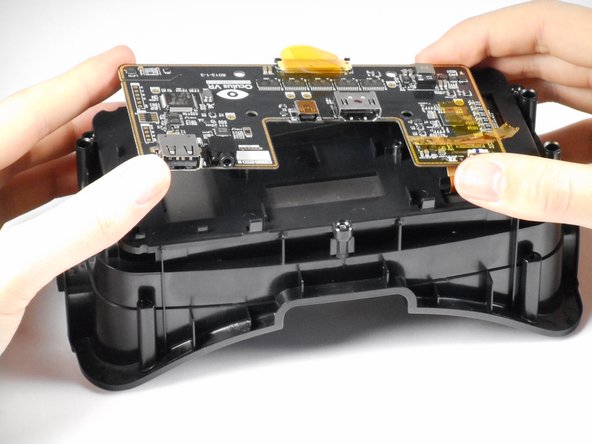
      • Gently pry back the motherboard clips to release the motherboard. The motherboard should now lift free.

      询问修复机器人

      添加评论

结论

To reassemble your device, follow these instructions in reverse order.

取消:我没有完成这个指南。

7等其他人完成本指南。

Adam

于01/20/15注册

661 声望

创作了4篇指南

团队

Cal Poly, Team 18-5, Maness Winter 2015 Cal Poly, Team 18-5, Maness Winter 2015 的会员

CPSU-MANESS-W15S18G5

4 名成员

创作了12篇指南

1指南评论

hi.

you know where possible buy the new motherboard?

Szatmari Attila - 回复 分享

添加评论

浏览统计数据:

过去 24 小时: 1

过去 7 天: 9

过去 30 天: 37

总计 2,969