跳转到主内容
加入维修社区 - 创建账户

Nintendo Wii U Button Replacement

浏览量: 6965

浏览统计数据:

过去24小时
1
过去 7 天:
23
过去 30 天:
143
总计
6,965
评论: 4

3 comments on steps, 1 guide comment.

Go to guide comments
已完成: 0

暂时还没有人将本指南标记为“已完成”。你会是第一个完成的人吗?

收藏: 2

2 人已收藏(并订阅)本指南。你会是下一个吗?

所需时间: 10 - 20 分钟
难度: 中等
Nintendo Wii U Button Replacement

Use this replacement guide for step-by-step instruction on how to replace the power and accompanying buttons on the Wii U console's front face panel.

你所需要的

工具

    1. Nintendo Wii U Button Replacement, Button Replacement: 步骤 1 中的图像 1,2 Nintendo Wii U Button Replacement, Button Replacement: 步骤 1 中的图像 2,2
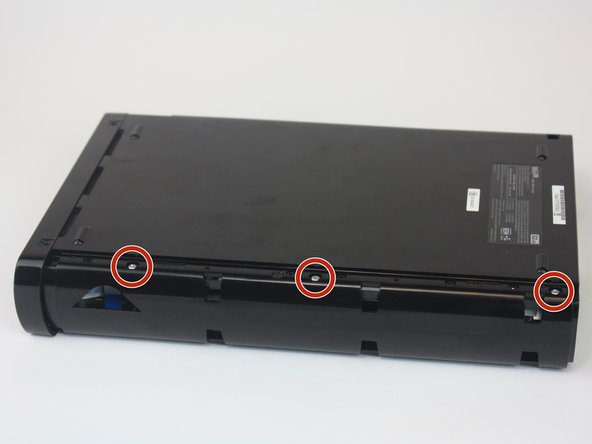
      • You will first need to find all the screws hidden underneath the black (or white) square stickers. They are all located on the bottom side of the Wii U.

      • Use a spudger to remove the stickers if it is difficult to peel off with your fingers.

      询问修复机器人

      添加评论

    2. Nintendo Wii U Button Replacement: 步骤 2 中的图像 1,1
      • Remove the five Phillips #0 screws.

      • Remove the four Tri-Wing Y1 screws.

      添加评论

    3. Nintendo Wii U Button Replacement: 步骤 3 中的图像 1,2 Nintendo Wii U Button Replacement: 步骤 3 中的图像 2,2
      • Remove the CMOS battery door on the left side of the console.

      • Once the door is removed, remove the three Phillips #0 screws.

      添加评论

    4. Nintendo Wii U Button Replacement: 步骤 4 中的图像 1,3 Nintendo Wii U Button Replacement: 步骤 4 中的图像 2,3 Nintendo Wii U Button Replacement: 步骤 4 中的图像 3,3
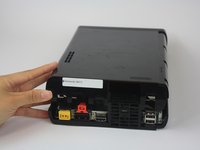
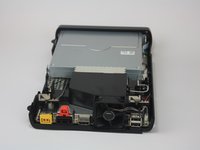
      • Gently pry off the top lid of the Wii U.

      询问修复机器人

      添加评论

    5. Nintendo Wii U Button Replacement: 步骤 5 中的图像 1,3 Nintendo Wii U Button Replacement: 步骤 5 中的图像 2,3 Nintendo Wii U Button Replacement: 步骤 5 中的图像 3,3
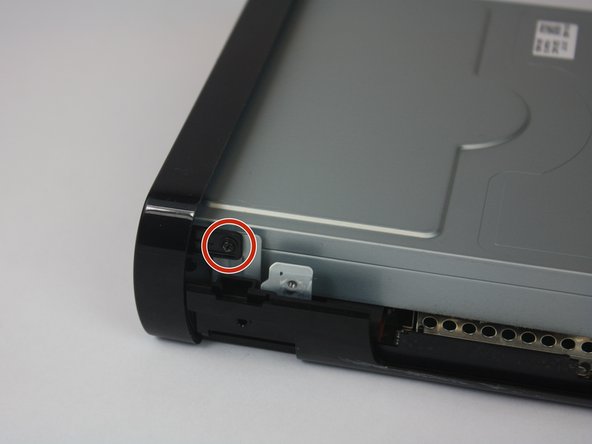
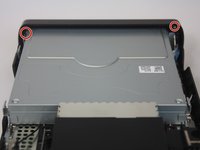
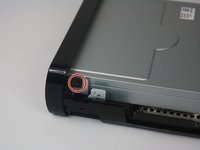
      • Rotate the device so that the front plate is facing you.

      • Remove the two Phillips #1 screws.

      添加评论

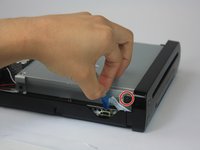
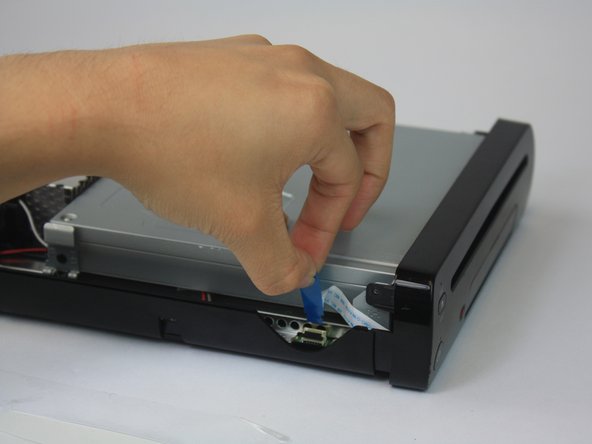
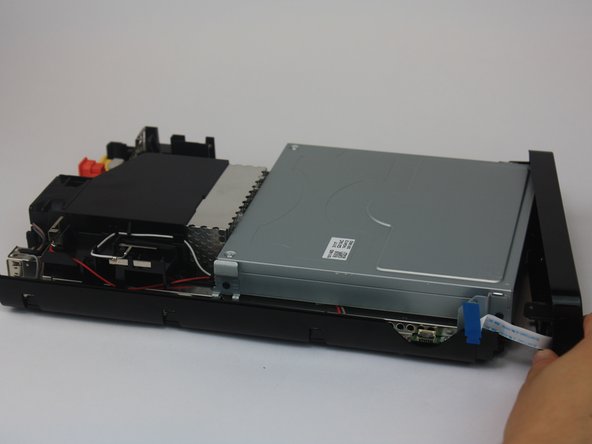
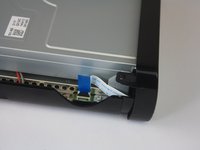
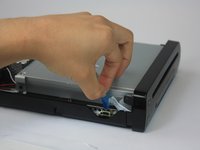
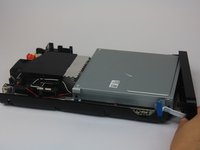
    6. Nintendo Wii U Button Replacement: 步骤 6 中的图像 1,3 Nintendo Wii U Button Replacement: 步骤 6 中的图像 2,3 Nintendo Wii U Button Replacement: 步骤 6 中的图像 3,3
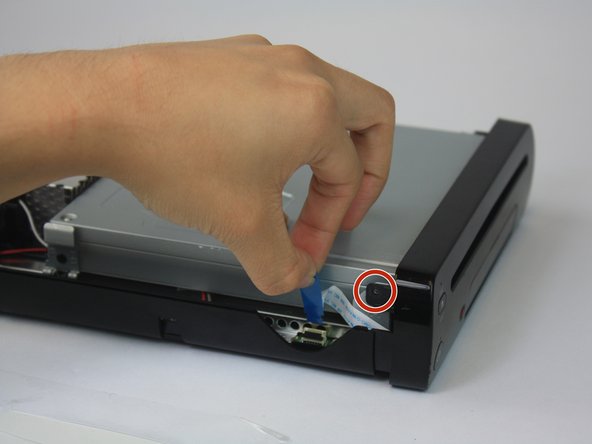
      • Remove the ribbon cable and separate the front plate from the main console.

      询问修复机器人

      添加评论

    7. Nintendo Wii U Button Replacement: 步骤 7 中的图像 1,1
      • Remove the three Phillips #1 screws.

      询问修复机器人

      添加评论

    8. Nintendo Wii U Button Replacement: 步骤 8 中的图像 1,1
      • Once unscrewed, remove the black braces that hold the power button, eject button, and sync button in place.

      询问修复机器人

      添加评论

    9. Nintendo Wii U Button Replacement: 步骤 9 中的图像 1,1
      • Remove the desired button(s).

      询问修复机器人

      添加评论

结论

To reassemble your device, follow these instructions in reverse order.

取消:我没有完成这个指南。

Emily Vasquez

于02/24/16注册

1,058 声望

创作了3篇指南

团队

USF Tampa, Team 1-2, Leahy Spring 2016 USF Tampa, Team 1-2, Leahy Spring 2016 的会员

USFT-LEAHY-S16S1G2

3 名成员

创作了48篇指南

1指南评论

Anyone know what that ribbon cable is in step 6? Just regular 9 pin?

Lugi - 回复 分享

添加评论

浏览统计数据:

过去 24 小时: 1

过去 7 天: 23

过去 30 天: 143

总计 6,965