跳转到主内容
加入维修社区 - 创建账户

Neo3Do Battery & LED screen Replacement

浏览量: 819

浏览统计数据:

过去24小时
4
过去 7 天:
32
过去 30 天:
87
总计
819
评论: 1

1 guide comment.

Go to guide comments
已完成: 0

暂时还没有人将本指南标记为“已完成”。你会是第一个完成的人吗?

收藏: 0

暂时还没有人收藏(和订阅)本指南。你会是第一个收藏(和订阅)的人吗?

所需时间: 没有估计
难度: 困难
更好的介绍

通过完成或修改其开头介绍以改善本指南。

Neo3Do Battery & LED screen Replacement

你所需要的

工具

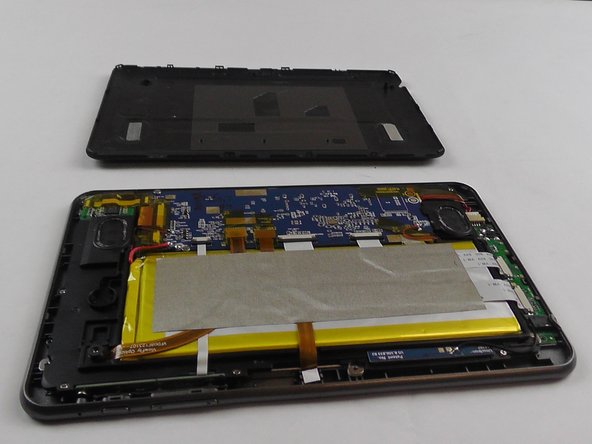
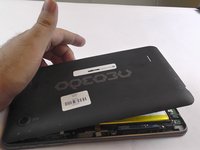
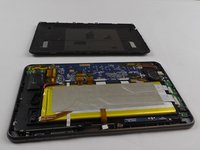
    1. Neo3Do Battery & LED screen Replacement, Back Panel: 步骤 1 中的图像 1,3 Neo3Do Battery & LED screen Replacement, Back Panel: 步骤 1 中的图像 2,3 Neo3Do Battery & LED screen Replacement, Back Panel: 步骤 1 中的图像 3,3
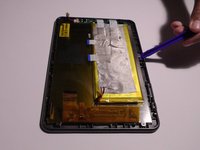
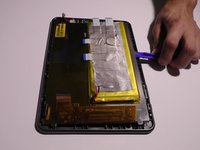
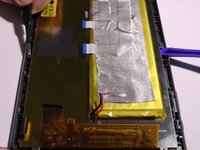
      • Turn the Neo3DO face down so that the logo is facing toward you.

      • Insert the plastic opening tool between the metal frame and the plastic back panel, as shown.

      询问修复机器人

      添加评论

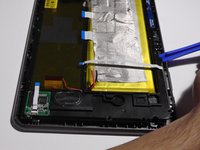
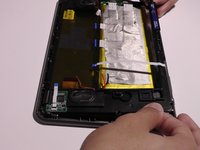
    2. Neo3Do Battery & LED screen Replacement: 步骤 2 中的图像 1,2 Neo3Do Battery & LED screen Replacement: 步骤 2 中的图像 2,2
      • Gently pry the back panel upwards.

      • Ensure the tool does not slip into the device and damage the internals.

      询问修复机器人

      添加评论

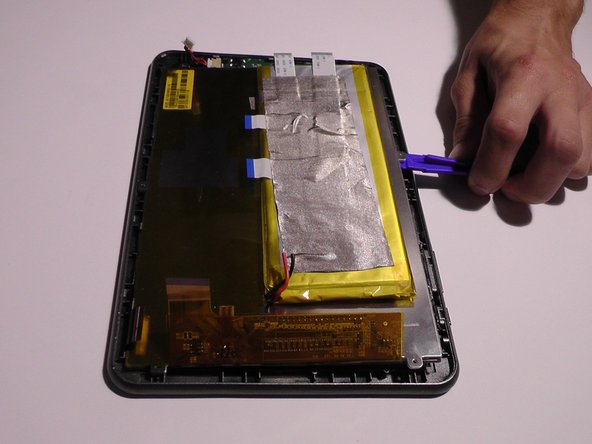
    3. Neo3Do Battery & LED screen Replacement: 步骤 3 中的图像 1,2 Neo3Do Battery & LED screen Replacement: 步骤 3 中的图像 2,2
      • Once the back panel has been pried away from the bottom and sides of the Neo3DO, lift the back panel up and away from the tablet.

      询问修复机器人

      添加评论

    4. Neo3Do Battery & LED screen Replacement: 步骤 4 中的图像 1,1
      • When replacing the back panel, place the top edge of the back panel against the top edge of the Neo3DO, as shown.

      • The top edge of the device is the edge closest to the camera. The top of the back panel is the side with the hole for the camera.

      询问修复机器人

      添加评论

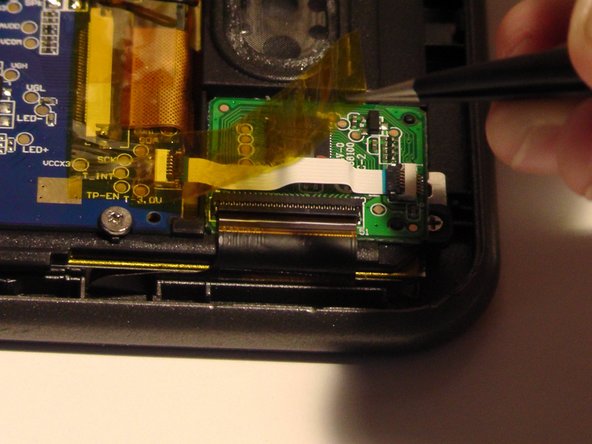
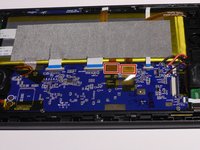
    1. Neo3Do Battery & LED screen Replacement, Motherboard: 步骤 5 中的图像 1,3 Neo3Do Battery & LED screen Replacement, Motherboard: 步骤 5 中的图像 2,3 Neo3Do Battery & LED screen Replacement, Motherboard: 步骤 5 中的图像 3,3
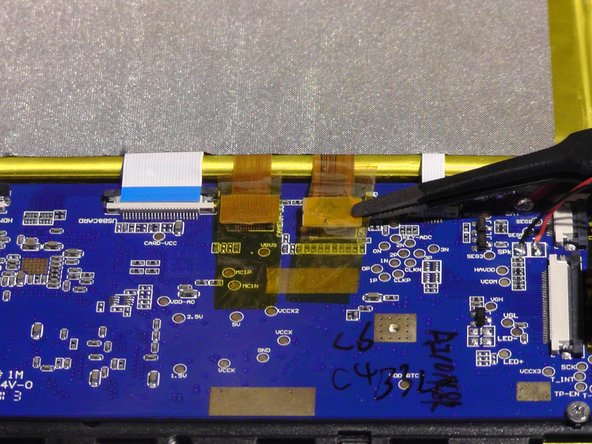
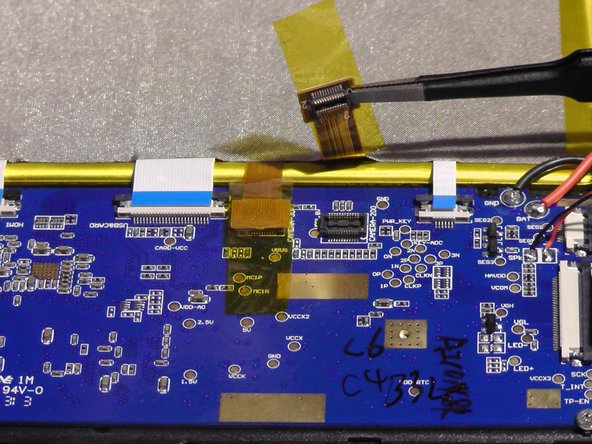
      • Remove all the tape attached to the motherboard.

      询问修复机器人

      添加评论

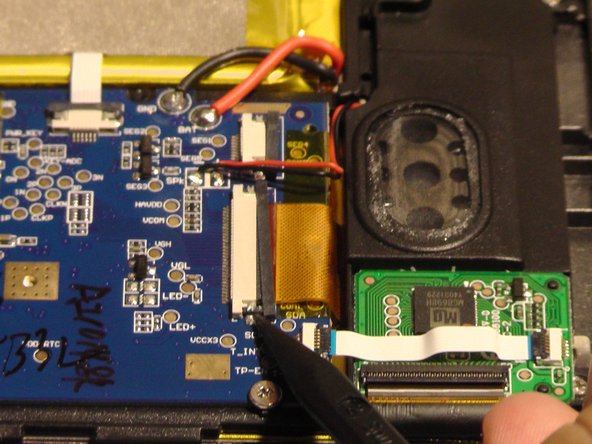
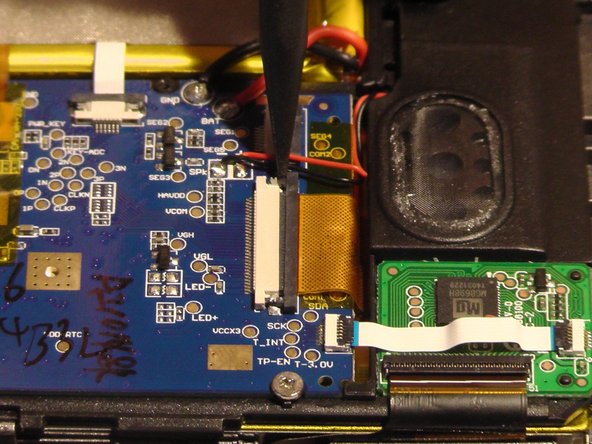
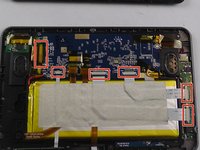
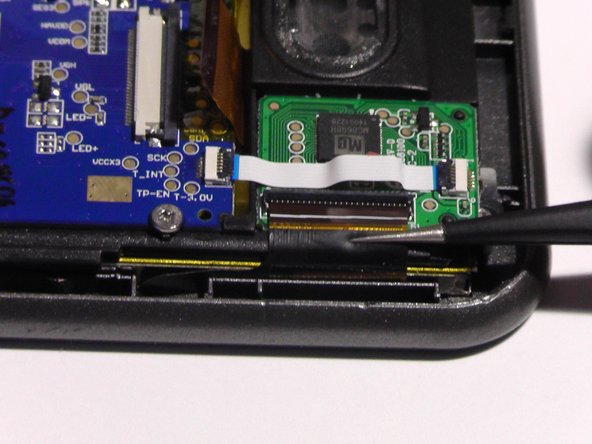
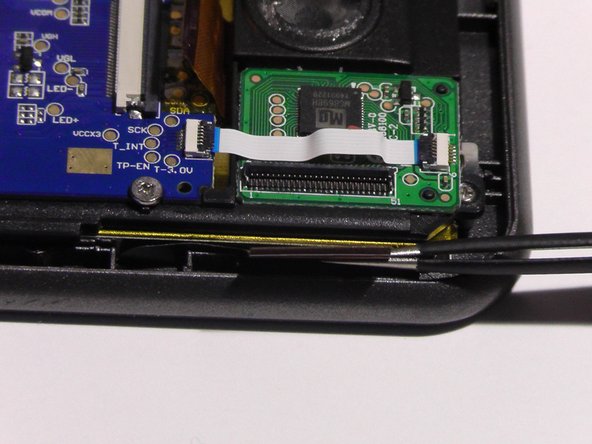
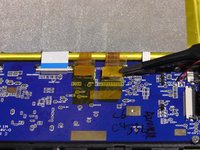
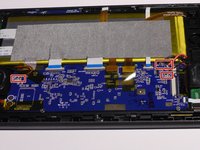
    2. Neo3Do Battery & LED screen Replacement: 步骤 6 中的图像 1,3 Neo3Do Battery & LED screen Replacement: 步骤 6 中的图像 2,3 Neo3Do Battery & LED screen Replacement: 步骤 6 中的图像 3,3
      • Pull out the black tabs using the plastic spudger.

      • All sockets that require the same step are marked in the first photo.

      询问修复机器人

      添加评论

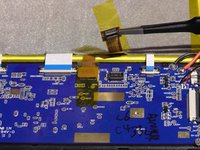
    3. Neo3Do Battery & LED screen Replacement: 步骤 7 中的图像 1,2 Neo3Do Battery & LED screen Replacement: 步骤 7 中的图像 2,2
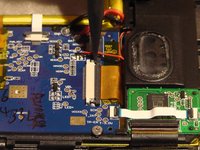
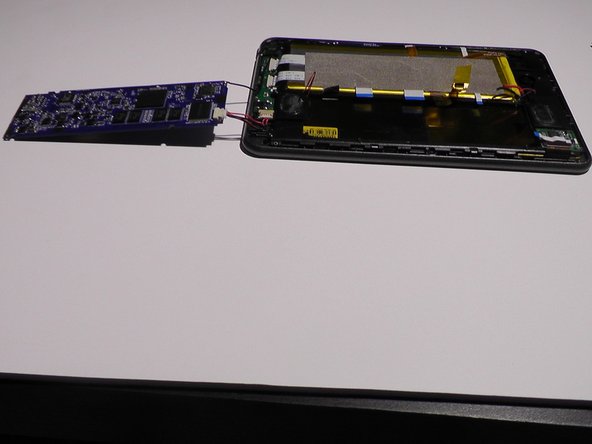
      • Remove the wire belt from the socket.

      询问修复机器人

      添加评论

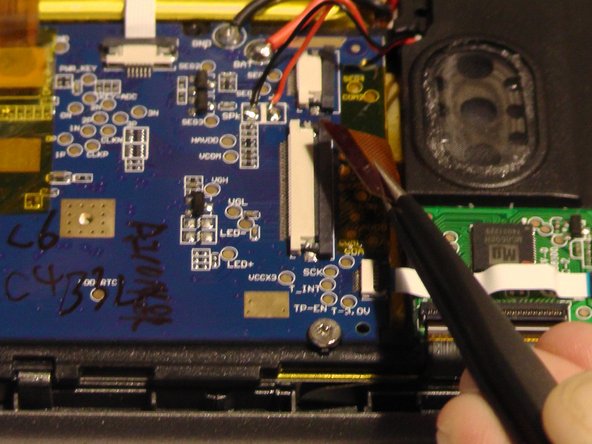
    4. Neo3Do Battery & LED screen Replacement: 步骤 8 中的图像 1,3 Neo3Do Battery & LED screen Replacement: 步骤 8 中的图像 2,3 Neo3Do Battery & LED screen Replacement: 步骤 8 中的图像 3,3
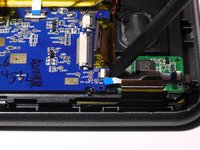
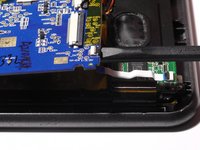
      • Lift the black tab and then remove the wire belt.

      询问修复机器人

      添加评论

    5. Neo3Do Battery & LED screen Replacement: 步骤 9 中的图像 1,3 Neo3Do Battery & LED screen Replacement: 步骤 9 中的图像 2,3 Neo3Do Battery & LED screen Replacement: 步骤 9 中的图像 3,3
      • Lift the black tab and then remove the wire belt.

      询问修复机器人

      添加评论

    6. Neo3Do Battery & LED screen Replacement: 步骤 10 中的图像 1,3 Neo3Do Battery & LED screen Replacement: 步骤 10 中的图像 2,3 Neo3Do Battery & LED screen Replacement: 步骤 10 中的图像 3,3
      • Grip the side of the tab and pull upwards to remove it from the socket.

      • All sockets that require the same step are marked in the first photo.

      • Gripping the wire belt and pulling upwards may cause damage, be sure to avoid it.

      询问修复机器人

      添加评论

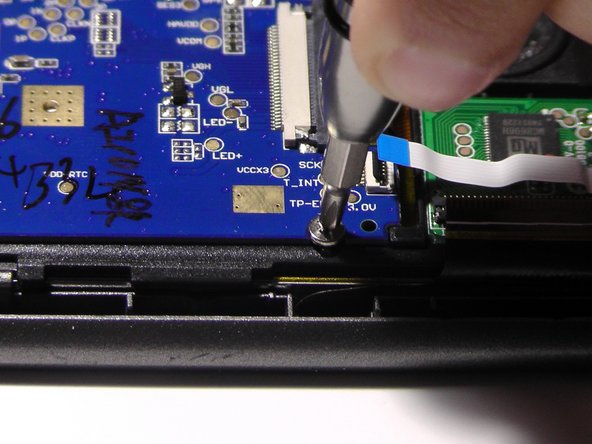
    7. Neo3Do Battery & LED screen Replacement: 步骤 11 中的图像 1,2 Neo3Do Battery & LED screen Replacement: 步骤 11 中的图像 2,2
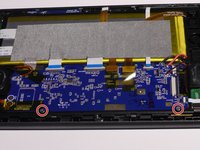
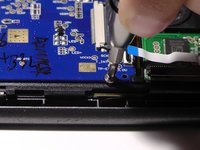
      • Remove the screws using the J0 head screwdriver.

      • All screws that require the same step are marked in the first photo.

      询问修复机器人

      添加评论

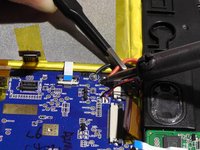
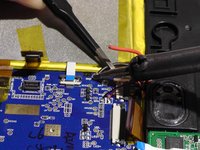
    8. Neo3Do Battery & LED screen Replacement: 步骤 12 中的图像 1,3 Neo3Do Battery & LED screen Replacement: 步骤 12 中的图像 2,3 Neo3Do Battery & LED screen Replacement: 步骤 12 中的图像 3,3
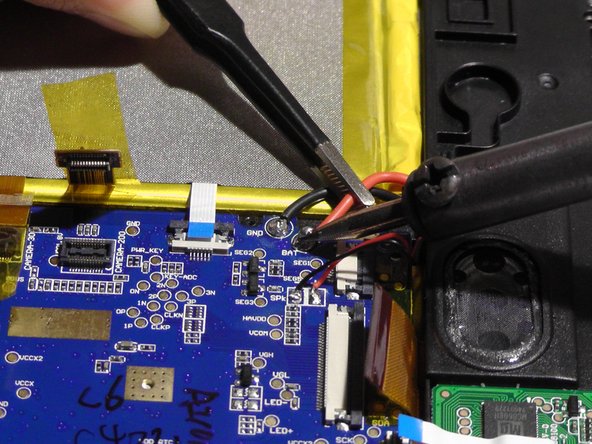
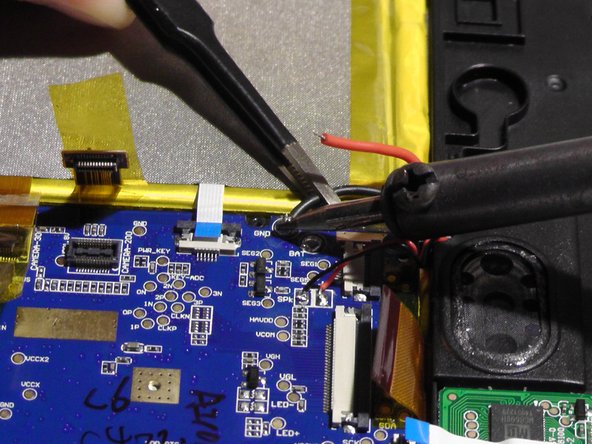
      • Grip the active(red) wire and apply the soldering tool until the solder is soft enough for the wire to be removed.

      • Repeat the same process to remove the neutral(black) wire.

      • All wires that require the same steps are marked in the first photo.

      • The soldering tool is extremely hot, use with caution.

      询问修复机器人

      添加评论

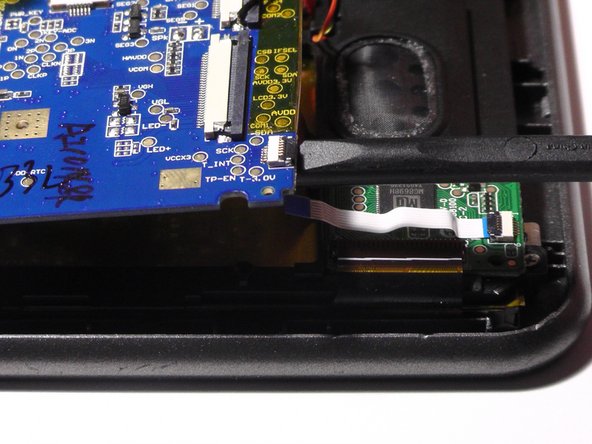
    9. Neo3Do Battery & LED screen Replacement: 步骤 13 中的图像 1,3 Neo3Do Battery & LED screen Replacement: 步骤 13 中的图像 2,3 Neo3Do Battery & LED screen Replacement: 步骤 13 中的图像 3,3
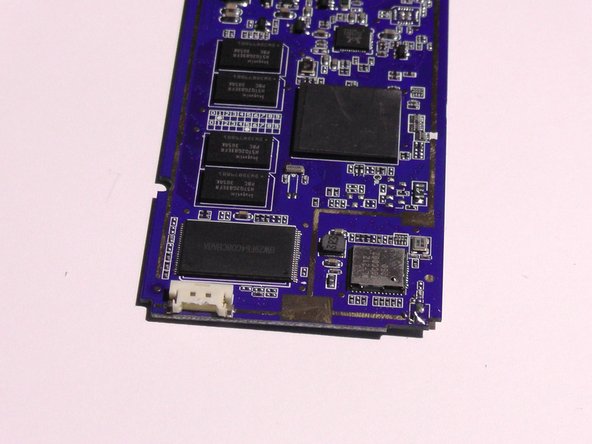
      • Use the flat end of the plastic spudger to remove the motherboard and turn it underside-up.

      询问修复机器人

      添加评论

    10. Neo3Do Battery & LED screen Replacement: 步骤 14 中的图像 1,2 Neo3Do Battery & LED screen Replacement: 步骤 14 中的图像 2,2
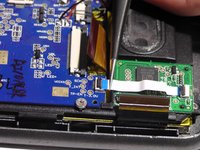
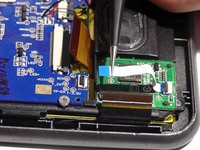
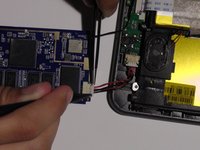
      • Remove the plug from the motherboard socket.

      询问修复机器人

      添加评论

    11. Neo3Do Battery & LED screen Replacement: 步骤 15 中的图像 1,3 Neo3Do Battery & LED screen Replacement: 步骤 15 中的图像 2,3 Neo3Do Battery & LED screen Replacement: 步骤 15 中的图像 3,3
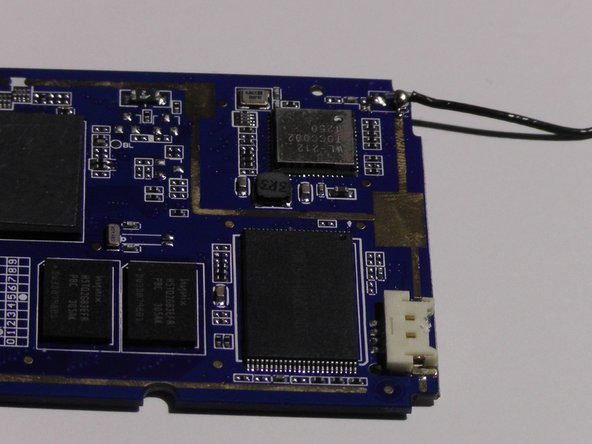
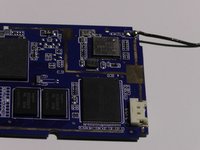
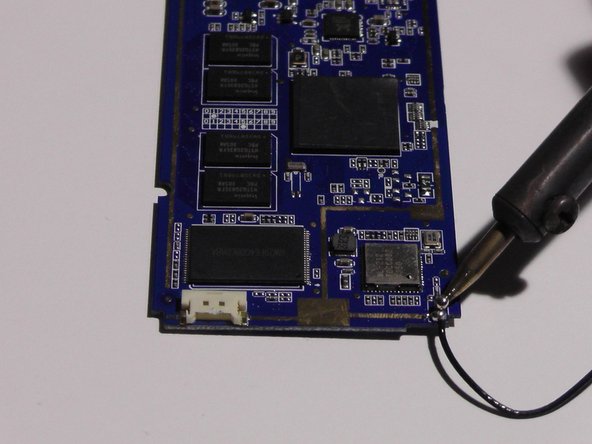
      • Grip the wire and apply the soldering tool until the solder is soft enough for the wire to be removed.

      • The soldering tool is extremely hot, use with caution.

      询问修复机器人

      添加评论

    1. Neo3Do Battery & LED screen Replacement, Battery & LED screen: 步骤 16 中的图像 1,2 Neo3Do Battery & LED screen Replacement, Battery & LED screen: 步骤 16 中的图像 2,2
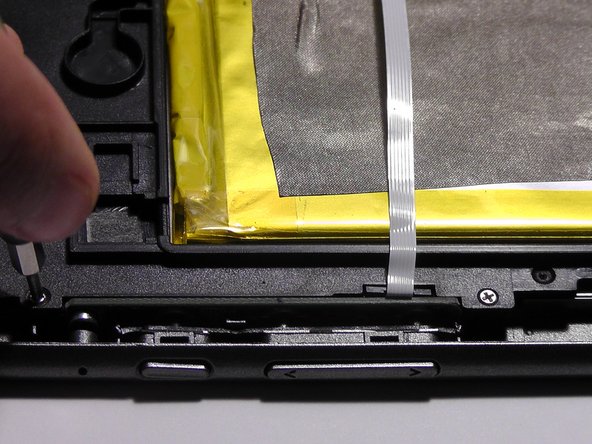
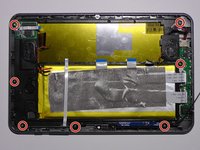
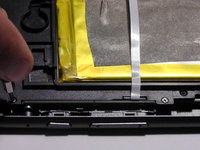
      • Remove the screws with a J000 screwdriver

      • All screws that require the same step are marked in the first photo.

      询问修复机器人

      添加评论

    2. Neo3Do Battery & LED screen Replacement: 步骤 17 中的图像 1,2 Neo3Do Battery & LED screen Replacement: 步骤 17 中的图像 2,2
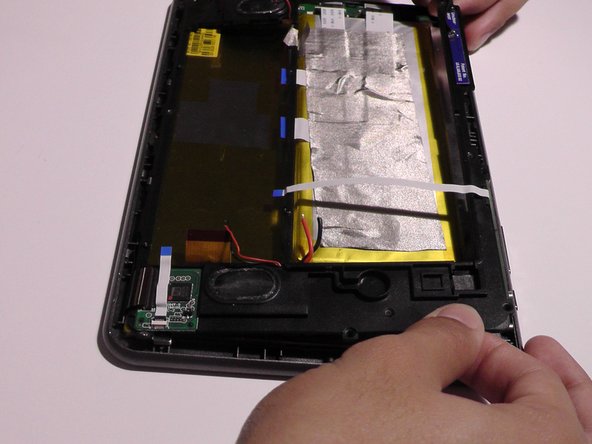
      • Use the plastic removal tool to remove the plastic frame.

      询问修复机器人

      添加评论

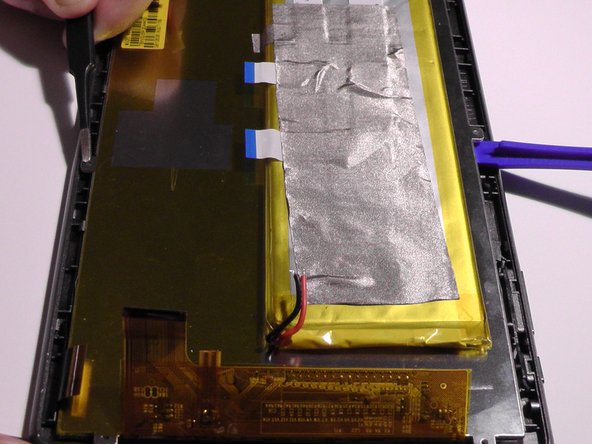
    3. Neo3Do Battery & LED screen Replacement: 步骤 18 中的图像 1,3 Neo3Do Battery & LED screen Replacement: 步骤 18 中的图像 2,3 Neo3Do Battery & LED screen Replacement: 步骤 18 中的图像 3,3
      在这个步骤中使用的工具:
      Tweezers
      $4.99
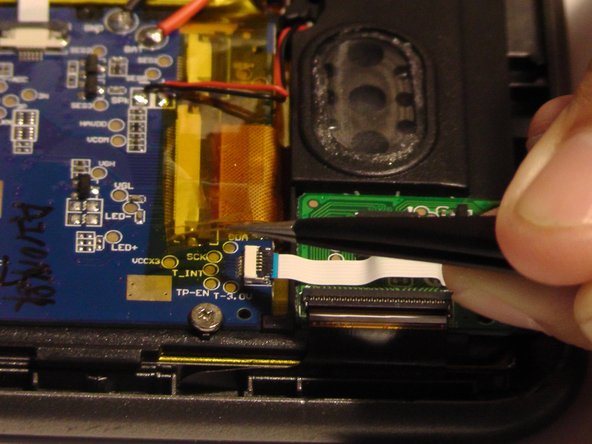
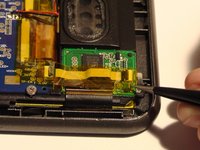
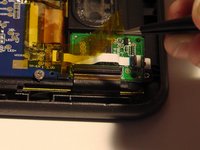
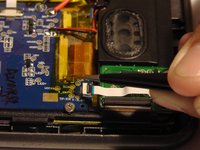
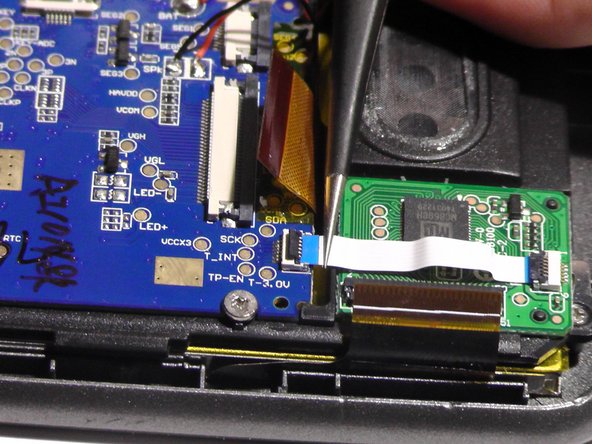
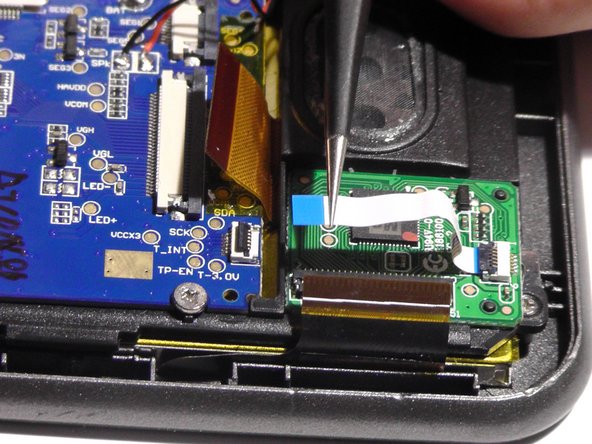
      • Using the plastic removal tool, lift the LED screen from the battery side, and use the tweezers to help lift the LED screen upwards.

      询问修复机器人

      添加评论

结论

To reassemble your device, follow these instructions in reverse order.

取消:我没有完成这个指南。

作者

与

Daniel Evans

于09/26/16注册

431 声望

创作了4篇指南

团队

USF Tampa, Team 14-3, Eyestone Fall 2016 USF Tampa, Team 14-3, Eyestone Fall 2016 的会员

USFT-EYESTONE-F16S14G3

3 名成员

创作了72篇指南

1指南评论

Do you have a source for Neo3DO Digitizer replacement.

Chris - 回复 分享

添加评论

浏览统计数据:

过去 24 小时: 4

过去 7 天: 32

过去 30 天: 87

总计 819