简介
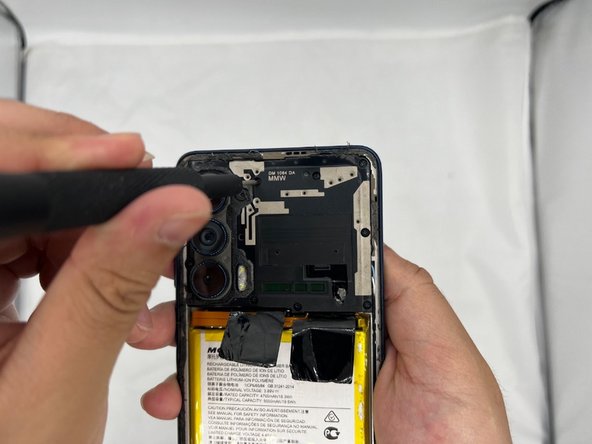
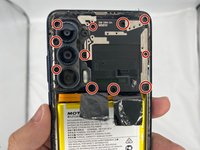
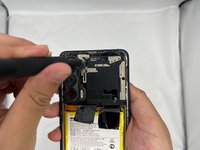
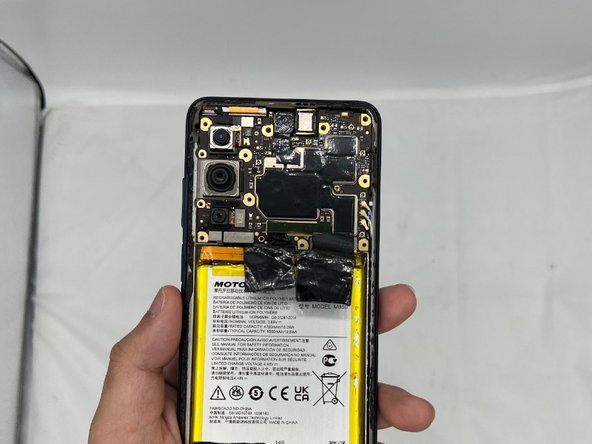
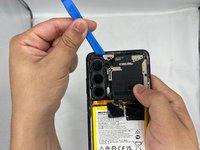
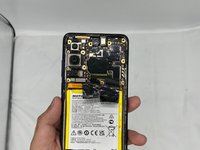
This guide demonstrates how to properly remove the camera module attached to the motherboard casing in the back of your Motorola Edge (2021) phone. This module is responsible for protecting the camera like a case. This replacement may be needed if the phone falls and happens to crack the camera module.
你所需要的
-
-
Use the iFixit iOpeners to heat the back of the phone by placing them vertically along the sides. This will weaken the glue so it opens easier.
-



结论
To reassemble your device, follow these instructions in reverse order.


团队

University of North Texas, Team 4-2, Harold Spring 2024 University of North Texas, Team 4-2, Harold Spring 2024 的会员
UNT-HAROLD-S24S4G2
4 名成员
创作了3篇指南
