跳转到主内容
加入维修社区 - 创建账户

Moto Z Display Replacement

已存档的指南
本指南只作为历史记录保留。请使用指南的最新版本来进行维修。

你所需要的

  1. Moto Z Display Replacement, Display: 步骤 1 中的图像 1,2 Moto Z Display Replacement, Display: 步骤 1 中的图像 2,2
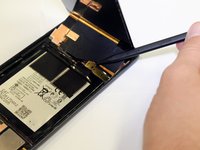
    • Position the opening tool under the lid of the screen.

    • Slide the opening tool around the edge of the screen to loosen the adhesive.

  2. Moto Z Display Replacement: 步骤 2 中的图像 1,1
    • Lift the screen off the body from the top.

  3. Moto Z Display Replacement: 步骤 3 中的图像 1,2 Moto Z Display Replacement: 步骤 3 中的图像 2,2
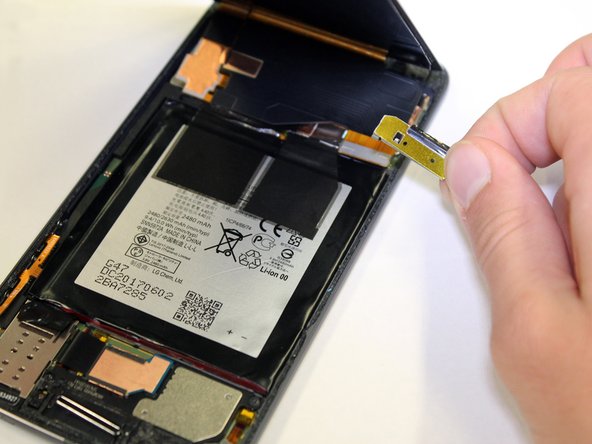
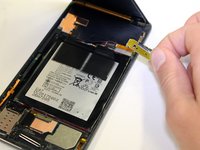
    • To disconnect the screen from the body, stick the spudger under one of the corners of the gold tab.

    • Lift up, removing the tab from the device.

  4. Moto Z Display Replacement: 步骤 4 中的图像 1,1
    • Pull the screen up to fully remove it.

结论

To reassemble your device, follow these instructions in reverse order.

2等其他人完成本指南。

Miriam Lam

于01/24/18注册

1,188 声望

创作了5篇指南

团队

Cal Poly, Team S2-G2, Livingston Winter 2018 Cal Poly, Team S2-G2, Livingston Winter 2018 的会员

CPSU-LIVINGSTON-W18S2G2

4 名成员

创作了9篇指南

0指南评论

添加评论

浏览统计数据:

过去 24 小时: 0

过去 7 天: 1

过去 30 天: 2

总计 217