简介
If the microswitches in your Mayflash Arcade Stick F300 are broken or damaged, use this guide to replace them.
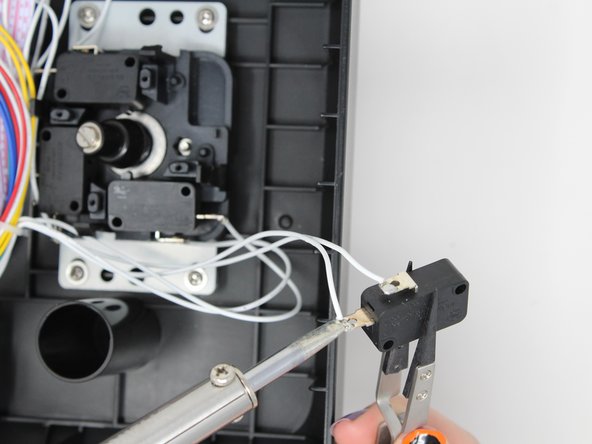
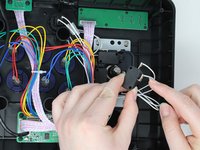
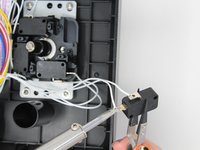
Each direction (up, down, left, right) in the joystick corresponds to a microswitch. When the joystick is moved, it physically presses the associated microswitch, closing its circuit and signaling to the console the direction.
Because each microswitch corresponds to a different direction, make sure you are replacing the correct microswitch, and be careful to keep track of the wires to ensure everything is reconnected properly.
你所需要的
-
-
Flip the controller upside down so that the metal panel is facing you.
-
Remove the six 11 mm screws securing the metal panel using a Phillips #2 screwdriver.
-
Once all screws are removed, lift off the panel.
-
-
-
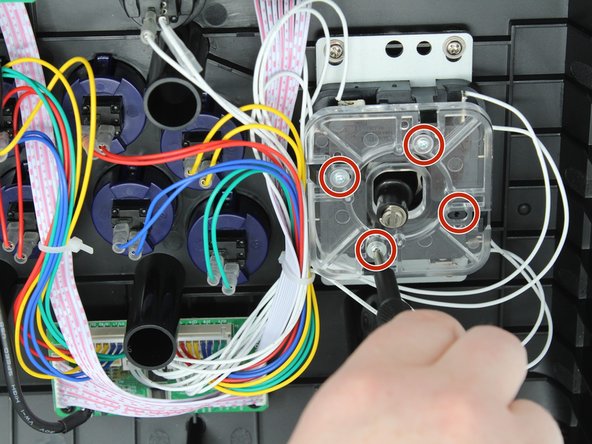
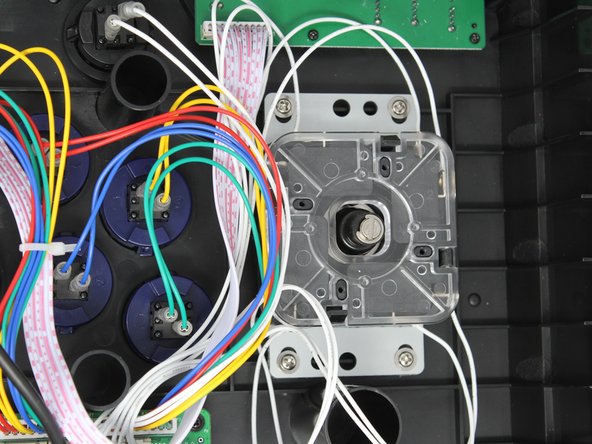
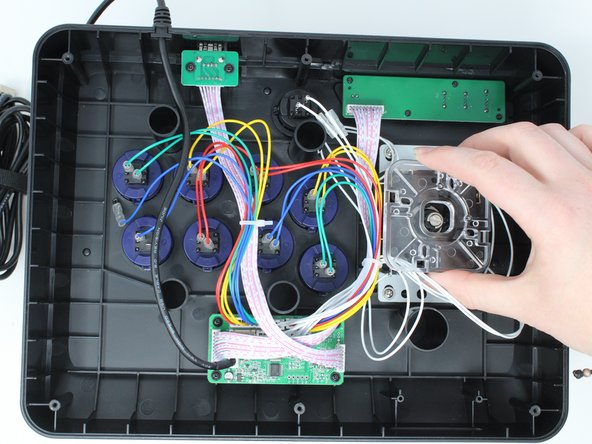
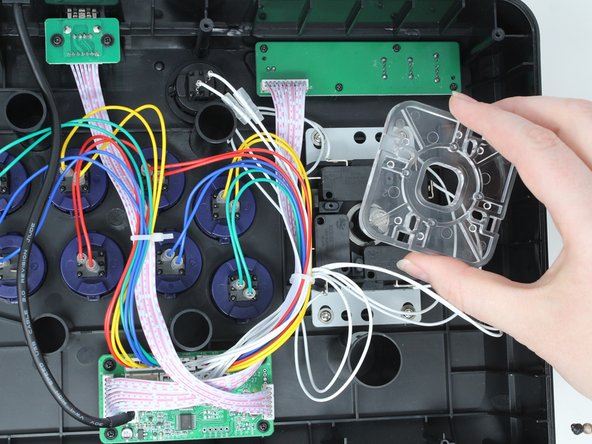
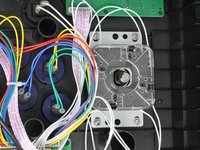
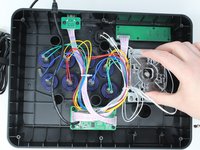
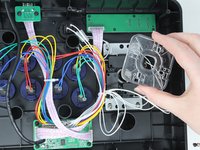
Remove the four 9 mm truss head screws fastening the clear plastic square joystick gate to the casing underneath using a Phillips #1 screwdriver.
-
-





To reassemble your device, follow these instructions in reverse order.
另外一个人完成了本指南。

团队

Utah Tech University, Team 1-4, Crenshaw Fall 2024 Utah Tech University, Team 1-4, Crenshaw Fall 2024 的会员
UTAHTECH-CRENSHAW-F24S1G4
3 名成员
创作了6篇指南
