简介
该指南帮助您更换散热器。该维修需要移除主板和涂抹散热硅脂。
你所需要的


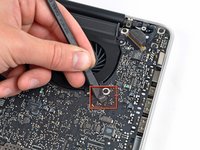
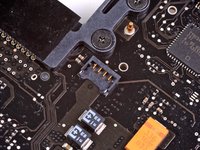
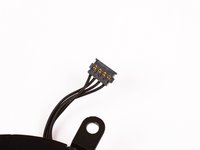


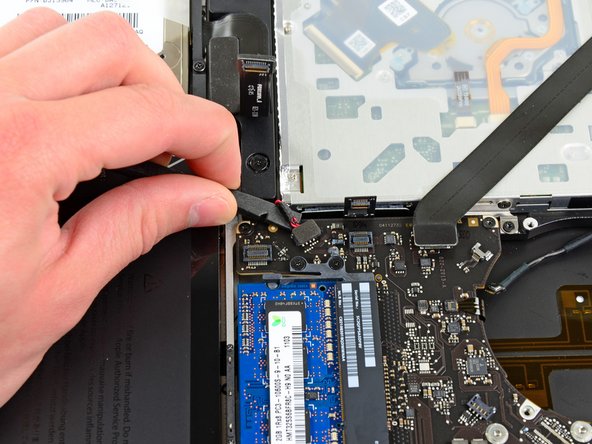


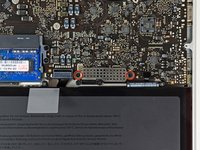
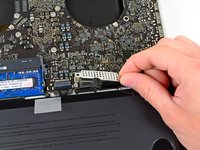


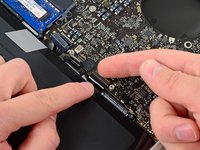
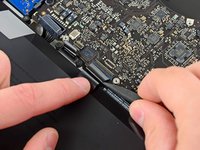


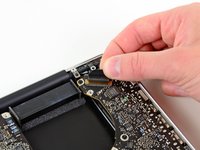
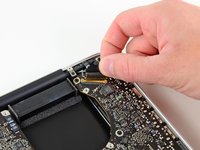


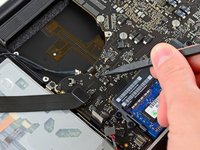
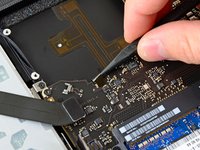


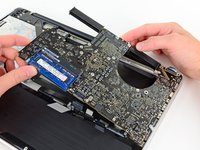
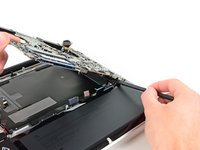
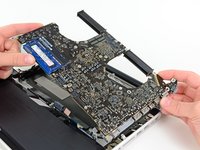


反向跟随教程即可重新安装您的设备。
45等其他人完成本指南。





3指南评论
There is a wire under the logicboard that seems impossible due too short to reconnect to the logicboard. This wire comes from the keyboard side case. Is anyone with my sane problem? How dis you resolve it? Tks in advance for your help! https://s29.postimg.org/qakuiofxj/IMG_16...
I have upgraded Mac Pros a few times doing the CPU upgrade on 2009 5,1 and 2010 dual CPUs but this looks really tough. My mid 2012 macbook pro runs hot like 98c when under full load. I would like to replace the thermal paste but this looks like its just too risky. NIce job though on the Fixit post.
Why do you think it’s too risky to change the thermal paste? You actually don’t need to do all those steps to just change the paste, and it’s as easy as wiping the old clean with an alcohol wipe and applying a pee-size amount on the side of the heatsink covering your CPU and voilà. It’s actually much easier to do than removing the entirety of the heatsink, as shown here, which you only need to do to replace the heatsink itself (which difficulty is such that I highly doubt it’s worthing it; just changing the paste will make a big difference). This video will shot you how to only replace the paste without having to remove the entire heatsink, nor remove the motherboard from the aluminium casing itself : https://www.youtube.com/watch?v=sOkmmpba...

