简介
要获得相对简单的性能提升,可以更换2018款Mac Mini中的现有内存条。 该过程与2010 - 2012年Mac Mini型号非常相似。 使用8GB,16GB或32GB DDR4-2666 SODIMM 内存条的任意组合,可以安装高达64GB的内存。
感谢那些在macrumours论坛上将内容上传到此主题的人,其中一些我在本指南中重用了这些内容:https://forums.macrumors.com/threads/is-...
你所需要的
视频概述
-
-
-
取下内存条两侧的橡胶固定件。
-
按下内存条两端的弹簧夹。 然后内存条将“弹出”,然后您可以将其移除。
-
将新内存条与插槽成一定角度插入到位,然后向下将其按回弹簧夹中直至听到令人满足的“咔哒”声。
-


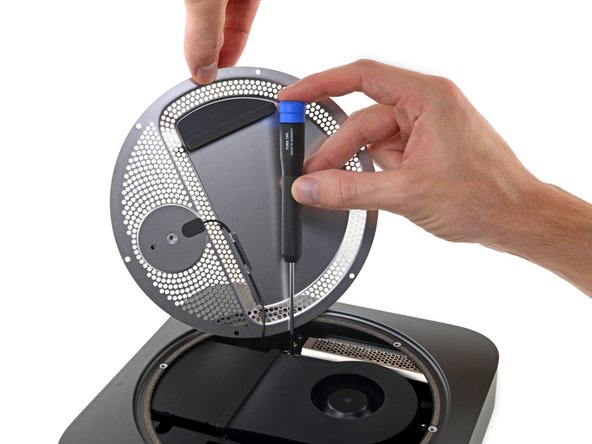


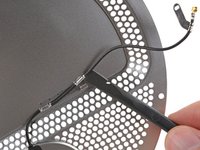


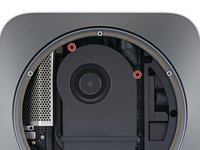
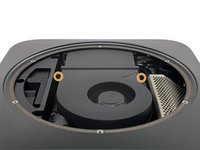


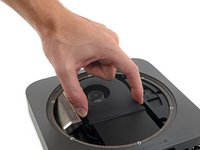
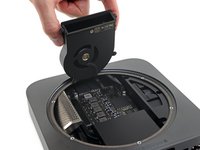


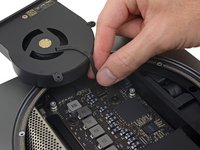
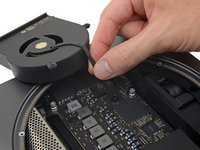


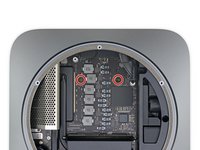
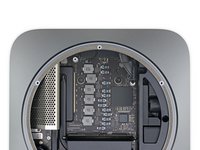


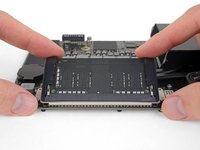
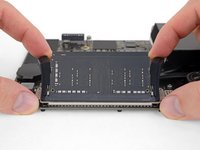


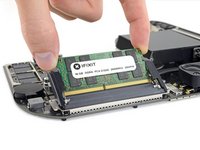
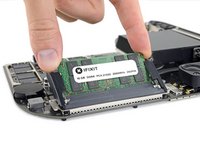
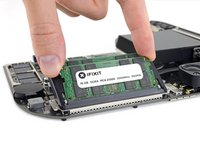


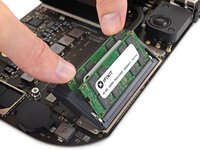
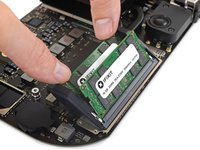
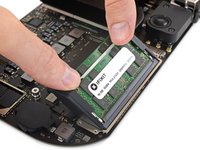
“要重新组装你的设备,请按照以上指南相反的步骤。”
将你的电子废弃物交给专业人员处理 R2 or e-Stewards certified recycler。
维修进程没有按照计划实施?看一看我们的论坛来寻求答案。Answers community
395等其他人完成本指南。


152指南评论
No, the CPU is soldered to the logic board.
https://www.youtube.com/watch?v=2UrSLnnM... complete RAM upgrade video
Looks like the SSD is replaceable as well. Any idea on what kind of standard it follows?
looks like soldered to me. either way, with that T2 chip on board one shall not pass through…
