跳转到主内容

Logitech M325 Scroll Wheel Replacement

你所需要的

  1. Logitech M325 Scroll Wheel Replacement, Scroll Wheel: 步骤 1 中的图像 1,1
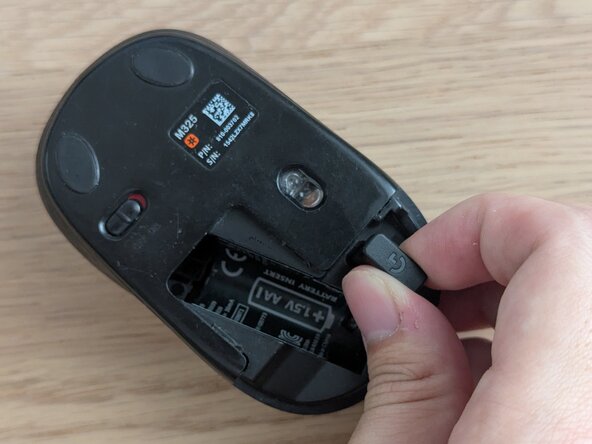
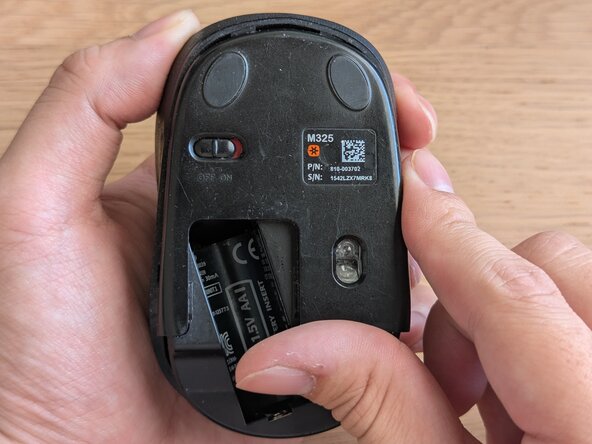
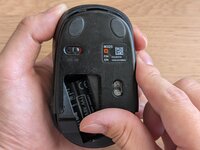
    • Caution: Before you begin, ensure that the mouse is powered off (red color displayed on the switch). The switch can be found at the bottom of the mouse.

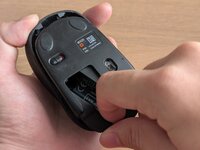
    • Remove the battery cover from the bottom of the mouse by sliding downwards.

  2. Logitech M325 Scroll Wheel Replacement: 步骤 2 中的图像 1,2 Logitech M325 Scroll Wheel Replacement: 步骤 2 中的图像 2,2
    • Lift out the AA battery.

    • Remove the USB adapter.

  3. Logitech M325 Scroll Wheel Replacement: 步骤 3 中的图像 1,1
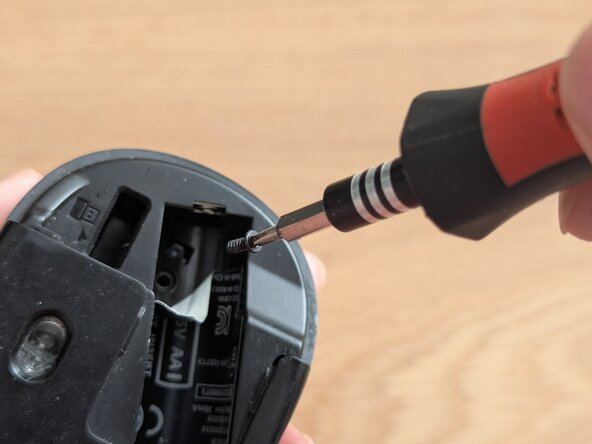
    • Peel off the sticker in the battery compartment to reveal the screw underneath.

  4. Logitech M325 Scroll Wheel Replacement: 步骤 4 中的图像 1,2 Logitech M325 Scroll Wheel Replacement: 步骤 4 中的图像 2,2
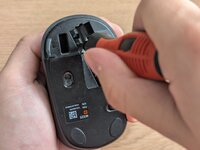
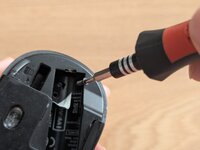
    • Use a Phillips #0 screwdriver to remove the 5 mm screw in the battery compartment.

  5. Logitech M325 Scroll Wheel Replacement: 步骤 5 中的图像 1,2 Logitech M325 Scroll Wheel Replacement: 步骤 5 中的图像 2,2
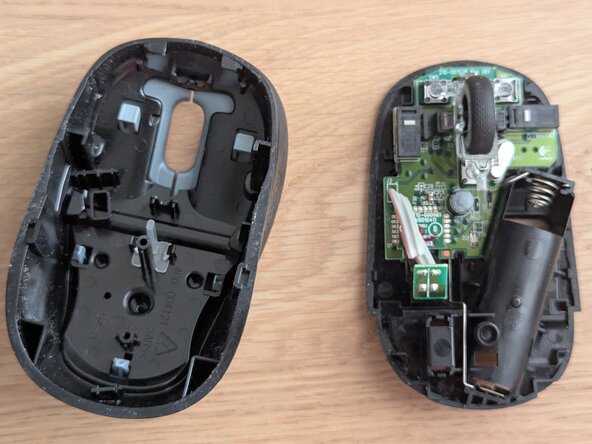
    • Slide the lower case downwards and separate the top case from the main mouse body by lifting it off.

  6. Logitech M325 Scroll Wheel Replacement: 步骤 6 中的图像 1,2 Logitech M325 Scroll Wheel Replacement: 步骤 6 中的图像 2,2
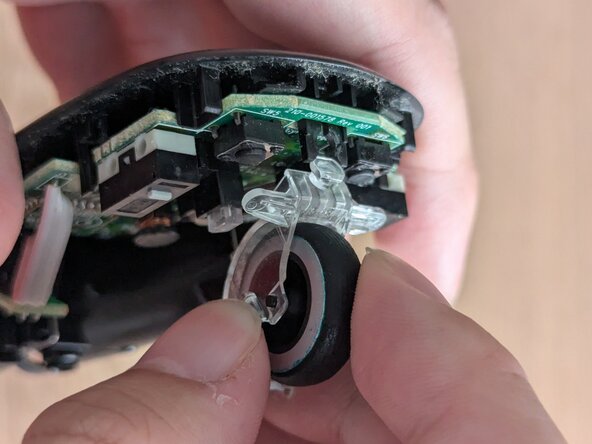
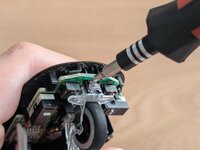
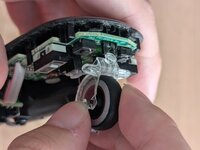
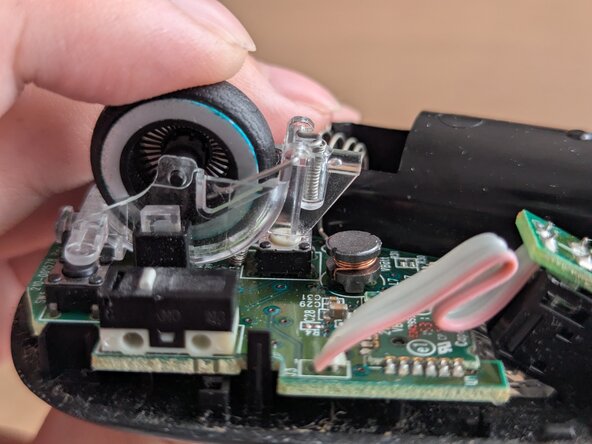
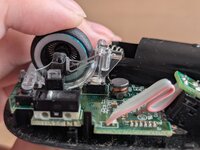
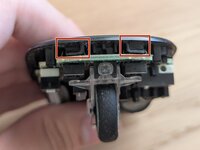
    • Use a pry tool to unclip the scroll wheel from the PCB by pushing the clip out of the holder.

    • Remove the scroll wheel by lifting it up.

  7. Logitech M325 Scroll Wheel Replacement: 步骤 7 中的图像 1,2 Logitech M325 Scroll Wheel Replacement: 步骤 7 中的图像 2,2
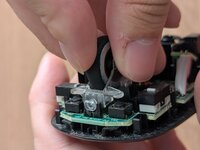
    • Align the replacement in the same position as the old scroll wheel.

    • Push down and clip in the scroll wheel.

  8. Logitech M325 Scroll Wheel Replacement: 步骤 8 中的图像 1,3 Logitech M325 Scroll Wheel Replacement: 步骤 8 中的图像 2,3 Logitech M325 Scroll Wheel Replacement: 步骤 8 中的图像 3,3
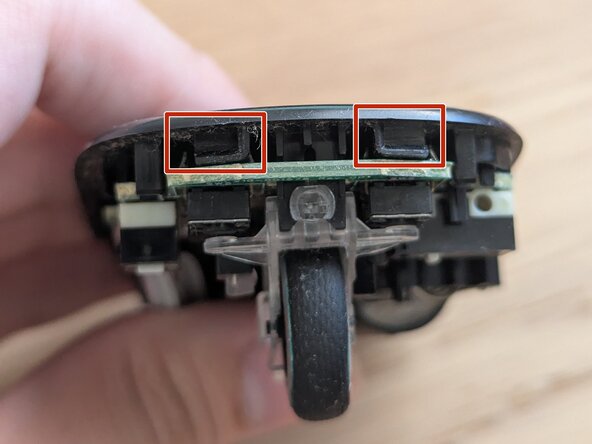
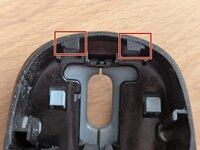
    • Align the top housing clips with the mouse body clip openings.

    • Slide top housing back onto mouse by pushing it in.

结论

To reassemble your device, follow steps 1-4 in reverse order.

另外一个人完成了本指南。

mykayat_YU

于01/09/25注册

157 声望

撰写一个指南

团队

0指南评论

添加评论

浏览统计数据:

过去 24 小时: 1

过去 7 天: 10

过去 30 天: 33

总计 343