简介
Use this guide to replace the scroll wheel in your Logitech G502 Hero wired gaming mouse.
If you're having scrolling problems such as jumping, skipping or slow response, or if your scroll wheel feels damaged and is "scratchy", it may be time to replace the it.
你所需要的
-
-
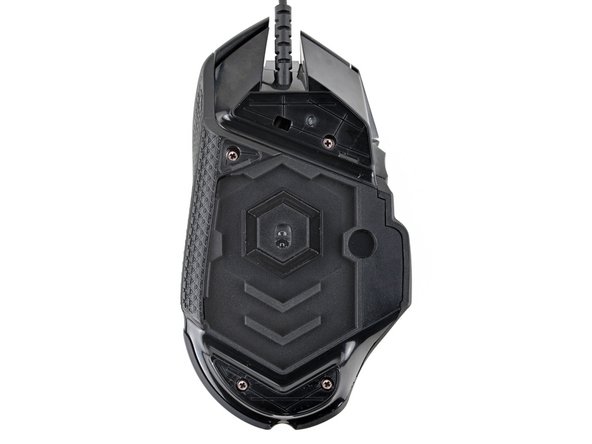
Heat an iOpener and lay it on the mouse feet for one minute to heat the adhesive.
-
-
-
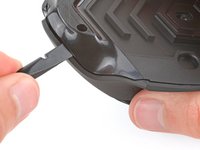
Use a spudger to carefully scrape up and remove any remaining adhesive bits.
-
Use isopropyl alcohol and a microfiber cloth to thoroughly clean all adhesive residue from the foot recesses. Allow the surface to completely dry.
-
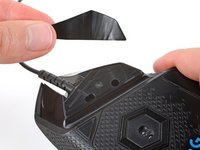
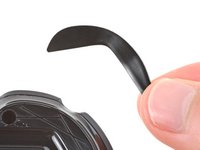
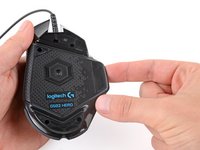
Remove the feet from their backing and firmly press them into place.
-
-
-
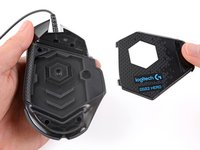
Lift the weight door by its tab and remove it.
-
If you have weights in the compartment, remove them.
-
-
-
-
Lift the top shell straight up and remove it, making sure the main mouse cable stays attached to the bottom shell.
-
-
-
Gently lift the side buttons board straight up and out of its slot.
-
-
-
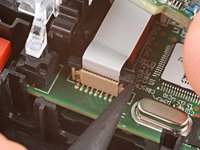
Gently pull the board straight up so the cable comes out of its socket.
-
Insert the cable into its socket so the blue tab is on the same side as the connector's latch.
-
Use the flat end of a spudger to push the latch straight down into its locked position.
-
-
-
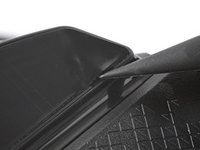
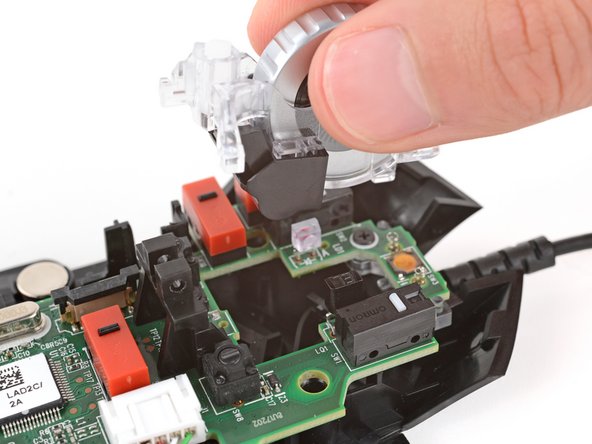
Use the point of a spudger to push out and remove the locking pin from the plastic scroll wheel support in the center of the motherboard.
-


















To reassemble your device, follow these instructions in reverse order.
Take your e-waste to an R2 or e-Stewards certified recycler.
Repair didn’t go as planned? Try some basic troubleshooting, or ask our Answers community for help.
7等其他人完成本指南。



4指南评论
If you're suffering from a stuttery wheel response, be sure to check inside the wheel before you buy a replacement. Mine had a tiny ball of fluff that had formed inside the wheel that was interrupting the sensor, I removed that and it's good as new again. Thanks for the great guide.
Can confirm. I took the wheel out and cleaned the inside and also the clear plastic that it sits in and now it's working normally again.
