跳转到主内容

Logitech Extreme 3D Pro Joystick Trigger Replacement

你所需要的

  1. Logitech Extreme 3D Pro Joystick Trigger  Replacement, Disassembly of the handle: 步骤 1 中的图像 1,1
    • Remove these three Phillips #1 screws:

    • Two 10mm screws.

    • One 7mm screw.

  2. Logitech Extreme 3D Pro Joystick Trigger  Replacement: 步骤 2 中的图像 1,1
    • Using your fingers, lower the rubber boot to reveal two screws underneath the joystick.

    • Remove the two 10mm Phillips #1 screws.

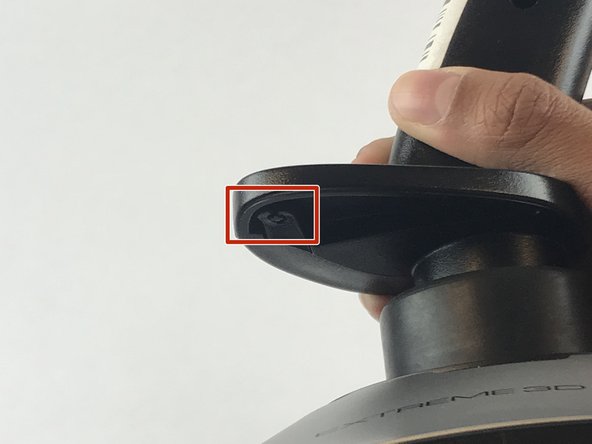
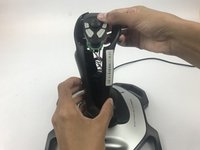
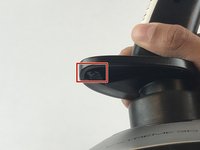
  3. Logitech Extreme 3D Pro Joystick Trigger  Replacement: 步骤 3 中的图像 1,2 Logitech Extreme 3D Pro Joystick Trigger  Replacement: 步骤 3 中的图像 2,2
    • Pull apart the joystick chassis by hand.

    • Release this clip located underneath the hand rest

    • The circuit board will be loose and may fall down.

  4. Logitech Extreme 3D Pro Joystick Trigger  Replacement, Joystick Trigger: 步骤 4 中的图像 1,1
    • Remove the plastic trigger from the joystick.

结论

To reassemble your device, follow these instructions in reverse order.

另外一个人完成了本指南。

Emanuel Canela

于01/25/18注册

1,369 声望

创作了7篇指南

团队

USF Tampa, Team S7-G1, Passmore Spring 2018 USF Tampa, Team S7-G1, Passmore Spring 2018 的会员

USFT-PASSMORE-S18S7G1

4 名成员

创作了7篇指南

0指南评论

添加评论

浏览统计数据:

过去 24 小时: 0

过去 7 天: 3

过去 30 天: 11

总计 1,746