简介
A working LCD screen should properly display bright, clear images and colors on screen using electrical current to control liquid crystals that control the amount of light passing through from a backlight.
If your Lenovo ThinkPad L390's LCD screen is not working you may see common symptoms such as fading colors, black spots and/or black lines appearing on the LCD screen, distorted images, or have a flickering screen. If you are experiencing these symptoms with your Lenovo ThinkPad L390, look into replacing its LCD screen using these guide steps bellow.
This guide instructs you on how to detach the LCD screen from the Lenovo ThinkPad L390. If your display is shattered, follow this guide to reinforce your screen to avoid injury until you replace the display.
Note:
- Before beginning this guide, make sure to power off your laptop completely and disconnect from any external power source.
- When following the steps of this guide keep in mind that the cover and connection cables may break if mishandled, so be cautious in order to not to damage your device.
你所需要的
-
-
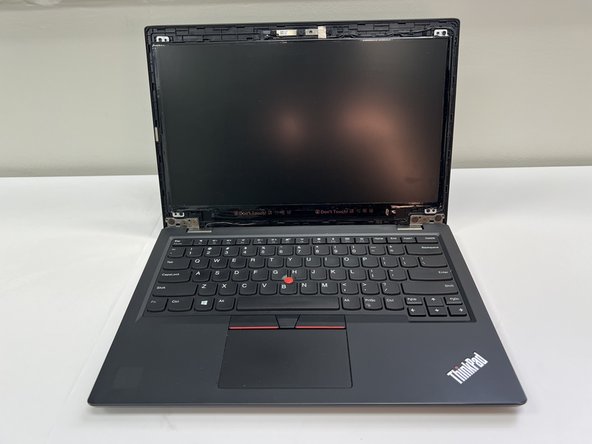
Open up the laptop lid.
-
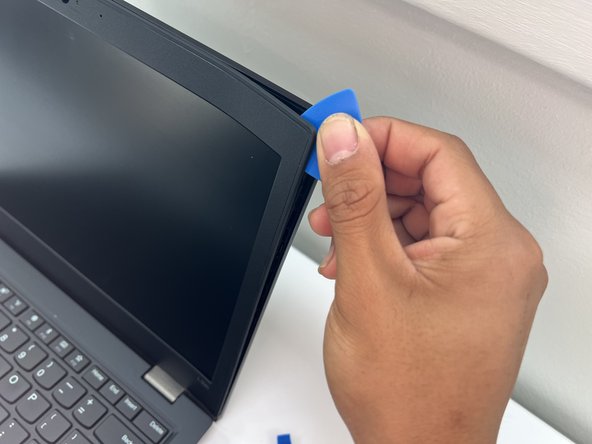
Insert an opening pick under the bezel.
-
Slide the opening pick around the perimeter of the bezel until it fully releases.
-
Remove the bezel.
-
-



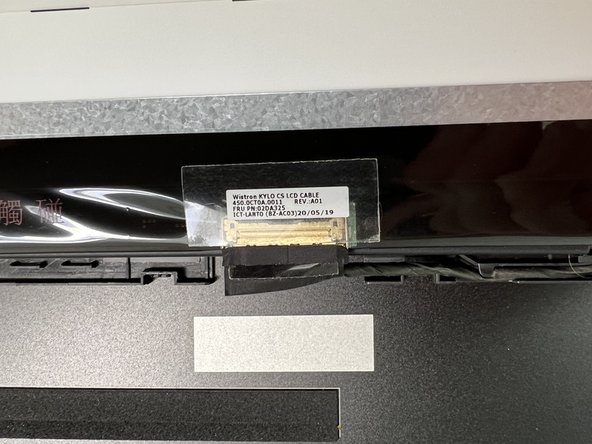
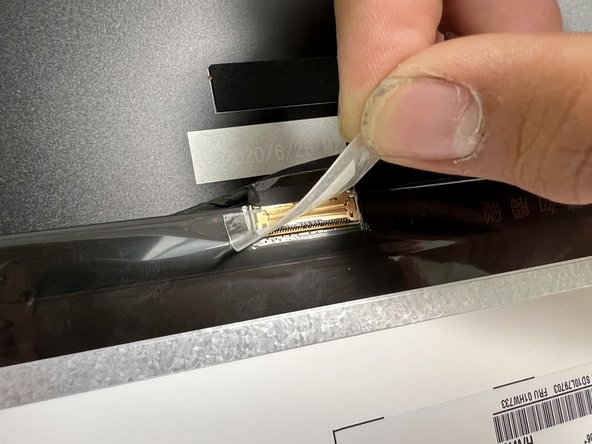
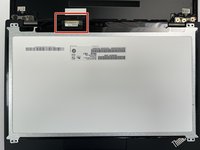
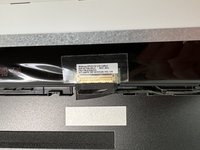
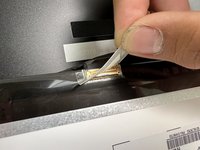

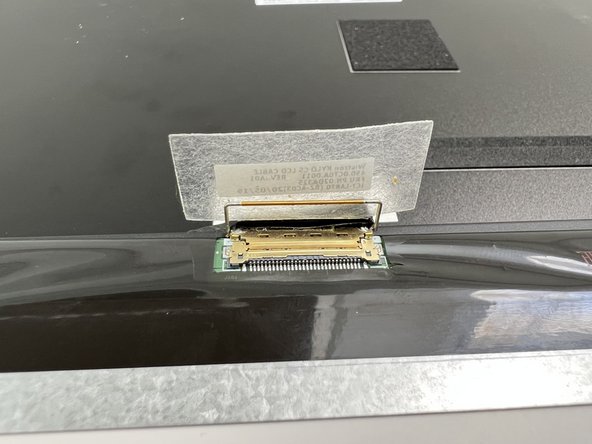
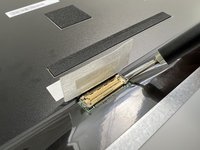
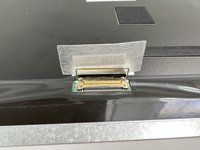

To reassemble your device, follow the above steps in reverse order.
Take your e-waste to an R2 or e-Stewards certified recycler.
3等其他人完成本指南。


团队

University of North Texas, Team 5-4, Kilpatrick Fall 2024 University of North Texas, Team 5-4, Kilpatrick Fall 2024 的会员
UNT-KILPATRICK-F24S5G4
4 名成员
创作了5篇指南
