简介
Use this guide to replace the control panel in your LG front load washing machine.
你所需要的
-
-
Turn off the main water supply
-
Unplug your washer
-
Disconnect all water connections at the rear of your washer
-
-
-
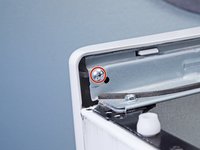
Remove the screw(s) securing the top panel brackets to the back panel.
-
-
-
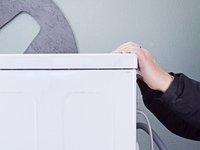
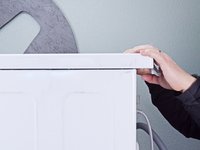
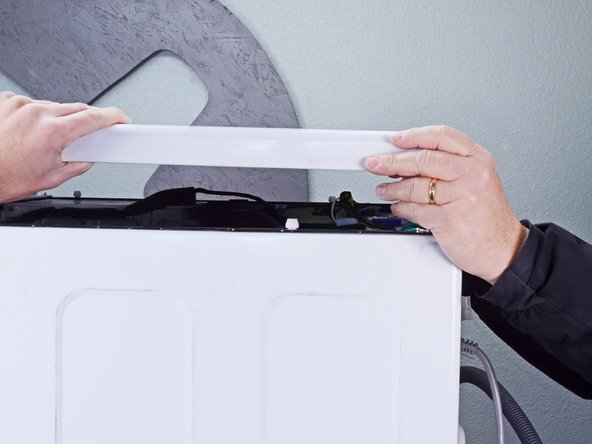
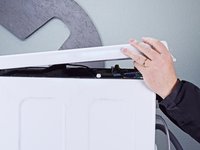
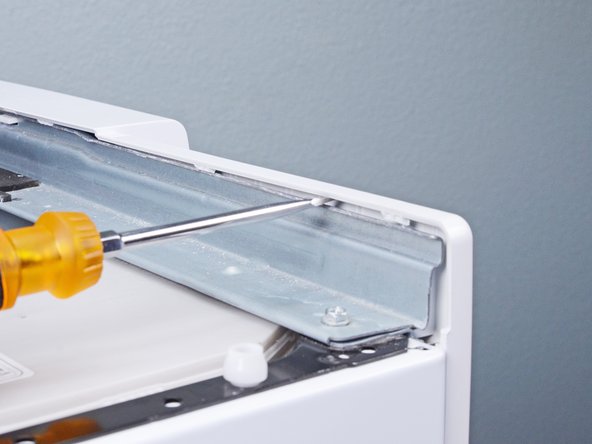
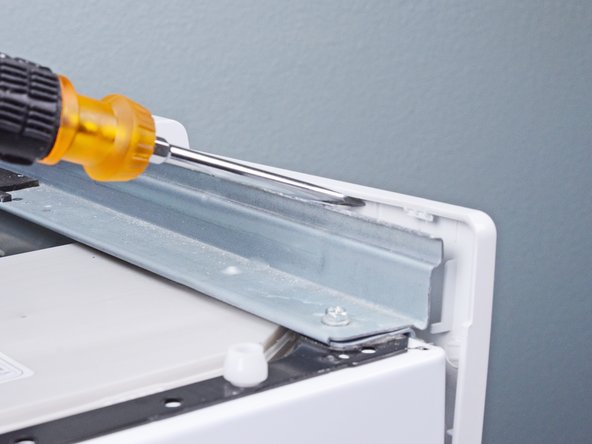
Slide the top panel towards the rear of the device to disconnect its clips.
-
-
-
-
Pull the detergent drawer away from the chassis as far as it will go.
-
-
-
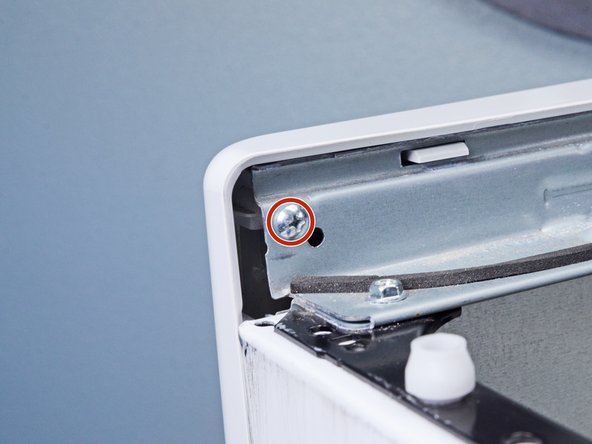
Remove the screw(s) securing the control panel to the top edge of the chassis.
-
-
-
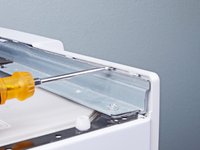
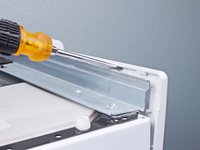
Use a flathead screwdriver, or a pry tool, to unclip the control panel from the chassis.
-
-
-
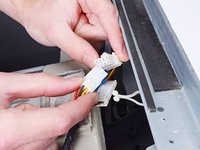
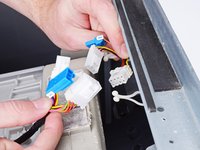
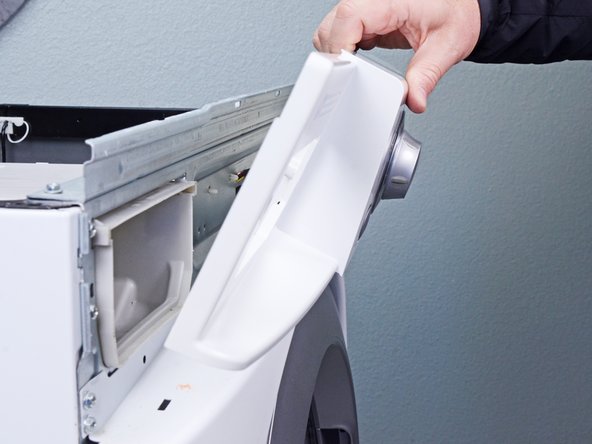
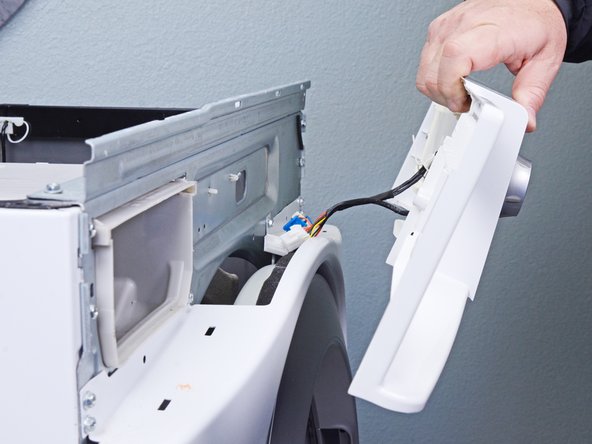
Remove the control panel, making sure to thread any cables through the chassis.
-



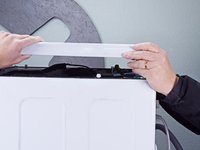


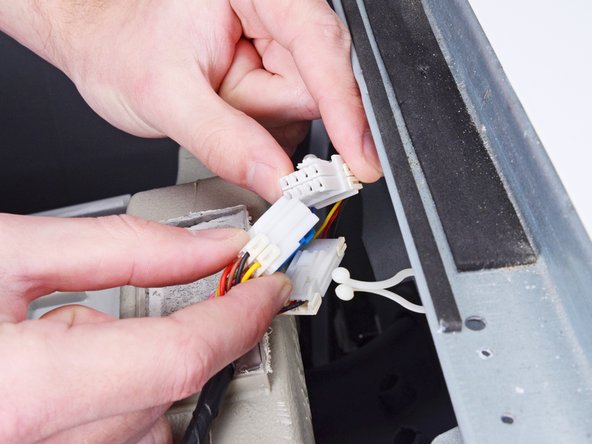
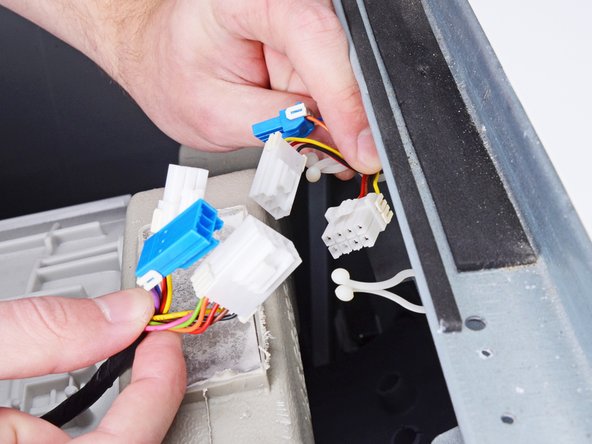




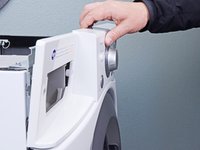
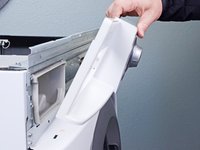
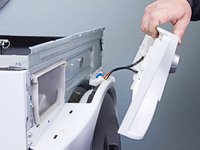
To reassemble your device, follow these instructions in reverse order.



1指南评论
other than replacing the control panel is there ways to repair the machine which just dont switch on
