跳转到主内容
加入维修社区 - 创建账户
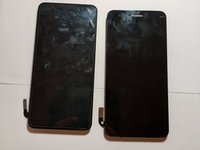
LG Fortune 2 Screen Replacement

你所需要的

  1. LG Fortune 2 Screen Replacement, Screen: 步骤 1 中的图像 1,3 LG Fortune 2 Screen Replacement, Screen: 步骤 1 中的图像 2,3 LG Fortune 2 Screen Replacement, Screen: 步骤 1 中的图像 3,3
    • Use the slit on the bottom left side of the phone to open the back cover using your hand.

    • Use the groove at the bottom of the phone to remove the battery.

    • Remove the battery for safety purposes before moving on to step 2.

  2. LG Fortune 2 Screen Replacement: 步骤 2 中的图像 1,3 LG Fortune 2 Screen Replacement: 步骤 2 中的图像 2,3 LG Fortune 2 Screen Replacement: 步骤 2 中的图像 3,3
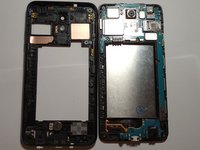
    • Remove the twelve 4 mm screws on the back paneling using a Phillips #000 screwdriver.

  3. LG Fortune 2 Screen Replacement: 步骤 3 中的图像 1,3 LG Fortune 2 Screen Replacement: 步骤 3 中的图像 2,3 LG Fortune 2 Screen Replacement: 步骤 3 中的图像 3,3
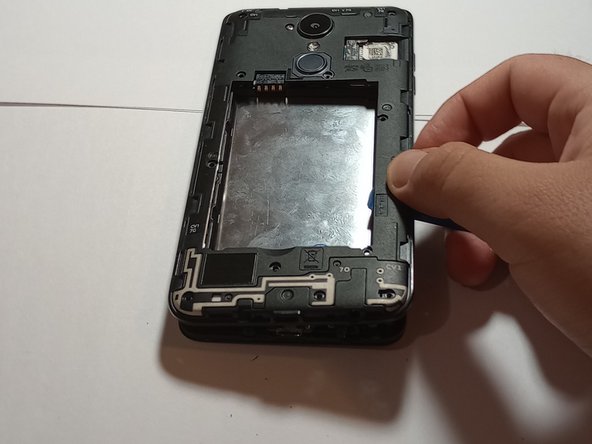
    • Use the plastic opening tool to wedge between the glass screen and midframe.

    • Wedging the glass screen from the midframe will require some force, so be careful not to damage/snap the opening tool, as you will need it for later steps.

    • Make sure all screws are removed prior to this step, as not doing so will make it impossible to wedge the screen from the midframe.

  4. LG Fortune 2 Screen Replacement: 步骤 4 中的图像 1,2 LG Fortune 2 Screen Replacement: 步骤 4 中的图像 2,2
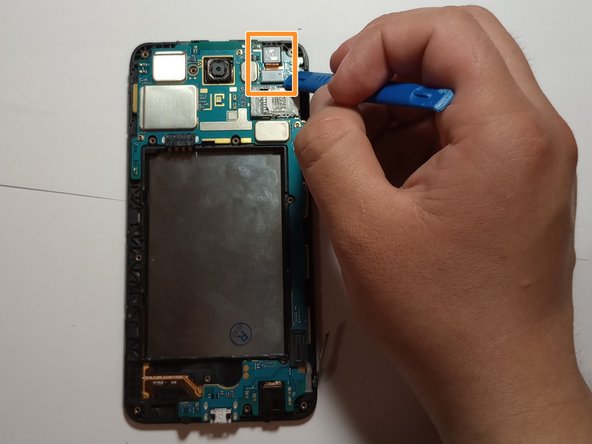
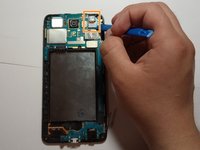
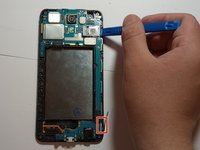
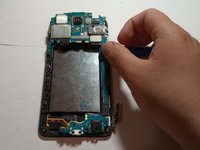
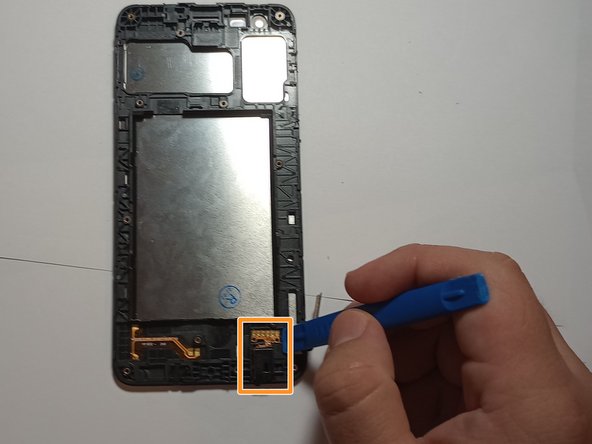
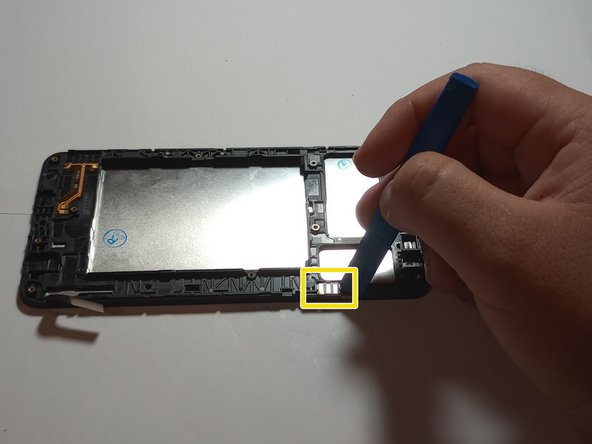
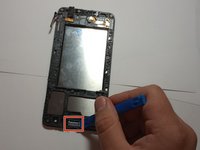
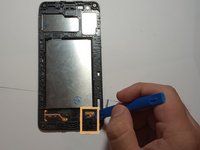
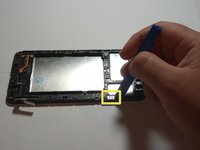
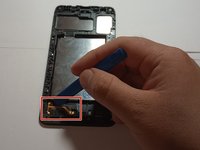
    • Use the plastic opening tool to release the flex cable.

    • Pry off the front camera located above the SIM card slot using the plastic opening tool.

  5. LG Fortune 2 Screen Replacement: 步骤 5 中的图像 1,3 LG Fortune 2 Screen Replacement: 步骤 5 中的图像 2,3 LG Fortune 2 Screen Replacement: 步骤 5 中的图像 3,3
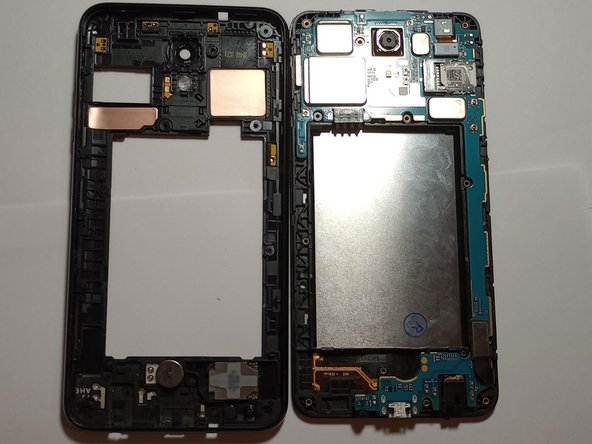
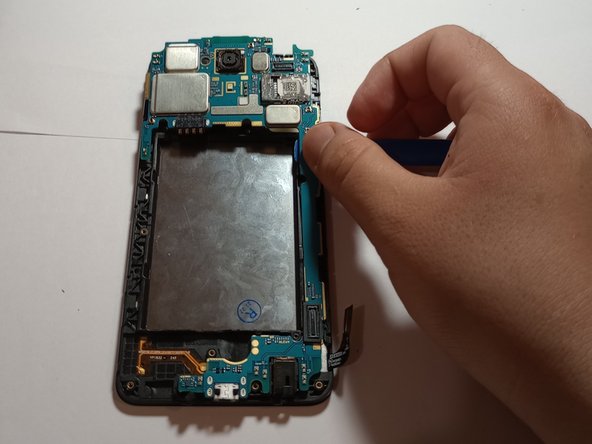
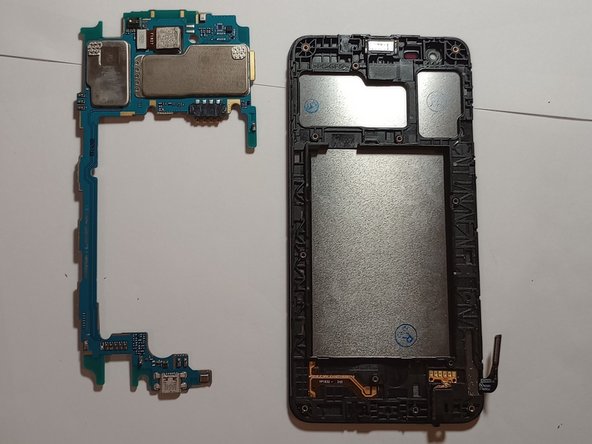
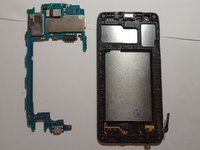
    • Use the plastic opening tool to pry off the motherboard from the rest of the device.

    • Preferably, start from the bottom of the phone as there is more space to wedge the plastic opening tool into.

    • Handle the motherboard with care, as it is the backbone of the device

  6. LG Fortune 2 Screen Replacement: 步骤 6 中的图像 1,3 LG Fortune 2 Screen Replacement: 步骤 6 中的图像 2,3 LG Fortune 2 Screen Replacement: 步骤 6 中的图像 3,3
    • Use the plastic opening tool to remove the ear speaker on the underside of the device.

    • Remove the headphone jack using the plastic opening tool.

    • The headphone jack is protected by a small rubber piece that will need to be removed by scraping it with the prying tool.

    • The headphone jack is covered by a fairly strong adhesive, so extra force may be required. Do not damage the piece.

    • Remove the volume rocker/button on the side of the phone using the plastic opening tool.

  7. LG Fortune 2 Screen Replacement: 步骤 7 中的图像 1,2 LG Fortune 2 Screen Replacement: 步骤 7 中的图像 2,2
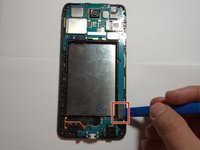
    • Disconnect the loudspeaker antenna on the bottom of the phone using the plastic opening tool.

    • Scrape off the small rubber piece from the antenna.

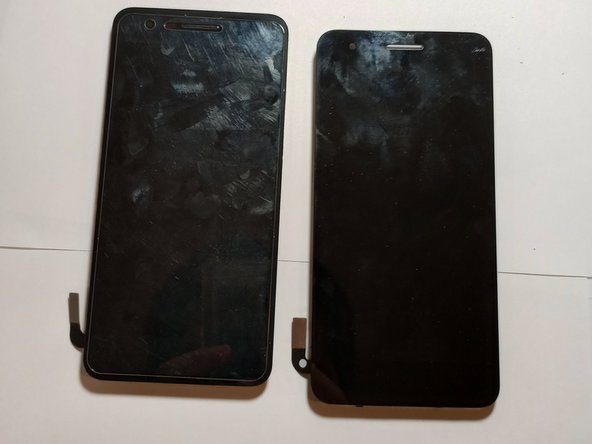
    • Photo 2 shows the new LCD screen replacement with frame.

    • If you order the glass and LCD in one piece without the frame, you will need to remove the previous glass and LCD with some heat around the edges and use the plastic opening tool to wedge between them and the frame.

    • To mitigate screen damage, use a glass screen protector and a cell phone case.

结论

To reassemble your device, follow these instructions in reverse order.

Bryam Ochoa

于01/23/23注册

145 声望

撰写一个指南

团队

CSU Los Angeles, Team D-87, Briggs Spring 2023 CSU Los Angeles, Team D-87, Briggs Spring 2023 的会员

CSULA-BRIGGS-S23SDG87

1 名成员

创作了1篇指南

0指南评论

添加评论

浏览统计数据:

过去 24 小时: 0

过去 7 天: 3

过去 30 天: 24

总计 451