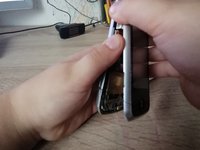
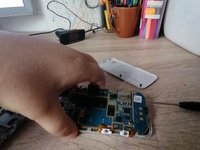
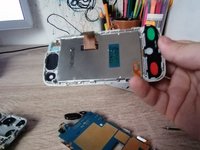
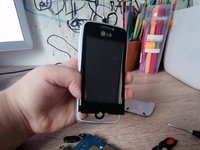
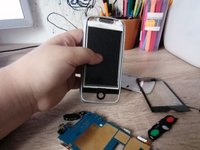
Push up the back panel with both of your thumbs.
While pushing up with both thumbs, be sure to apply gentle pressure in order to unclip the backplate off of the device.
Be careful not to push down too hard or you may crack the backplate or damage the internal components of the device.
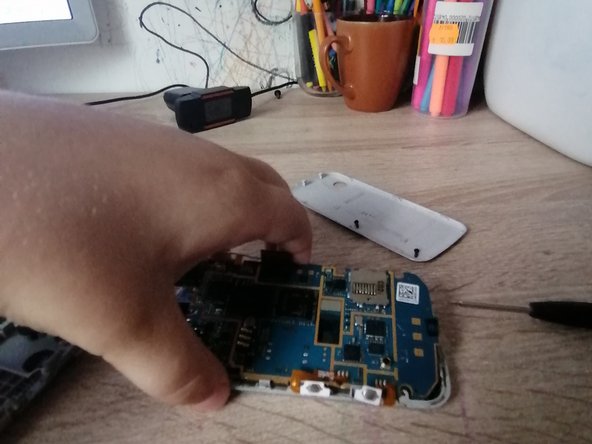
Unscrew all of the visible screws.
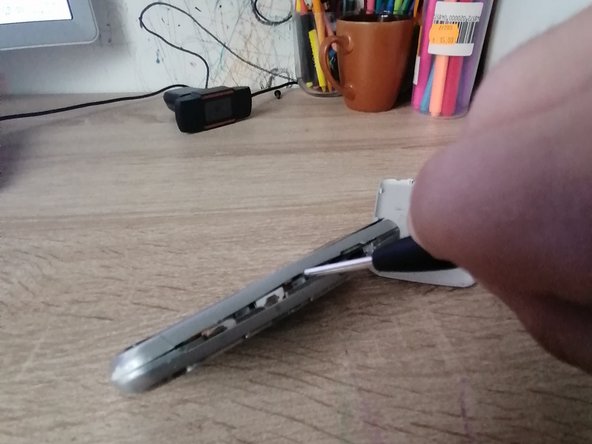
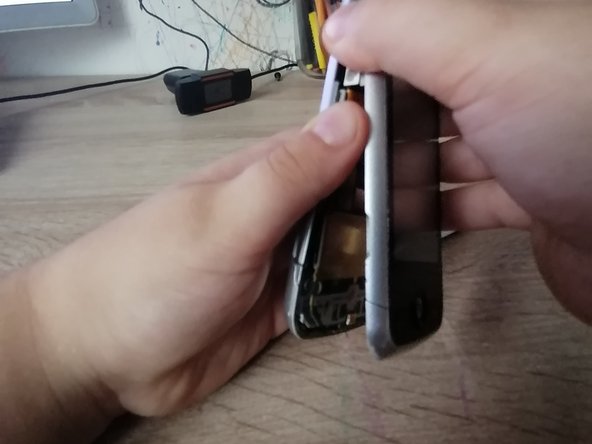
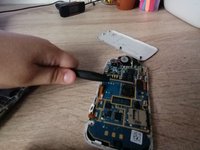
Take a spudger (or something strong but not sharp) to wedge between the device and the backplate.
Be careful when prying open the device, you don't want to damage any clips or wires that are inside.
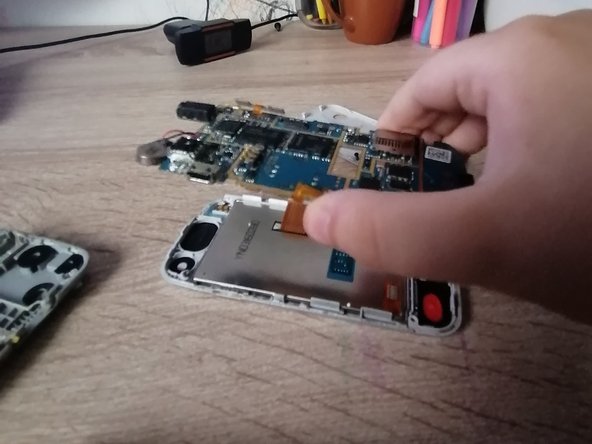
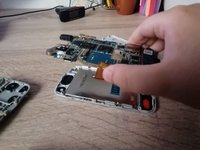
Unplug the cable and lift the motherboard.
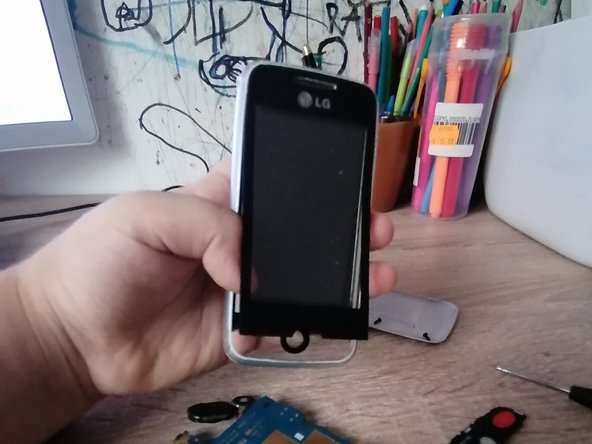
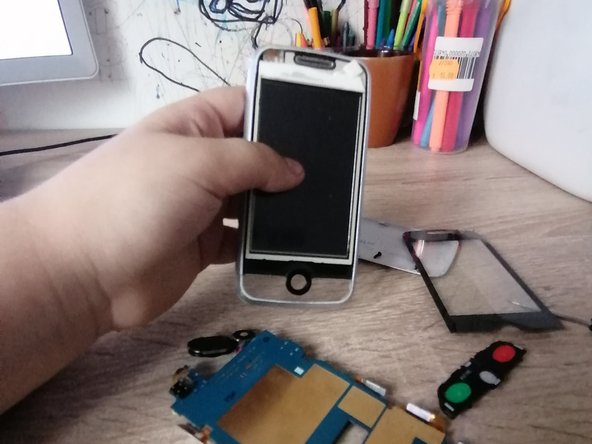
Push the buttons out from the back and peel the front.
To reassemble your device, follow these instructions in reverse order.
取消:我没有完成这个指南。
与1其他贡献者
于05/26/22注册
392 声望
撰写一个指南
徽章: 4
+1个徽章
选择一个尺寸并复制下面的代码,将本指南作为一个小插件嵌入到你的网站/论坛中。
过去 24 小时: 1
过去 7 天: 5
过去 30 天: 15
总计 222