跳转到主内容

LG 305C Touch Screen Assembly Replacement

你所需要的

  1. LG 305C  Touch Screen Assembly Replacement, Battery: 步骤 1 中的图像 1,1
    • Pry open the back case on the device with a plastic opening tool going around the edges of the device to ensure it is taken off with no damage then finally remove it and place it on the side.

  2. LG 305C  Touch Screen Assembly Replacement: 步骤 2 中的图像 1,1
    • Pry the battery out of the device with a plastic opening tool opposite from the plastic pieces keeping it in place and remove it gently in order to ensure that you don’t damage it.

  3. LG 305C  Touch Screen Assembly Replacement, Touch Screen: 步骤 3 中的图像 1,2 LG 305C  Touch Screen Assembly Replacement, Touch Screen: 步骤 3 中的图像 2,2
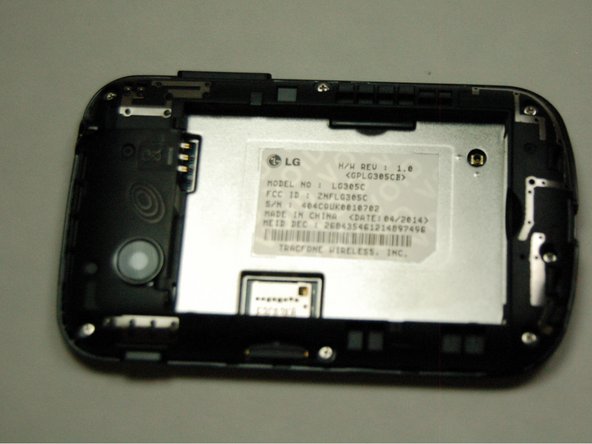
    • Unscrew the back of your device and on the white strip underneath, it should read LG 305C.

    • Note: If it does not read LG305C as the model number, please refer to another guide in order to replace your screen.

  4. LG 305C  Touch Screen Assembly Replacement, SD Card Removal: 步骤 4 中的图像 1,1
  5. LG 305C  Touch Screen Assembly Replacement: 步骤 5 中的图像 1,3 LG 305C  Touch Screen Assembly Replacement: 步骤 5 中的图像 2,3 LG 305C  Touch Screen Assembly Replacement: 步骤 5 中的图像 3,3
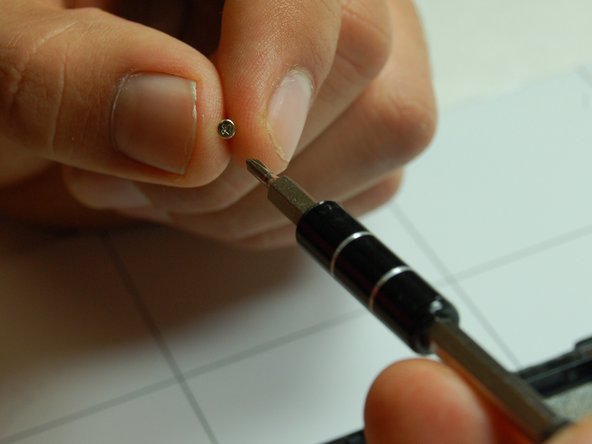
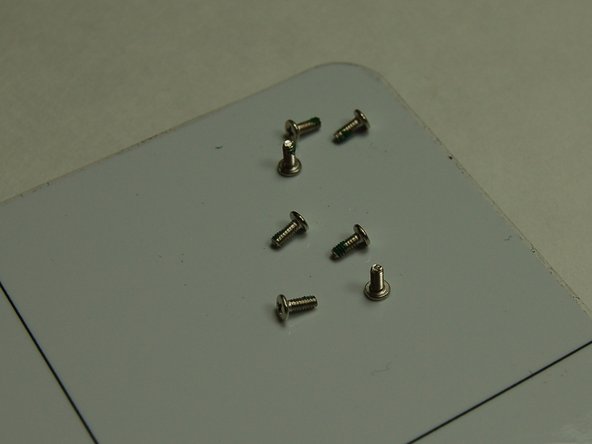
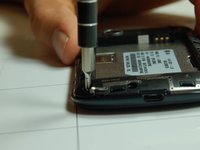
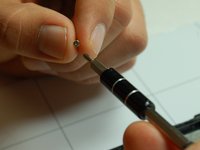
    • Use a Phillips #00 screwdriver to remove the seven screws that are located along the edges of the device.

  6. LG 305C  Touch Screen Assembly Replacement: 步骤 6 中的图像 1,2 LG 305C  Touch Screen Assembly Replacement: 步骤 6 中的图像 2,2
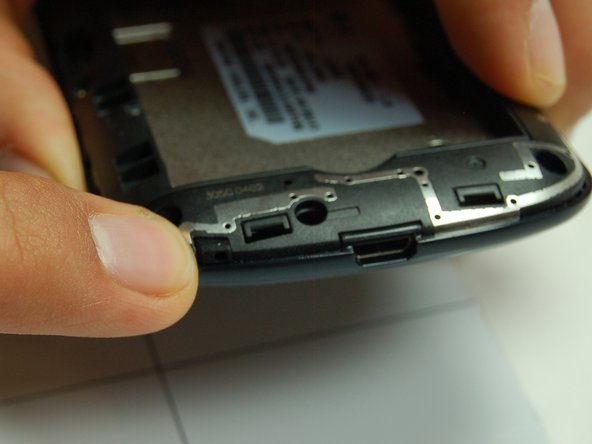
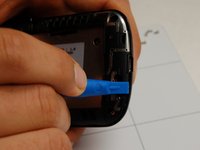
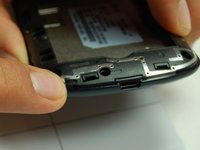
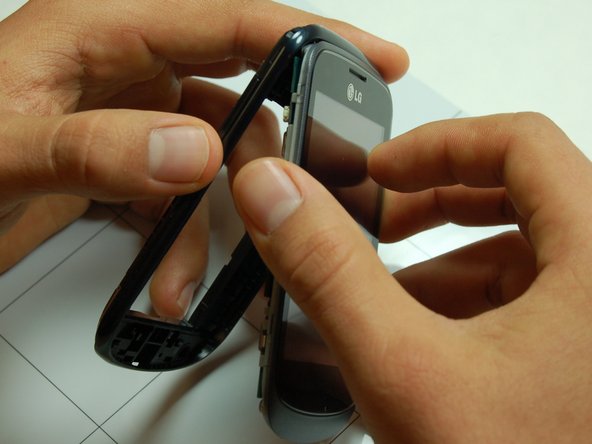
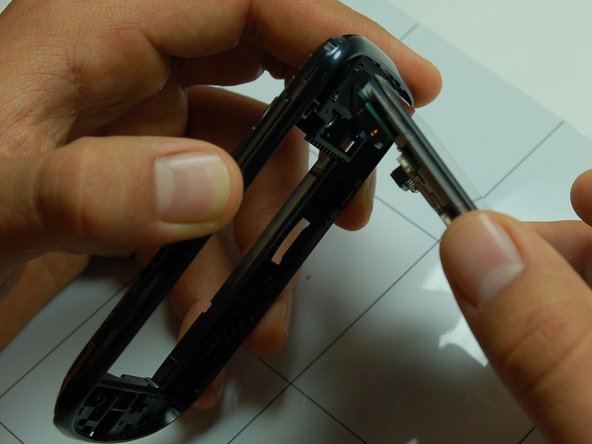
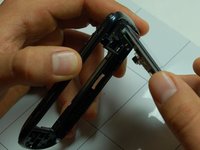
    • Using your plastic pry tool, pry along the edges of plastic side of the screen to loosen and separate the first screen layer.

    • As shown in Picture 2, push in the notch along the edge of the charging port.

  7. LG 305C  Touch Screen Assembly Replacement: 步骤 7 中的图像 1,3 LG 305C  Touch Screen Assembly Replacement: 步骤 7 中的图像 2,3 LG 305C  Touch Screen Assembly Replacement: 步骤 7 中的图像 3,3
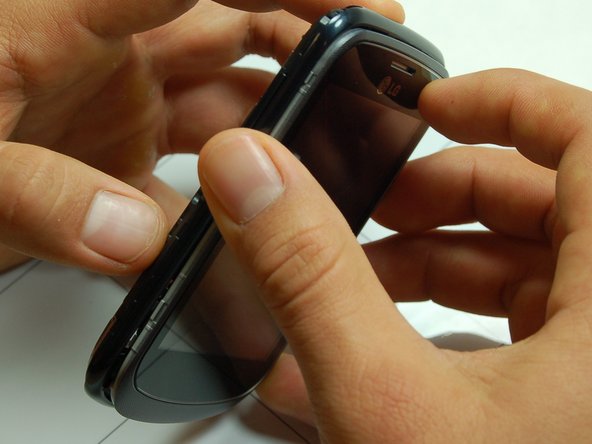
    • Remove the front end of the screen by gently swinging it out from its notched in position as shown.

  8. LG 305C  Touch Screen Assembly Replacement: 步骤 8 中的图像 1,2 LG 305C  Touch Screen Assembly Replacement: 步骤 8 中的图像 2,2
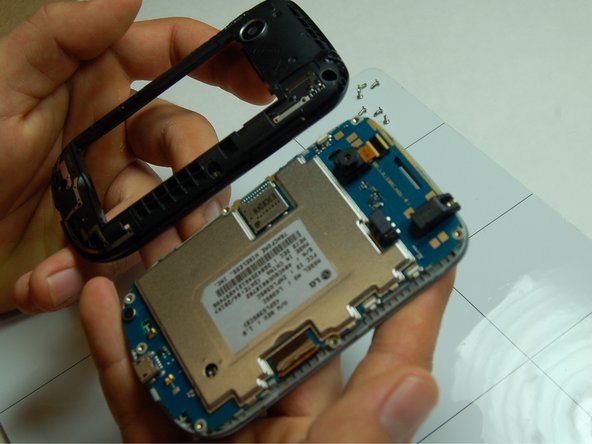
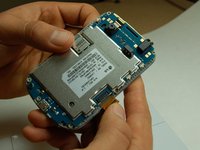
    • Gently pry off the touch screen connection attached to the motherboard with your finger.

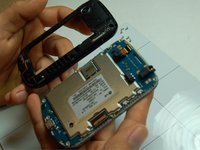
    • Once detached, gently separate the motherboard and plastic screen mold. It should look the same as Picture 2

结论

To reassemble your device, follow the steps in reverse. Take your e-waste to an R2 or e-Stewards certified recycler.

另外一个人完成了本指南。

alex Benitez

于10/24/16注册

124 声望

撰写一个指南

0指南评论

添加评论

浏览统计数据:

过去 24 小时: 0

过去 7 天: 1

过去 30 天: 9

总计 468