简介
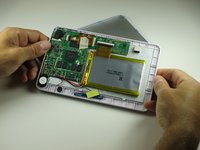
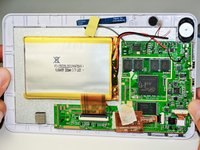
If the power/volume button is stuck, replace it by following these steps. This guide requires the removal of the screen. This takes care, but the steps are easy to carry out.
你所需要的
-
-
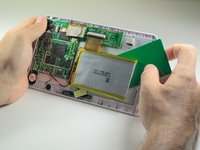
Use a plastic credit card, or other thin object, to separate the battery from the screen.
-
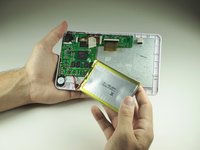
Carefully set the battery aside.
-
-
-
-
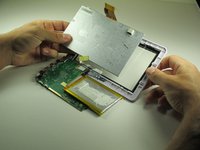
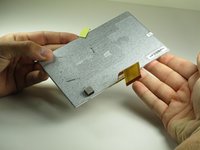
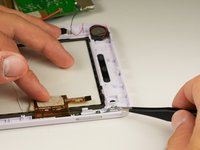
This is tricky, and an extra pair of hands may help. Use the opening tool to pry the screen out from underneath the tabs holding it in place.
-
Once you have created some space between the screen and the cover, slide the opening tool under the screen.
-
Slide the opening tool around the outside of the screen, releasing the tabs as you go along.
-
-
-
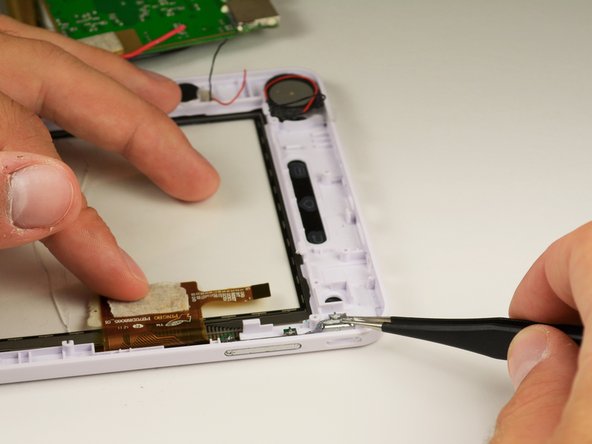
Locate the volume button. It will be located at the corner adjacent to the speaker.
-
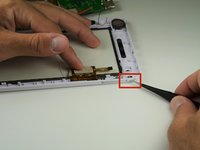
Pull out the detached power key.
-










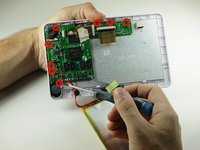
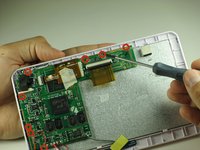


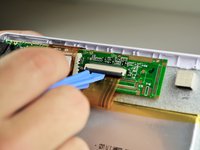
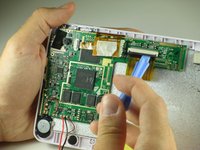
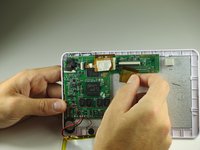


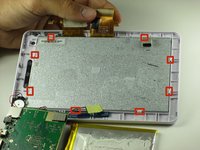
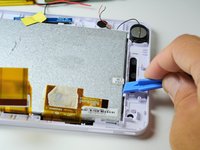
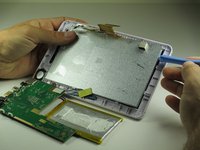





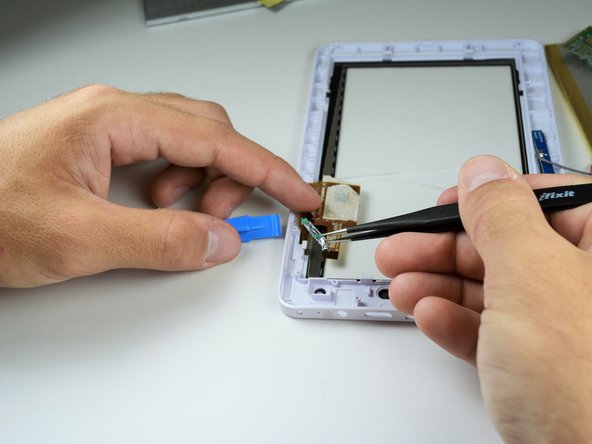

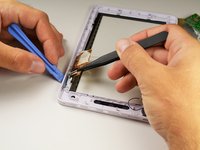
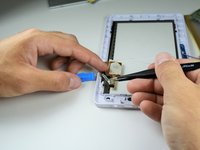
Inserting the replacement part may be tricky. Do not force the new part in, as it may break. To reassemble your device, follow these instructions in reverse order.



团队

Cal Poly, Team 12-36, Maness Spring 2014 Cal Poly, Team 12-36, Maness Spring 2014 的会员
CPSU-MANESS-S14S12G36
4 名成员
创作了14篇指南
