简介
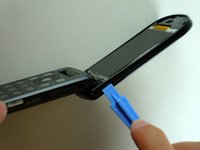
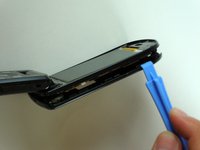
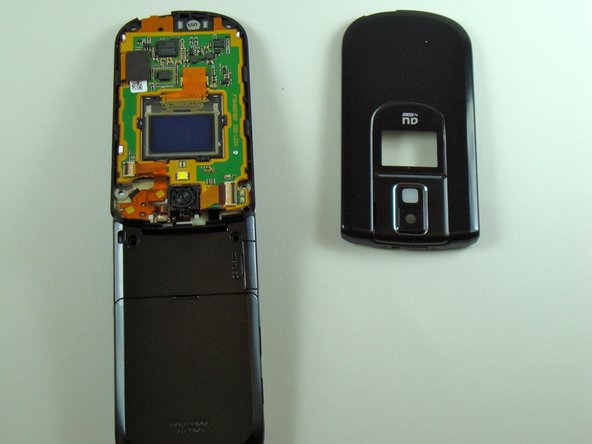
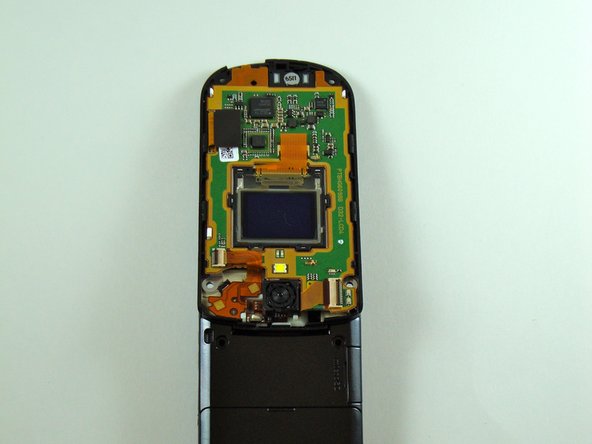
These instructions will demonstrate how to remove the front LCD screen from the KDDI Kyocera A5521K.
你所需要的
-
-
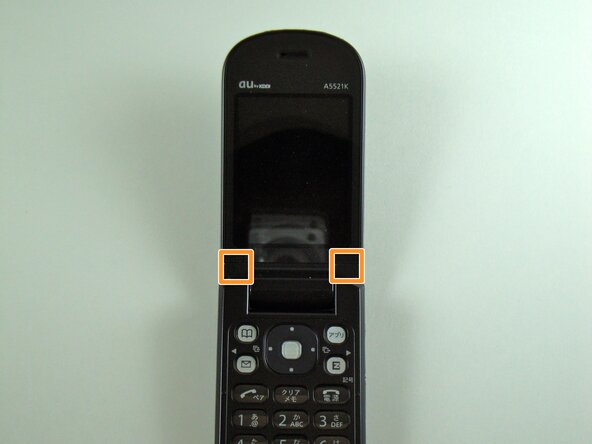
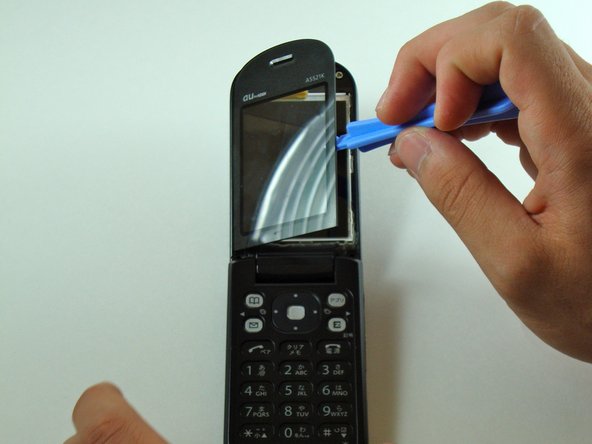
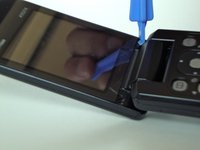
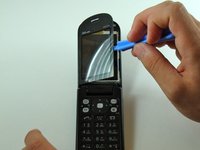
Start by prying, with a metal probe, the black covers that are located by the pivoting joints of the phone/
-
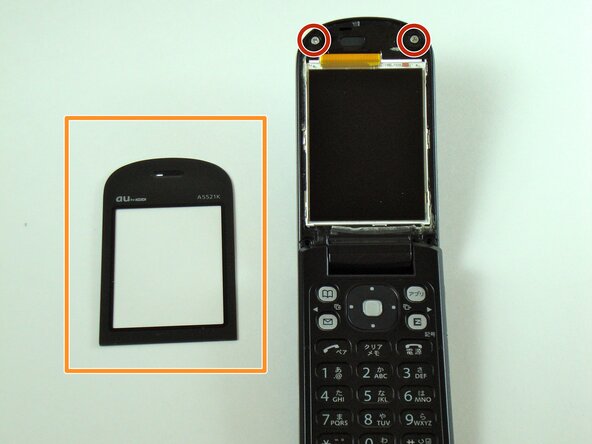
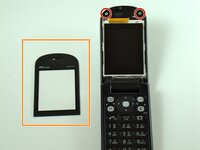
Beneath those covers are the screws.
-
-
-
在这个步骤中使用的工具:Tweezers$4.99
-
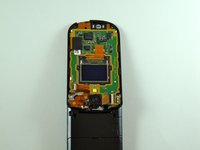
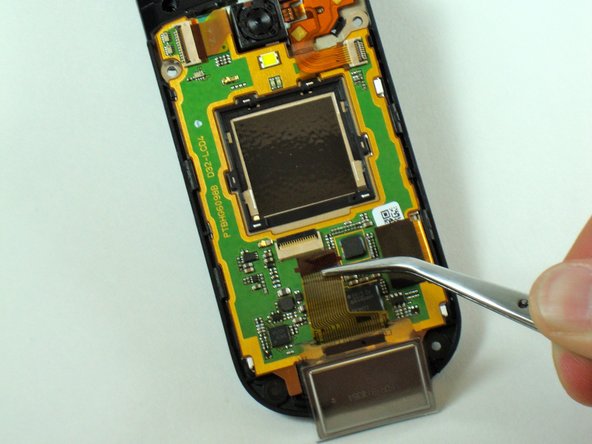
Rotate the phone 180 degrees.
-
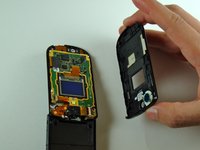
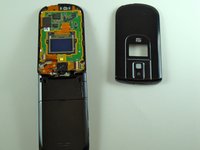
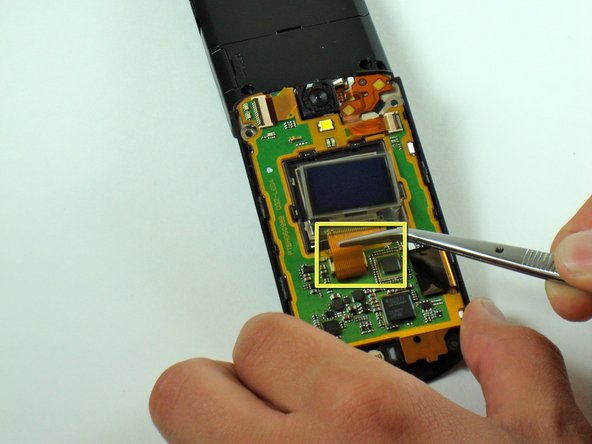
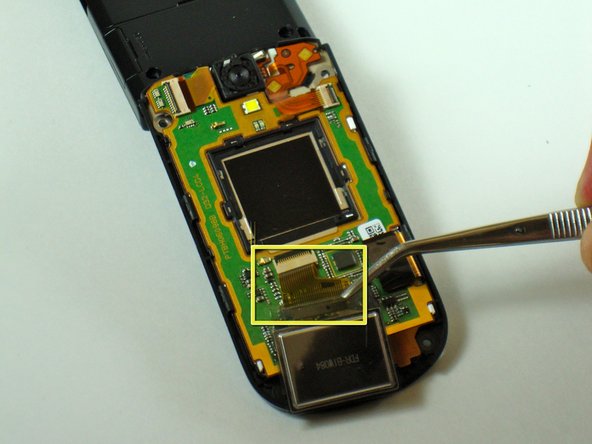
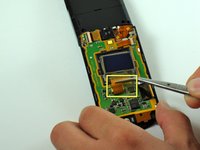
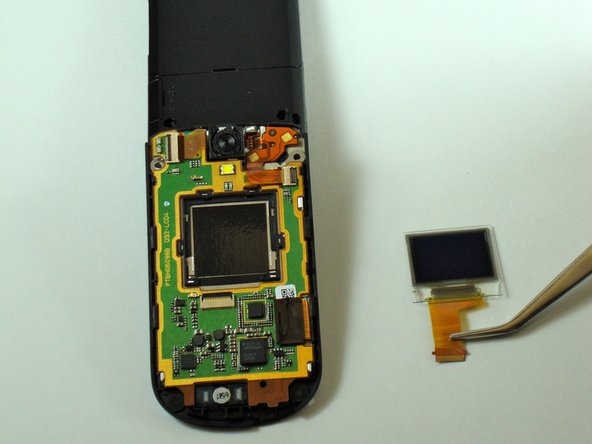
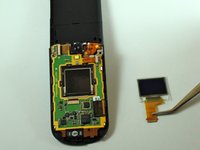
Grab the flexible circuit with tweezers (or use your fingers if you can manage a firm grip).
-
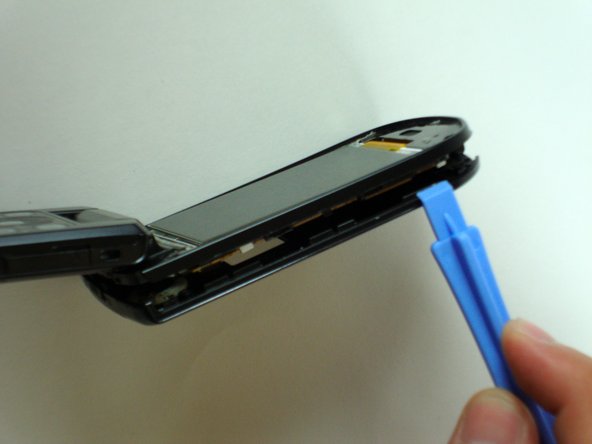
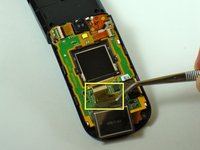
Pull the flexible circuit to towards you to separate the front LCD screen from the phone.
-










结论
To reassemble your device, follow these instructions in reverse order.



团队

Cal Poly, Team 28-25, Regan Spring 2010 Cal Poly, Team 28-25, Regan Spring 2010 的会员
CPSU-REGAN-S10S28G25
4 名成员
创作了20篇指南
