跳转到主内容
加入维修社区 - 创建账户

JBL Pulse 4 LED Light Display Replacement

你所需要的

  1. JBL Pulse 4 LED Light Display Replacement, Casing Replacement: 步骤 1 中的图像 1,1
    • Power off the device before doing any repairs.

    • Hold the power button for 3+ seconds to power down the device.

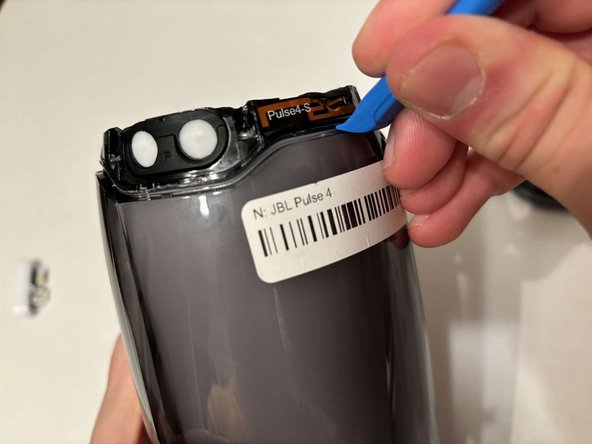
  2. JBL Pulse 4 LED Light Display Replacement: 步骤 2 中的图像 1,3 JBL Pulse 4 LED Light Display Replacement: 步骤 2 中的图像 2,3 JBL Pulse 4 LED Light Display Replacement: 步骤 2 中的图像 3,3
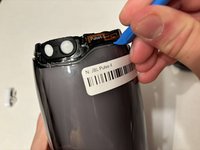
    • Remove each rubber end cap using a plastic pry tool.

    • Go around each end of the speaker slowly popping up a small section of the rubber cap until there is a gap on all sides.

    • Remove the top by hand.

  3. JBL Pulse 4 LED Light Display Replacement: 步骤 3 中的图像 1,3 JBL Pulse 4 LED Light Display Replacement: 步骤 3 中的图像 2,3 JBL Pulse 4 LED Light Display Replacement: 步骤 3 中的图像 3,3
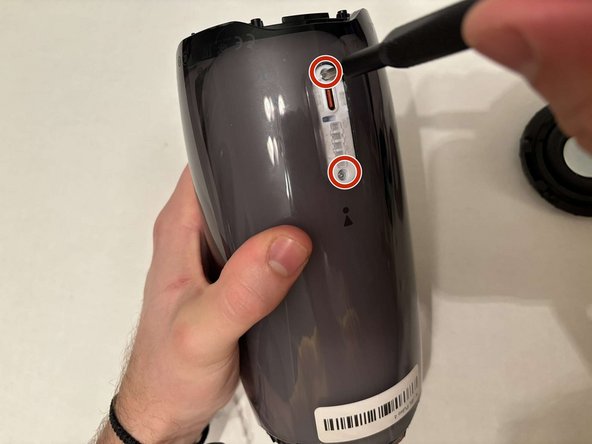
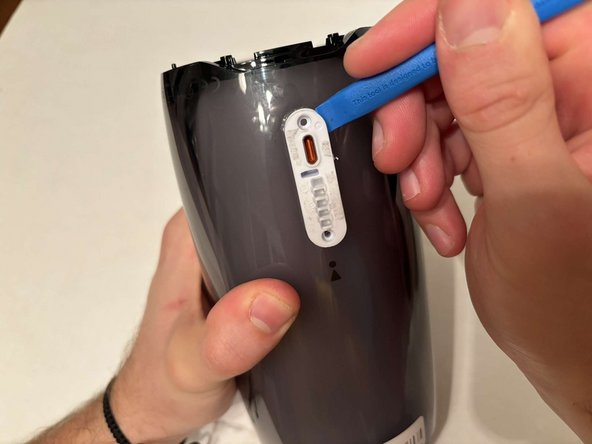
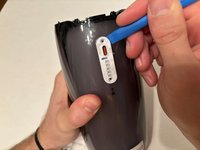
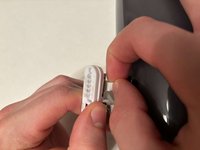
    • Remove the charging port cover using a plastic pry tool.

    • Remove the two 12.7 mm Phillips #1 screws.

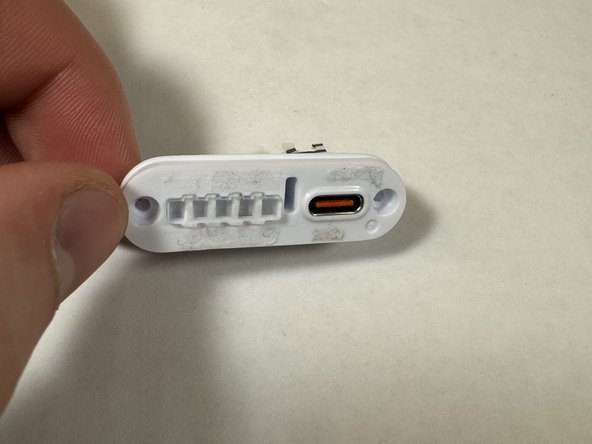
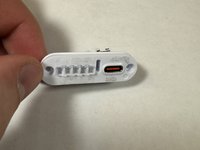
    • Remove the charging port housing from the casing.

  4. JBL Pulse 4 LED Light Display Replacement: 步骤 4 中的图像 1,3 JBL Pulse 4 LED Light Display Replacement: 步骤 4 中的图像 2,3 JBL Pulse 4 LED Light Display Replacement: 步骤 4 中的图像 3,3
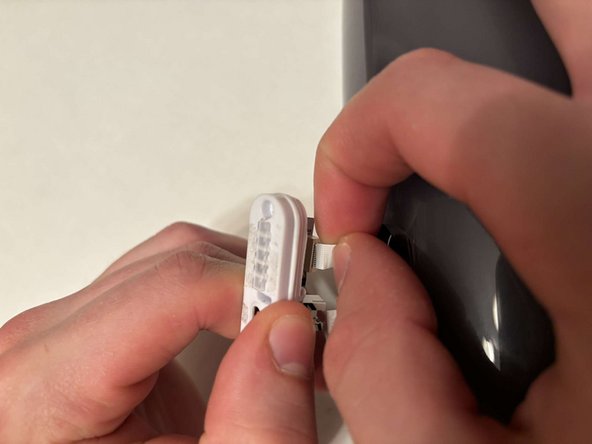
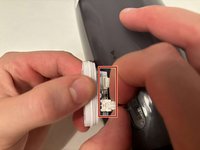
    • Disconnect the charging port connector by pulling the connector away from the port.

    • Disconnect the battery level indicator light by pulling the wire away from the lights.

  5. JBL Pulse 4 LED Light Display Replacement: 步骤 5 中的图像 1,2 JBL Pulse 4 LED Light Display Replacement: 步骤 5 中的图像 2,2
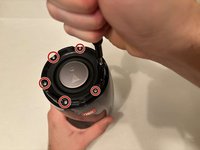
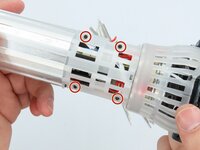
    • Remove the six 8 mm Phillips #1 screws from the end of the speaker with the grill that says "JBL."

    • Remove the plastic piece where the 6 screws came out of.

  6. JBL Pulse 4 LED Light Display Replacement: 步骤 6 中的图像 1,1
    • Remove the six 9.5 mm screws using a Phillips #1 screwdriver.

  7. JBL Pulse 4 LED Light Display Replacement: 步骤 7 中的图像 1,3 JBL Pulse 4 LED Light Display Replacement: 步骤 7 中的图像 2,3 JBL Pulse 4 LED Light Display Replacement: 步骤 7 中的图像 3,3
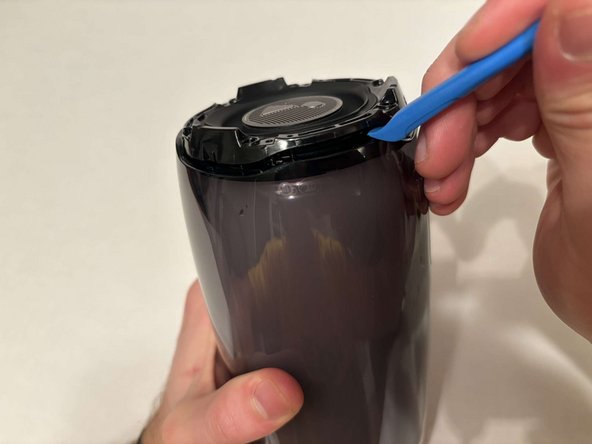
    • Flip the speaker to the other end.

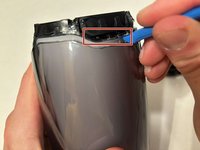
    • Use a pry tool to pry between the casing of the speaker and the internals.

    • Go around the entirety of this end of the speaker slowly prying apart the two pieces.

  8. JBL Pulse 4 LED Light Display Replacement: 步骤 8 中的图像 1,1
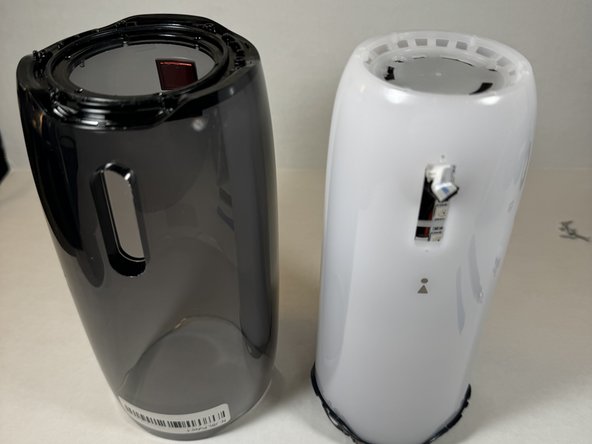
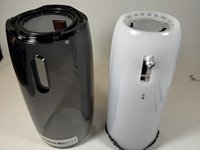
    • The casing is now fully detached from the internal components.

    • You can now replace the outer casing of the speaker.

  9. JBL Pulse 4 LED Light Display Replacement, LED Light Display: 步骤 9 中的图像 1,2 JBL Pulse 4 LED Light Display Replacement, LED Light Display: 步骤 9 中的图像 2,2
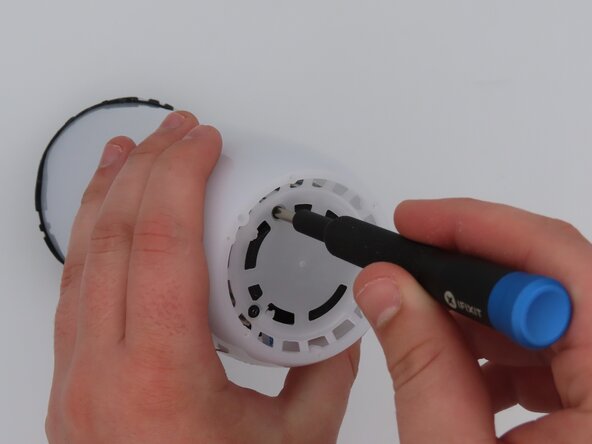
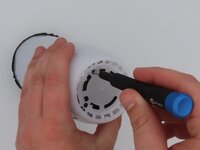
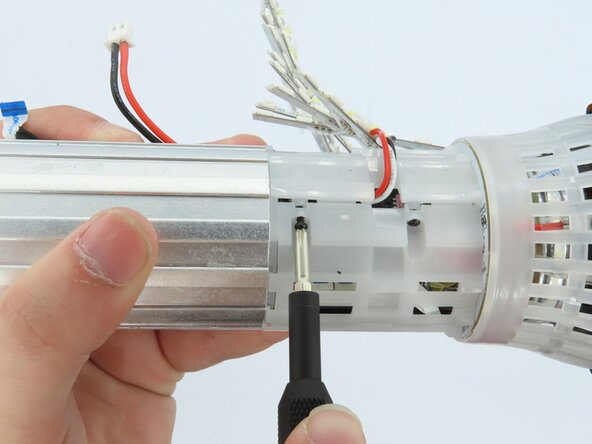
    • Place the speaker on the table with the button board side down.

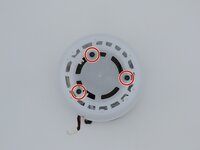
    • Remove the three black 5 mm screws using a Phillips #1 screwdriver.

    • Remove the white casing by pulling it away from the button board.

  10. JBL Pulse 4 LED Light Display Replacement: 步骤 10 中的图像 1,1
    • Clip off the two zip-ties using the zip tie cutter.

  11. JBL Pulse 4 LED Light Display Replacement: 步骤 11 中的图像 1,1
    • Peel each LED strip off of the speaker using an iFixit opening pick.

  12. JBL Pulse 4 LED Light Display Replacement: 步骤 12 中的图像 1,2 JBL Pulse 4 LED Light Display Replacement: 步骤 12 中的图像 2,2
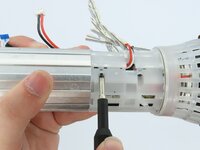
    • Remove the four black 5 mm screws using a Phillips #1 screwdriver.

    • Remove the white plastic piece that is held in place by the screws.

  13. JBL Pulse 4 LED Light Display Replacement: 步骤 13 中的图像 1,1
    • Remove the red/white cable from the white connection.

  14. JBL Pulse 4 LED Light Display Replacement: 步骤 14 中的图像 1,1
    • Remove the LED light display from the speaker.

结论

To reassemble your device, follow these instructions in reverse order.

Maria Parks

于02/25/25注册

136 声望

撰写一个指南

0指南评论

添加评论

浏览统计数据:

过去 24 小时: 0

过去 7 天: 4

过去 30 天: 20

总计 257