简介
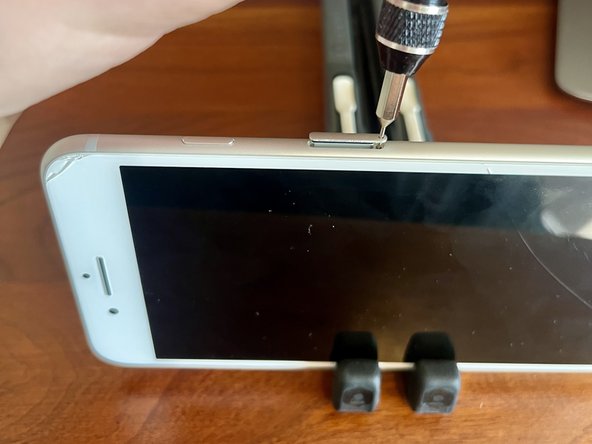
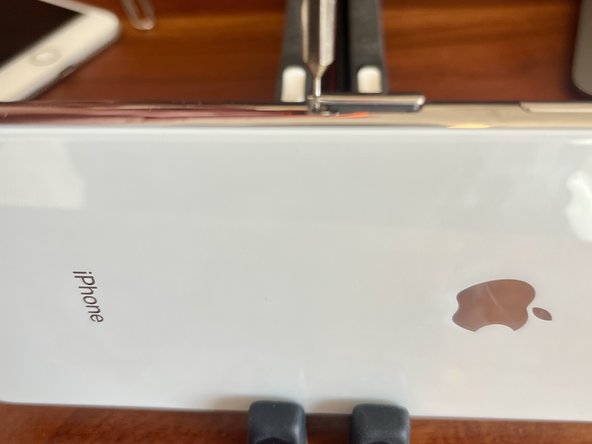
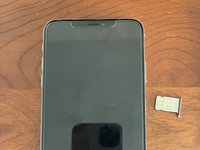
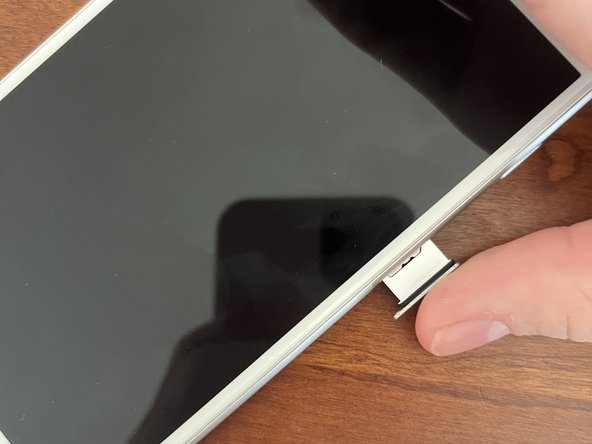
Whether you need to take out your old SIM card, put in a new one, check the model number (on some iPhones) or replace the tray entirely, this guide should help you open that pesky tray! Not all iPhones have SIM trays, especially the newer models. I’ll do the procedure on both an iPhone 7 Plus and an iPhone XS Max, but the procedure should be the same for all models.
你所需要的
-
-
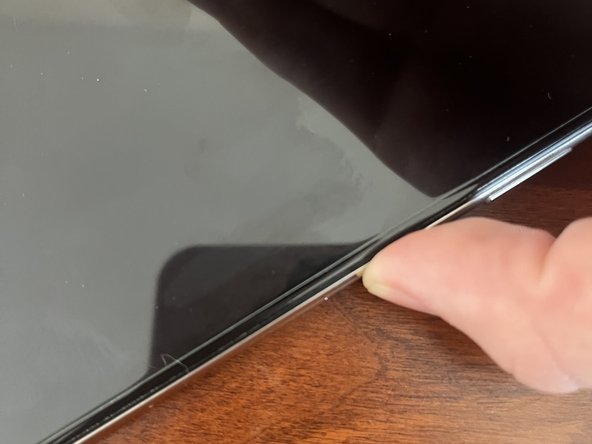
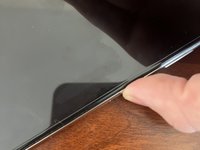
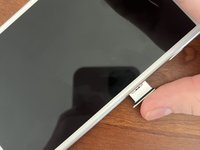
Locate your phone’s SIM tray. It could be on any of the 4 sides, but it’s usually on the right or left. Very old models have it on the top. Some non-apple phones have it on the bottom.
-
If there isn’t a SIM tray, your phone uses a Digital SIM.
-
-





结论
That’s it! Have a great day and God bless!


团队

