跳转到主内容

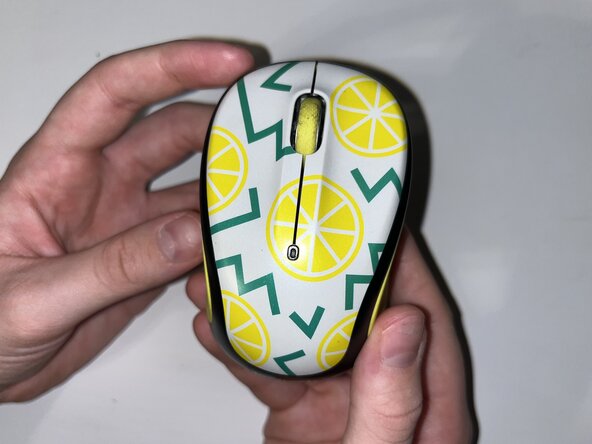
How to Replace a Logitech M325c Scroll Wheel

你所需要的

  1. How to Replace a Logitech M325c Scroll Wheel, Scroll Wheel: 步骤 1 中的图像 1,1
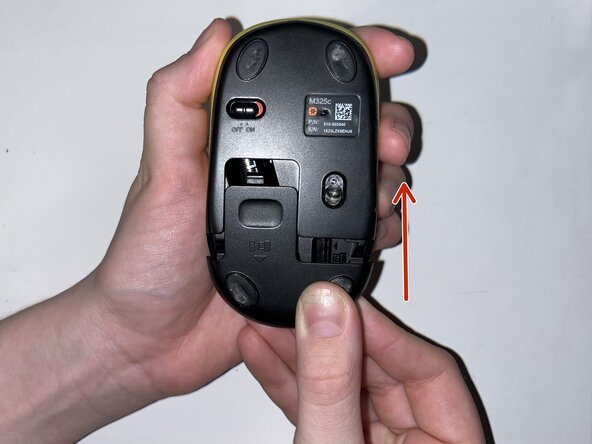
    • Slide the mouse’s case open to reveal the battery compartment.

  2. How to Replace a Logitech M325c Scroll Wheel: 步骤 2 中的图像 1,3 How to Replace a Logitech M325c Scroll Wheel: 步骤 2 中的图像 2,3 How to Replace a Logitech M325c Scroll Wheel: 步骤 2 中的图像 3,3
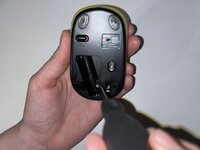
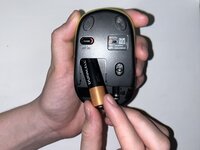
    • Remove the AA battery.

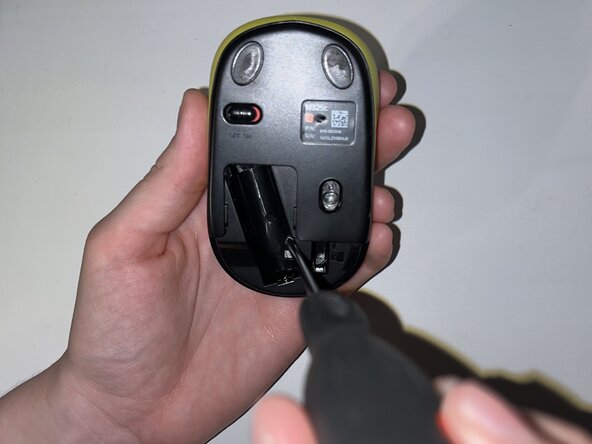
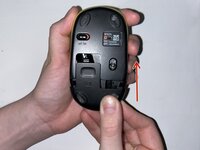
    • Peel off the sticker at the bottom of the compartment.

    • Remove the single Phillips screw.

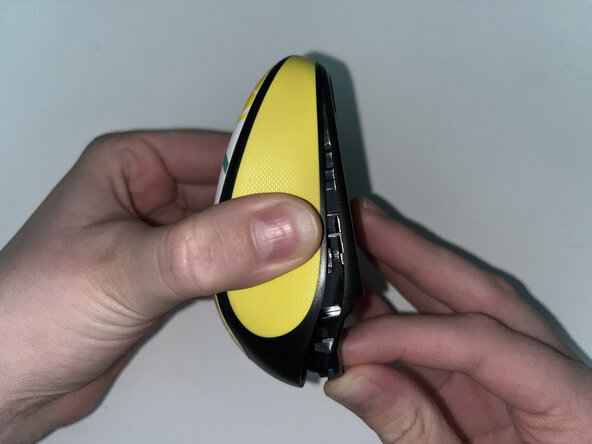
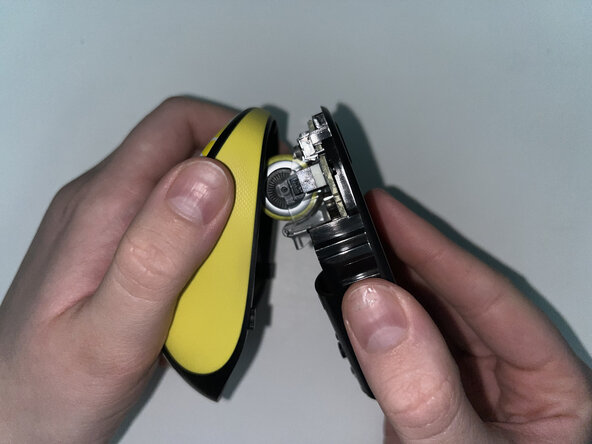
  3. How to Replace a Logitech M325c Scroll Wheel: 步骤 3 中的图像 1,3 How to Replace a Logitech M325c Scroll Wheel: 步骤 3 中的图像 2,3 How to Replace a Logitech M325c Scroll Wheel: 步骤 3 中的图像 3,3
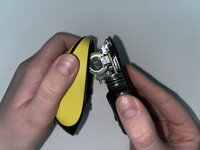
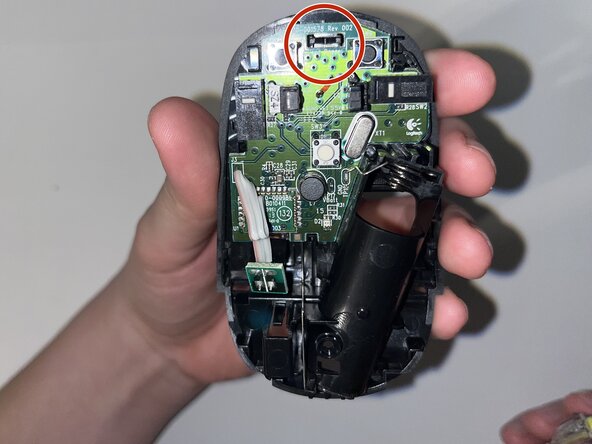
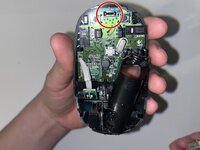
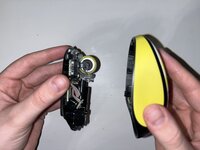
    • Pinch the lower case and carefully pull it to reveal the internal parts and scroll wheel.

  4. How to Replace a Logitech M325c Scroll Wheel: 步骤 4 中的图像 1,3 How to Replace a Logitech M325c Scroll Wheel: 步骤 4 中的图像 2,3 How to Replace a Logitech M325c Scroll Wheel: 步骤 4 中的图像 3,3
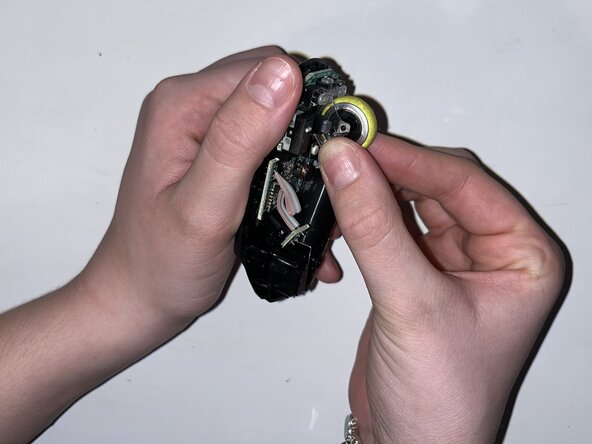
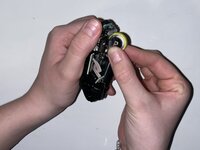
    • Carefully pop the scroll wheel out and replace it with the new wheel.

  5. How to Replace a Logitech M325c Scroll Wheel: 步骤 5 中的图像 1,2 How to Replace a Logitech M325c Scroll Wheel: 步骤 5 中的图像 2,2
    • Reattach the bottom of the mouse and fasten the single Phillips screw in the battery compartment.

  6. How to Replace a Logitech M325c Scroll Wheel: 步骤 6 中的图像 1,3 How to Replace a Logitech M325c Scroll Wheel: 步骤 6 中的图像 2,3 How to Replace a Logitech M325c Scroll Wheel: 步骤 6 中的图像 3,3
    • Replace the AA battery and reinstall the battery compartment cover.

终点

nicolec9

于02/12/25注册

133 声望

撰写一个指南

团队

York University, Team 1-5, Morris Winter 2025 York University, Team 1-5, Morris Winter 2025 的会员

YORK-MORRIS-W25S1G5

3 名成员

创作了1篇指南

0指南评论

添加评论

浏览统计数据:

过去 24 小时: 0

过去 7 天: 3

过去 30 天: 10

总计 126