跳转到主内容

How to Remove the Front Panel in Your LG WM3050CW Washing Machine

你所需要的

  1. How to Remove the Front Panel in Your LG WM3050CW Washing Machine, Safety Precautions: 步骤 1 中的图像 1,2 How to Remove the Front Panel in Your LG WM3050CW Washing Machine, Safety Precautions: 步骤 1 中的图像 2,2
    • Before you begin your repair, perform the following:

    • Turn off the main water supply

    • Unplug your washer

    • Disconnect all water connections at the rear of your washer

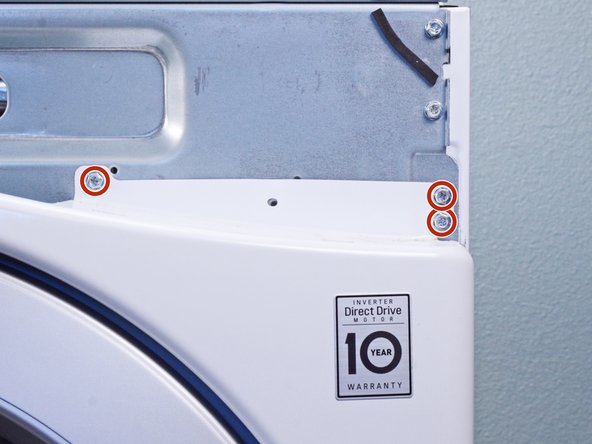
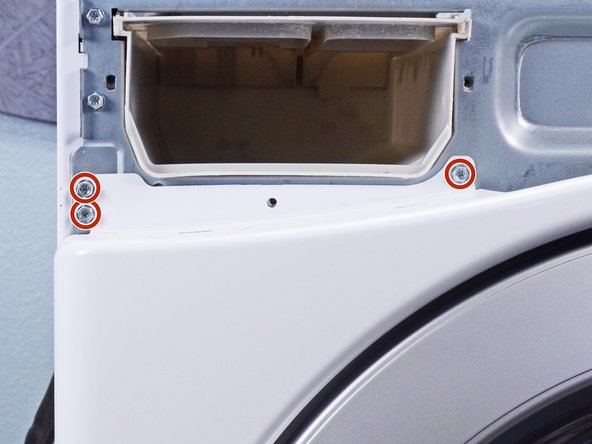
  2. How to Remove the Front Panel in Your LG WM3050CW Washing Machine, Unfasten the top panel: 步骤 2 中的图像 1,3 How to Remove the Front Panel in Your LG WM3050CW Washing Machine, Unfasten the top panel: 步骤 2 中的图像 2,3 How to Remove the Front Panel in Your LG WM3050CW Washing Machine, Unfasten the top panel: 步骤 2 中的图像 3,3
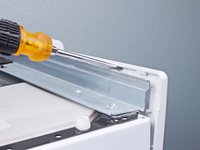
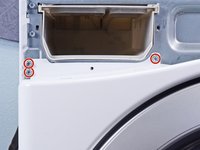
    • Use a Phillips driver to remove the two bottom 16.5 mm-long screws securing the top panel brackets.

  3. How to Remove the Front Panel in Your LG WM3050CW Washing Machine, Remove the top panel: 步骤 3 中的图像 1,2 How to Remove the Front Panel in Your LG WM3050CW Washing Machine, Remove the top panel: 步骤 3 中的图像 2,2
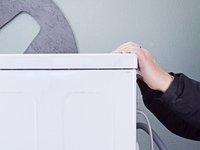
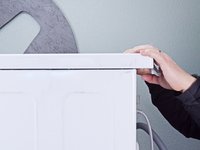
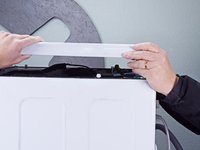
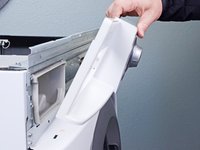
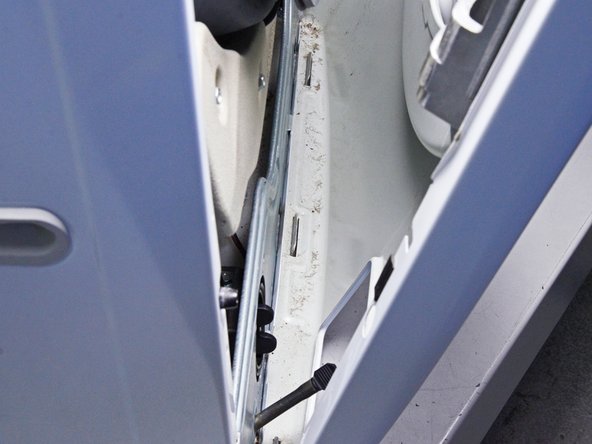
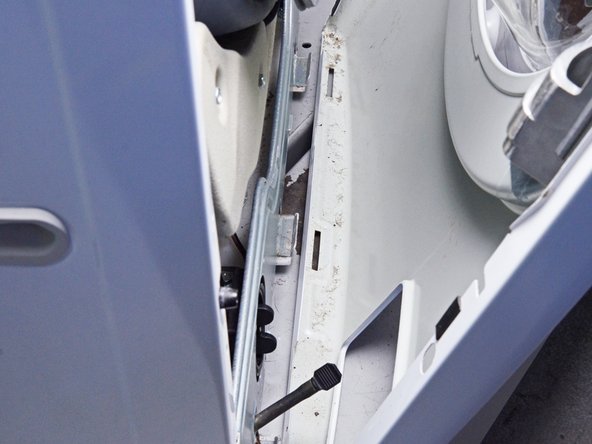
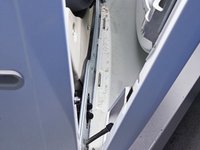
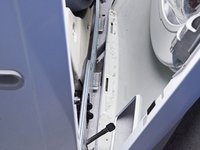
    • Slide the top panel 1-2 inches towards the rear of the device to disconnect its clips.

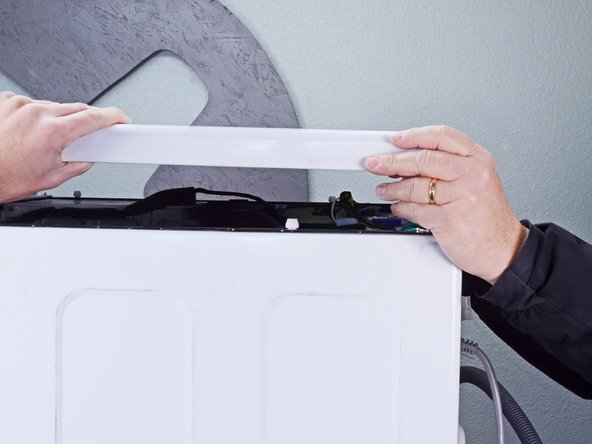
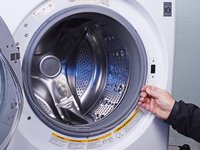
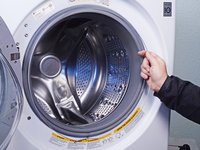
  4. How to Remove the Front Panel in Your LG WM3050CW Washing Machine: 步骤 4 中的图像 1,2 How to Remove the Front Panel in Your LG WM3050CW Washing Machine: 步骤 4 中的图像 2,2
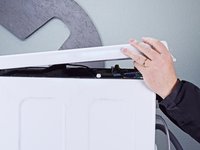
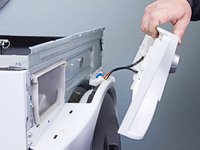
    • Tilt the top panel upward to completely disconnect it from the chassis.

    • Remove the top panel.

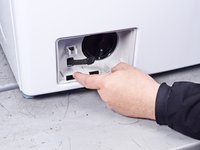
  5. How to Remove the Front Panel in Your LG WM3050CW Washing Machine, Remove the detergent drawer: 步骤 5 中的图像 1,2 How to Remove the Front Panel in Your LG WM3050CW Washing Machine, Remove the detergent drawer: 步骤 5 中的图像 2,2
    • Pull the detergent drawer away from the chassis as far as it will go.

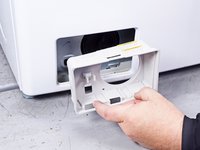
  6. How to Remove the Front Panel in Your LG WM3050CW Washing Machine: 步骤 6 中的图像 1,3 How to Remove the Front Panel in Your LG WM3050CW Washing Machine: 步骤 6 中的图像 2,3 How to Remove the Front Panel in Your LG WM3050CW Washing Machine: 步骤 6 中的图像 3,3
    • Press down on the "Push" button to disengage the clips securing the detergent drawer.

    • Pull the drawer out of its slot on the chassis and remove it.

  7. How to Remove the Front Panel in Your LG WM3050CW Washing Machine, Disconnect the control panel: 步骤 7 中的图像 1,3 How to Remove the Front Panel in Your LG WM3050CW Washing Machine, Disconnect the control panel: 步骤 7 中的图像 2,3 How to Remove the Front Panel in Your LG WM3050CW Washing Machine, Disconnect the control panel: 步骤 7 中的图像 3,3
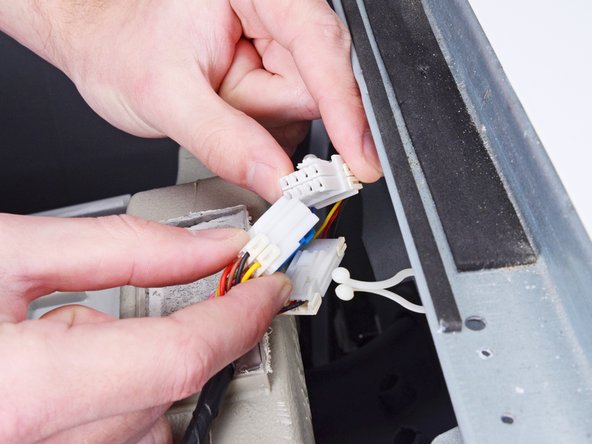
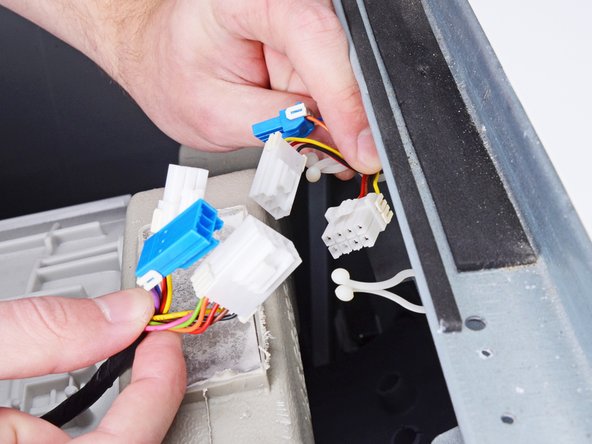
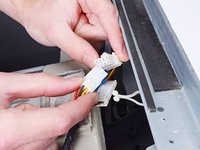
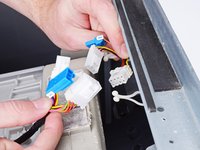
    • Disconnect the three harness connectors for the control panel.

    • Always grip cables by their connectors and not the wires themselves.

  8. How to Remove the Front Panel in Your LG WM3050CW Washing Machine, Unfasten the control panel: 步骤 8 中的图像 1,2 How to Remove the Front Panel in Your LG WM3050CW Washing Machine, Unfasten the control panel: 步骤 8 中的图像 2,2
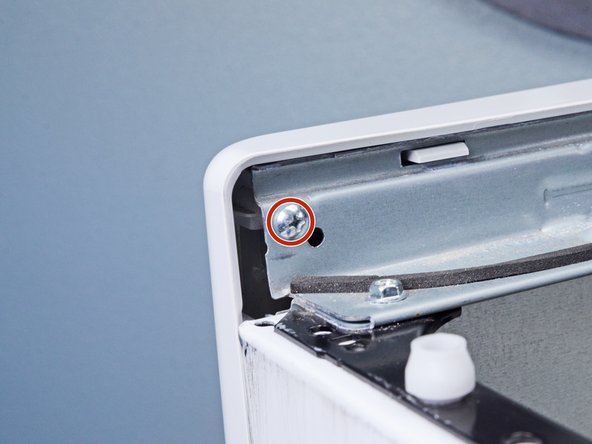
    • Use a Phillips driver to remove the 16.4 mm-long screw securing the control panel.

  9. How to Remove the Front Panel in Your LG WM3050CW Washing Machine, Unfasten the detergent dispenser: 步骤 9 中的图像 1,1
    • Use a Phillips driver to remove the two 26.3 mm‑long screws securing the detergent dispenser.

  10. How to Remove the Front Panel in Your LG WM3050CW Washing Machine, Unclip the control panel: 步骤 10 中的图像 1,3 How to Remove the Front Panel in Your LG WM3050CW Washing Machine, Unclip the control panel: 步骤 10 中的图像 2,3 How to Remove the Front Panel in Your LG WM3050CW Washing Machine, Unclip the control panel: 步骤 10 中的图像 3,3
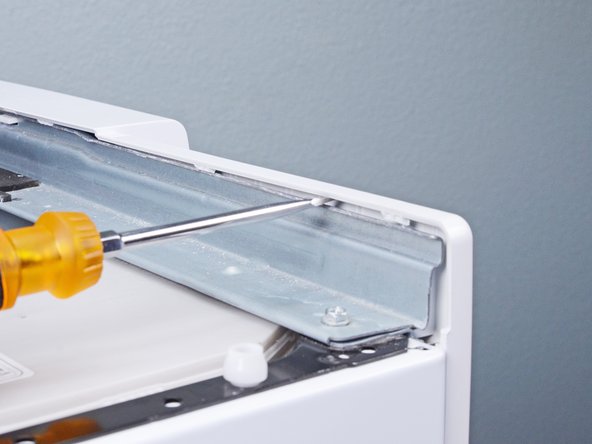
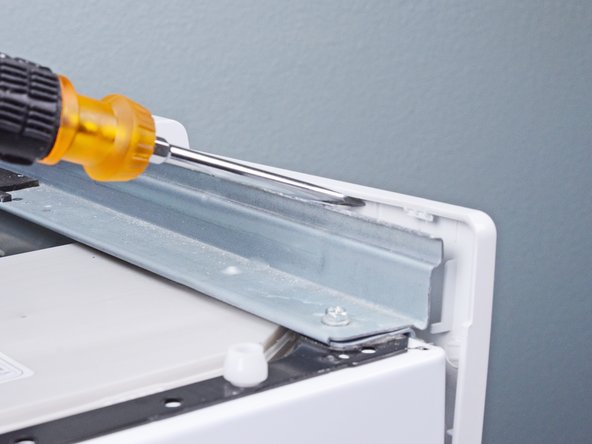
    • Insert a flathead screwdriver between the chassis and the top left corner of the control panel.

    • Twist the screwdriver to release the clips securing the control panel.

    • Repeat this procedure for the remaining clips along the control panel.

  11. How to Remove the Front Panel in Your LG WM3050CW Washing Machine, Remove the control panel: 步骤 11 中的图像 1,3 How to Remove the Front Panel in Your LG WM3050CW Washing Machine, Remove the control panel: 步骤 11 中的图像 2,3 How to Remove the Front Panel in Your LG WM3050CW Washing Machine, Remove the control panel: 步骤 11 中的图像 3,3
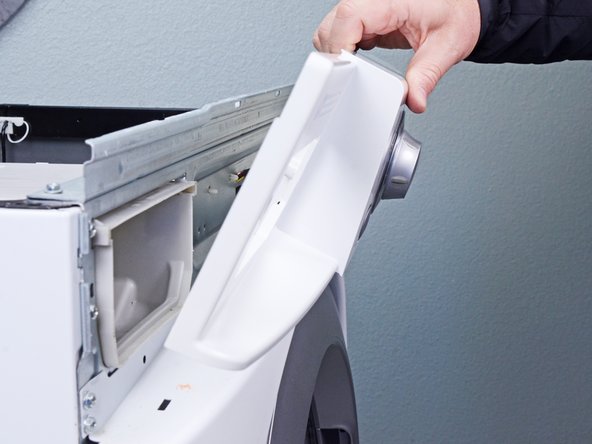
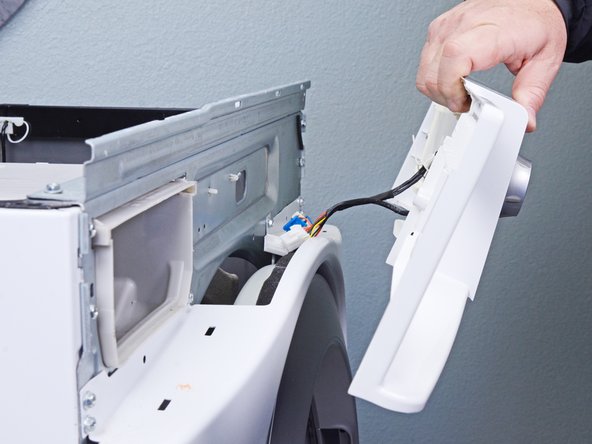
    • Lift the control panel upward to completely separate it from the chassis.

    • Pull the control panel away from the chassis, making sure to thread the cables through its slot in the chassis.

    • Remove the control panel.

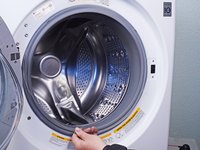
  12. How to Remove the Front Panel in Your LG WM3050CW Washing Machine, Open the door: 步骤 12 中的图像 1,2 How to Remove the Front Panel in Your LG WM3050CW Washing Machine, Open the door: 步骤 12 中的图像 2,2
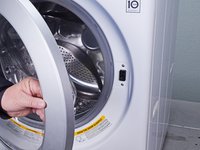
    • Open the front door completely.

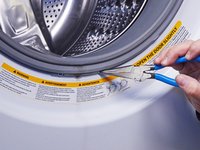
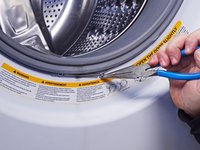
  13. How to Remove the Front Panel in Your LG WM3050CW Washing Machine, Remove the boot ring: 步骤 13 中的图像 1,3 How to Remove the Front Panel in Your LG WM3050CW Washing Machine, Remove the boot ring: 步骤 13 中的图像 2,3 How to Remove the Front Panel in Your LG WM3050CW Washing Machine, Remove the boot ring: 步骤 13 中的图像 3,3
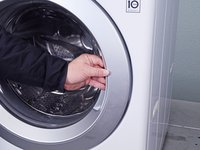
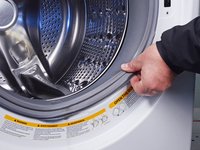
    • Use needle nose pliers to grip the spring end of the metal ring at the bottom of the rubber boot.

    • Pull the ring away from the chassis to separate it from the boot.

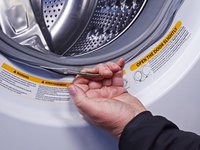
  14. How to Remove the Front Panel in Your LG WM3050CW Washing Machine: 步骤 14 中的图像 1,3 How to Remove the Front Panel in Your LG WM3050CW Washing Machine: 步骤 14 中的图像 2,3 How to Remove the Front Panel in Your LG WM3050CW Washing Machine: 步骤 14 中的图像 3,3
    • Use your hand to completely pull the ring off the boot.

    • During reassembly, perform the following:

    • Insert one end of the ring into its groove along the boot's perimeter.

    • Use pliers to slowly stretch the ring around the boot's perimeter until it's completely nested in its groove.

    • This procedure will take significant force.

  15. How to Remove the Front Panel in Your LG WM3050CW Washing Machine, Disconnect the boot: 步骤 15 中的图像 1,3 How to Remove the Front Panel in Your LG WM3050CW Washing Machine, Disconnect the boot: 步骤 15 中的图像 2,3 How to Remove the Front Panel in Your LG WM3050CW Washing Machine, Disconnect the boot: 步骤 15 中的图像 3,3
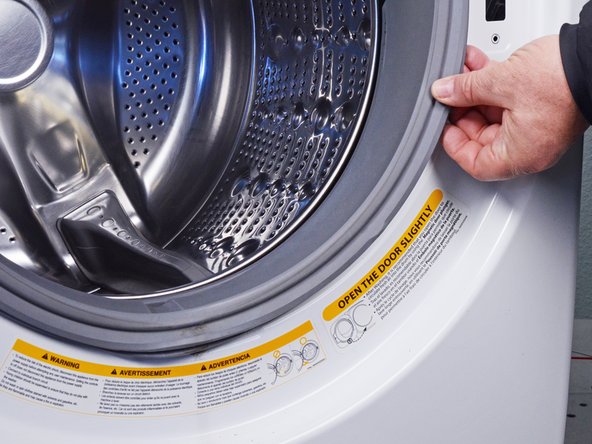
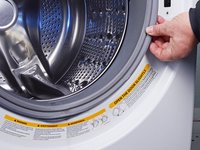
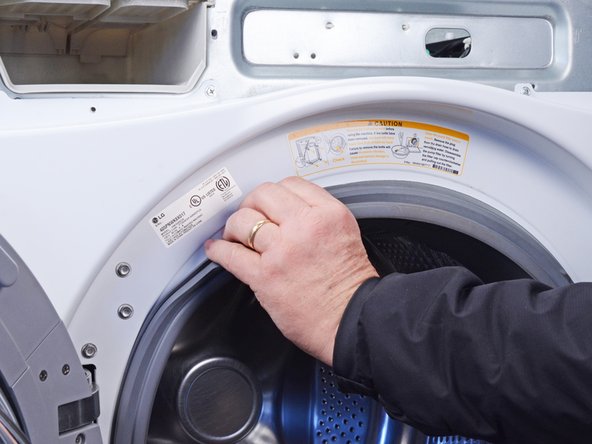
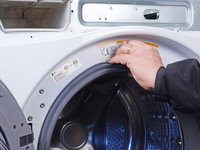
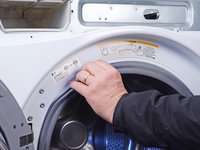
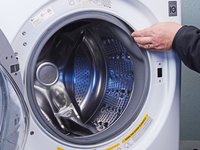
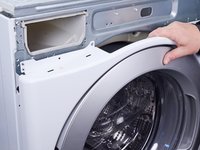
    • Use your fingers to pull the boot off its lip on the front panel.

  16. How to Remove the Front Panel in Your LG WM3050CW Washing Machine: 步骤 16 中的图像 1,3 How to Remove the Front Panel in Your LG WM3050CW Washing Machine: 步骤 16 中的图像 2,3 How to Remove the Front Panel in Your LG WM3050CW Washing Machine: 步骤 16 中的图像 3,3
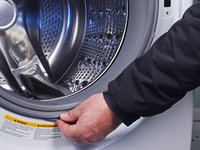
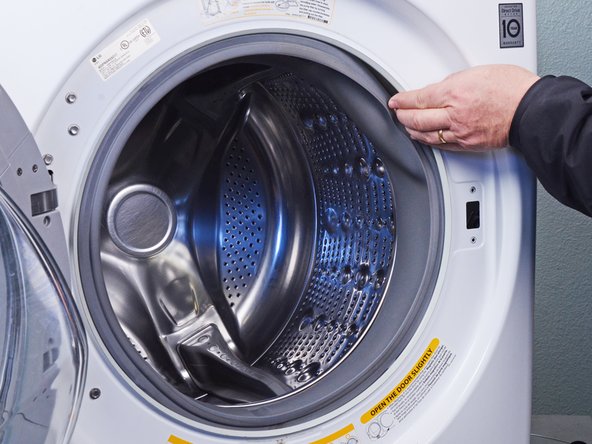
    • Work your fingers around the boot until its completely separated from the panel.

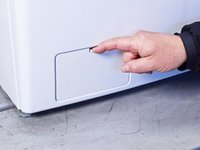
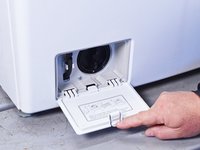
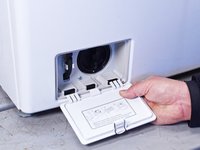
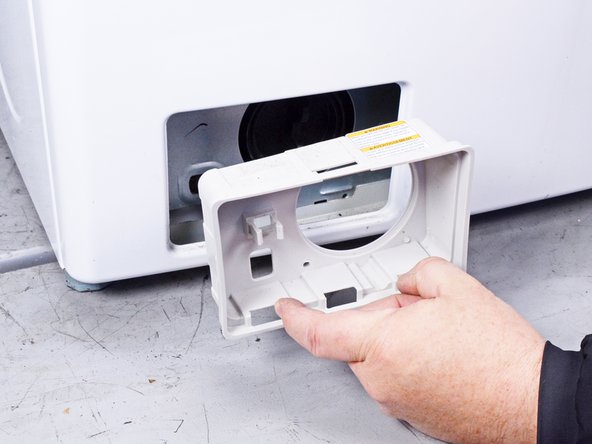
  17. How to Remove the Front Panel in Your LG WM3050CW Washing Machine, Remove the filter panel: 步骤 17 中的图像 1,3 How to Remove the Front Panel in Your LG WM3050CW Washing Machine, Remove the filter panel: 步骤 17 中的图像 2,3 How to Remove the Front Panel in Your LG WM3050CW Washing Machine, Remove the filter panel: 步骤 17 中的图像 3,3
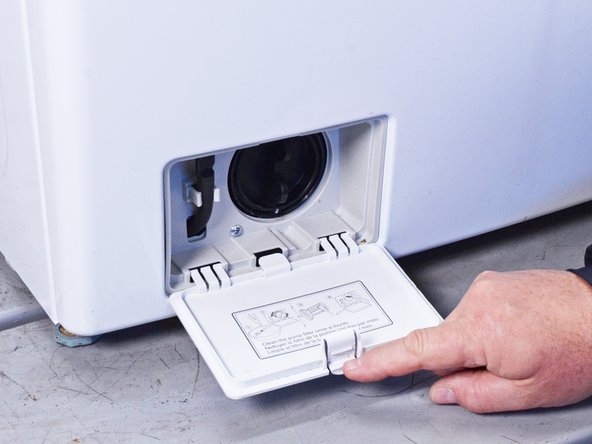
    • Open the filter panel at the bottom left of the front panel.

    • Twist the filter panel upward to unclip it from the front panel.

  18. How to Remove the Front Panel in Your LG WM3050CW Washing Machine, Unfasten the filter trim: 步骤 18 中的图像 1,1
    • Use a Phillips driver to remove the two 12.8 mm‑long screws securing the filter trim.

  19. How to Remove the Front Panel in Your LG WM3050CW Washing Machine, Remove the filter trim: 步骤 19 中的图像 1,2 How to Remove the Front Panel in Your LG WM3050CW Washing Machine, Remove the filter trim: 步骤 19 中的图像 2,2
    • Pull the filter trim straight off the front panel to remove it.

  20. How to Remove the Front Panel in Your LG WM3050CW Washing Machine, Unfasten the lower front panel: 步骤 20 中的图像 1,1
    • Use a Phillips driver to remove the 12.8 mm-long screw securing the lower front panel.

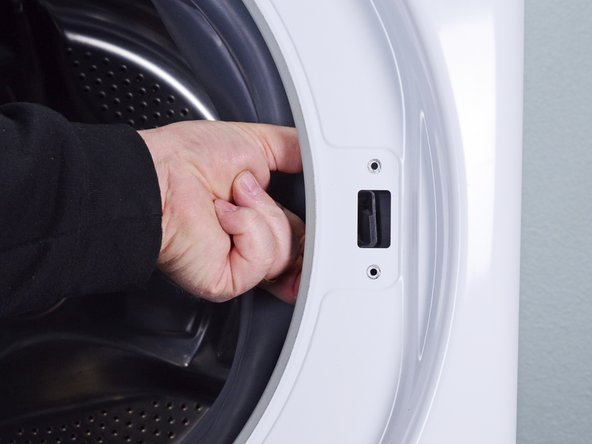
  21. How to Remove the Front Panel in Your LG WM3050CW Washing Machine, Unfasten the door latch: 步骤 21 中的图像 1,1
    • Use a Phillips driver to remove the two 16 mm‑long screws securing the door latch.

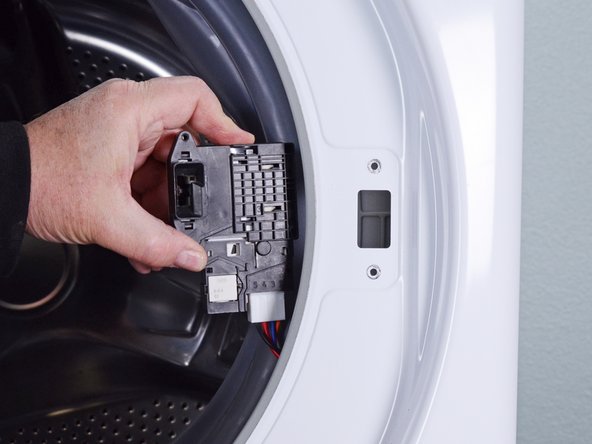
  22. How to Remove the Front Panel in Your LG WM3050CW Washing Machine, Remove the door latch: 步骤 22 中的图像 1,3 How to Remove the Front Panel in Your LG WM3050CW Washing Machine, Remove the door latch: 步骤 22 中的图像 2,3 How to Remove the Front Panel in Your LG WM3050CW Washing Machine, Remove the door latch: 步骤 22 中的图像 3,3
    • Pull the door latch through its slot in the chassis and let it hang on its wire.

  23. How to Remove the Front Panel in Your LG WM3050CW Washing Machine, Unfasten the front panel: 步骤 23 中的图像 1,3 How to Remove the Front Panel in Your LG WM3050CW Washing Machine, Unfasten the front panel: 步骤 23 中的图像 2,3 How to Remove the Front Panel in Your LG WM3050CW Washing Machine, Unfasten the front panel: 步骤 23 中的图像 3,3
    • Hold the front panel against the chassis while performing this step to prevent it from falling.

    • Use a Phillips driver, or a 7 mm nut driver, to remove the six 15 mm‑long screws securing the front panel.

  24. How to Remove the Front Panel in Your LG WM3050CW Washing Machine, Remove the front panel: 步骤 24 中的图像 1,3 How to Remove the Front Panel in Your LG WM3050CW Washing Machine, Remove the front panel: 步骤 24 中的图像 2,3 How to Remove the Front Panel in Your LG WM3050CW Washing Machine, Remove the front panel: 步骤 24 中的图像 3,3
    • Lift the front panel upward to separate it from its clips on the bottom of the chassis.

    • Pull the front panel away from the chassis to completely separate the front panel.

  25. How to Remove the Front Panel in Your LG WM3050CW Washing Machine: 步骤 25 中的图像 1,1
    • Remove the front panel.

结论

To reassemble your device, follow these instructions in reverse order.

Take your e-waste to an R2 or e-Stewards certified recycler.

Repair didn’t go as planned? Ask our Answers community for help.

Bill Gilbert

于06/30/22注册

38,507 声望

创作了261篇指南

团队

iFixit iFixit 的会员

Staff

123 名成员

创作了23,649篇指南

2指南评论

Just followed the steps, not a problem. This app. is amazing. Probably the most useful thing on my phone

Edward Rudnick - 回复
Glad it was helpful! The idea is that this method will work, and you won't get lost.

Bill Gilbert -

添加评论

浏览统计数据:

过去 24 小时: 7

过去 7 天: 20

过去 30 天: 100

总计 931