简介
Use this guide to install a heatsink onto an M.2 2280 blade-style SSD.
If you plan on using your SSD in a PlayStation 5, make sure it’s compatible with Sony’s specifications.
你所需要的
-
在这个步骤中使用的工具:Tweezers$4.99
-
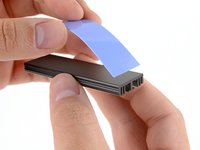
Use a pair of tweezers to peel one side of protective film away from one of the thermal pads.
-
-
-
Align the exposed side of the thermal pad with the bottom tray section of the heatsink assembly.
-
Lay the thermal pad down so it covers the tray evenly.
-
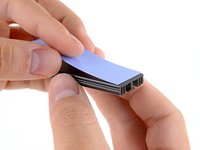
Use your finger to lightly press down on the thermal pad to adhere it to the surface.
-
-
-
Use a pair of tweezers to peel one side of protective film away from the remaining thermal pad.
-
-
-
-
Align the exposed side of the thermal pad with the top section of the heatsink.
-
Lay the thermal pad down so it covers the top section evenly.
-
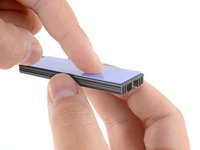
Use your finger to lightly press down on the thermal pad to adhere it to the surface.
-
-
-
Use a pair of tweezers to remove the plastic liner from the thermal pad in the tray.
-
-
-
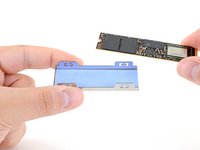
Lay the M.2 SSD into the tray, the side with the most chips facing up.
-
-
-
Use a pair of tweezers to remove the plastic liner from the thermal pad on the heatsink's top section.
-
-
-
Align the top heatsink section over the SSD and the tray.
-
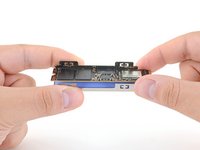
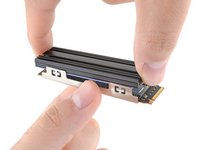
Firmly press the two halves together. You'll feel it "snap" into place.
-
-
-
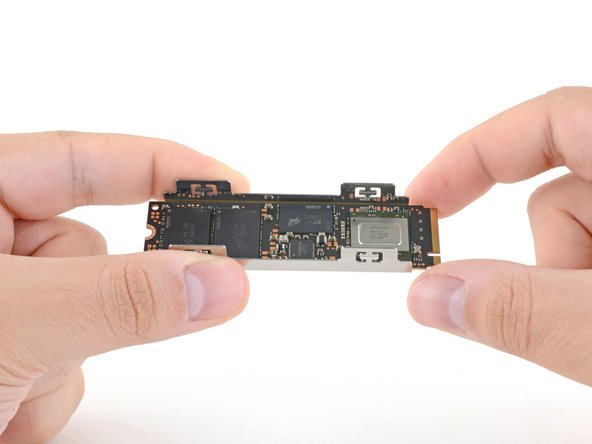
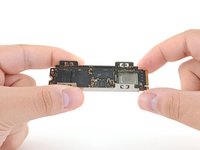
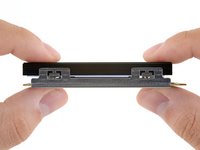
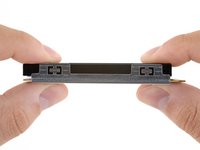
Make sure that the heatsink is close to the screw cutout but doesn't overhang it.
-
If you're having trouble installing your SSD, you may have to slightly adjust the heatsink's position.
-
Use your fingers to slide the SSD between the two halves of the heatsink assembly until fitment is just right.
-







Take your e-waste to an R2 or e-Stewards certified recycler.
Installation didn’t go as planned? Check out our Computer Hardware Answers community or PlayStation 5 Answers community for troubleshooting help.
8等其他人完成本指南。




4指南评论
If your SSD has a big "warranty void if removed" sticker over the chips, do you have to remove it? Or can you stick the thermal pad over that sticker?
You can leave the sticker on the SSD! Just make sure to remove any adhesive liners on the thermal pad.
I just bought predator gm7000 ssd with heatsink. The ssd only come with one thermal pad on top to be use with the heatsink. Do i need to get another thermal pad for bottom?
This is just a generic guide, so not every step applies to every situation. I've checked your mentioned SSD and it comes with a custom heatsink for it, which means you don't need another one. Thermal pads only help if they're touching a surface (i.e. a metal sheet) for heat transfer. Since this isn't how yours is build/installed, a second pad would be basically pointless. Hope this helps :)
