简介
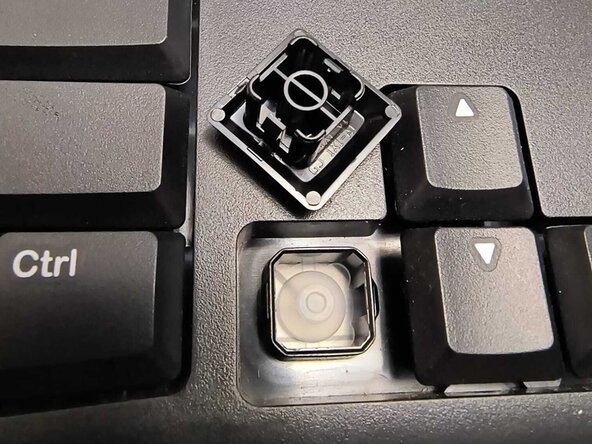
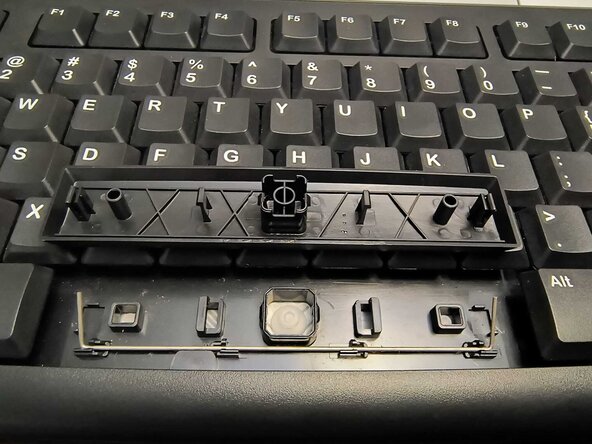
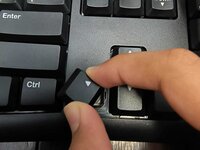
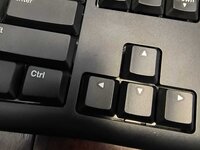
If a key on your Logitech MK120 mechanical keyboard is stuck or unresponsive, this guide will help you fix the issue. A jammed key is often caused by dust, debris, or a misaligned switch, which can make typing and gaming frustrating. Instead of replacing the entire keyboard, this step-by-step guide will show how to remove, clean, and reattach the keycap while checking for any issues with the stabilizer.
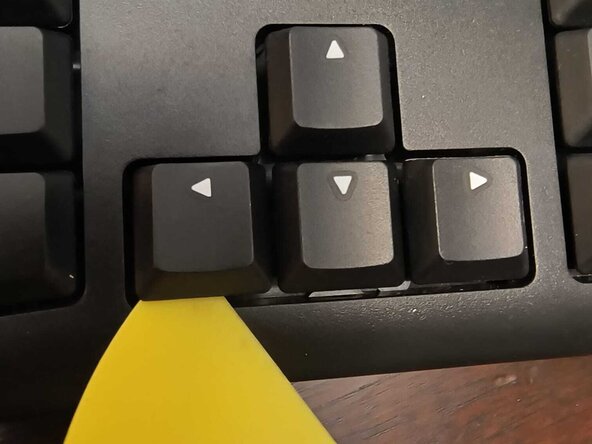
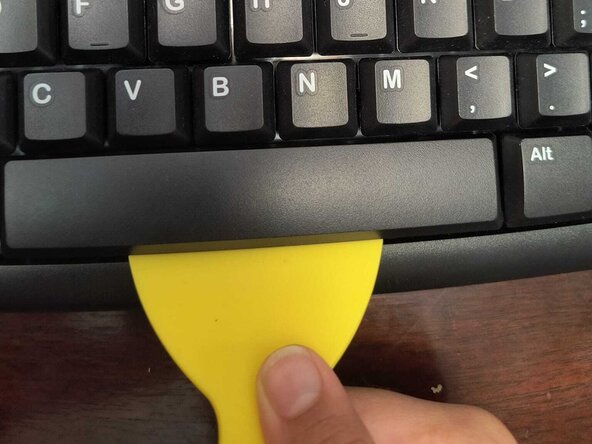
Before starting, unplug the keyboard to prevent accidental damage. Always use a keycap puller to safely remove the key without breaking it. If a deeper fix is needed, handle the switch carefully, especially when removing solder, to avoid damaging other parts of the keyboard.
Following this guide will help you restore your keyboard’s functionality without needing professional repairs. Fixing a jammed key saves money, reduces waste, and improves your typing experience, making your keyboard work as well as new.
你所需要的
-
-
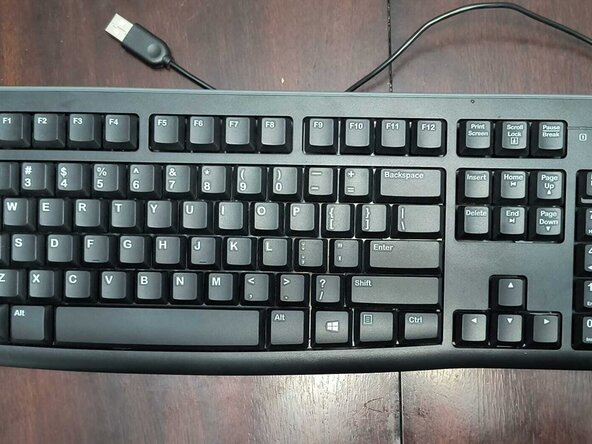
Unplug the keyboard to prevent accidental damage.
-
-










另外一个人完成了本指南。


团队

York University, Team 1-5, Woodhouse Winter 2025 York University, Team 1-5, Woodhouse Winter 2025 的会员
YORK-WOODHOUSE-W25S1G5
2 名成员
创作了1篇指南
