跳转到主内容

How to Fix Nintendo Switch Joy Con Stick Drift

你所需要的

  1. How to Fix Nintendo Switch Joy Con Stick Drift, How to Fix Nintendo Switch Joy Con Stick Drift: 步骤 1 中的图像 1,3 How to Fix Nintendo Switch Joy Con Stick Drift, How to Fix Nintendo Switch Joy Con Stick Drift: 步骤 1 中的图像 2,3 How to Fix Nintendo Switch Joy Con Stick Drift, How to Fix Nintendo Switch Joy Con Stick Drift: 步骤 1 中的图像 3,3
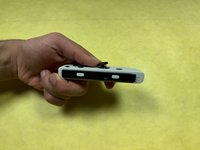
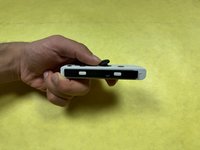
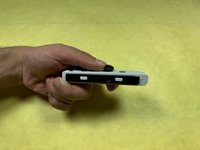
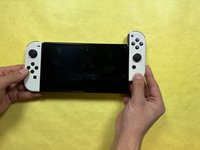
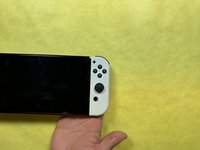
    • Flip the device over.

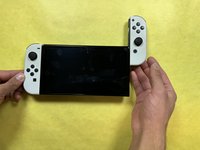
    • On the Joy-Con that is experiencing stick drift, hold down the release button and slide the Joy-Con off.

  2. How to Fix Nintendo Switch Joy Con Stick Drift: 步骤 2 中的图像 1,2 How to Fix Nintendo Switch Joy Con Stick Drift: 步骤 2 中的图像 2,2
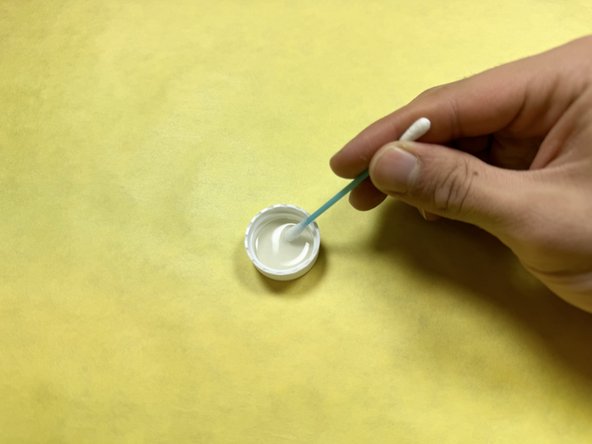
    • Pour a small amount of rubbing alcohol onto the lid and dip your cotton swab into it.

  3. How to Fix Nintendo Switch Joy Con Stick Drift: 步骤 3 中的图像 1,3 How to Fix Nintendo Switch Joy Con Stick Drift: 步骤 3 中的图像 2,3 How to Fix Nintendo Switch Joy Con Stick Drift: 步骤 3 中的图像 3,3
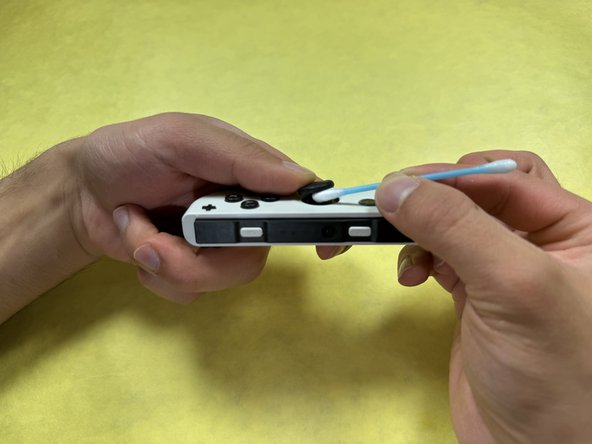
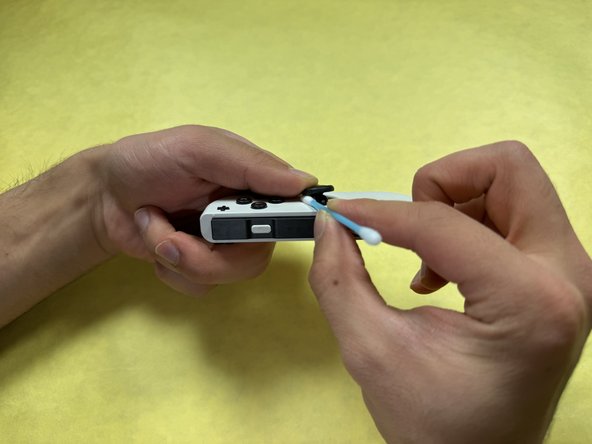
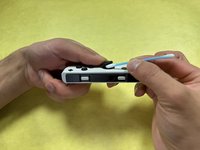
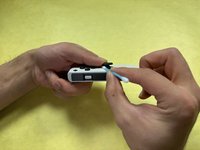
    • While slowly rotating the joint of the stick, use the cotton swab to sweep beneath the rubber that holds the joy stick cover to remove any debris.

  4. How to Fix Nintendo Switch Joy Con Stick Drift: 步骤 4 中的图像 1,3 How to Fix Nintendo Switch Joy Con Stick Drift: 步骤 4 中的图像 2,3 How to Fix Nintendo Switch Joy Con Stick Drift: 步骤 4 中的图像 3,3
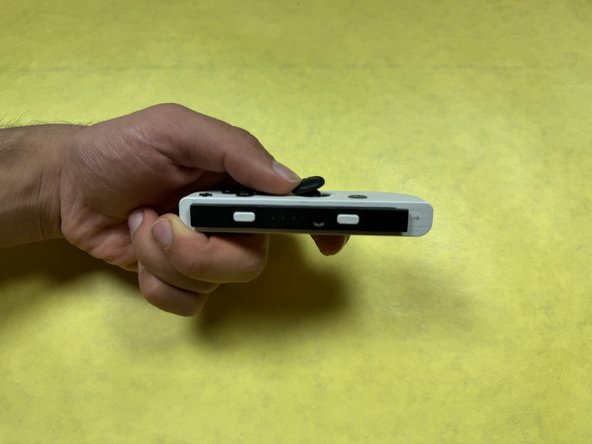
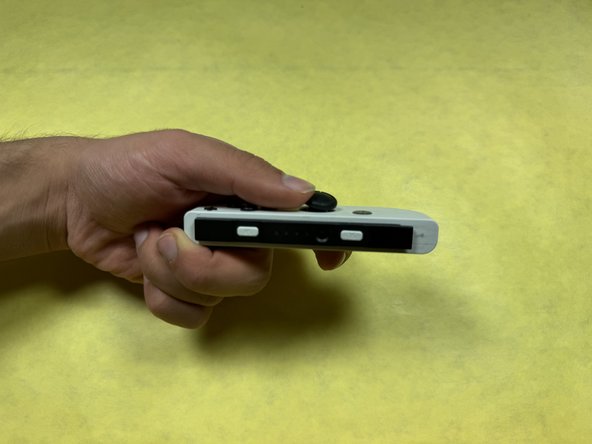
    • Swirl the joystick around 2 or 3 times.

  5. How to Fix Nintendo Switch Joy Con Stick Drift: 步骤 5 中的图像 1,1
    • Allow the Joy-Con to sit for at least 30 seconds.

  6. How to Fix Nintendo Switch Joy Con Stick Drift: 步骤 6 中的图像 1,3 How to Fix Nintendo Switch Joy Con Stick Drift: 步骤 6 中的图像 2,3 How to Fix Nintendo Switch Joy Con Stick Drift: 步骤 6 中的图像 3,3
    • Slide the Joy-Con back onto the side of the Switch's body.

  7. How to Fix Nintendo Switch Joy Con Stick Drift: 步骤 7 中的图像 1,3 How to Fix Nintendo Switch Joy Con Stick Drift: 步骤 7 中的图像 2,3 How to Fix Nintendo Switch Joy Con Stick Drift: 步骤 7 中的图像 3,3
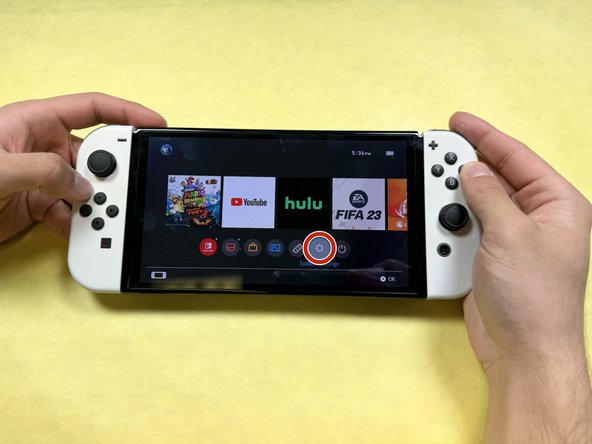
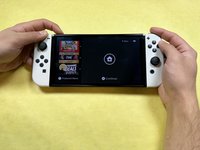
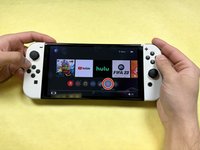
    • Turn on the Switch and go to the home screen.

    • Click on "System Settings."

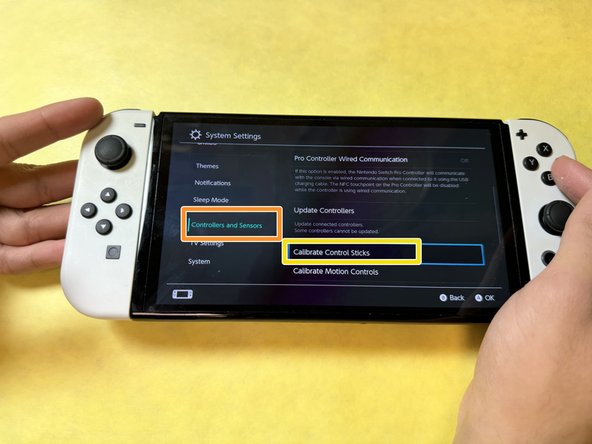
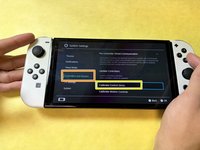
    • Click on "Controllers and Sensors."

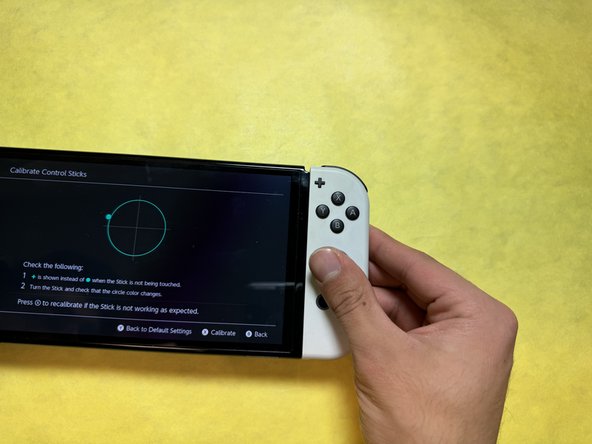
    • Click on "Calibrate Control Sticks."

  8. How to Fix Nintendo Switch Joy Con Stick Drift: 步骤 8 中的图像 1,3 How to Fix Nintendo Switch Joy Con Stick Drift: 步骤 8 中的图像 2,3 How to Fix Nintendo Switch Joy Con Stick Drift: 步骤 8 中的图像 3,3
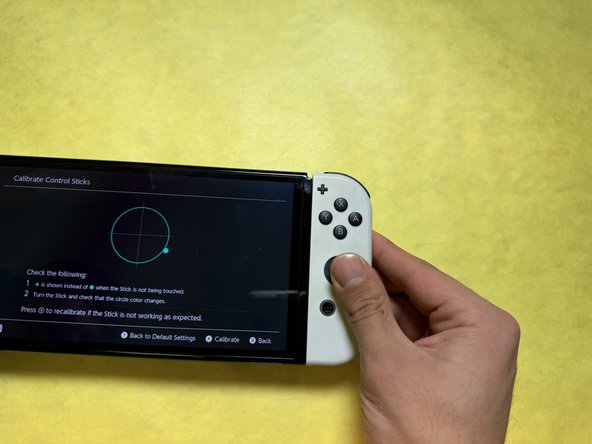
    • Recalibrate the joystick by following the instructions on the screen.

结论

With this fix, your Nintendo Switch Joy-Cons should not experience any more stick drift.

7等其他人完成本指南。

Gabriella Su

于10/10/24注册

289 声望

撰写一个指南

团队

UC Davis, Team 1-8, Morris Fall 2024 UC Davis, Team 1-8, Morris Fall 2024 的会员

UCD-MORRIS-F24S1G8

3 名成员

创作了5篇指南

2指南评论

This isn't the symptom of stick drift, at all. If there's debris causing movement, that would be instantly resolved if debris was removed. You wouldn't need to Calibrate it.

Zakariya Ali - 回复
great it worked thanks!

MNO .k - 回复
添加评论

浏览统计数据:

过去 24 小时: 20

过去 7 天: 176

过去 30 天: 789

总计 10,199