跳转到主内容

How to Disconnect the Display

仅作为前提条件
本指南仅提供前提条件!本指南是另一个程序的一部分,不能单独使用。
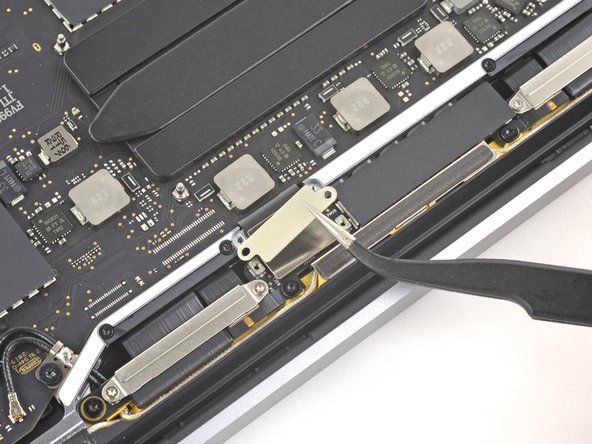
  1. How to Disconnect the Display, Remove the display cable bracket: 步骤 1 中的图像 1,2 How to Disconnect the Display, Remove the display cable bracket: 步骤 1 中的图像 2,2
    • Use a T3 Torx driver to remove the two 3.1 mm screws securing the display cable retaining bracket.

    • Remove the bracket.

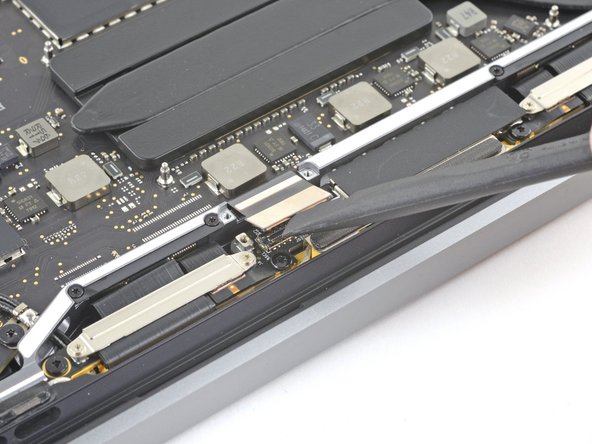
  2. How to Disconnect the Display, Remove the display cable cover: 步骤 2 中的图像 1,2 How to Disconnect the Display, Remove the display cable cover: 步骤 2 中的图像 2,2
    • Use your T3 Torx driver to remove the two 1.7 mm screws securing the display cable cover.

    • Remove the cover.

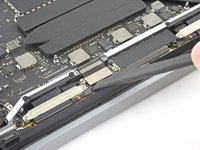
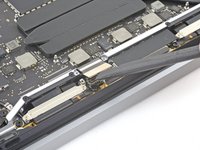
  3. How to Disconnect the Display, Disconnect the display: 步骤 3 中的图像 1,2 How to Disconnect the Display, Disconnect the display: 步骤 3 中的图像 2,2
    • Use the flat end of your spudger to pry up and disconnect the display cable from the display board.

结论

To reassemble your device, follow these instructions in reverse order.

Clay Eickemeyer

于09/19/22注册

95,653 声望

创作了466篇指南

团队

Guide Team Guide Team 的会员

Staff

10 名成员

创作了15,803篇指南

0指南评论

添加评论

浏览统计数据:

过去 24 小时: 0

过去 7 天: 0

过去 30 天: 3

总计 47