跳转到主内容

How to Assemble Sigrow Soil Pro Mini

  1. How to Assemble Sigrow Soil Pro Mini, Necessary parts: 步骤 1 中的图像 1,1
    • Make sure you have all the necessary parts to assemble the Soil Pro Mini.

    • Soil sensor

    • Battery

    • PCB

    • Wireless charger

  2. How to Assemble Sigrow Soil Pro Mini, Prepare the wireless charger: 步骤 2 中的图像 1,3 How to Assemble Sigrow Soil Pro Mini, Prepare the wireless charger: 步骤 2 中的图像 2,3 How to Assemble Sigrow Soil Pro Mini, Prepare the wireless charger: 步骤 2 中的图像 3,3
    • Carefully fold the wireless charger just above the words "Wireless Charger".

    • There are two parts inside the wireless charger. The fold is placed inbetween these two parts.

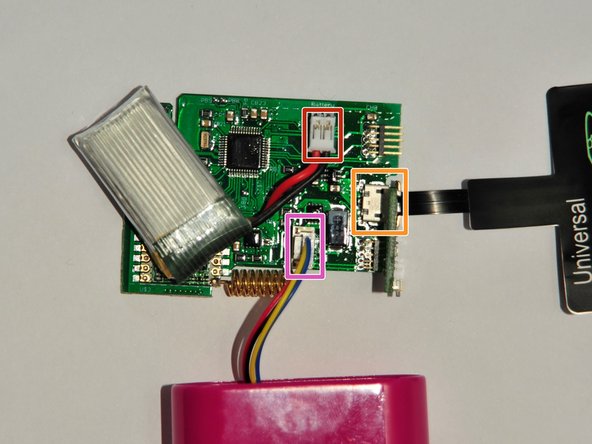
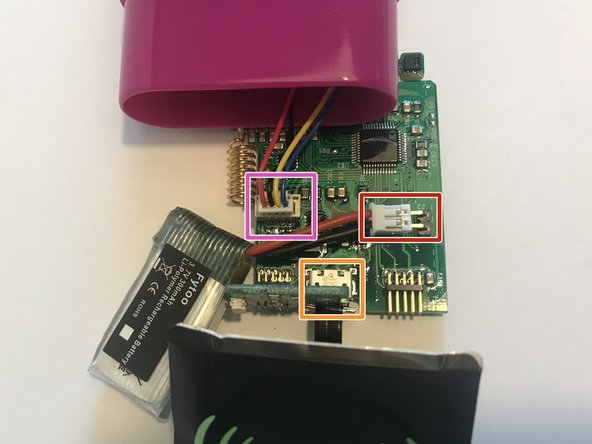
  3. How to Assemble Sigrow Soil Pro Mini, Connect parts to the PCB: 步骤 3 中的图像 1,3 How to Assemble Sigrow Soil Pro Mini, Connect parts to the PCB: 步骤 3 中的图像 2,3 How to Assemble Sigrow Soil Pro Mini, Connect parts to the PCB: 步骤 3 中的图像 3,3
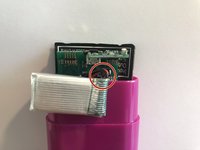
    • The soil sensor, battery and wireless charger all need to be connected to the PCB.

    • Battery

    • Make sure to connect the red wire to the plus (+) side as marked on the PCB. In this photo, the positive side is on the left.

    • Wireless charger

    • Soil sensor

    • When connecting the soil sensor and the PCB, you should hear a *click*.

  4. How to Assemble Sigrow Soil Pro Mini, Insert the PCB into the case: 步骤 4 中的图像 1,3 How to Assemble Sigrow Soil Pro Mini, Insert the PCB into the case: 步骤 4 中的图像 2,3 How to Assemble Sigrow Soil Pro Mini, Insert the PCB into the case: 步骤 4 中的图像 3,3
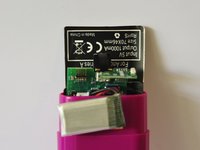
    • The PCB and the wireless charger are inserted into the deep pocket of the soil sensor.

    • Make sure that the Wireless Charger logo is facing towards the outside of the case.

    • Assembly is easiest when the PCB is inserted at a slight angle.

    • Push the wireless charged in behind the PCB.

    • The PCB and wireless charger should be at the same height, but not inserted all the way.

  5. How to Assemble Sigrow Soil Pro Mini, Insert the battery: 步骤 5 中的图像 1,3 How to Assemble Sigrow Soil Pro Mini, Insert the battery: 步骤 5 中的图像 2,3 How to Assemble Sigrow Soil Pro Mini, Insert the battery: 步骤 5 中的图像 3,3
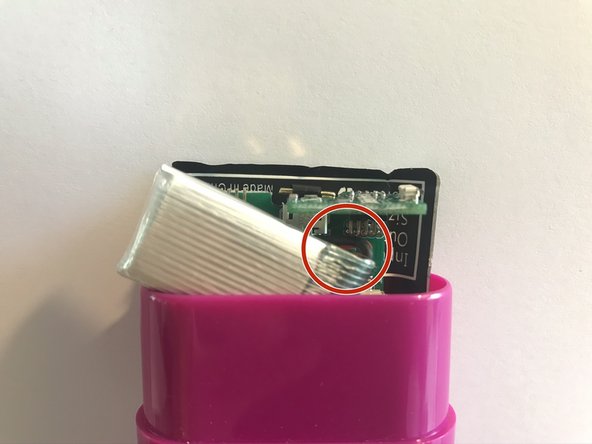
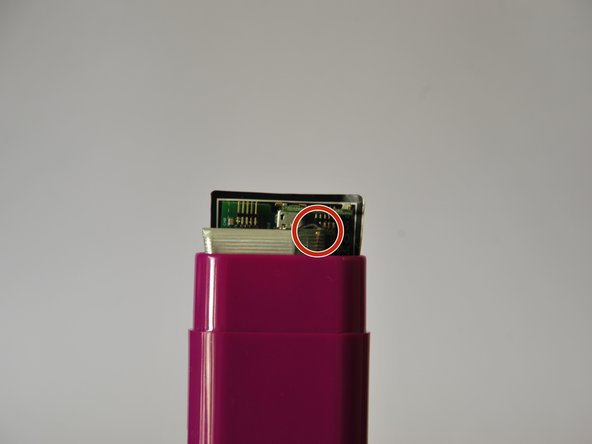
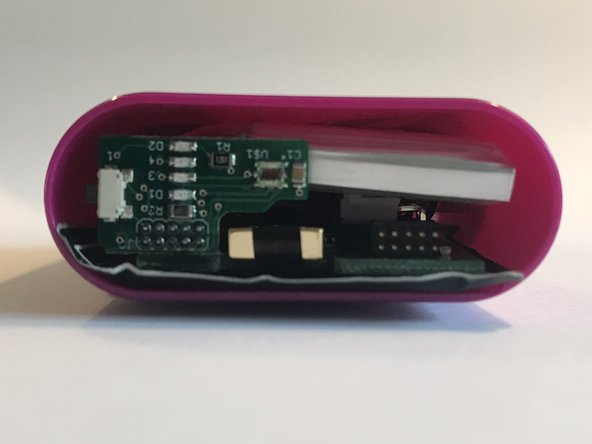
    • The battery should be placed in front of the PCB. This is easiest when diagonally inserted.

    • The battery wires are in the upper righthand corner.

  6. How to Assemble Sigrow Soil Pro Mini, Complete assembly: 步骤 6 中的图像 1,3 How to Assemble Sigrow Soil Pro Mini, Complete assembly: 步骤 6 中的图像 2,3 How to Assemble Sigrow Soil Pro Mini, Complete assembly: 步骤 6 中的图像 3,3
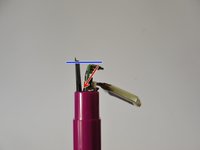
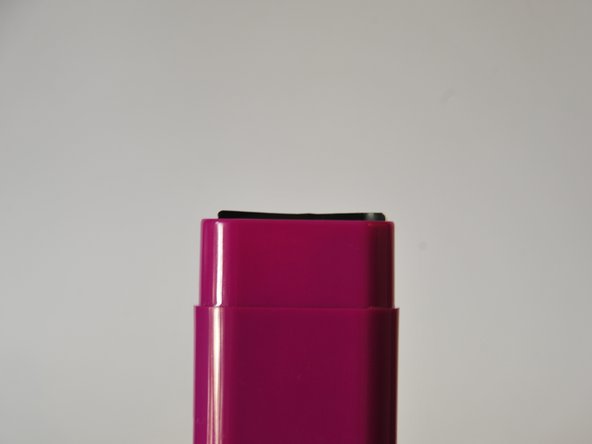
    • The components can now be pressed in all the way.

    • The PCB must be below the edge of the soil sensor. The wireless charger is allowed to stick out a little bit.

  7. How to Assemble Sigrow Soil Pro Mini, Packaging: 步骤 7 中的图像 1,2 How to Assemble Sigrow Soil Pro Mini, Packaging: 步骤 7 中的图像 2,2
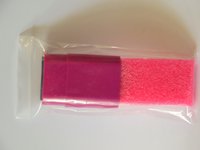
    • Put the assembled Soil Pro Mini back in the bag.

    • Place 20 assembled Soil Pro Minis back in the box.

    • There shoud be two rows of nine sensors in the box. Two sensors can be placed between the rows.

终点

另外一个人完成了本指南。

Sigrow

于05/14/20注册

1,075 声望

创作了5篇指南

团队

Sigrow Sigrow 的会员

Community

3 名成员

创作了5篇指南

0指南评论

添加评论

浏览统计数据:

过去 24 小时: 0

过去 7 天: 1

过去 30 天: 8

总计 200