简介
If your HTC Wizard 200 is frequently restarting, not turning on, or not transferring data, you may need to replace the motherboard. The motherboard is the control panel of the phone.
Follow the below steps to replace your HTC Wizard 200 motherboard.
Note: The motherboard is a very delicate structure and must be handled with care.
你所需要的
-
-
-
To expose the battery, remove the outer case with your fingernail.
-
Remove the battery by pulling the black tab.
 询问修复机器人
-
-
-
-
在这个步骤中使用的工具:Spudger$3.99
-
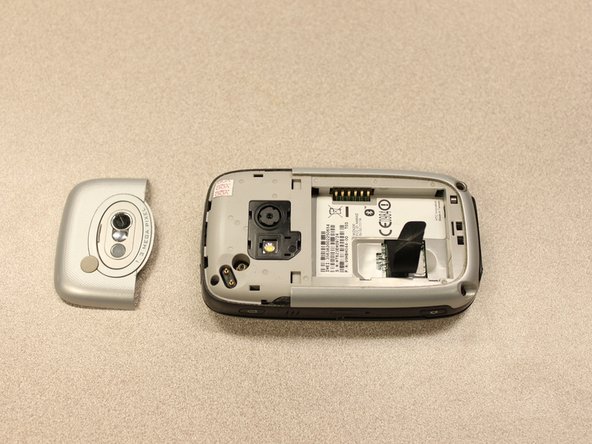
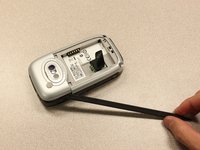
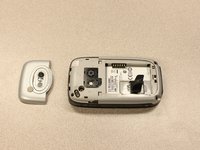
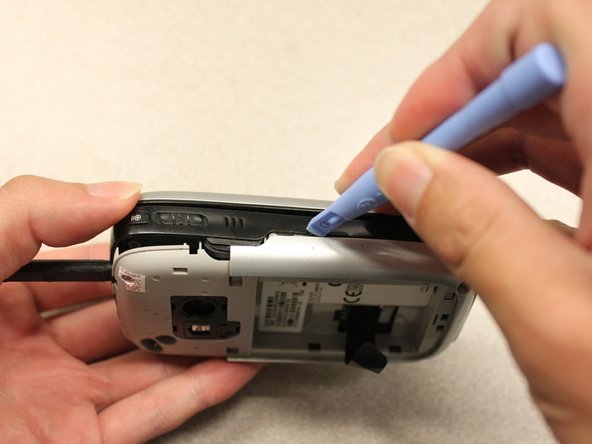
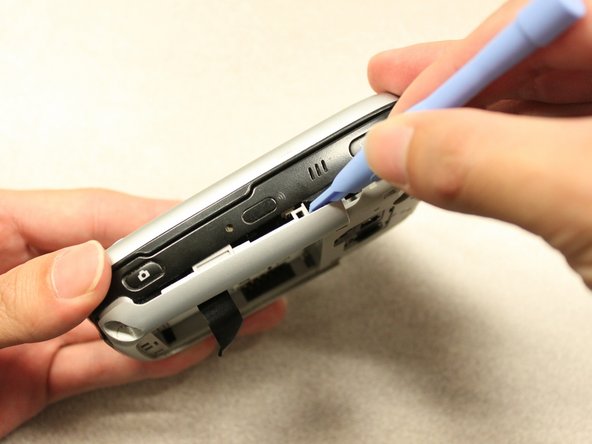
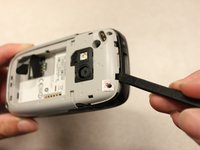
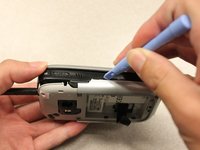
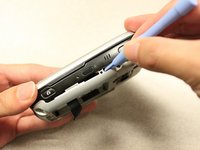
Insert the flat end of the spudger into the two notches on the back of the camera cover and pry them up.
-
-
在这个步骤中使用的工具:T5 Torx Screwdriver$5.49
-
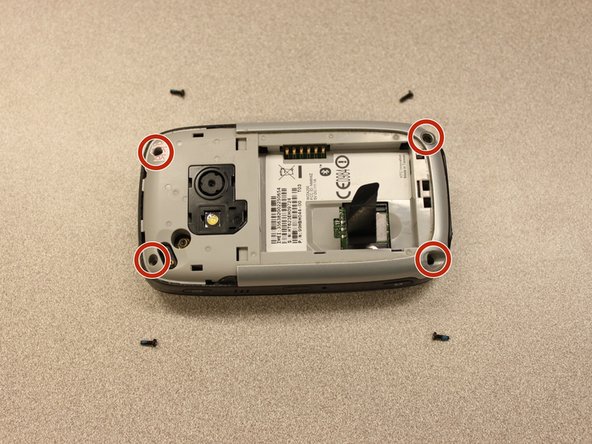
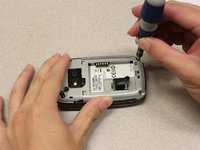
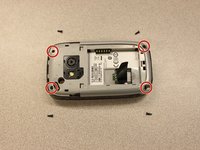
Remove the four 6 mm screws with the T5 Torx screwdriver.
-
-
-
-






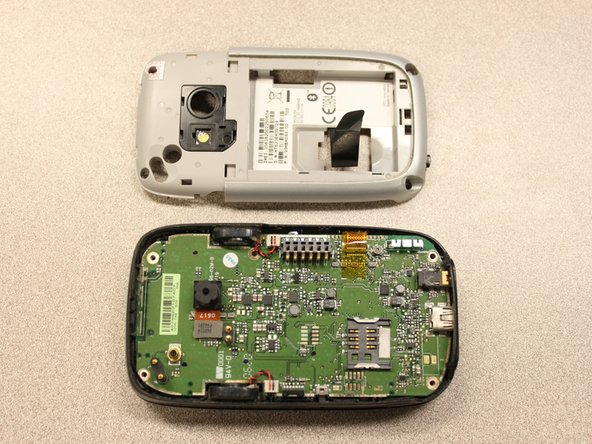
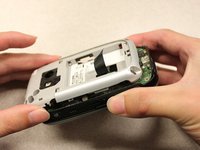
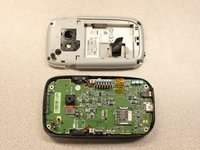


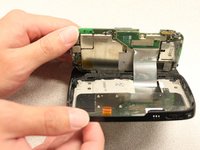


To reassemble your device, follow these instructions in reverse order.

团队

Cal Poly, Team 20-27, Maness Fall 2011 Cal Poly, Team 20-27, Maness Fall 2011 的会员
CPSU-MANESS-F11S20G27
4 名成员
创作了60篇指南
