简介
This guide demonstrates how to propery remove and replace the front panel of an HTC HD 2.
你所需要的
-
-
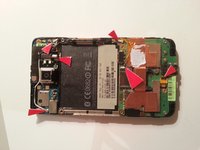
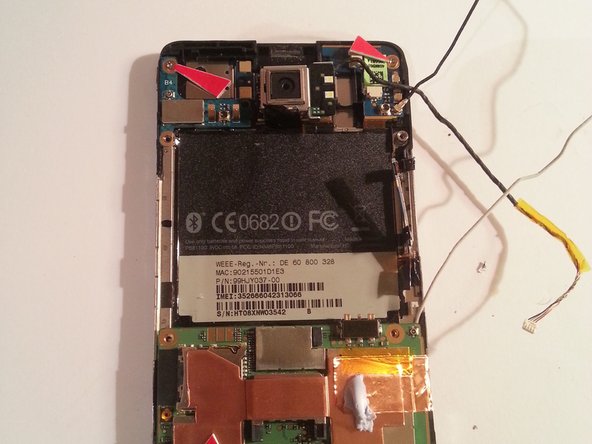
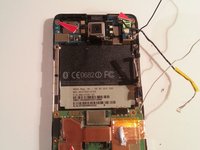
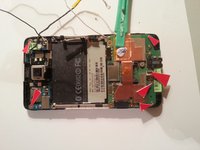
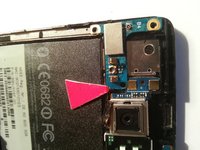
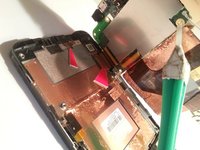
Use a small Philips screwdriver to remove the four indicated screws.
-
-
-
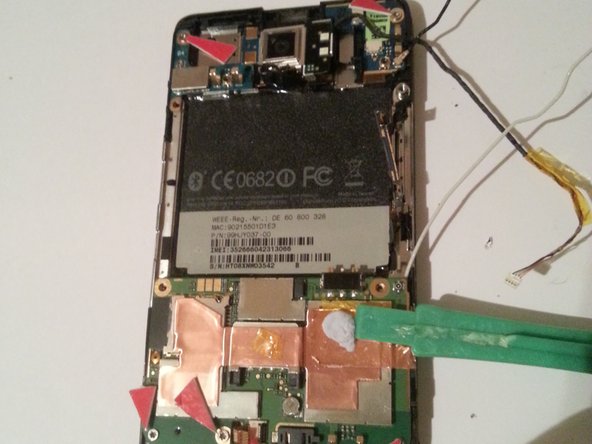
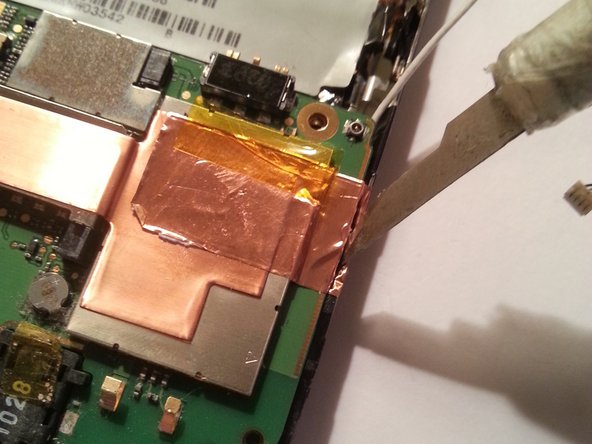
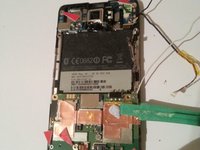
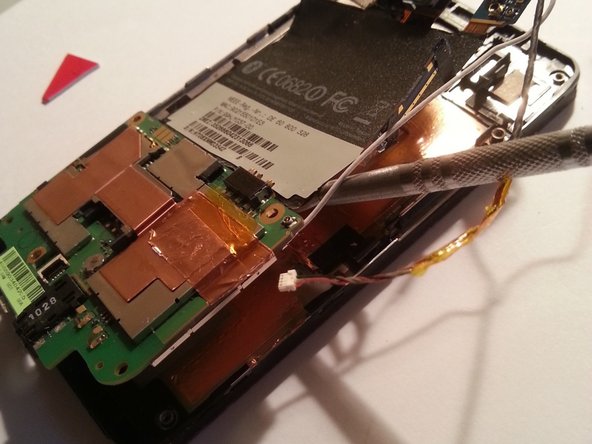
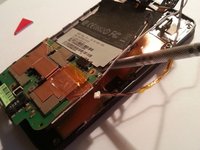
Use a pry tool along the edges of the device to remove the broken or non-functional screen.
-
-
-
在这个步骤中使用的工具:Tweezers$4.99
-
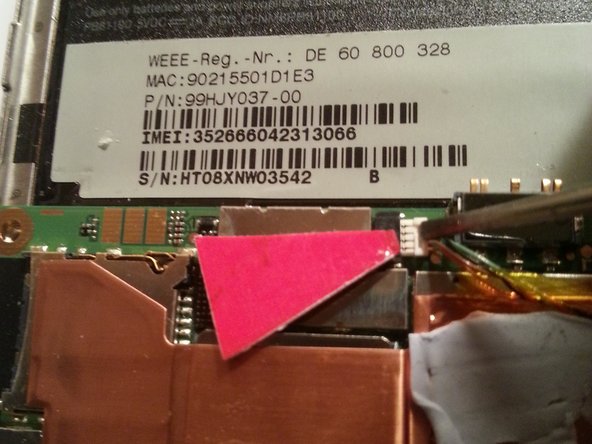
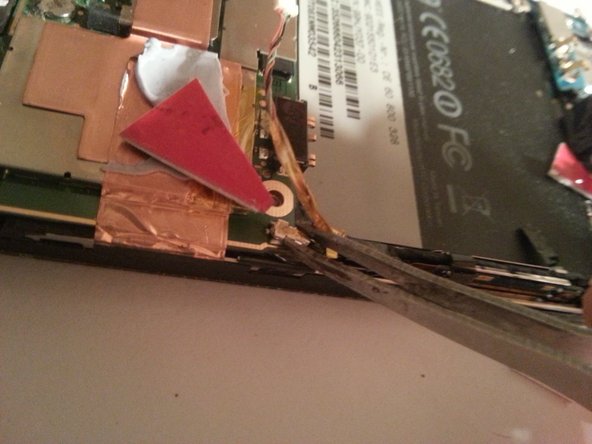
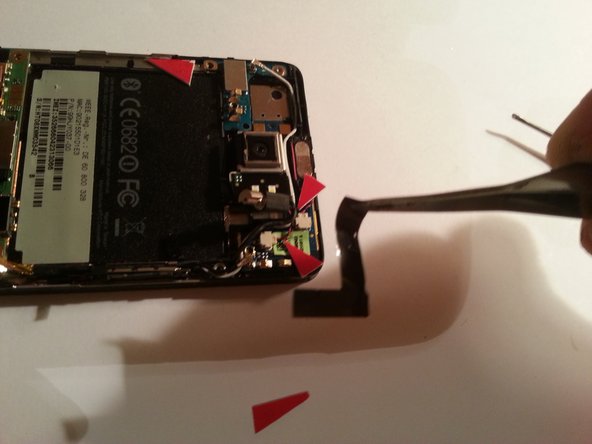
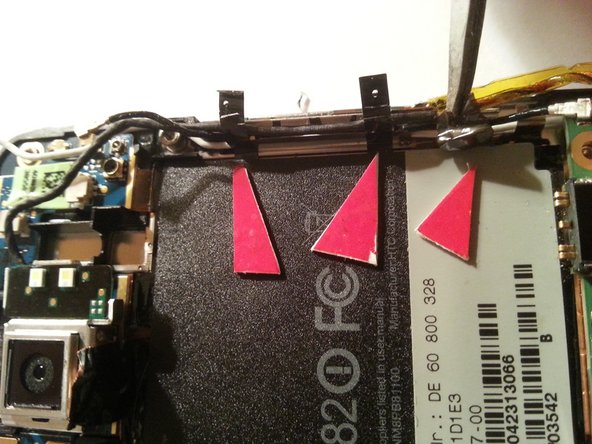
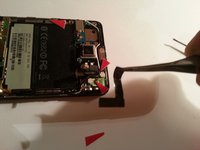
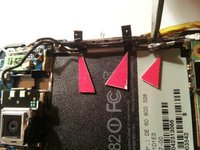
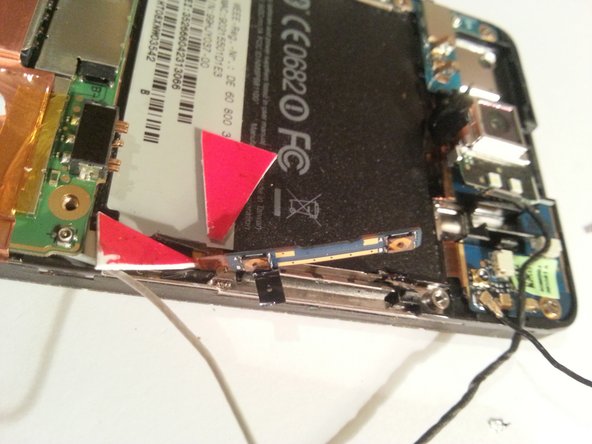
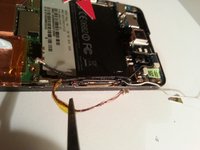
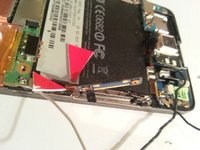
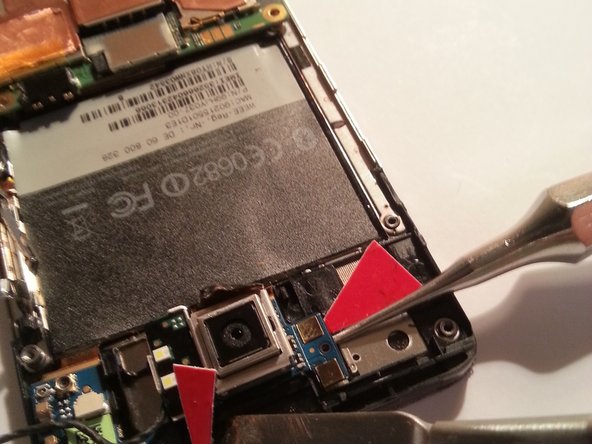
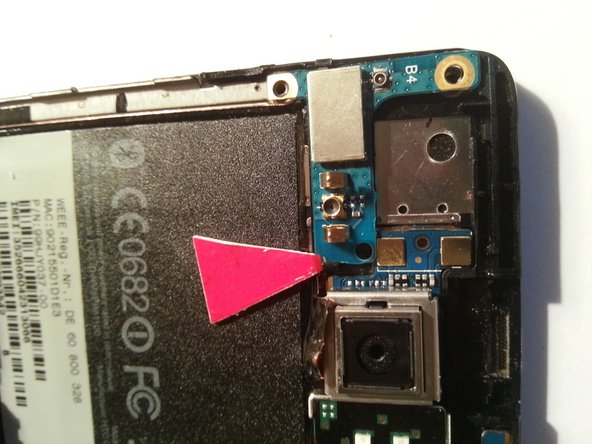
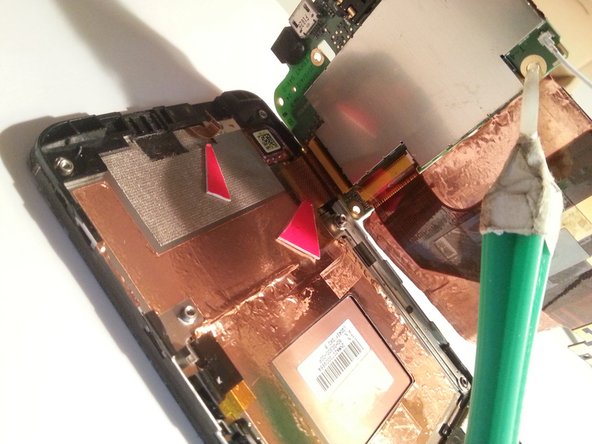
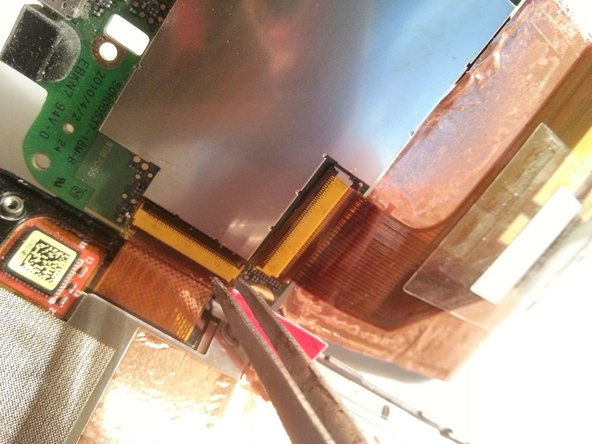
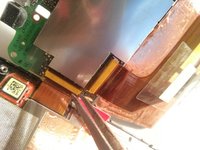
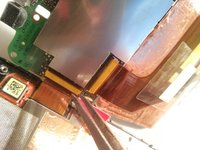
Danach 3 tesa stripes lösen
-
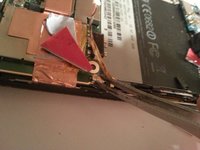
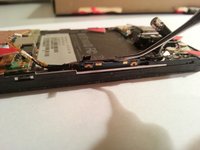
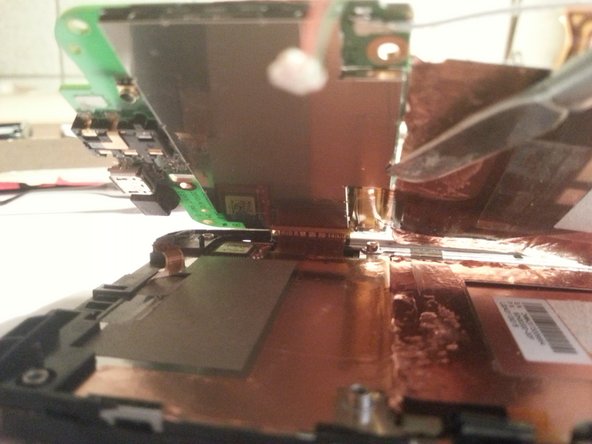
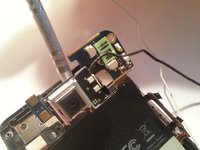
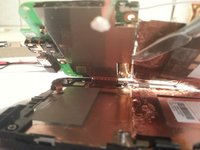
Using tweezers, release the 3 tesa strips.
-










结论
To reassemble your device, follow these instructions in reverse order.



