简介
Prerequisite Only
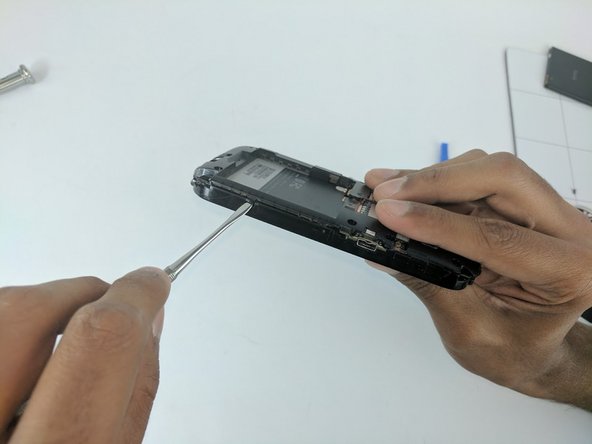
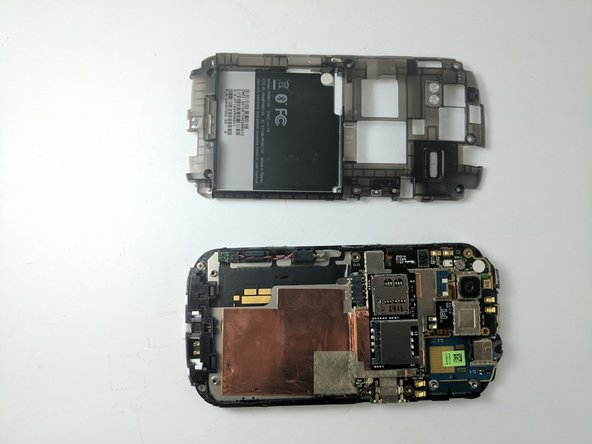
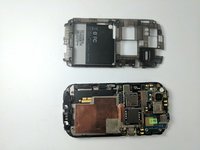
This guide will show how to remove the back panel of the HTC Amaze, which will then make it easier to access other components of the device.
你所需要的
-
-
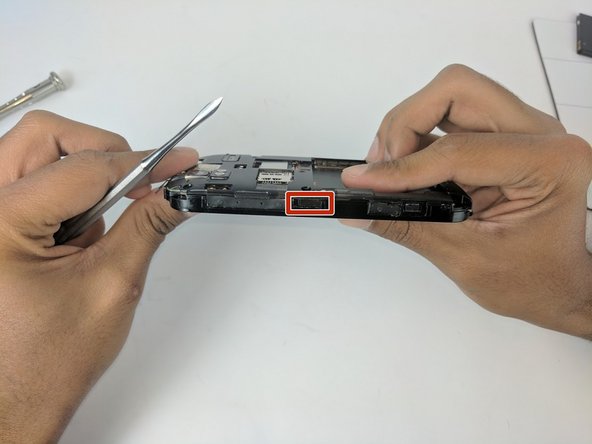
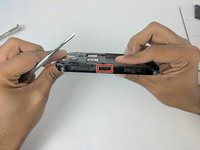
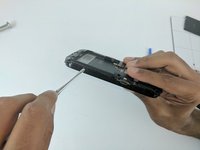
Gently press the Release Button located at the bottom of the phone in order to remove the back panel of the device.
-
-
-
-
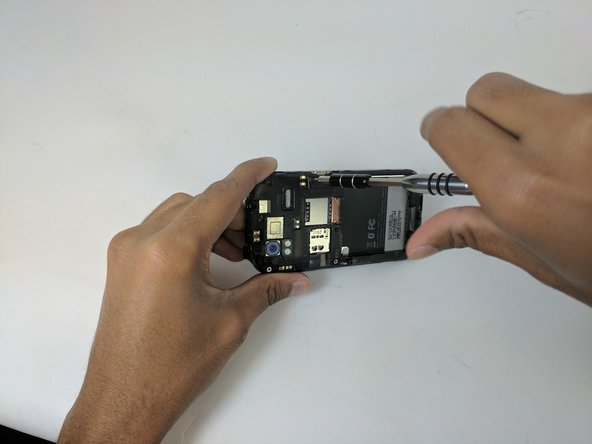
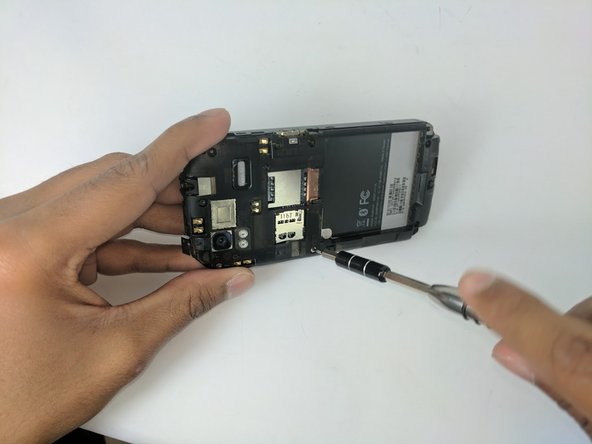
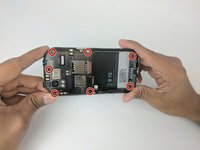
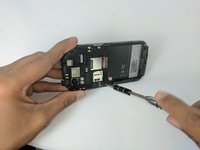
Use the Torx T5 screwdriver to remove the 7 Torx Screws (3mm) attached to the back housing of the device.
-




结论
To reassemble your device, follow these instructions in reverse order.



团队

USF Tampa, Team 16-3, Eyestone Fall 2016 USF Tampa, Team 16-3, Eyestone Fall 2016 的会员
USFT-EYESTONE-F16S16G3
2 名成员
创作了10篇指南
