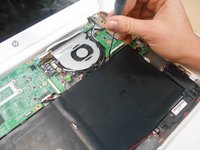
跳转到主内容
加入维修社区 - 创建账户

HP Chromebook 14-Q010DX Motherboard Replacement

你所需要的

  1. HP Chromebook 14-Q010DX Motherboard Replacement, Keyboard and Touchpad: 步骤 1 中的图像 1,2 HP Chromebook 14-Q010DX Motherboard Replacement, Keyboard and Touchpad: 步骤 1 中的图像 2,2
    • Flip the laptop so the base of the laptop is facing you.

    • Using the #00 screwdriver, unscrew the 13 screws.

    询问修复机器人

    添加评论

  2. HP Chromebook 14-Q010DX Motherboard Replacement: 步骤 2 中的图像 1,3 HP Chromebook 14-Q010DX Motherboard Replacement: 步骤 2 中的图像 2,3 HP Chromebook 14-Q010DX Motherboard Replacement: 步骤 2 中的图像 3,3
    • Warning! When prying open a laptop it could require some force, but it also has fragile connectors underneath. Use caution so as to avoid breaking these connectors.

    • Start from the top right corner of the laptop and work clockwise with an iFixit opening tool or spudger to pry the keyboard from the frame of the laptop.

    询问修复机器人

    添加评论

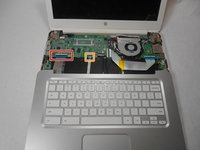
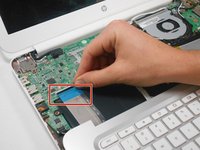
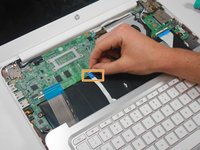
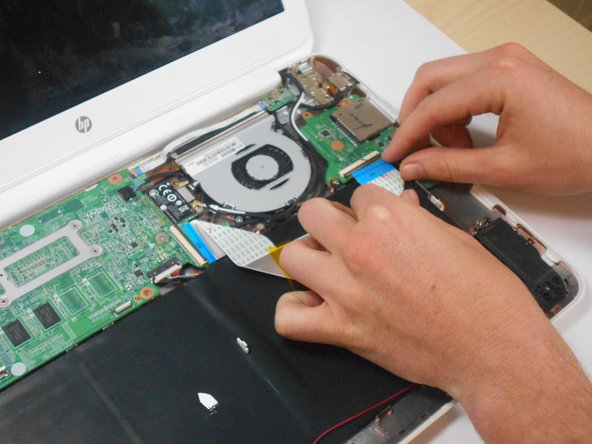
  3. HP Chromebook 14-Q010DX Motherboard Replacement: 步骤 3 中的图像 1,3 HP Chromebook 14-Q010DX Motherboard Replacement: 步骤 3 中的图像 2,3 HP Chromebook 14-Q010DX Motherboard Replacement: 步骤 3 中的图像 3,3
    • Warning! Handle the flaps and ribbon cables with care to prevent damage.

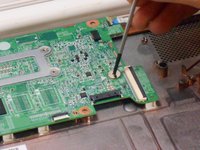
    • Gently pull the keyboard in the opposite direction of the screen, so the wires beneath are exposed.

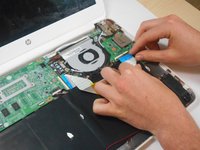
    • Lift the black flap and pull the blue ribbon gently towards you until it is disconnected.

    • Lift the white flap and pull the blue ribbon towards you until it is disconnected.

    询问修复机器人

    添加评论

  4. HP Chromebook 14-Q010DX Motherboard Replacement: 步骤 4 中的图像 1,1
    • Lift keyboard slightly and remove the strip gently to prevent damaging any parts.

    • The tape has no function other than to keep the wire tucked away.

    询问修复机器人

    添加评论

  5. HP Chromebook 14-Q010DX Motherboard Replacement: 步骤 5 中的图像 1,1
    • Set aside the detached keyboard.

    询问修复机器人

    添加评论

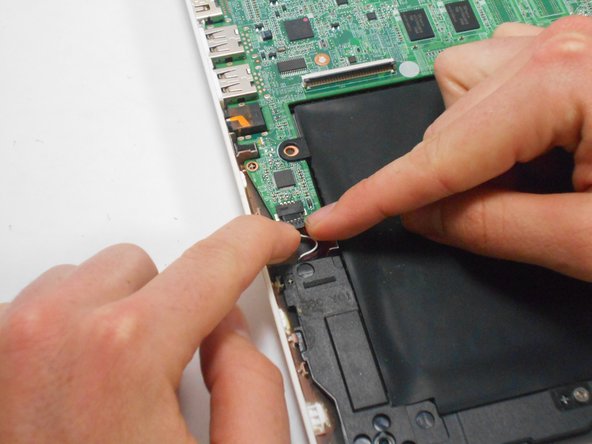
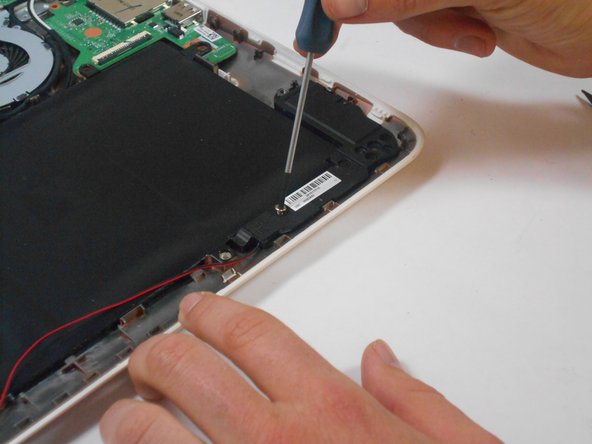
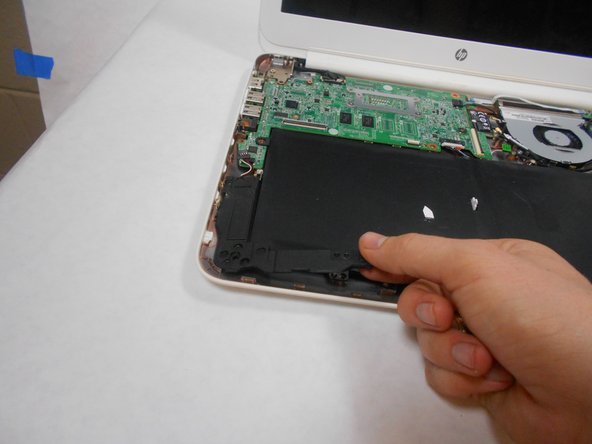
  6. HP Chromebook 14-Q010DX Motherboard Replacement, Speaker: 步骤 6 中的图像 1,3 HP Chromebook 14-Q010DX Motherboard Replacement, Speaker: 步骤 6 中的图像 2,3 HP Chromebook 14-Q010DX Motherboard Replacement, Speaker: 步骤 6 中的图像 3,3
    • Undo the black tape located on the bottom from the frame of the laptop.

    • The tape has no function other than to keep the wire tucked away.

    • Using fingers or the spudger, slide out the black connector indicated on the left.

    • Use a #00 screwdriver to remove the two screws.

    询问修复机器人

    添加评论

  7. HP Chromebook 14-Q010DX Motherboard Replacement: 步骤 7 中的图像 1,2 HP Chromebook 14-Q010DX Motherboard Replacement: 步骤 7 中的图像 2,2
    • Gently remove the speakers.

    询问修复机器人

    添加评论

  8. HP Chromebook 14-Q010DX Motherboard Replacement, Battery: 步骤 8 中的图像 1,2 HP Chromebook 14-Q010DX Motherboard Replacement, Battery: 步骤 8 中的图像 2,2
    • Note the shape that this wire strip is resting at and that the blue tip of the strip goes into the right connector for reassembly.

    • Lift the black flaps and gently pull the strip out.

    • Set the strip aside.

    询问修复机器人

    添加评论

  9. HP Chromebook 14-Q010DX Motherboard Replacement: 步骤 9 中的图像 1,3 HP Chromebook 14-Q010DX Motherboard Replacement: 步骤 9 中的图像 2,3 HP Chromebook 14-Q010DX Motherboard Replacement: 步骤 9 中的图像 3,3
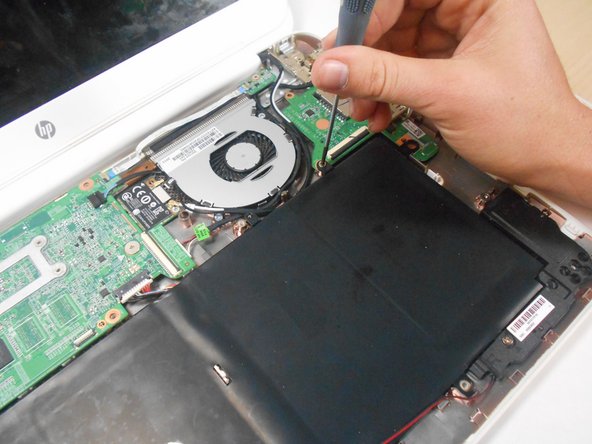
    • Remove the screw.

    • Use your fingers to pull the white tab out of the black slot above the battery.

    添加评论

  10. HP Chromebook 14-Q010DX Motherboard Replacement: 步骤 10 中的图像 1,1
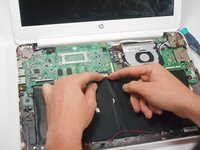
    • Gently remove battery.

    询问修复机器人

    添加评论

  11. HP Chromebook 14-Q010DX Motherboard Replacement, Bluetooth and Wireless Card: 步骤 11 中的图像 1,2 HP Chromebook 14-Q010DX Motherboard Replacement, Bluetooth and Wireless Card: 步骤 11 中的图像 2,2
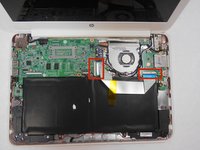
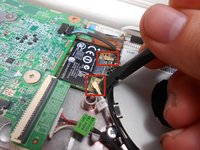
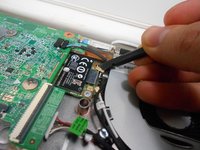
    • Using a spudger, remove the white and black cables from the card.

    询问修复机器人

    添加评论

  12. HP Chromebook 14-Q010DX Motherboard Replacement: 步骤 12 中的图像 1,2 HP Chromebook 14-Q010DX Motherboard Replacement: 步骤 12 中的图像 2,2
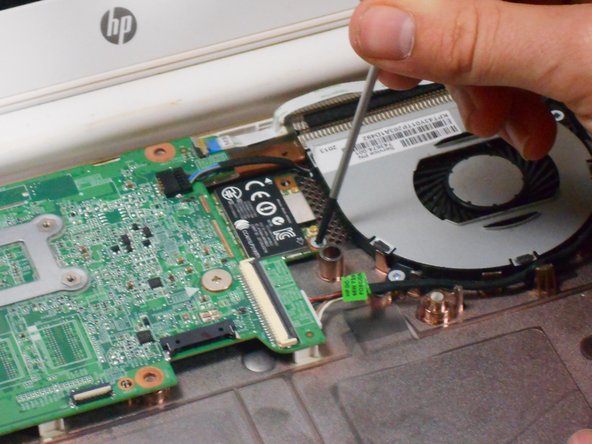
    • Remove screw from card.

    询问修复机器人

    添加评论

  13. HP Chromebook 14-Q010DX Motherboard Replacement: 步骤 13 中的图像 1,1
    • Gently pull card at a 45° angle to remove it.

    询问修复机器人

    添加评论

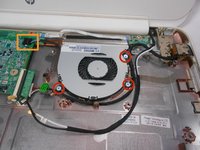
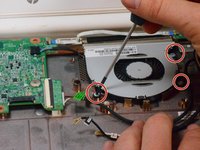
  14. HP Chromebook 14-Q010DX Motherboard Replacement, Fan replacement for a HP Chromebook: 步骤 14 中的图像 1,3 HP Chromebook 14-Q010DX Motherboard Replacement, Fan replacement for a HP Chromebook: 步骤 14 中的图像 2,3 HP Chromebook 14-Q010DX Motherboard Replacement, Fan replacement for a HP Chromebook: 步骤 14 中的图像 3,3
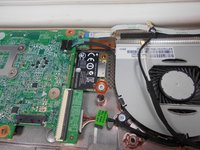
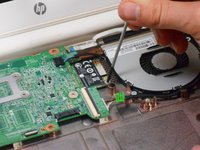
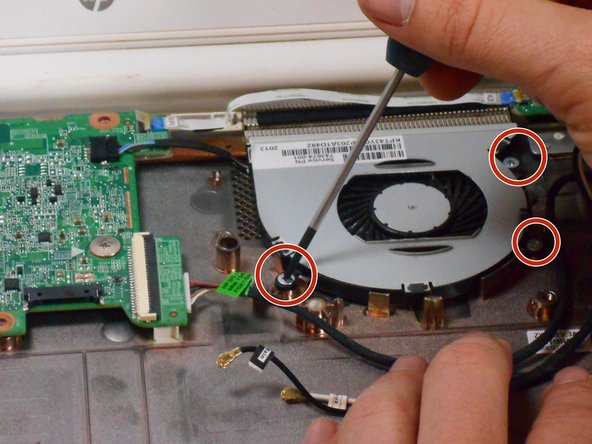
    • Remove the 3 screws around the fan.

    • Using your fingers or the spudger, disconnect the cable connecting the fan to the motherboard.

    询问修复机器人

    添加评论

  15. HP Chromebook 14-Q010DX Motherboard Replacement: 步骤 15 中的图像 1,1
    • Once the cable connecting the fan to the motherboard is revomed gently remove fan with hands.

    添加评论

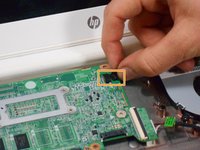
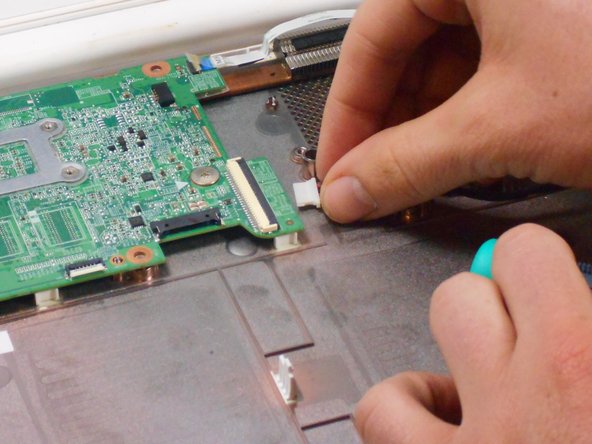
  16. HP Chromebook 14-Q010DX Motherboard Replacement, Motherboard: 步骤 16 中的图像 1,2 HP Chromebook 14-Q010DX Motherboard Replacement, Motherboard: 步骤 16 中的图像 2,2
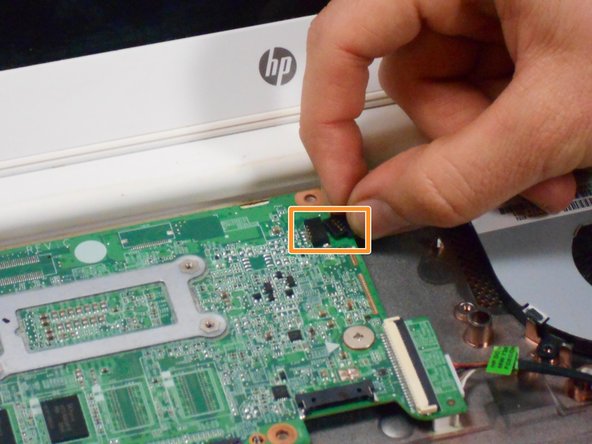
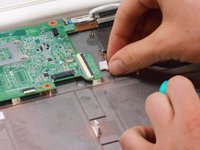
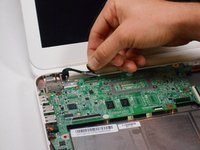
    • Using your fingers or spudger, pull out the connector.

    询问修复机器人

    添加评论

  17. HP Chromebook 14-Q010DX Motherboard Replacement: 步骤 17 中的图像 1,3 HP Chromebook 14-Q010DX Motherboard Replacement: 步骤 17 中的图像 2,3 HP Chromebook 14-Q010DX Motherboard Replacement: 步骤 17 中的图像 3,3
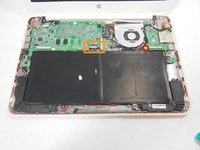
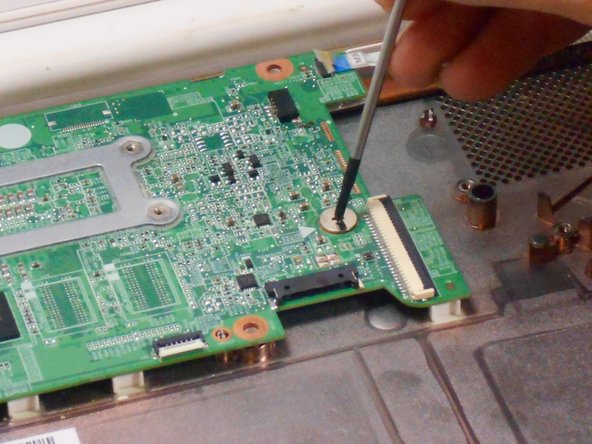
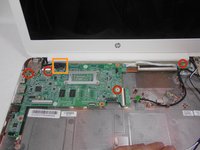
    • Remove all of the indicated screws.

    • Pull up on black strip to remove the monitor cord.

    添加评论

  18. HP Chromebook 14-Q010DX Motherboard Replacement: 步骤 18 中的图像 1,1
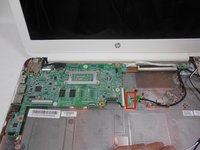
    • Gently remove motherboard.

    询问修复机器人

    添加评论

结论

To reassemble your device, follow these instructions in reverse order.

取消:我没有完成这个指南。

2等其他人完成本指南。

Kevin Piper

于01/16/15注册

1,602 声望

创作了6篇指南

团队

USF Tampa, Team 17-2, Watkins Winter 2015 USF Tampa, Team 17-2, Watkins Winter 2015 的会员

USFT-WATKINS-W15S17G2

4 名成员

创作了8篇指南

4指南评论

Can someone just explain for what the sensor board is needed?

martindoerflinger - 回复 分享
Let's the motherboard know when the lid is closed.

Jeff Briedwell - 回复 分享

Hi! How do you start a chrome book from motherboard? Since I am doing a project I need help with that question.... Please send a mail with the explanation on my mail: steffe010929@gmail.con

Stefan - 回复 分享

hope some one is still maintaining this site, i would like to know if i would be able to use a motherboard from another HP chromebook in the same product line for example if i have a motherboard from the 14-q010dx can i swap it with the motherboard from the 14-q010nr? thevet82@gmail.com

david saldivias - 回复 分享

添加评论

浏览统计数据:

过去 24 小时: 0

过去 7 天: 9

过去 30 天: 41

总计 5,097