简介
Follow this guide to replace a dead or worn-out battery in your HMD Skyline smartphone.
Your phone's lithium-ion battery has a limited lifespan. If your phone dies quickly and doesn't hold a charge, it may be time to replace the battery.
You'll need replacement battery adhesive to complete this repair.
If your battery is swollen, take appropriate precautions.
你所需要的
-
-
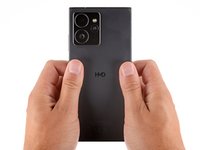
With the back cover facing up, use a T3 Torx screwdriver to turn the screw in the bottom edge counterclockwise until the back cover pops up.
-
-
-
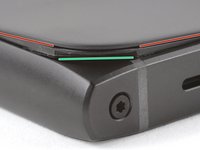
There's a seam just under the back cover panel. Don't insert your tool here.
-
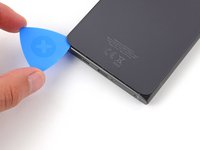
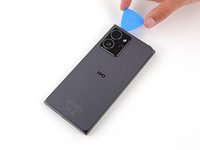
Insert your tool completely under the back cover, so it's between the frame and the underside of the back cover.
-
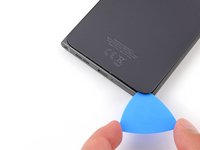
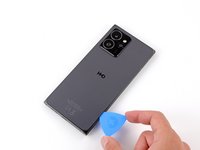
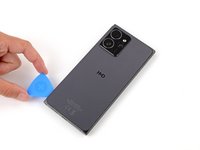
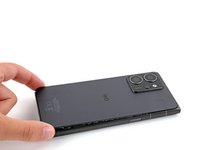
Insert an opening pick under the bottom left corner of the back cover and slide it along the bottom edge to release the clips and separate the adhesive.
-
-
-
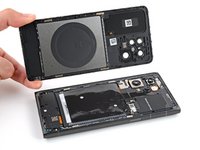
Lift and remove the back cover.
-
Now is a good time to test your phone before sealing it up. Power it on and check that it works. Power it back down before you continue reassembly.
-
Make sure you remove all liners from the underside.
-
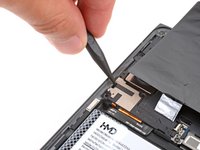
Use the flat end of a spudger to press the small cable above the wireless charging coil into place over its alignment posts.
-
Place the back cover onto the frame and firmly squeeze around the perimeter to reengage all the clips.
-
-
-
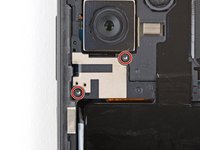
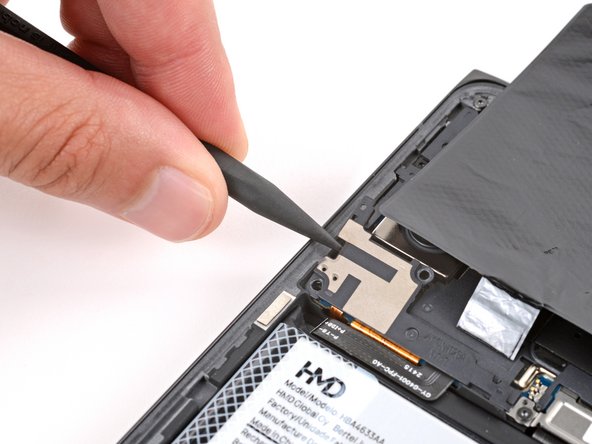
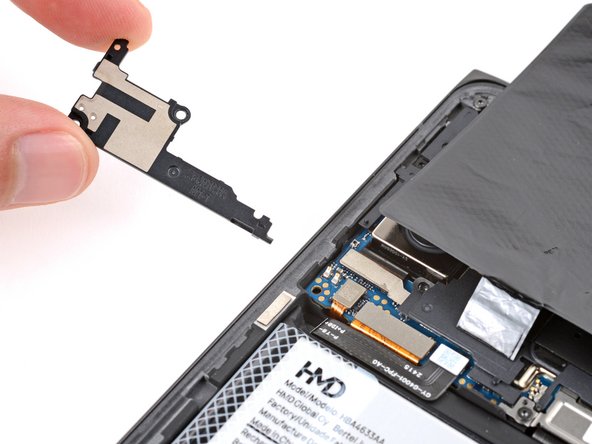
Use a T3 Torx screwdriver to remove the two screws securing the battery connector cover.
-
-
-
-
Insert the tip of an opening pick under the top edge of the battery press connector and pry up to disconnect it.
-
Check if the rear camera press connector got disconnected during the previous step. If it did, reconnect it.
-
-
-
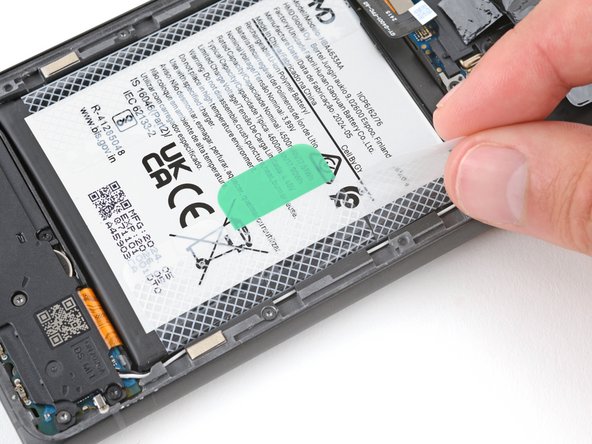
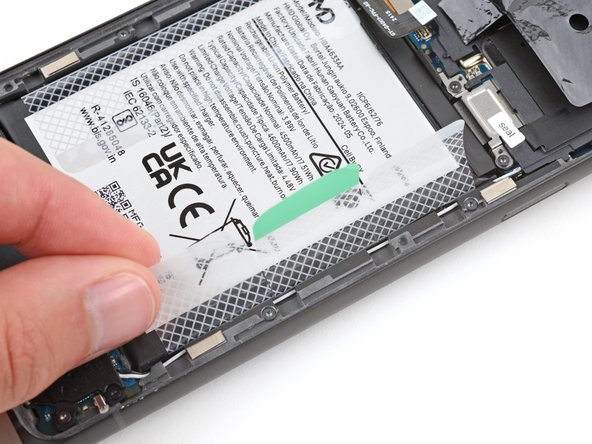
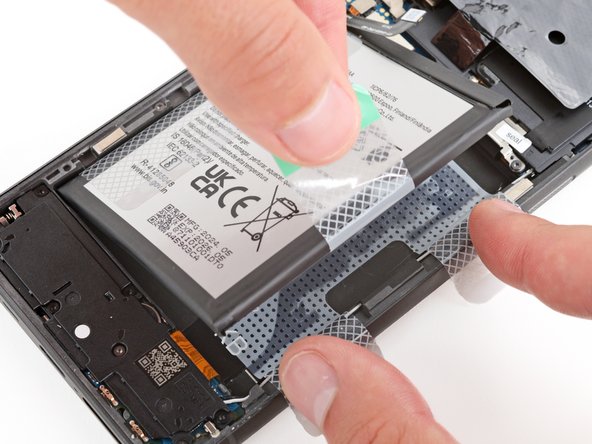
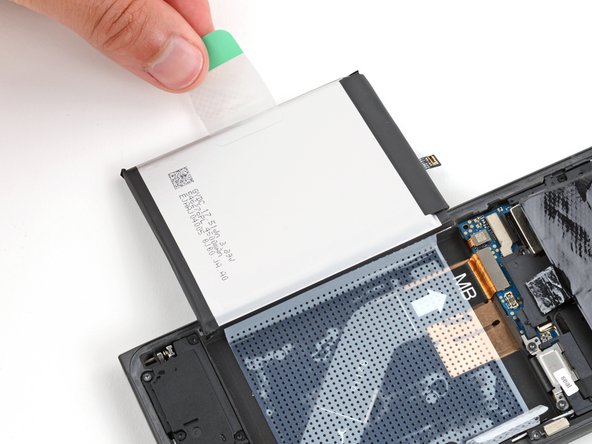
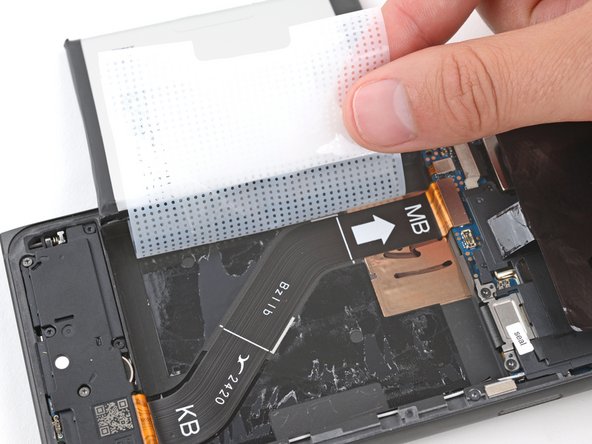
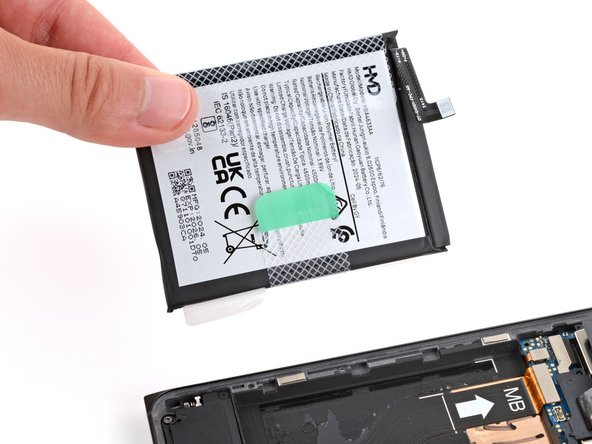
Use your fingers to carefully peel the three plastic tabs from the right side of the battery.
-
-
-
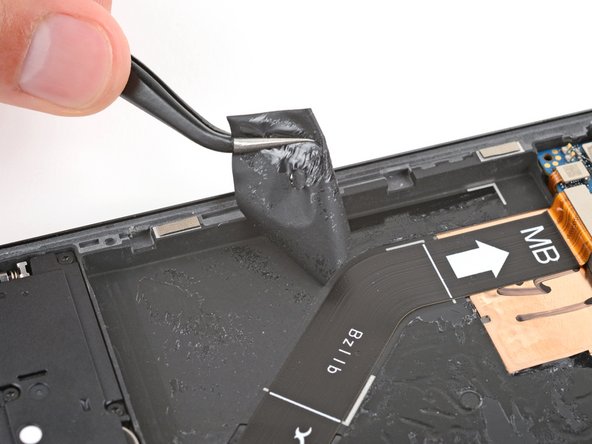
Use a spudger to scrape up a corner of the old adhesive until you can grip it with a pair of tweezers.
-
Grip the adhesive with your tweezers and slowly peel it up.
-
Repeat the process to peel up and remove all the old adhesive.
-
-
-
Hold the replacement adhesive so the clear textured liner is on the bottom and place it into the battery recess to find the proper orientation.
-
-
-
Use the pull tab on the top left corner to peel up and remove the large blue liner.
-
-
-
Carefully hold the battery above its recess and reconnect the press connector—this ensures proper fit and alignment.
-
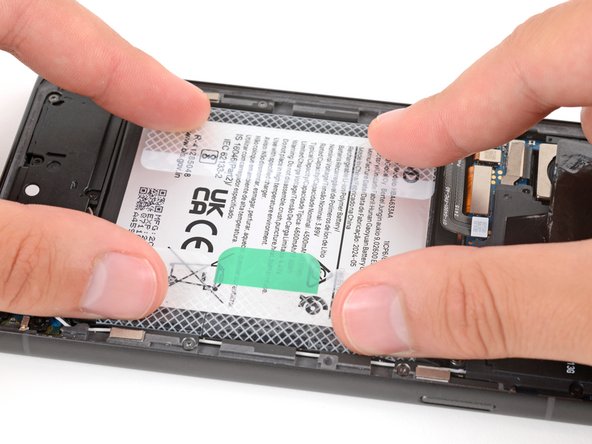
Firmly press the battery into its recess to secure it with the adhesive.
-
Return to your original repair manual and continue with reassembly.
-



















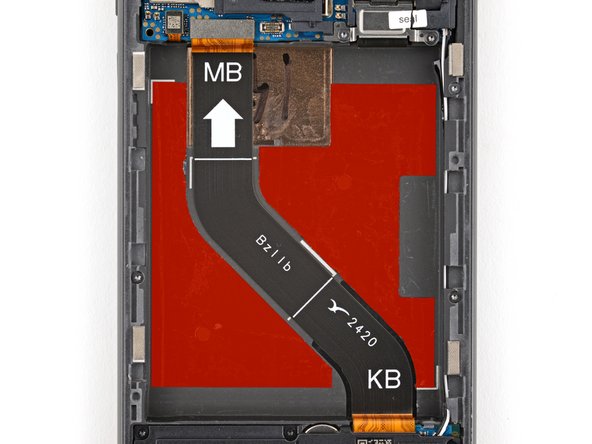


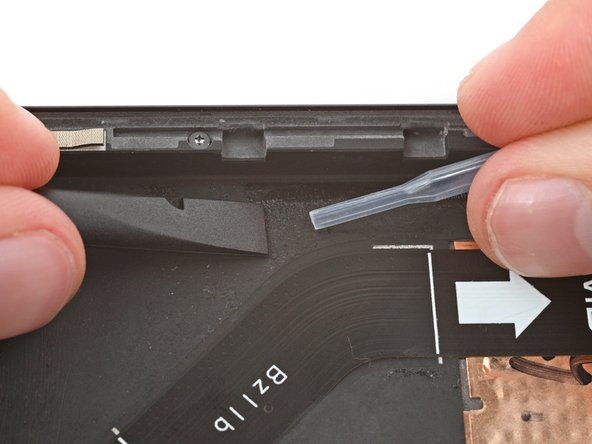


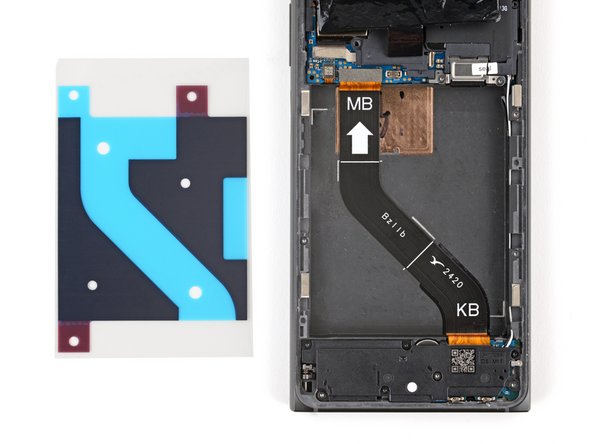


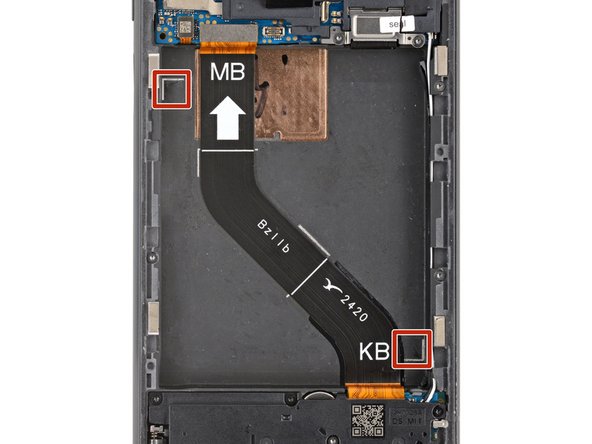
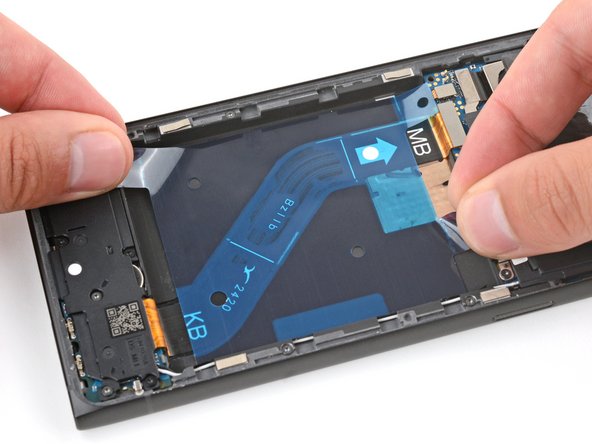


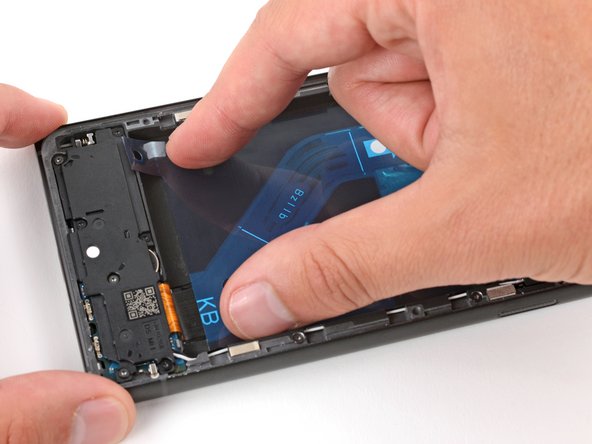
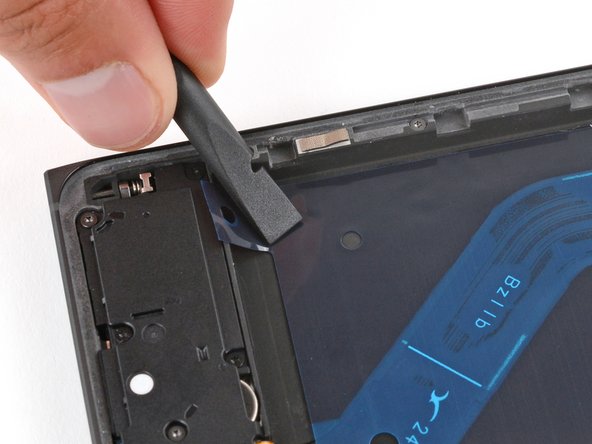


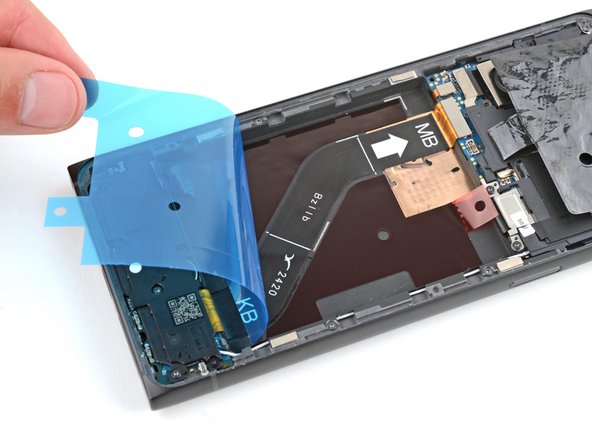
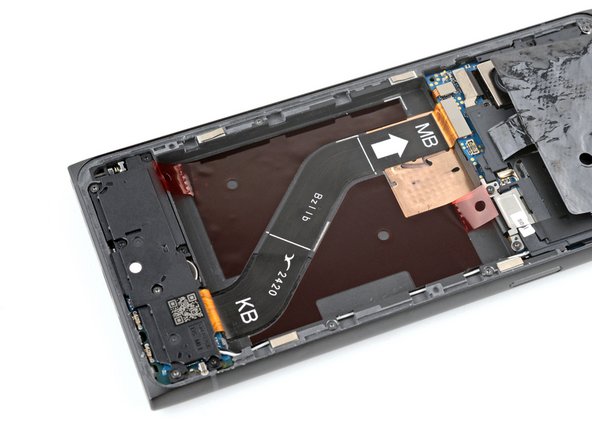


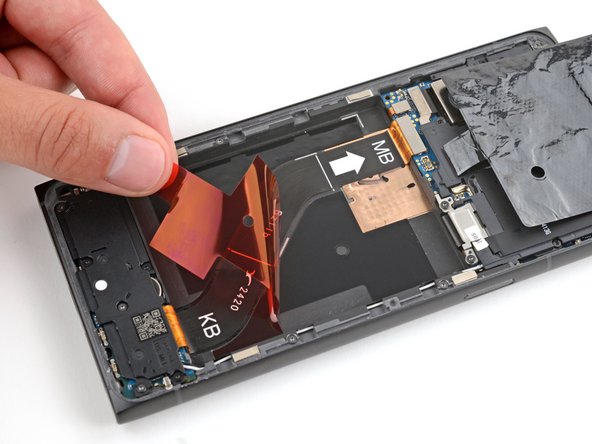
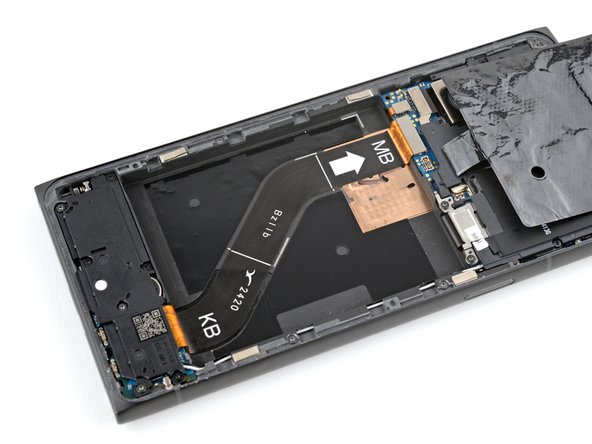


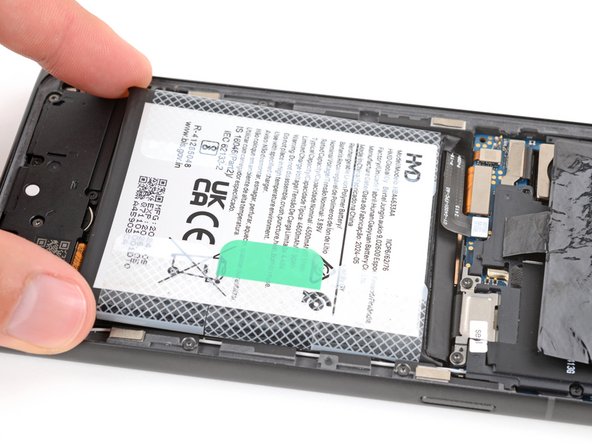


To reassemble your device, follow these instructions in reverse order, starting with this step.
For optimal performance, calibrate your newly installed battery after reassembling your phone.
Take your e-waste to an R2 or e-Stewards certified recycler.
Repair didn’t go as planned? Try some basic troubleshooting, or ask our Answers community for help.
2等其他人完成本指南。



2指南评论
Where can you order the battery from?
