简介
Use this guide to remove and replace the front-facing camera of your Google Pixel Slate.
你所需要的
-
-
Orient the Google Pixel Slate so that the screen is facing upwards.
-
Use the iFixit opening tool to separate screen from main body.
-
Use the suction cup to remove the screen from the body of the device.
-
-
-
-
Once removed, place the screen face down.
-
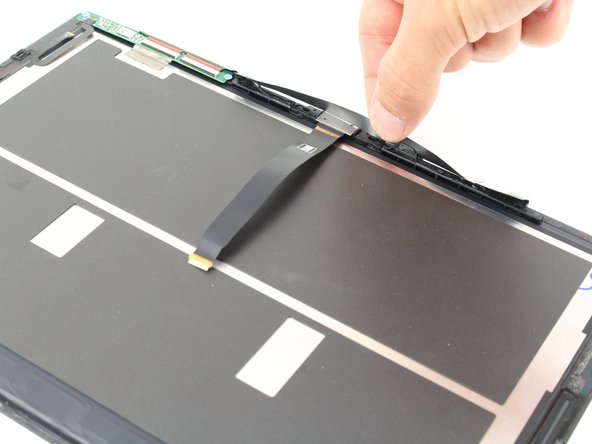
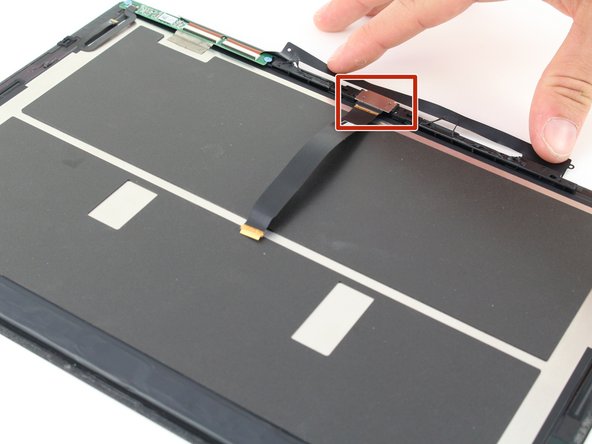
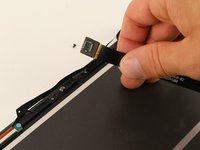
Peel back the black, adhesive strip covering the front camera so that the silver plate is exposed.
-


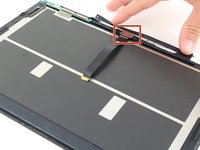


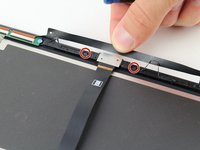
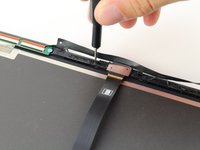
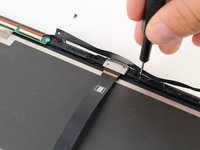


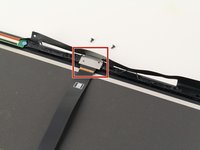
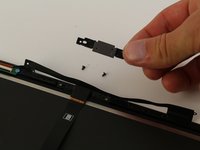

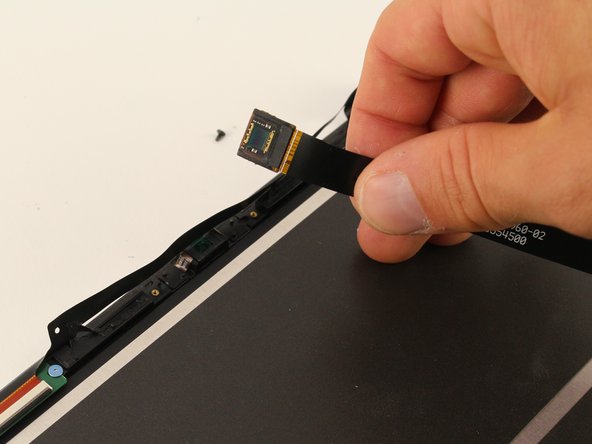
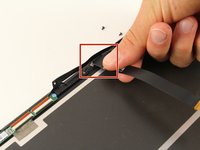
To reassemble your device, follow these instructions in reverse order.
2等其他人完成本指南。


团队

Cal Poly, Team S2-G5, Maness Spring 2019 Cal Poly, Team S2-G5, Maness Spring 2019 的会员
CPSU-MANESS-S19S2G5
4 名成员
创作了5篇指南
1指南评论
Do you offer the cable that runs from the camera to the tablet motherboard or the front facing camera with cable?
Heidi Hose - 回复
