简介
This guide shows you how to install the front camera in your Google Pixel 9a smartphone.
-
-
Remove any caps or plastic liners from your replacement front camera lens.
-
-
-
Place the front camera into its recess.
-
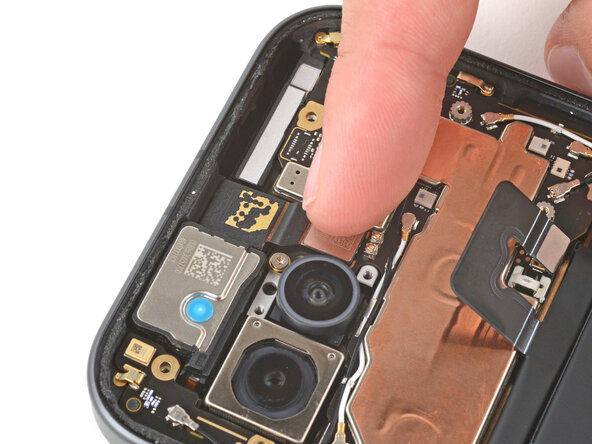
Use your finger to press down and reconnect the front camera press connector.
-
-
-
-
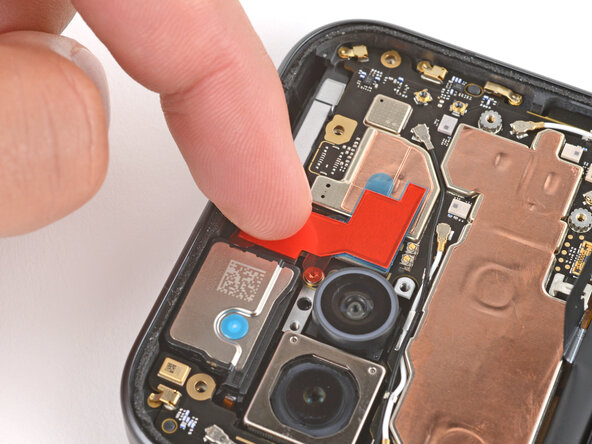
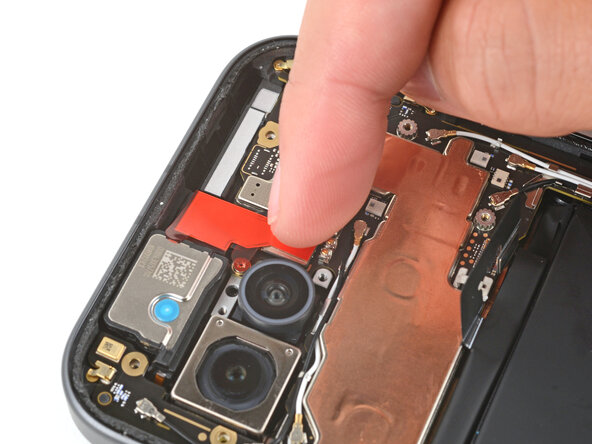
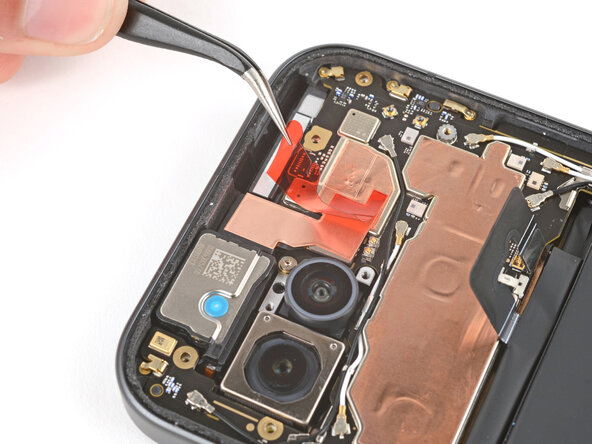
Remove the copper foil from its large clear liner and place it onto the front camera.
-
Gently press down on the top section of the foil to secure it to the camera (the bottom section still has a plastic liner under it).
-