跳转到主内容
加入维修社区 - 创建账户

GoPro Hero 3 Silver Motherboard Replacement

你所需要的

    1. GoPro Hero 3 Silver Motherboard Replacement, Battery: 步骤 1 中的图像 1,2 GoPro Hero 3 Silver Motherboard Replacement, Battery: 步骤 1 中的图像 2,2
      • Pull back on the tab on the back of GoPro to open the battery cover.

      询问修复机器人
      添加评论

    2. GoPro Hero 3 Silver Motherboard Replacement: 步骤 2 中的图像 1,1
      • Pull the battery out using the tab.

      询问修复机器人
      添加评论

    1. GoPro Hero 3 Silver Motherboard Replacement, Motherboard: 步骤 3 中的图像 1,2 GoPro Hero 3 Silver Motherboard Replacement, Motherboard: 步骤 3 中的图像 2,2
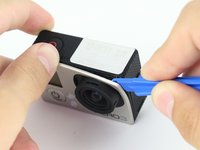
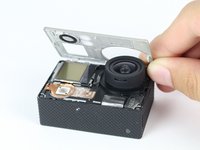
      • Use the plastic opening tool to remove the faceplate.

      • There is some adhesive and clips so be careful and the faceplate should pop right off.

      询问修复机器人
      添加评论

    2. GoPro Hero 3 Silver Motherboard Replacement: 步骤 4 中的图像 1,2 GoPro Hero 3 Silver Motherboard Replacement: 步骤 4 中的图像 2,2
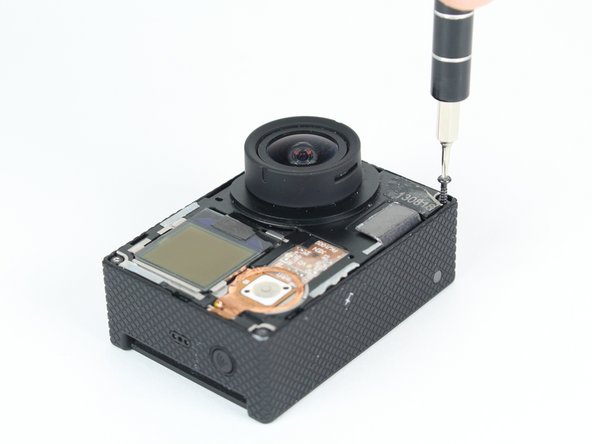
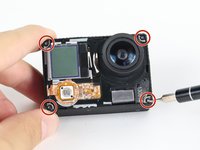
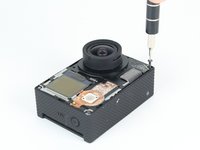
      • Now that the faceplate is off, it is time to remove the 4 screws on each corner.

      • Use the T4 tool bit from the iFixit toolkit in order to remove the 4 screws on each corner.

      询问修复机器人
      添加评论

    3. GoPro Hero 3 Silver Motherboard Replacement: 步骤 5 中的图像 1,2 GoPro Hero 3 Silver Motherboard Replacement: 步骤 5 中的图像 2,2
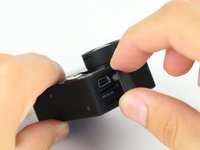
      • Note: Make sure you remove the door cover of the USB, mini HDMI, and SD port before. Separating the motherboard will be easier.

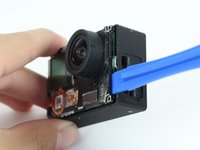
      • Using the plastic opening tool, slowly pry open the motherboard assembly.

      询问修复机器人
      添加评论

    4. GoPro Hero 3 Silver Motherboard Replacement: 步骤 6 中的图像 1,2 GoPro Hero 3 Silver Motherboard Replacement: 步骤 6 中的图像 2,2
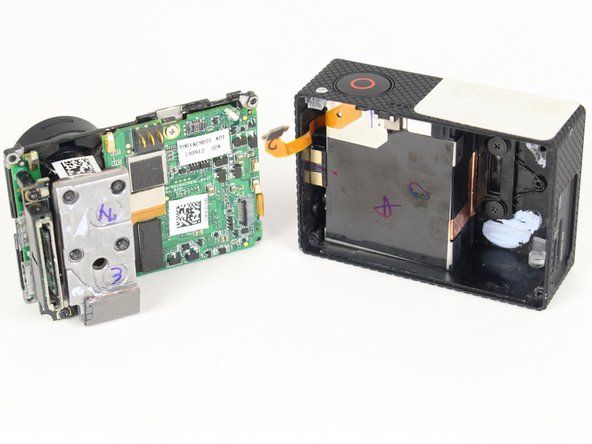
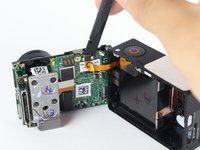
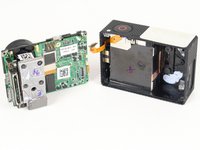
      • Use the spudger to gently pry off the connector of the housing to the motherboard.

      • You should now have the motherboard assembly and the housing separated.

      询问修复机器人

      添加评论

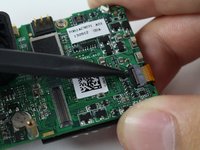
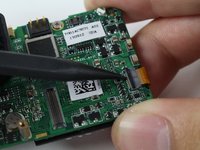
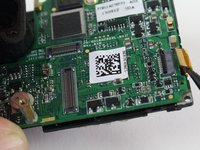
    5. GoPro Hero 3 Silver Motherboard Replacement: 步骤 7 中的图像 1,3 GoPro Hero 3 Silver Motherboard Replacement: 步骤 7 中的图像 2,3 GoPro Hero 3 Silver Motherboard Replacement: 步骤 7 中的图像 3,3
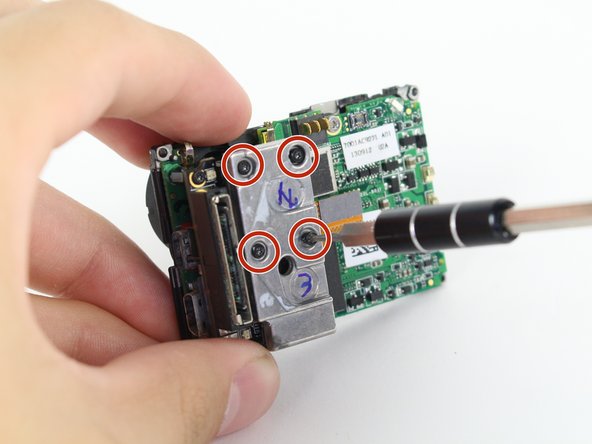
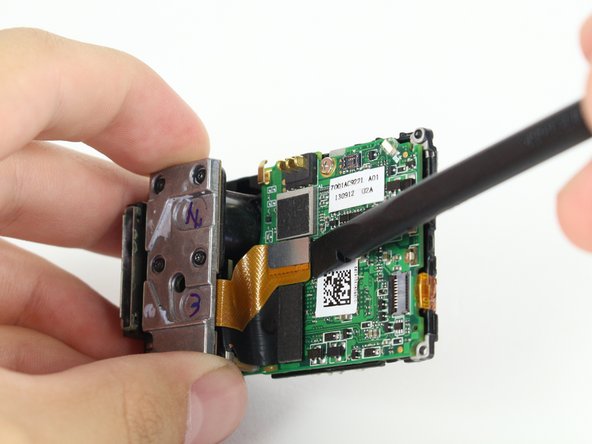
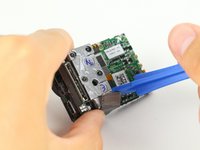
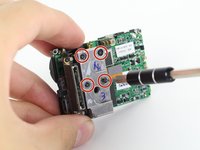
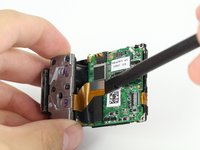
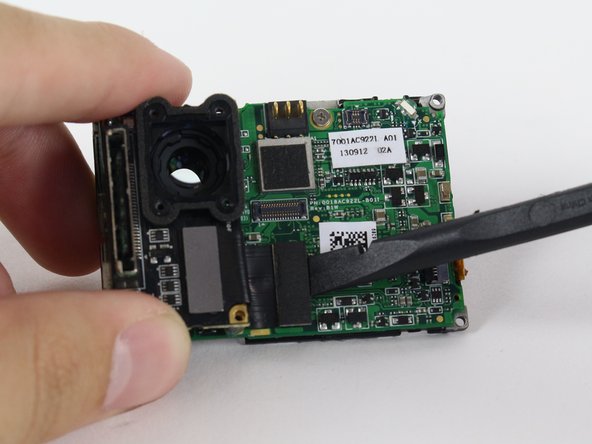
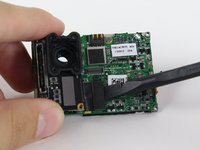
      • Use the spudger to remove the heat shield tape and detach the image sensor from the motherboard.

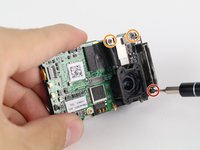
      • Using the T4 Torx toolbit, remove the 4 screws that connect the sensor to the lens.

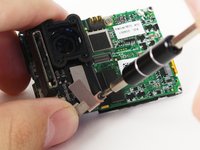
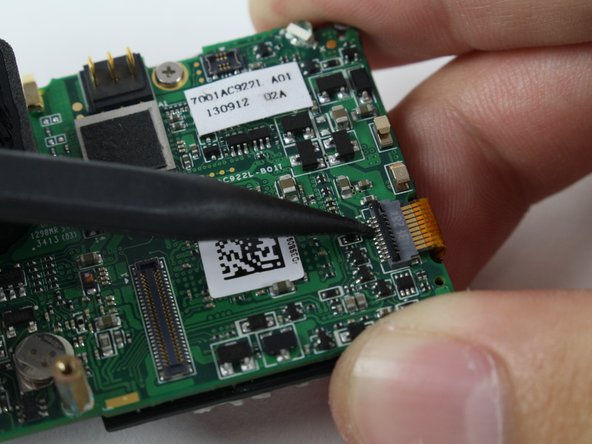
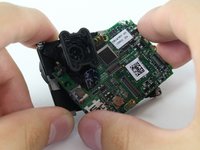
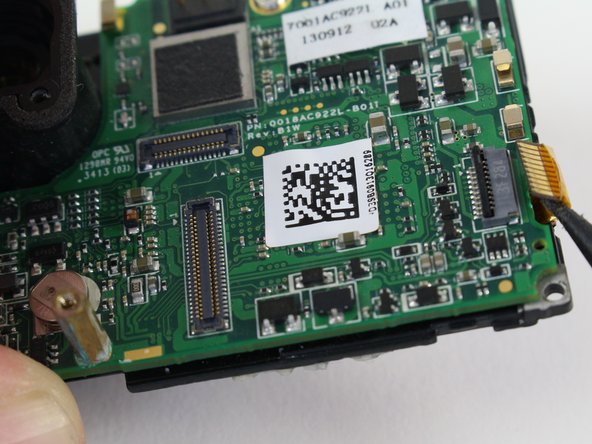
      • Remove the silver connector of the image sensor from the motherboard using the spudger to pry it off.

      添加评论

    6. GoPro Hero 3 Silver Motherboard Replacement: 步骤 8 中的图像 1,3 GoPro Hero 3 Silver Motherboard Replacement: 步骤 8 中的图像 2,3 GoPro Hero 3 Silver Motherboard Replacement: 步骤 8 中的图像 3,3
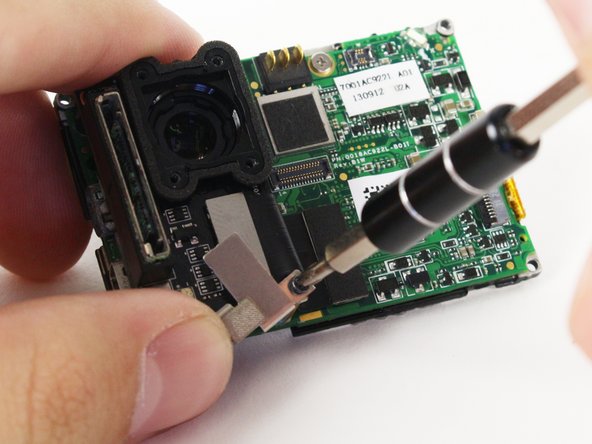
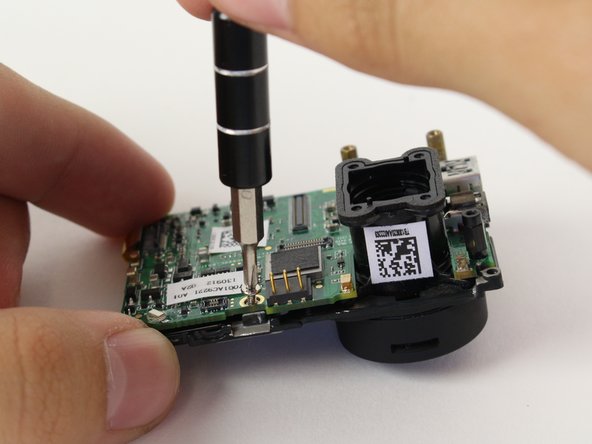
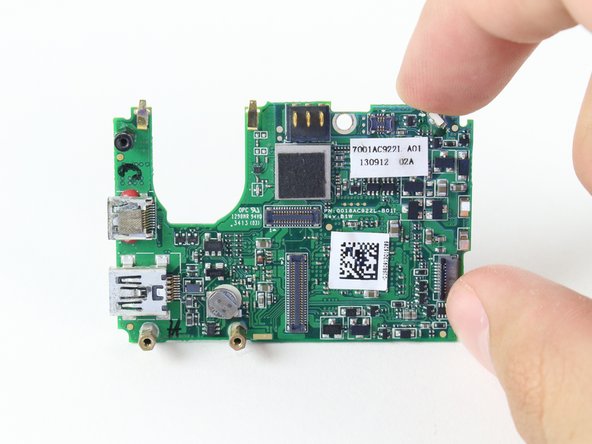
      • The media adapter is attached to the motherboard via 3 screws:

      • x1 T4 Torx

      • x2 Phillips #00

      • There's a little silver bracket that is held down by the Phillips #00 screw so be careful not to lose it.

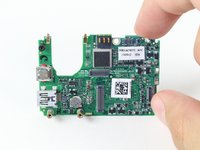
      • With a little prying, use the spudger to detach the media adapter's connector from the motherboard.

      询问修复机器人
      添加评论

    7. GoPro Hero 3 Silver Motherboard Replacement: 步骤 9 中的图像 1,3 GoPro Hero 3 Silver Motherboard Replacement: 步骤 9 中的图像 2,3 GoPro Hero 3 Silver Motherboard Replacement: 步骤 9 中的图像 3,3
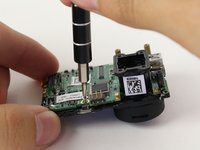
      • Use the spudger to lift the black tab up to unlock.

      • Then remove LCD screen connector by sliding out.

      询问修复机器人
      添加评论

    8. GoPro Hero 3 Silver Motherboard Replacement: 步骤 10 中的图像 1,3 GoPro Hero 3 Silver Motherboard Replacement: 步骤 10 中的图像 2,3 GoPro Hero 3 Silver Motherboard Replacement: 步骤 10 中的图像 3,3
      • Using the Phillips head bit, remove the silver screw near the top edge of the board.

      • Separate the LCD assembly by pulling it away. You should have the bare motherboard!

      添加评论

结论

To reassemble your device, follow these instructions in reverse order.

取消:我没有完成这个指南。

16等其他人完成本指南。

Brian Alvarez

于04/02/15注册

1,439 声望

创作了6篇指南

团队

Cal Poly, Team 24-7, Lancaster Spring 2015 Cal Poly, Team 24-7, Lancaster Spring 2015 的会员

CPSU-LANCASTER-S15S24G7

3 名成员

创作了21篇指南

0指南评论

添加评论

浏览统计数据:

过去 24 小时: 3

过去 7 天: 15

过去 30 天: 48

总计 9,249