简介
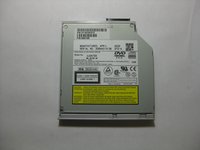
This guide provides the step by step directions for removing and replacing a damaged DVD disk drive. There are no prerequisite guides that need to be completed in order to use this guide. There are no tools required to complete this guide.
你所需要的
-
-
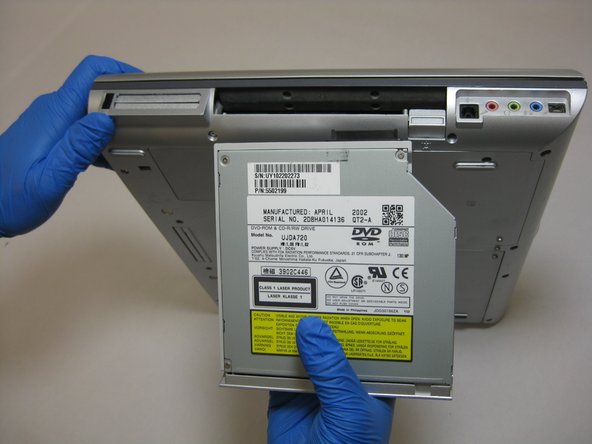
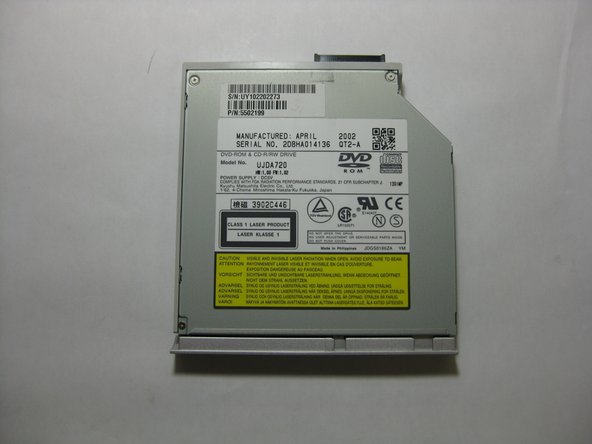
Turn your device over so the bottom is face up and locate the DVD disc drive.
-
-


结论
To reassemble your device, follow these instructions in reverse order.



团队

The Citadel Military College of South Carolina, Team S2-G7, Eggleston Spring 2019 The Citadel Military College of South Carolina, Team S2-G7, Eggleston Spring 2019 的会员
CMCSC-EGGLESTON-S19S2G7
3 名成员
创作了6篇指南
