跳转到主内容

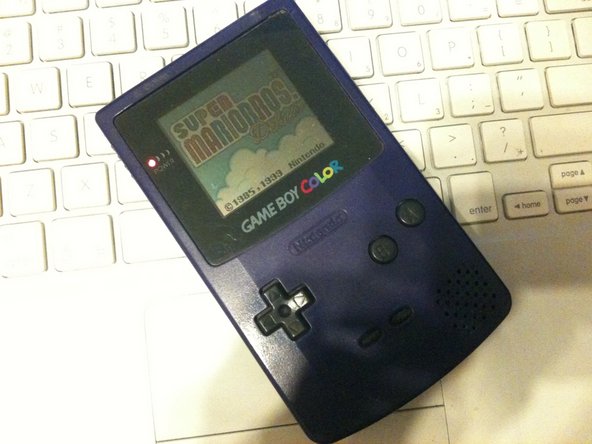
Game Boy Color Speaker Replacement

你所需要的

  1. Game Boy Color Speaker Replacement, Speaker: 步骤 1 中的图像 1,3 Game Boy Color Speaker Replacement, Speaker: 步骤 1 中的图像 2,3 Game Boy Color Speaker Replacement, Speaker: 步骤 1 中的图像 3,3
    • Take out the cartridge and batteries if there are any, very simple

  2. Game Boy Color Speaker Replacement: 步骤 2 中的图像 1,1
    • now to remove the 6 triwing screws from the rear of the handheld

    • if you cant find a triwing a small flathead will work

  3. Game Boy Color Speaker Replacement: 步骤 3 中的图像 1,2 Game Boy Color Speaker Replacement: 步骤 3 中的图像 2,2
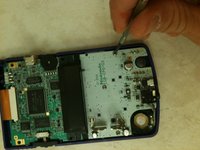
    • Though it may seem like you can get to the speaker now, its still inaccessible

    • you still need to remove three phillips head screws and lift the logicboard

  4. Game Boy Color Speaker Replacement: 步骤 4 中的图像 1,1
    • now simply desolder the old speaker and solder the new one in place

结论

To reassemble your device, follow these instructions in reverse order.

2等其他人完成本指南。

Cody

于08/11/11注册

169 声望

撰写一个指南

0指南评论

添加评论

浏览统计数据:

过去 24 小时: 0

过去 7 天: 8

过去 30 天: 61

总计 7,939