简介
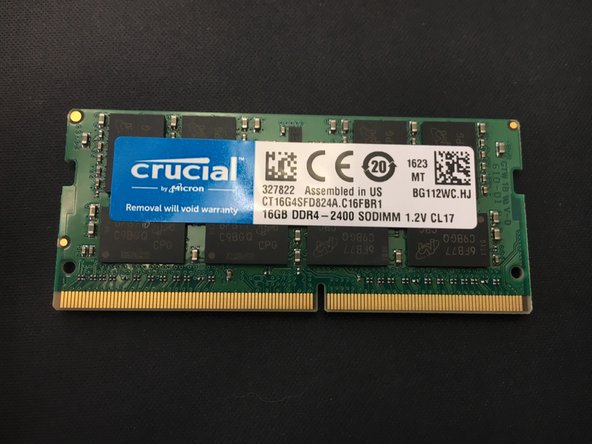
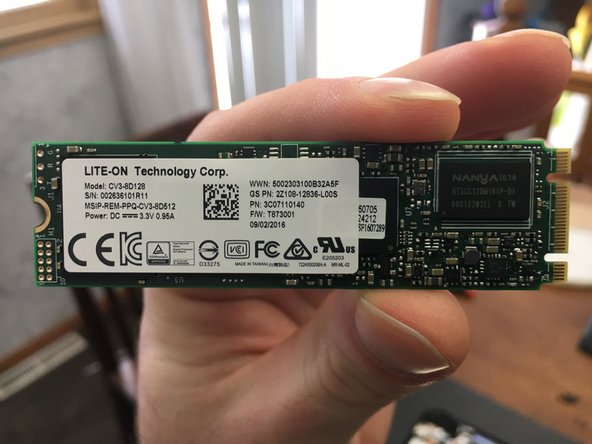
This is a basic disassembly guide and parts overview of the GIGABYTE 15.6" P55Wv6-NE2. Mine shipped with a 128GB Lite-On M.2 2280 SSD and a no-name 1TB HHD. The laptop does support NVME M.2 SSDs. It came with 1-16GB SODIMM by Crucial leaving room to expand upto the supported 32GB. I plan on adding an additional 16gb of ram, replace the M.2 SSD with a Samsung 960 Evo 250GB NVME SSD and a 1TB Samsung 850 2.5" SSD.
你所需要的
-
-
As with all electronics, ensure that you are in a static free environment, and the computer is turned off.
-
-




结论
To reassemble your device, follow these instructions in reverse order.
2等其他人完成本指南。


