跳转到主内容
加入维修社区 - 创建账户

Fujitsu LifeBook N3510 RAM Replacement

你所需要的

  1. Fujitsu LifeBook N3510 RAM Replacement, Battery: 步骤 1 中的图像 1,1
    • Locate the two clips on the bottom of the computer that support the battery.

    询问修复机器人

    添加评论

  2. Fujitsu LifeBook N3510 RAM Replacement: 步骤 2 中的图像 1,1
    • Using your fingers, push the clips inward and then upward.

    • Lift the battery out of the computer.

    询问修复机器人

    添加评论

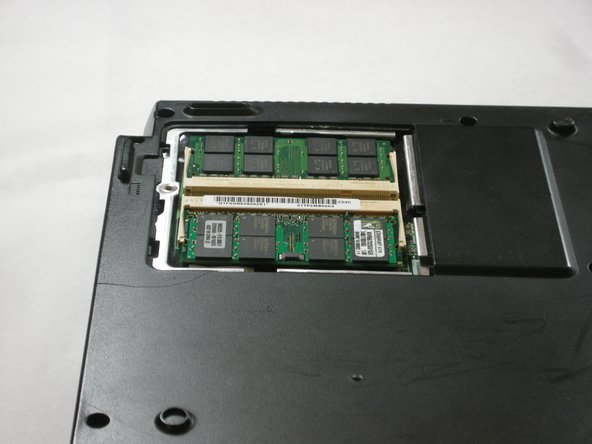
  3. Fujitsu LifeBook N3510 RAM Replacement, RAM: 步骤 3 中的图像 1,1
    • Locate the RAM cover.

    询问修复机器人

    添加评论

  4. Fujitsu LifeBook N3510 RAM Replacement: 步骤 4 中的图像 1,1
    • Remove the screw labeled “3.”

    • The screw is not shown in the picture.

    询问修复机器人

    添加评论

  5. Fujitsu LifeBook N3510 RAM Replacement: 步骤 5 中的图像 1,2 Fujitsu LifeBook N3510 RAM Replacement: 步骤 5 中的图像 2,2
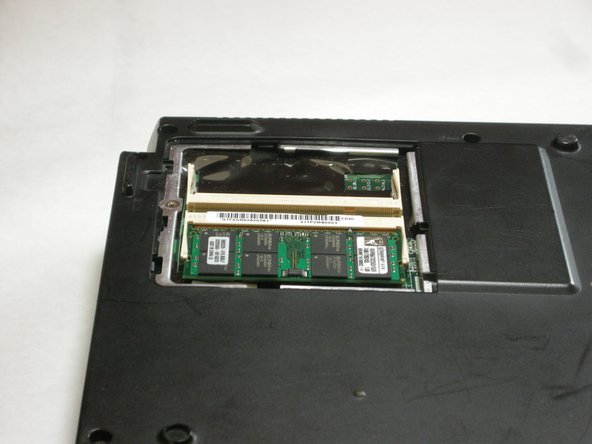
    • Remove the RAM cover by lifting it with your finger.

    询问修复机器人

    添加评论

  6. Fujitsu LifeBook N3510 RAM Replacement: 步骤 6 中的图像 1,2 Fujitsu LifeBook N3510 RAM Replacement: 步骤 6 中的图像 2,2
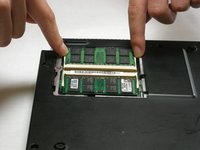
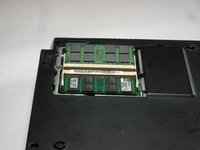
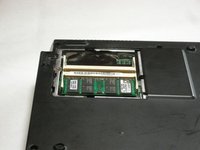
    • Remove the RAM module by pushing the securing clips outward.

    • The RAM module will then slightly pop out.

    • When you are installing a new RAM module, carefully insert it into the socket and push downwards.

    询问修复机器人

    添加评论

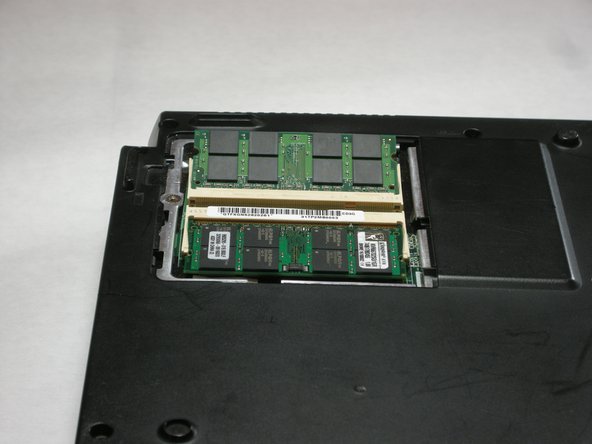
  7. Fujitsu LifeBook N3510 RAM Replacement: 步骤 7 中的图像 1,2 Fujitsu LifeBook N3510 RAM Replacement: 步骤 7 中的图像 2,2
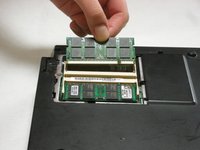
    • Carefully pull the RAM module from the computer.

    询问修复机器人

    添加评论

结论

To reassemble your device, follow these instructions in reverse order.

取消:我没有完成这个指南。

3等其他人完成本指南。

Neil Daniels

于01/17/11注册

1,411 声望

创作了11篇指南

团队

Cal Poly, Team 5-18, Amido Winter 2011 Cal Poly, Team 5-18, Amido Winter 2011 的会员

CPSU-AMIDO-W11S5G18

3 名成员

创作了23篇指南

0指南评论

添加评论

浏览统计数据:

过去 24 小时: 2

过去 7 天: 7

过去 30 天: 25

总计 3,428