跳转到主内容

Front Sensors Removal

仅作为前提条件
本指南仅提供前提条件!本指南是另一个程序的一部分,不能单独使用。

你所需要的

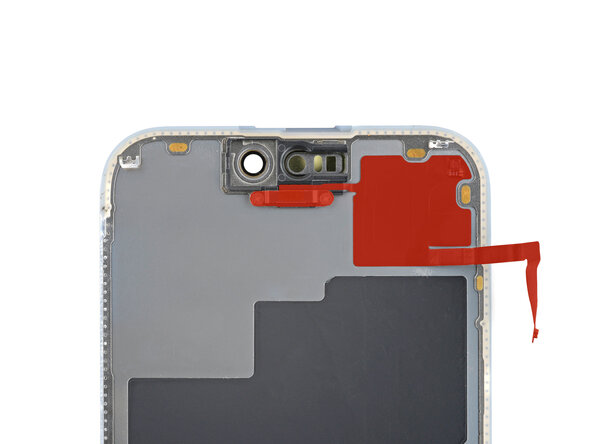
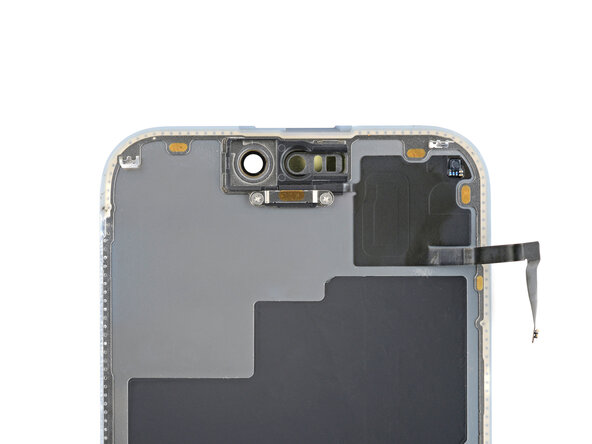
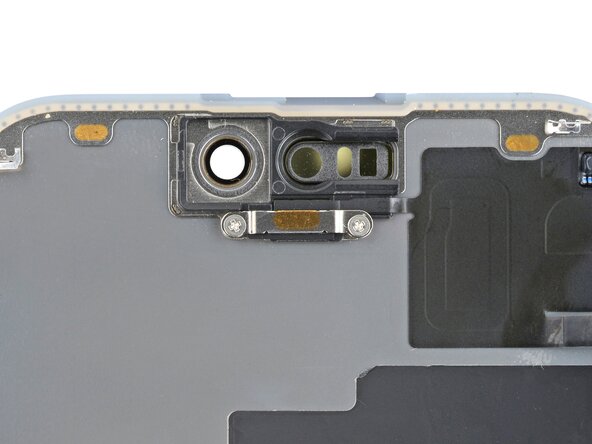
  1. Front Sensors Removal, Ambient light sensor information: 步骤 1 中的图像 1,2 Front Sensors Removal, Ambient light sensor information: 步骤 1 中的图像 2,2
    • Check if your new screen comes with an ambient light sensor installed.

    • If it doesn't, follow the remaining steps to remove and transfer the sensor from your original screen to your replacement.

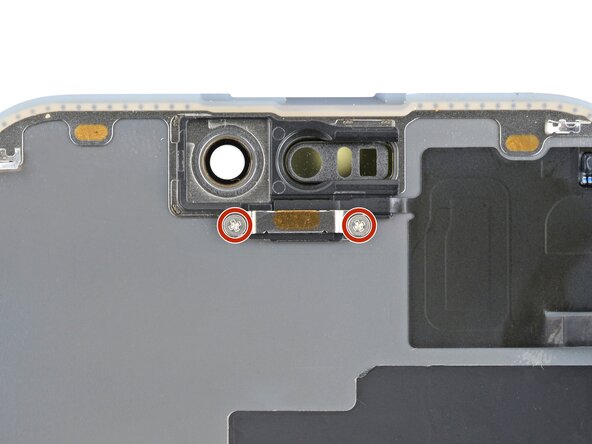
  2. Front Sensors Removal, Remove the ambient light sensor cover screws: 步骤 2 中的图像 1,2 Front Sensors Removal, Remove the ambient light sensor cover screws: 步骤 2 中的图像 2,2
    • Use a Phillips #000 driver to remove the two screws securing the ambient light sensor cover.

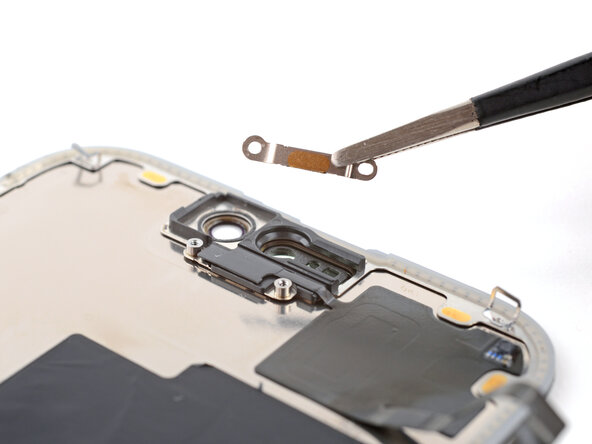
  3. Front Sensors Removal, Remove the ambient light sensor cover: 步骤 3 中的图像 1,1
    • Remove the ambient light sensor cover.

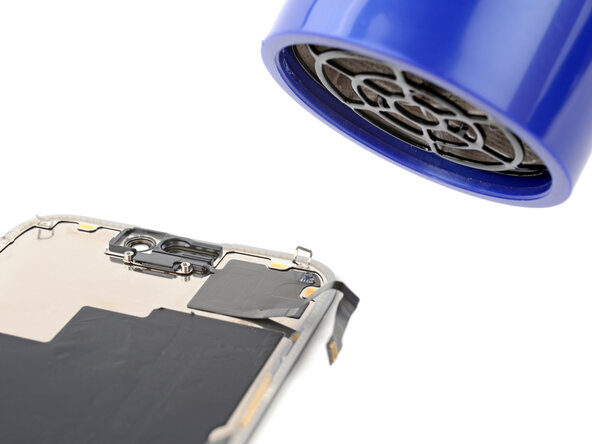
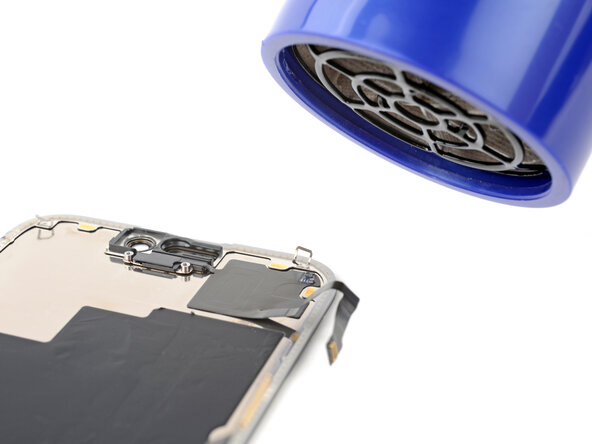
  4. Front Sensors Removal, Heat the ambient light sensor adhesive: 步骤 4 中的图像 1,1
    • Be careful not to overheat the screen—the plastic components can melt if they get too hot.

    • Use a hair dryer or heat gun to heat the ambient light sensor until it's warm to the touch.

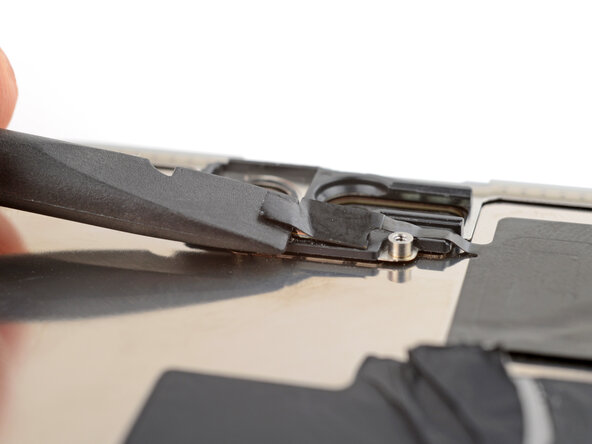
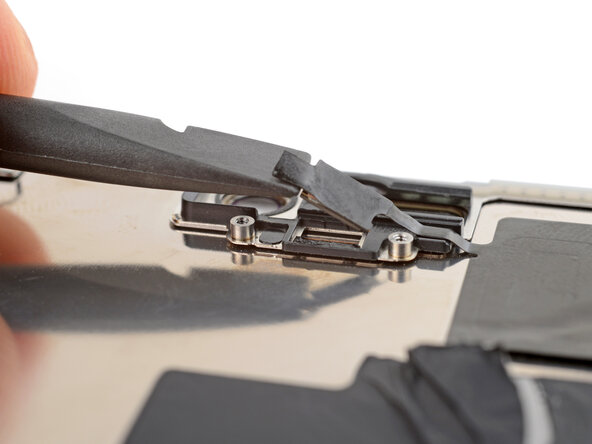
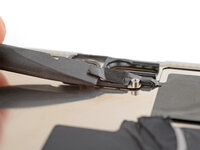
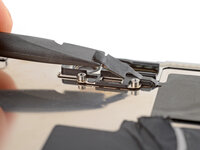
  5. Front Sensors Removal, Pry up the sensor: 步骤 5 中的图像 1,2 Front Sensors Removal, Pry up the sensor: 步骤 5 中的图像 2,2
    • Be very gentle handing the ambient light sensor, as its cable is extremely fragile.

    • use the flat end of a spudger to gently lift the ambient light sensor out of its enclosure.

  6. Front Sensors Removal, Reheat the ambient light sensor: 步骤 6 中的图像 1,1
    • By this point, the sensor has likely cooled down.

    • Apply more heat until the entire glued down part of the sensor is warm to the touch.

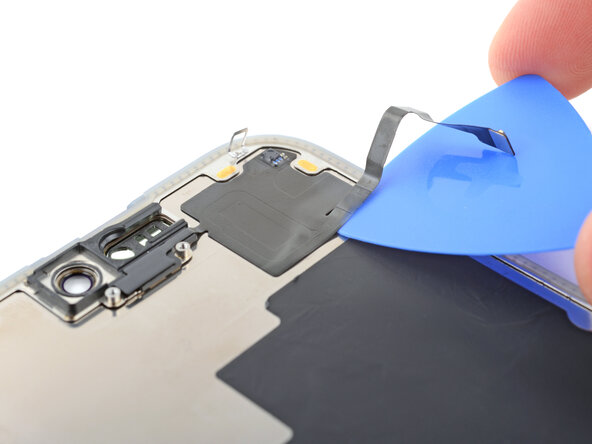
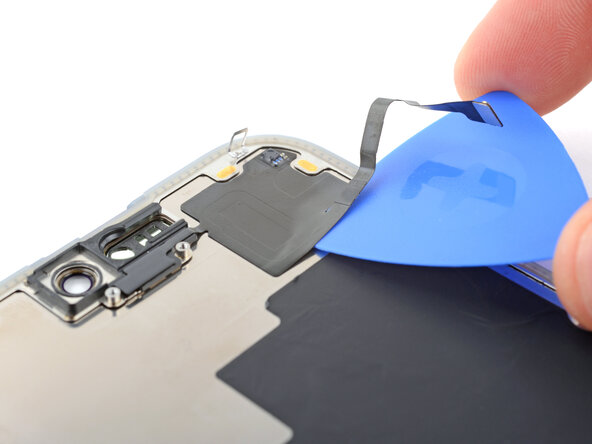
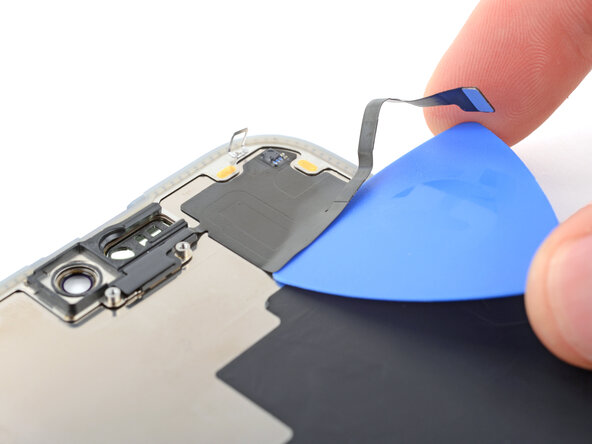
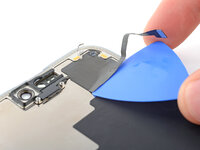
  7. Front Sensors Removal: 步骤 7 中的图像 1,3 Front Sensors Removal: 步骤 7 中的图像 2,3 Front Sensors Removal: 步骤 7 中的图像 3,3
    • Insert the tip of an opening pick under the bottom right corner of the sensor.

    • Slide the pick under the sensor and lift until you can grip it with your fingers.

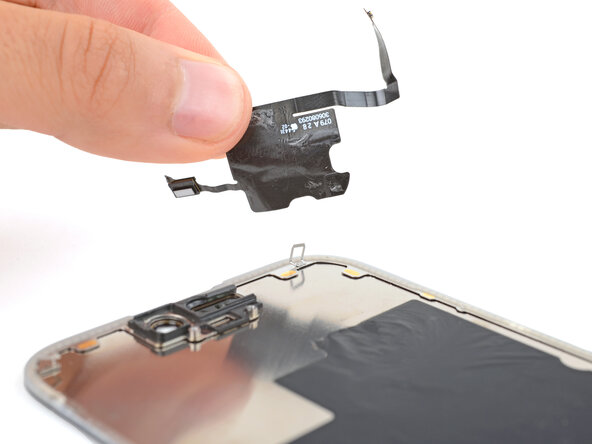
  8. Front Sensors Removal, Remove the ambient light sensor: 步骤 8 中的图像 1,1
    • Use your fingers to slowly peel up and remove the sensor.

终点

Spencer Day

于09/14/22注册

149,721 声望

创作了995篇指南

0指南评论

添加评论

浏览统计数据:

过去 24 小时: 1

过去 7 天: 6

过去 30 天: 45

总计 62